Oddlings

Hatch a creature from anything.

Click Random, type a word or drop in a photo, and a new toon creature hatches in your scene. Every oddling is a single Geometry Nodes object you can tweak live, animate with seven built-in actions and export as game-ready sprite sheets in one click.

Blender 5.2+ 100% Geometry Nodes 1,000,000,000 seeds 7 animations Sprite sheets + JSON Pixel art or HD
Play

Real exported sprites, right here.

Every creature in this little game is an atlas exported by Oddlings, untouched: 8 directions, 7 actions and 8 frames per action, 64 px pixel art. The game reads the frames straight from the Aseprite-style JSON that comes with each atlas.

Three ways to hatch

A click, a word or a photo.

Random

Every click picks one of a billion seeds and hatches a brand-new creature. The + button adds another one next to it.

A word or a name

Type grumpy, your cat's name or a number. The same text always hatches the same creature, so you can share them.

A photo

Its outline becomes the head, dark spots become eyes and its colours paint the skin. A potato makes a very convincing oddling.

100% Geometry Nodes

Its DNA is 111 live sliders.

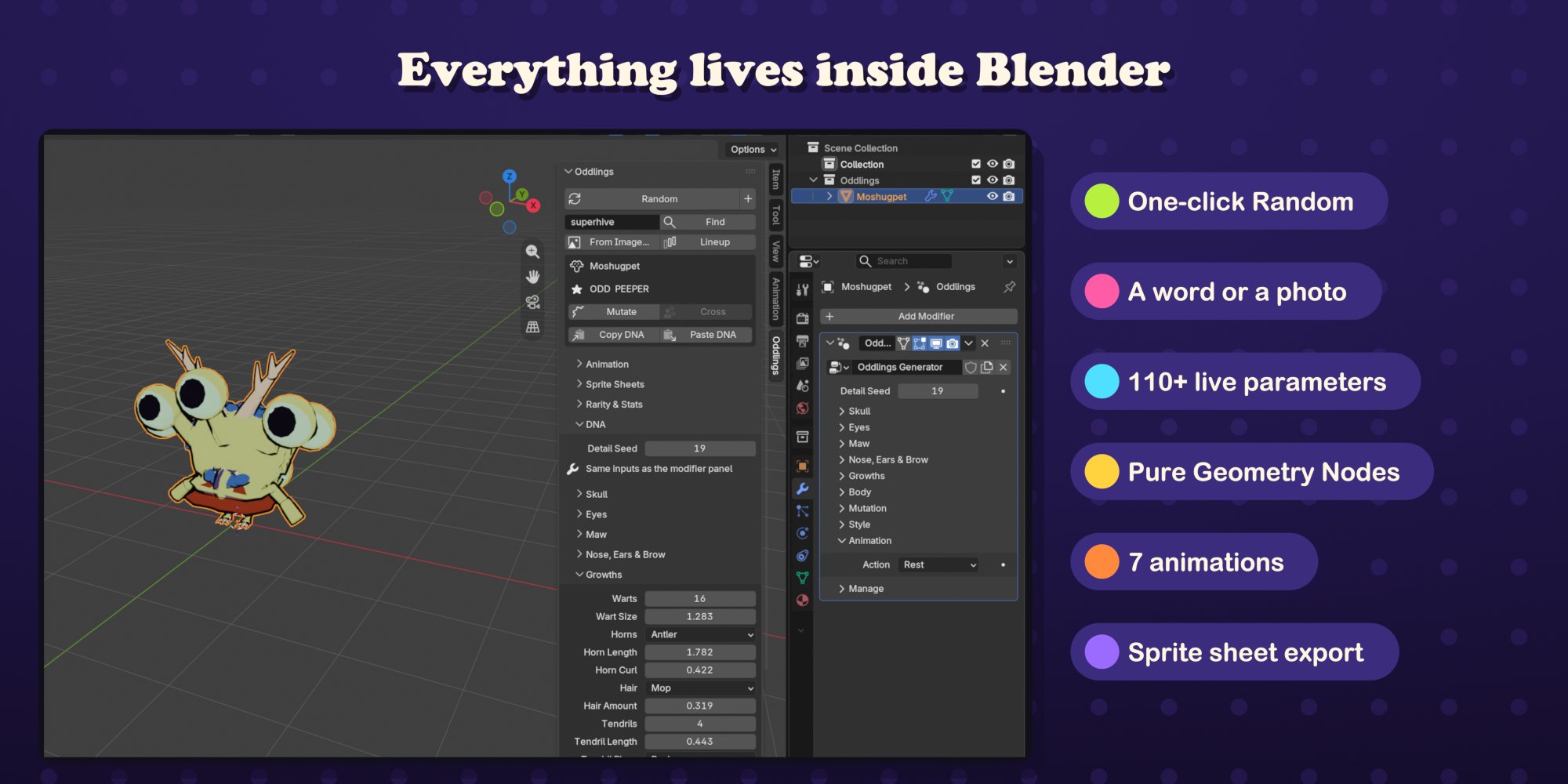
Each oddling is one mesh object with one Geometry Nodes modifier. Its DNA is that modifier's inputs: 111 parameters in eight groups, from Skull, Eyes and Maw to Growths, Body, Mutation and Style. Drag any of them and the creature changes instantly, in the sidebar or right in the modifier panel.

  • Mutate for small random changes, Cross two creatures to breed a child
  • Lineup adds a whole floor grid of creatures at once
  • Copy DNA and Paste DNA as text to keep or share a creature
  • A rarity tier from Common to Odd, a class and six stats for every creature
The Oddlings sidebar and the Geometry Nodes modifier inside Blender
Animation

Seven actions, on every creature.

IdleWalkRunJumpAttackHurtDeath

The animation is procedural, inside the same node tree, and plays from the scene frame. One click picks an action, fits the timeline to one cycle and plays it. Loop length, intensity and time offset are set per creature, so a crowd never moves in lockstep.

For game developers

Sprite sheets in one click.

Pick the actions and press Export Sprite Sheets. Oddlings renders every action from every direction with an orthographic camera and saves the sheets with a JSON file.

  • 1, 2, 4 or 8 directions, 2 to 32 frames per action, 16 to 1024 px frames
  • Pixel art with hard edges and a 1 px outline, or smooth HD frames
  • A sheet per action, or one atlas with Aseprite-style JSON (frames, tags, durations)
  • Pivot, rows and frame rate in the JSON, feet on the same line in every frame
  • Adjustable camera height, transparent PNGs, optional single-frame files
Renders and meshes

A stage, pixel renders and plain meshes.

  • Setup Stage adds an orthographic camera, a three-light toon rig and a world colour picked from the creature
  • Render Pixel Art renders a still or an animation at low resolution and scales it up with sharp pixels
  • Apply as Mesh makes a plain mesh copy in the current pose, with face colours, ready for Blender's exporters
  • Toon shading with an inverted-hull outline, in EEVEE
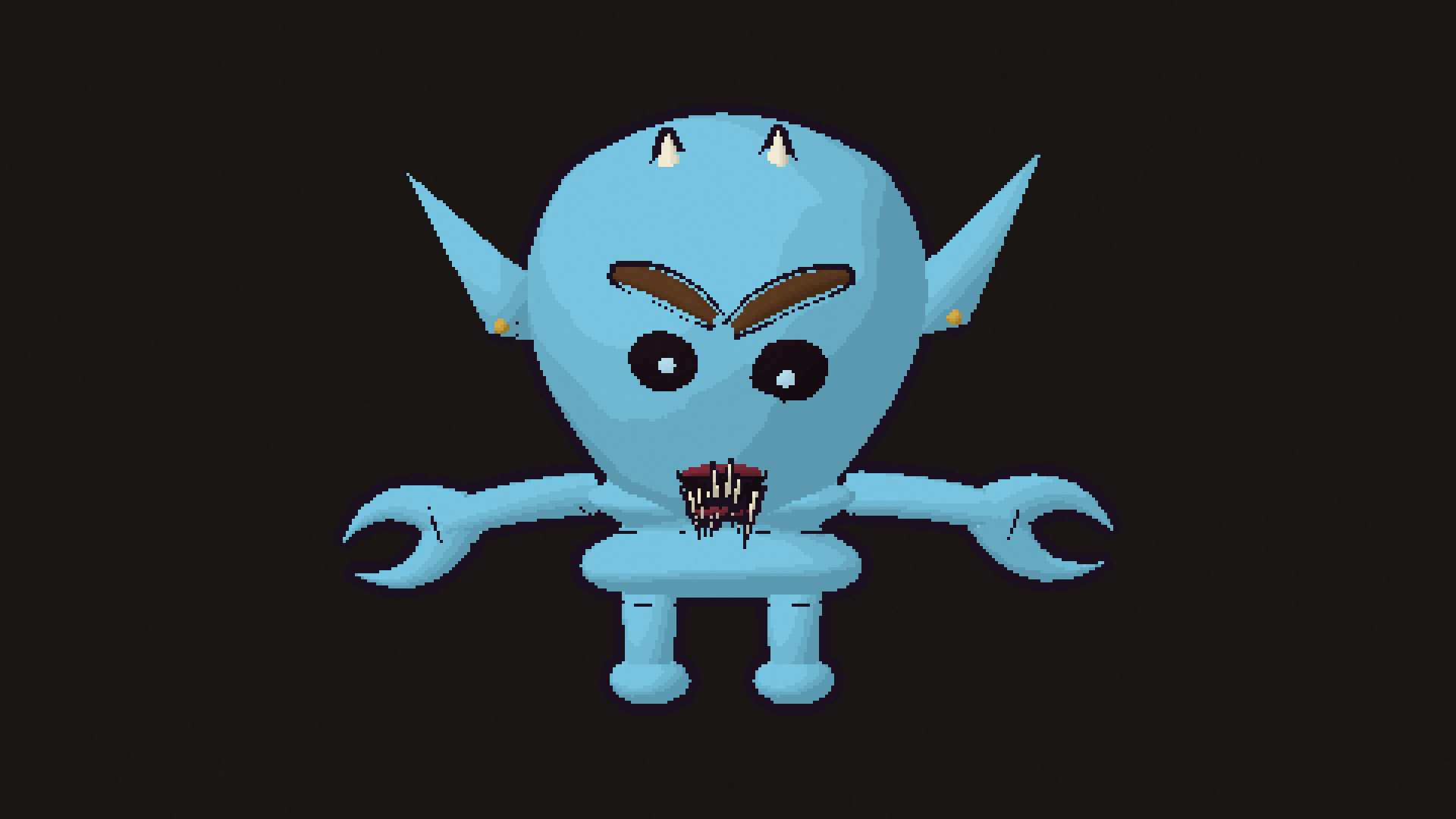
A creature rendered with Render Pixel Art at pixel size 4
Two-minute tutorial

From install to sprite sheet.

Recorded in Blender 5.2: install, hatch, a word, a photo, the DNA, lineup and cross, animations, sprite sheets and pixel renders.

1 billionseeds
111live parameters
7animations
8sprite directions
Getting started

Up and running in three steps.

  1. Edit > Preferences > Get Extensions, open the menu at the top right and choose Install from Disk. Pick the Oddlings zip.
  2. In the 3D Viewport press N and open the Oddlings tab.
  3. Click Random. Switch the viewport to Material Preview to see the toon look.

Requires Blender 5.2 or newer. Everything runs locally: no internet connection or account needed.

Questions
Do I need to know Geometry Nodes?

No. Everything is in the Oddlings sidebar tab. The node tree is there if you want to look inside.

Can I take the creatures to other software?

Apply as Mesh gives a plain mesh in the pose you choose, which Blender's own exporters can save. Sprite sheets and pixel renders are PNG files with JSON.

Will the same word give me the same creature again?

Yes. A word, a name or a number always maps to the same seed, and the same seed always hatches the same creature.

Does the demo above use the real exporter output?

Yes. Each creature is one atlas PNG and its JSON as Oddlings wrote them. The page only reads the frames, the pivot and the direction angles from the JSON.