16 procedural organic materials
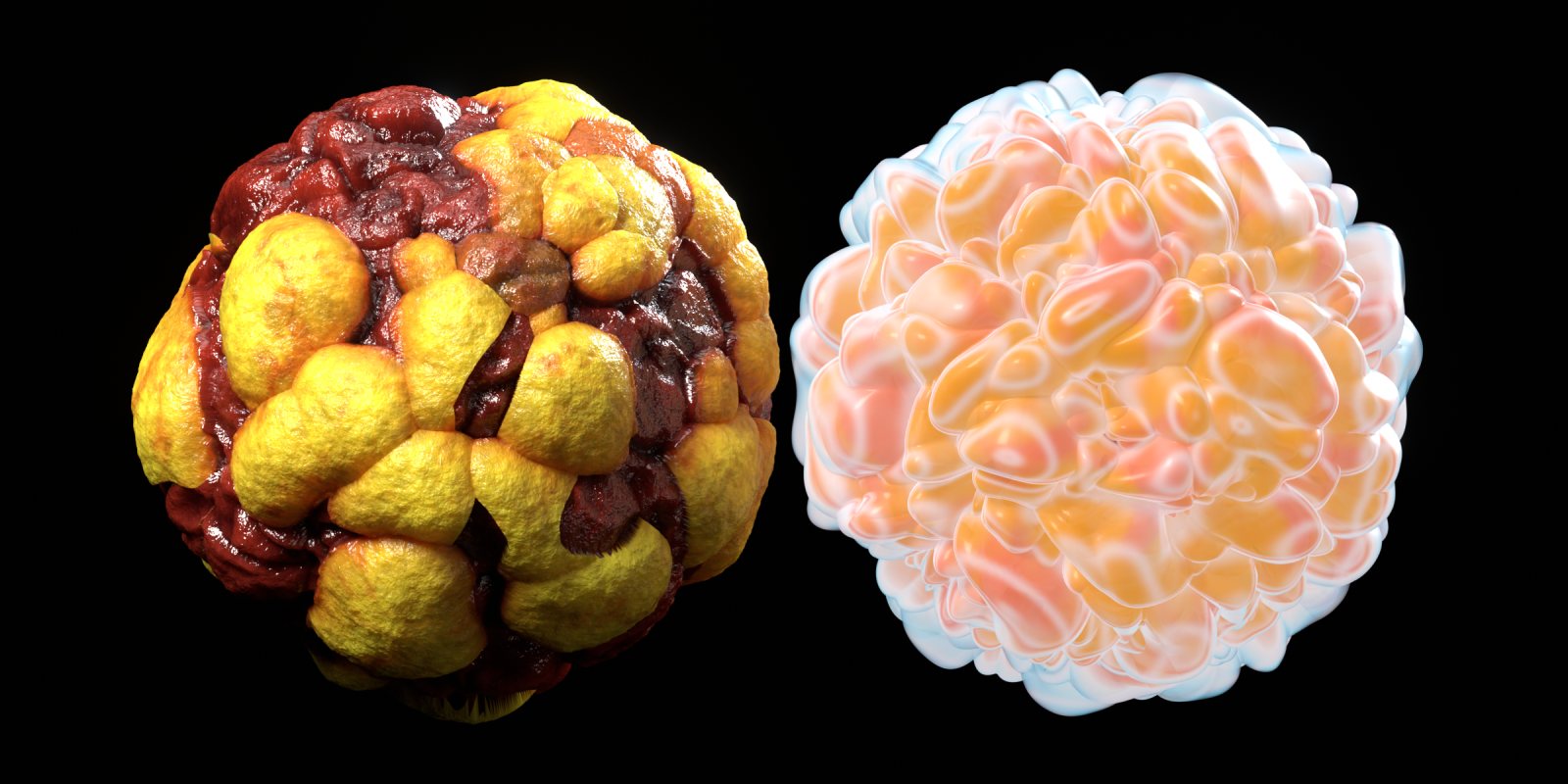
Wet flesh, brain coral, scales, crystals, glowing jellies, alien hides, moss and stone, built entirely from shader nodes with real displacement.
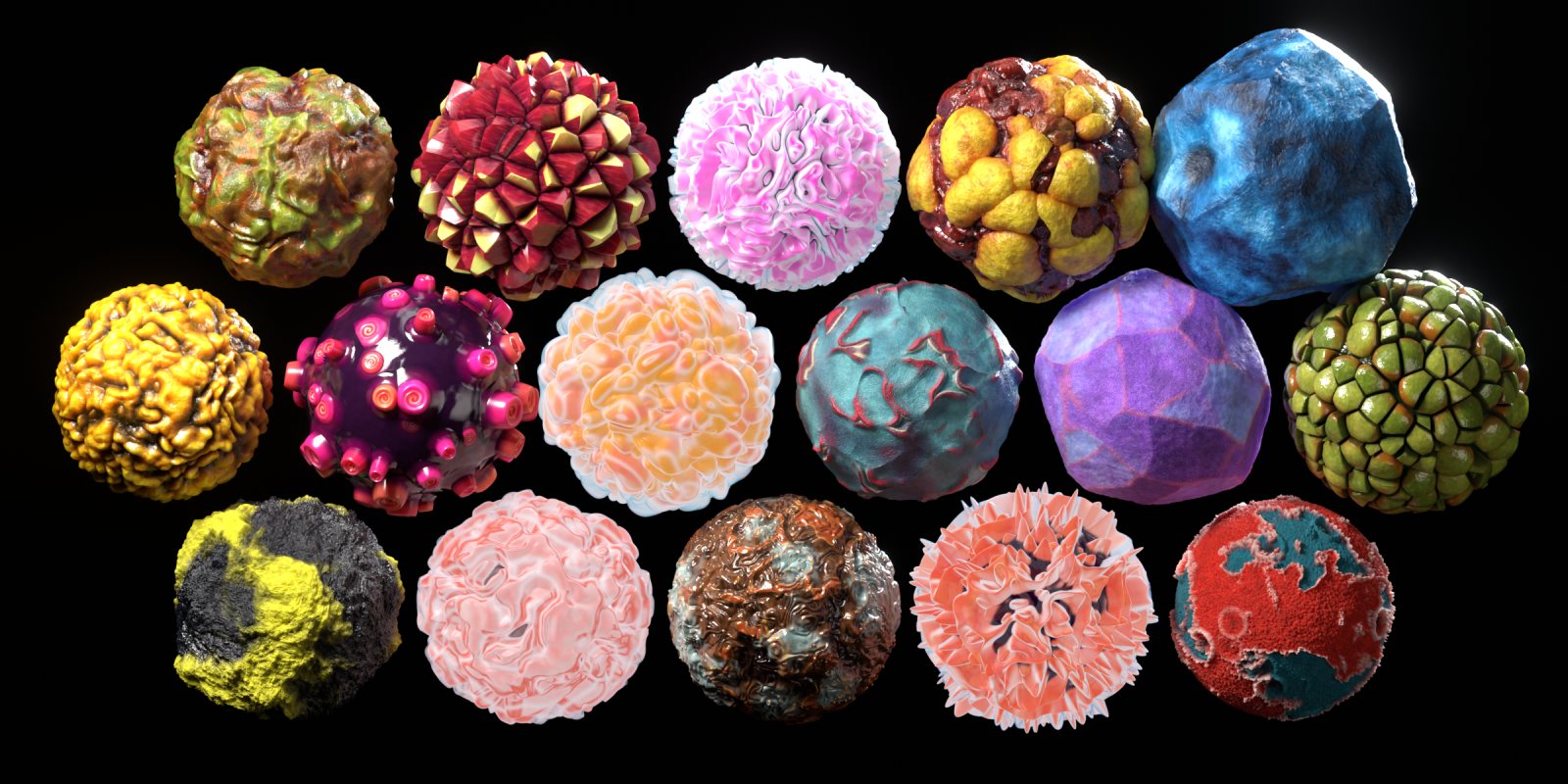
Browse the library
Every material, rendered in Cycles under the same light. Use the arrows, swipe, or filter by category.
Built for real renders
Each material is a single node group: real displacement, subsurface scattering, a wet coat layer and micro detail such as pores, grain and wrinkles.
No textures, no seams
Pure 3D procedural patterns: no UVs needed, no tiling, no resolution limit.
Real displacement
True geometry, not just bump. Adaptive subdivision in Cycles, regular subdivision in EEVEE.
Asset Browser ready
Catalogs, rendered previews, descriptions and tags for every material. Drag, drop, render.
Simple controls
Recolour, rescale and dial the relief without opening the node network. The Glow materials add a Glow strength control.
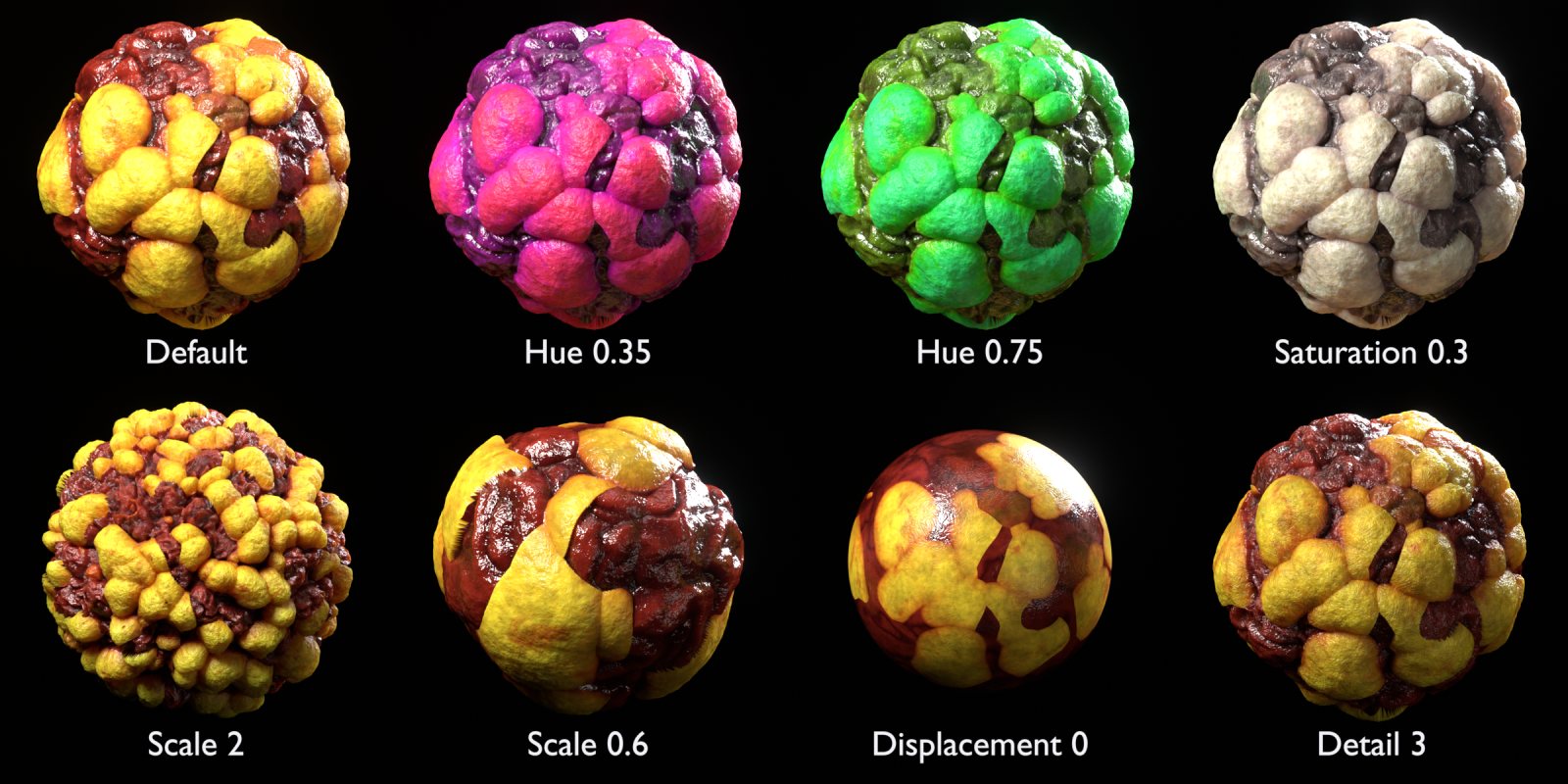
| Input | Effect |
|---|---|
| Scale | Pattern size (about 1 / radius for non-unit objects) |
| Displacement | Relief height multiplier; 0 gives a flat surface with bump detail only |
| Detail | Micro-bump strength: pores, grain, wrinkles |
| Hue / Saturation / Brightness | Colour grading; Hue 0.5 keeps the original colours |
| Glow | Self-illumination (Glow materials only) |
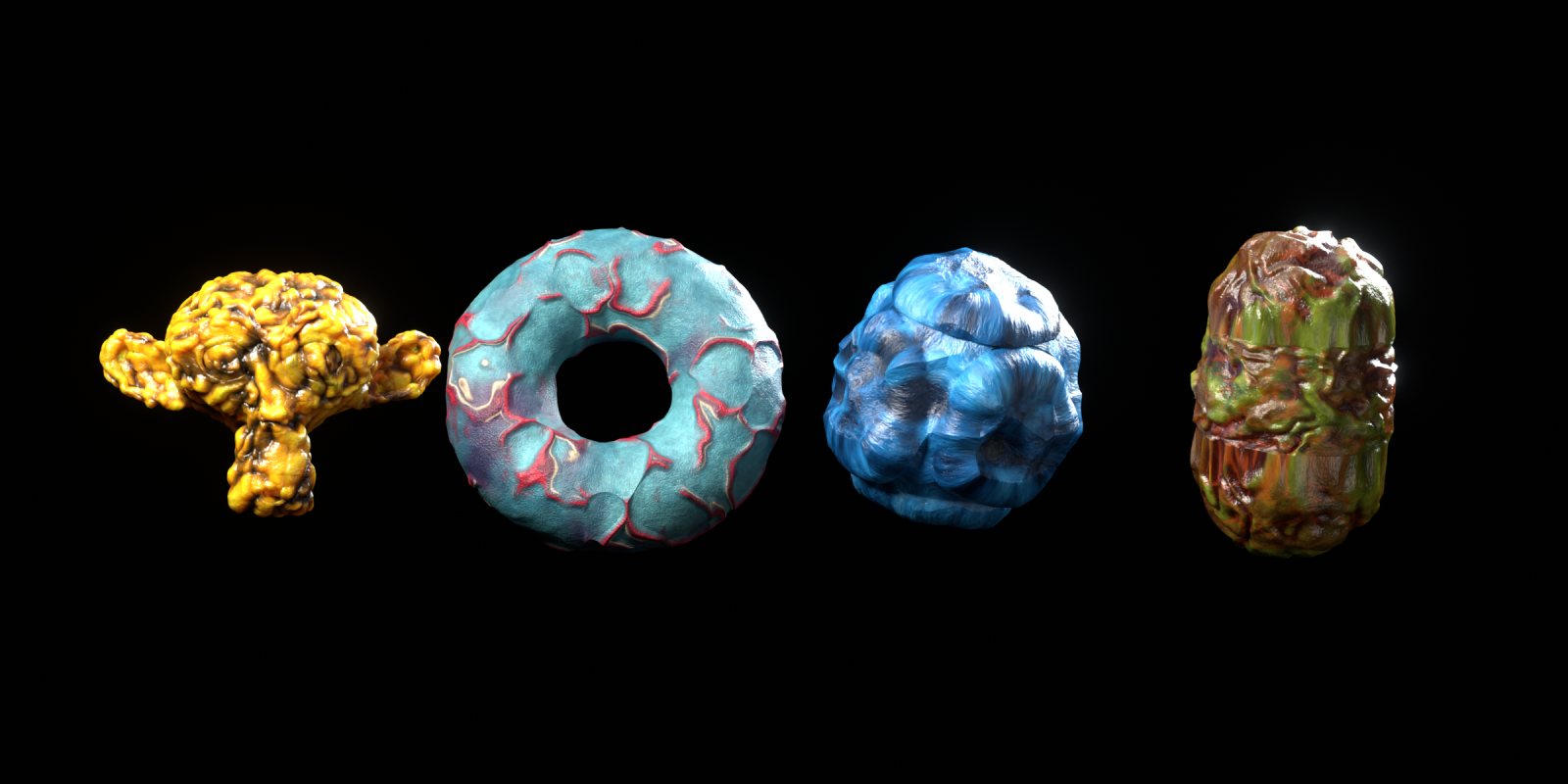
Works on any mesh
The materials were designed on spheres, and they work on characters, rocks, props and abstract shapes too.
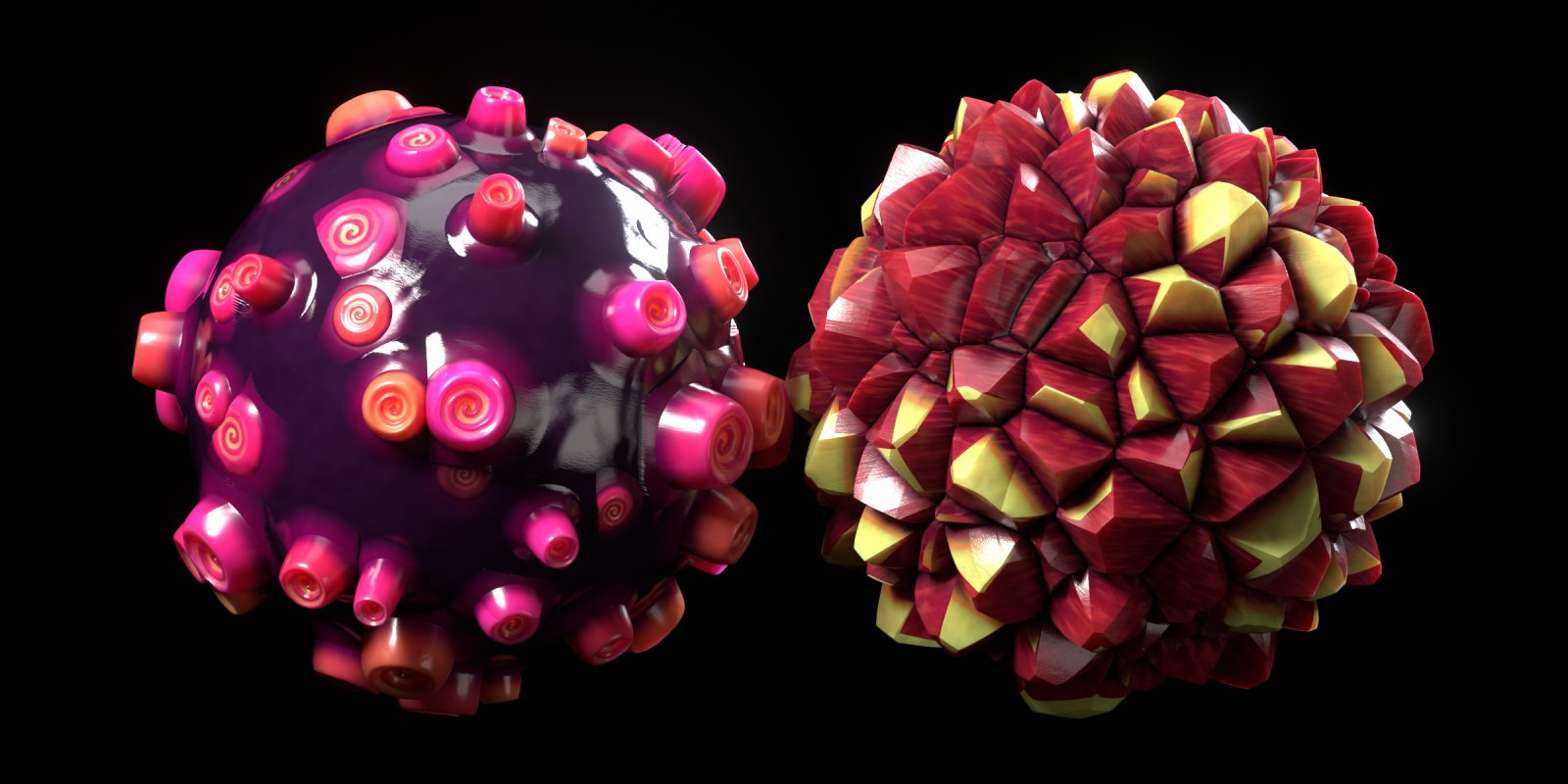
Up close
Get started in a minute
- Add the library
Unzip, then go to Edit › Preferences › File Paths › Asset Libraries, click + and select the
Organic Spheres Libraryfolder. - Drag a material
Open an Asset Browser, pick the library, and drag a material onto your object. Or drag in
OS Ready Spherefrom Utilities to get a sphere that is already set up. - Subdivide
Add a Subdivision Surface modifier. For EEVEE, use render levels 4–6. For Cycles, enable Adaptive Subdivision (in Blender 4.x, set Feature Set to Experimental first).
- Lock the colours (optional)
Go to Object Data › Shape Keys and tick
Add Rest Position. This keeps the colours fixed to the displaced relief.
FAQ
Which Blender versions are supported?
Blender 4.5 LTS and newer. The materials are tested in 4.5 and 5.2 with both Cycles and EEVEE.
Do I need an add-on?
No. The download is plain .blend files plus a catalog file.
The surface looks smooth or blurry.
Add a Subdivision Surface modifier, then raise its render levels in EEVEE or enable Adaptive Subdivision in Cycles.
The pattern is too big or too small.
Change the material's Scale input, or apply your object's scale with Ctrl A › Scale.
Can I use these in commercial work?
Yes, in your renders, animations, games and other projects. Reselling or redistributing the materials themselves isn't allowed.