Falling Sand

Pixel physics in 2D and 3D.

A falling-sand sandbox built entirely with Geometry Nodes. Pour sand, water, oil and lava, set fires and dissolve stone with acid, in a 2D pixel canvas or a 3D voxel box. No add-on, no Python: open the .blend and press Play.

2D pixel canvas 3D voxel box 12 reacting elements Paint while it plays 100% Geometry Nodes Blender 4.5 LTS · 5.x
Paint while it plays

Grab a brush. Make a mess.

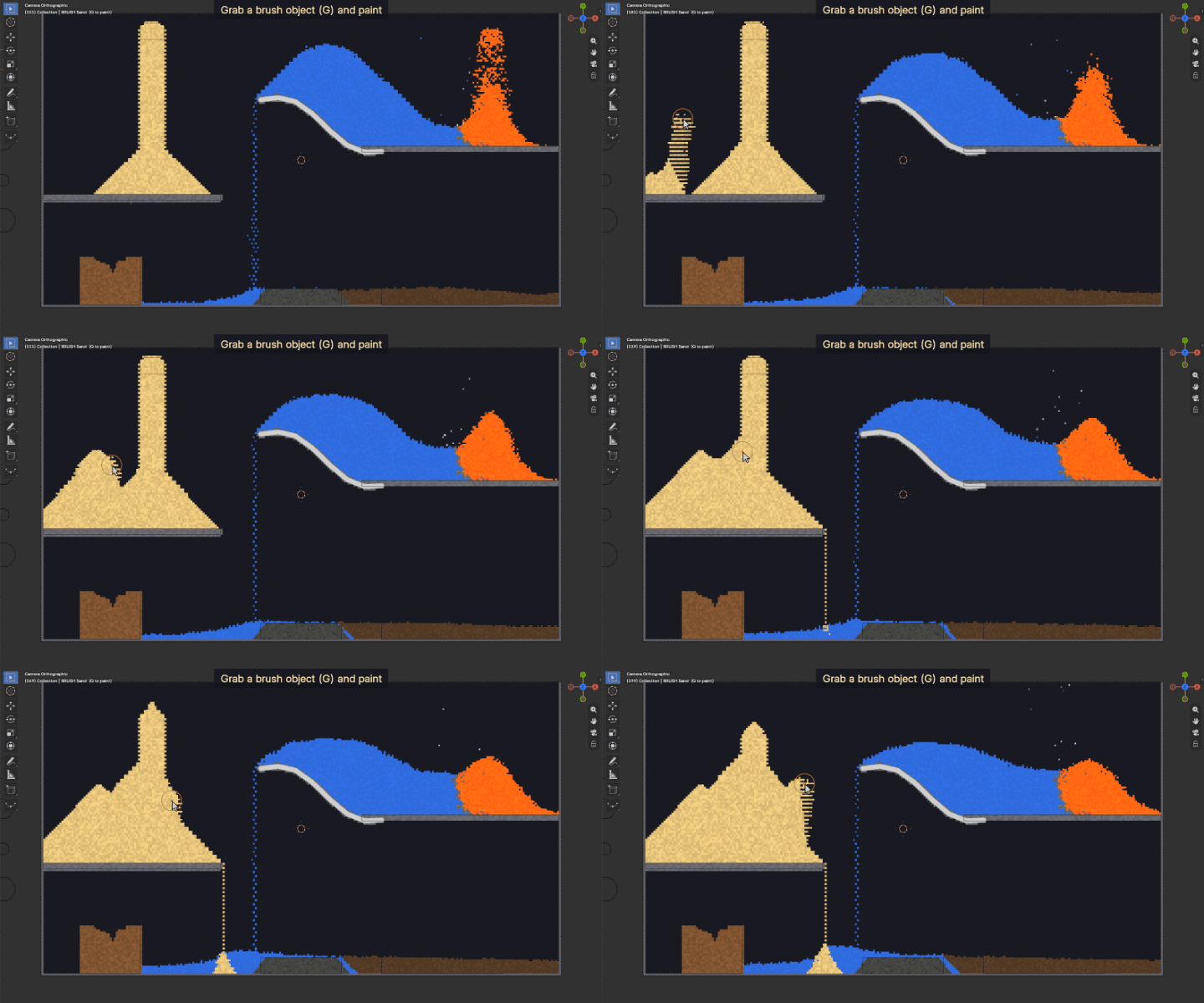
Brushes are ordinary objects with an FS Emitter modifier. Press Play, select one and move it with G: it paints its element into the simulation as you go.

  • Pick the element, the rate and the brush size in the modifier
  • Add fills only empty cells, Replace paints over anything; the Eraser clears
  • Any mesh, curve or Grease Pencil stroke can be an emitter, with start and end frames
Painting sand and water with a brush object in the 2D canvas
Twelve elements

Everything reacts with everything.

Each element has its own density and behaviour, and they interact: lava boils water and cools into stone, fire spreads through wood, oil and gunpowder, acid eats away the ground.

SandFalls and piles up
WaterFlows and spreads, puts fires out
StoneSolid ground and walls
WoodSolid, catches fire
OilFloats on water, burns fast
LavaSlow and hot, boils water, cools into stone
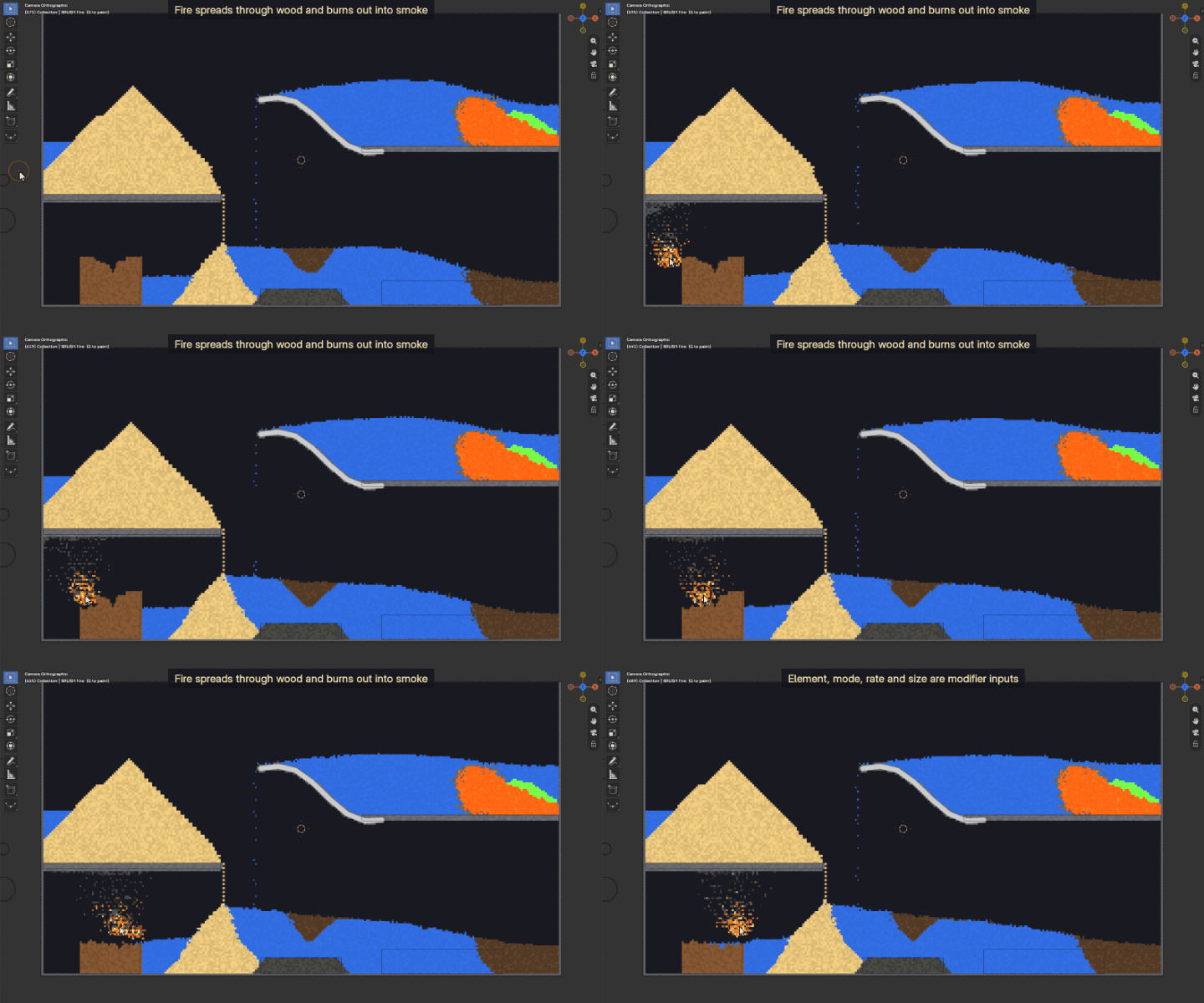
FireRises, spreads, burns out into smoke
SmokeRises and fades
SteamRises and rains back as water
AcidEats stone, sand, wood and gunpowder
GunpowderFlares up into fire
EraserClears whatever it touches
A fire brush sets the wooden house on fire; it burns and turns into smoke
3D voxel box

Real voxels. Orbit around them.

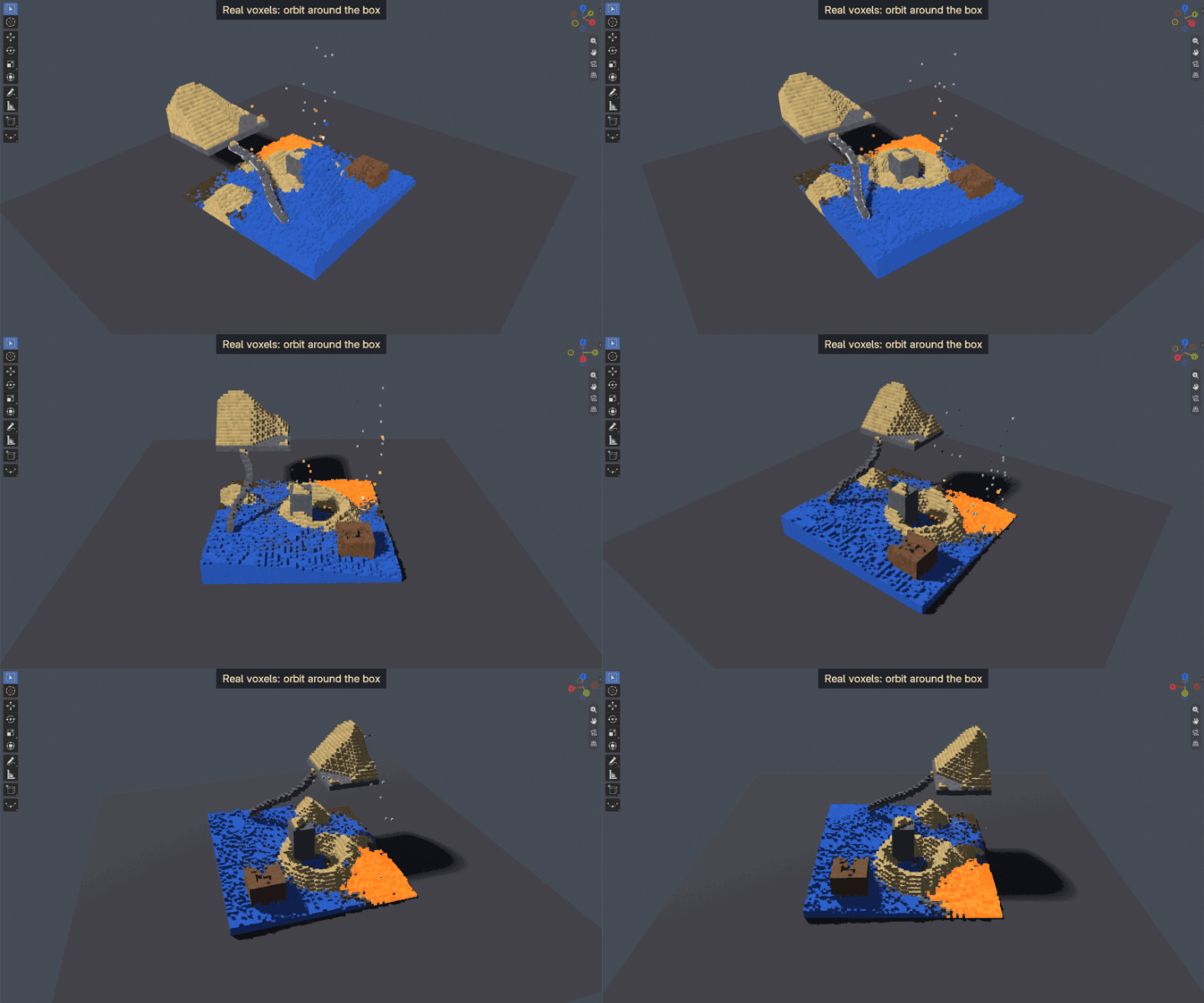
The 3D version runs the same rules on a voxel box: sand piles up in every direction, water and oil spread and level out in X and Y, smoke and steam rise.

  • The demo box is 64 × 64 × 48: about 200,000 voxels
  • Only the visible voxels become cubes, so the viewport stays light
  • Display as cubes or points, with any box size and voxel size
  • Renders in EEVEE and Cycles with a ready-made voxel material
Orbiting around the 3D voxel box while sand and water settle
Build your own levels

Use what you already know.

Two collections drive each simulation. Objects in Level are stamped in on the first frame; objects in Emitters emit every frame.

  • Meshes: closed meshes fill their inside, planes become a one-cell layer
  • Curves: become tubes of their radius
  • Grease Pencil: draw terrain, then go back to frame 1
  • Overlapping shapes are handled one object at a time, so unions stay exact
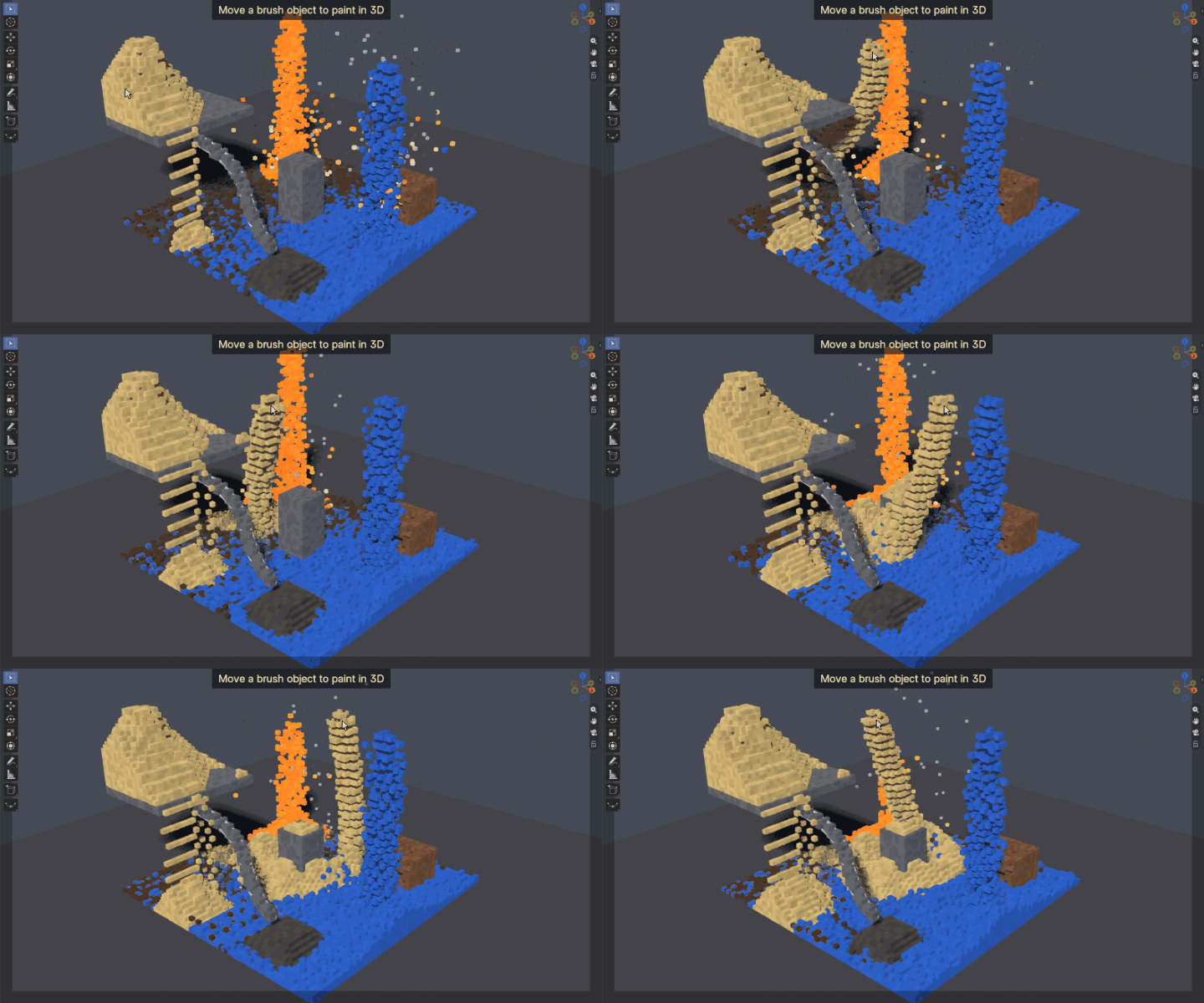
Painting sand into the 3D box with a brush object
Fast

Real-time on a desktop CPU.

Movement uses 2×2 block rules, so every move is a swap and nothing gets lost or duplicated. The rules run only where something can change, and the look-up tables live in a small point cloud instead of big switch nodes.

12 ms2D, 256 × 144 cells,
4 steps per frame
22 ms2D, 512 × 288 cells,
4 steps per frame
15 ms3D, 64 × 64 × 48 voxels,
1 step per frame
31 ms3D, 96 × 96 × 64 voxels,
1 step per frame

Simulation time per frame in Blender 5.2 on a Ryzen 9 7950X, measured without the viewport. Blender 4.5 is about 10–15% slower. Drawing the viewport comes on top and depends on your GPU.

100% Geometry Nodes

Open it. Learn from it.

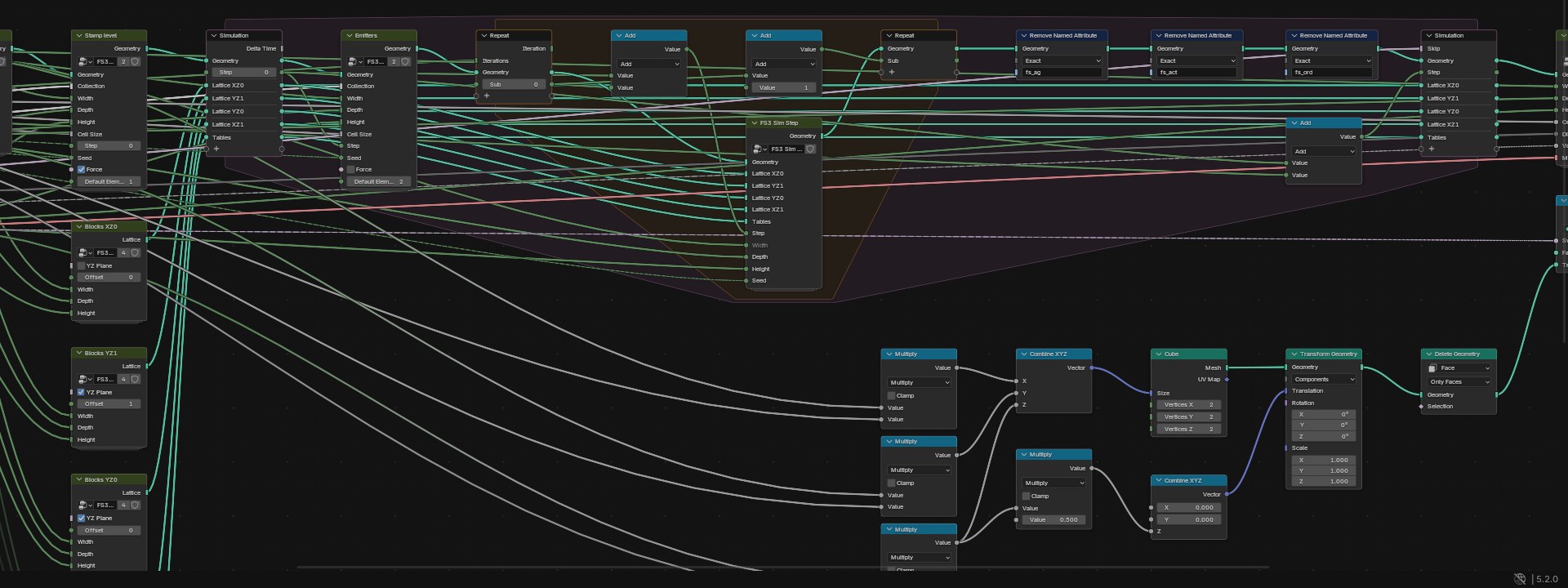
The whole simulation is a node tree: a Simulation Zone holds the state, a Repeat Zone runs the sub-steps, and readable node groups do the rest. Nothing is hidden in Python and nothing has to be installed.

  • Every group is open: block rules, reactions, emitters, display
  • Bake it like any simulation, render it like any geometry
  • Tested in Blender 4.5 LTS and 5.2
The simulation and repeat zones of the 3D box node tree
See it in Blender

The 2D canvas, start to finish.

Press Play, paint with brushes, switch elements in the modifier, set things on fire.

What you get

  • FallingSand_GN.blend: the 2D pixel canvas with a demo level and brushes
  • FallingSand3D_GN.blend: the 3D voxel box with a demo level and brushes
  • A README text inside each file, plus the online documentation

Requirements

  • Blender 4.5 LTS or newer (tested with 4.5 and 5.2)
  • No add-on and no internet connection needed
  • Any OS that runs Blender; a fast CPU helps for big boxes

Press Play and start pouring.

Everything you need to know is in the documentation.

Read the documentation