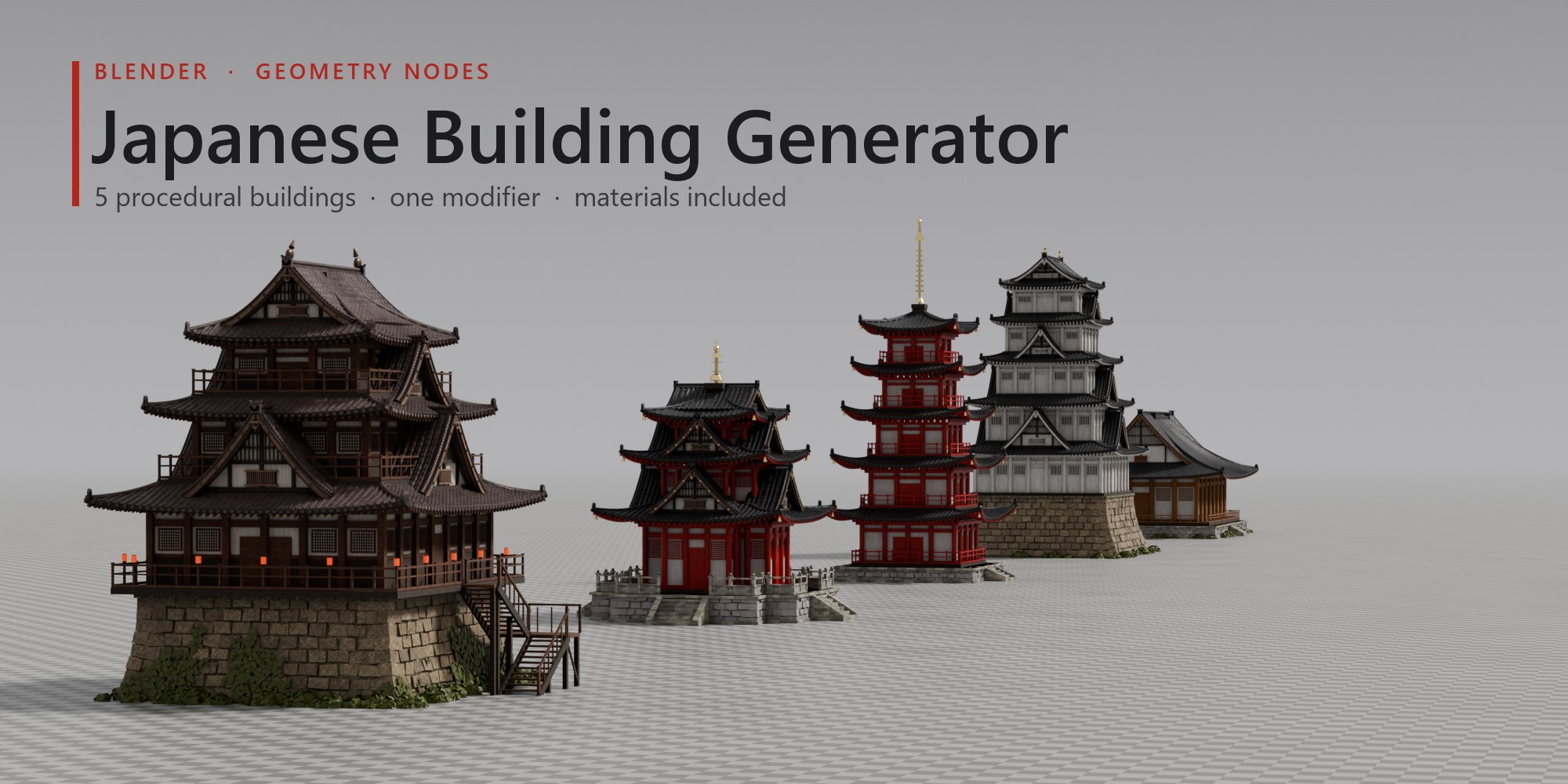
Castles, pagodas and temples from one modifier
Japanese Building Generator is a procedural Geometry Nodes modifier for Blender that builds Japanese castles, pagodas, pavilions and temple halls. Drop it on any object, get a finished building with materials, then shape every storey, roof and stone with sliders.
- 5 ready-made buildings
- 69 parameters
- Geometry Nodes modifier
- 2K PBR materials included
- Blender 4.5 LTS – 5.2
- Cycles & EEVEE
One modifier
Five buildings, one modifier
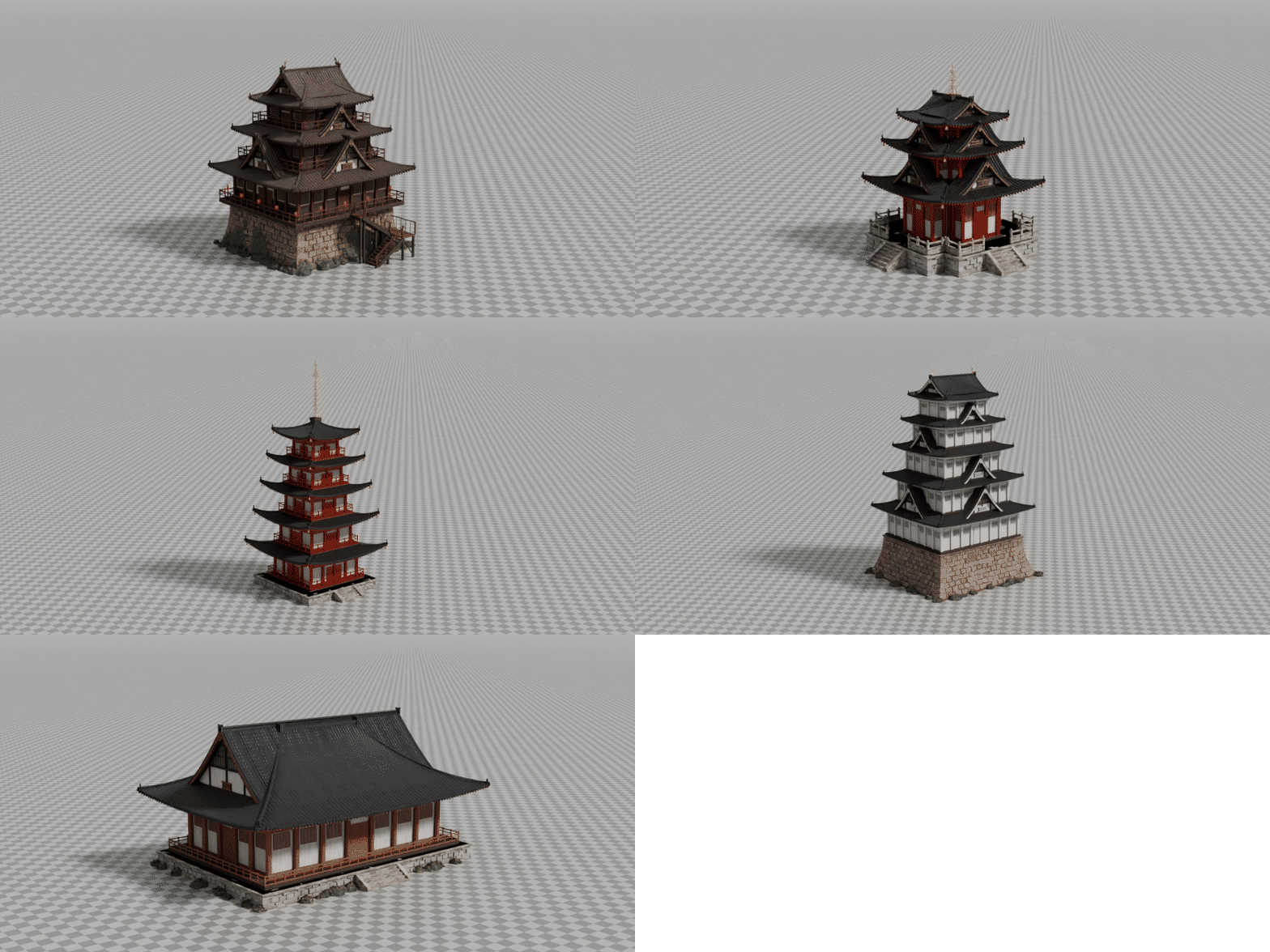
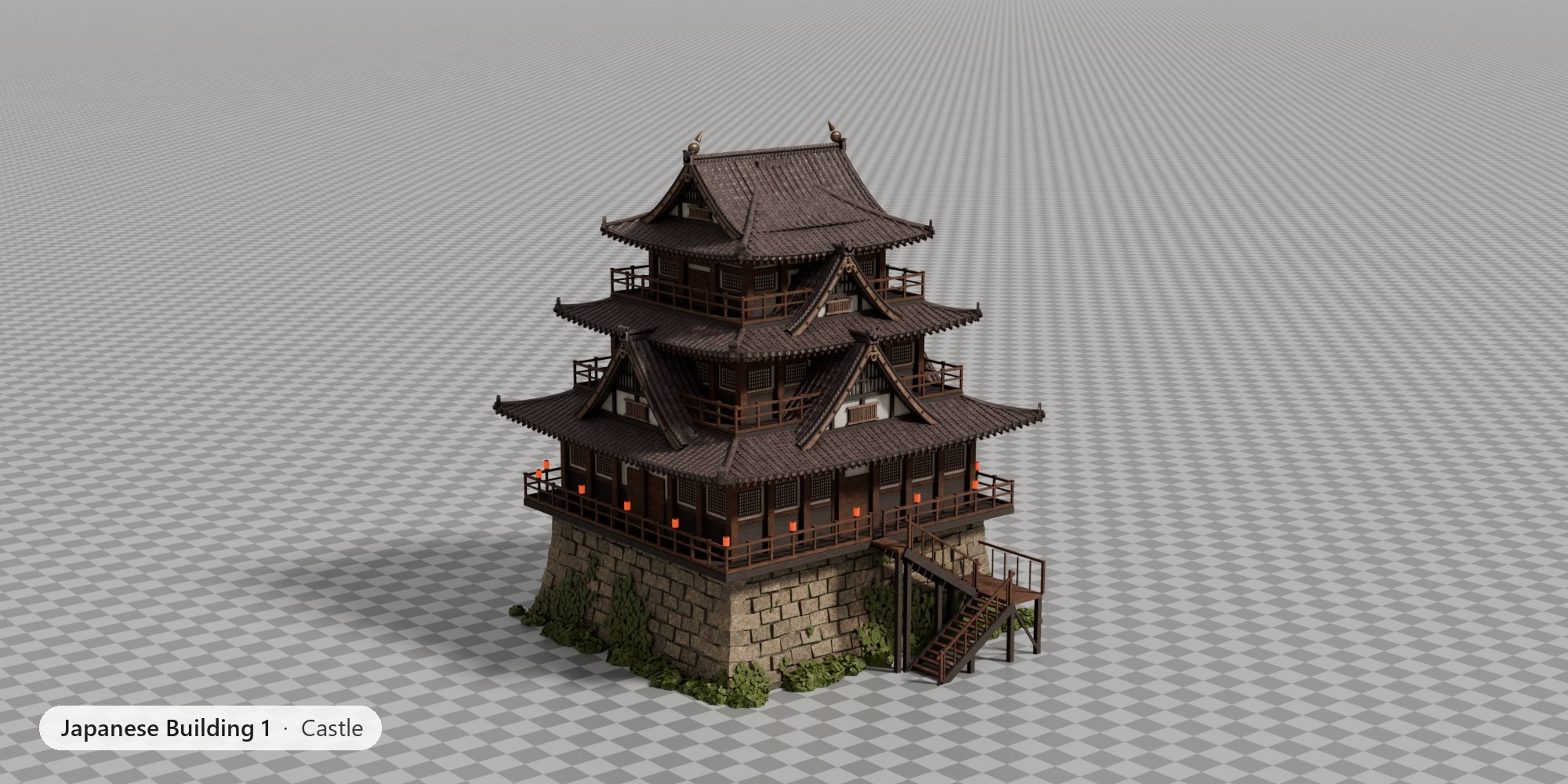
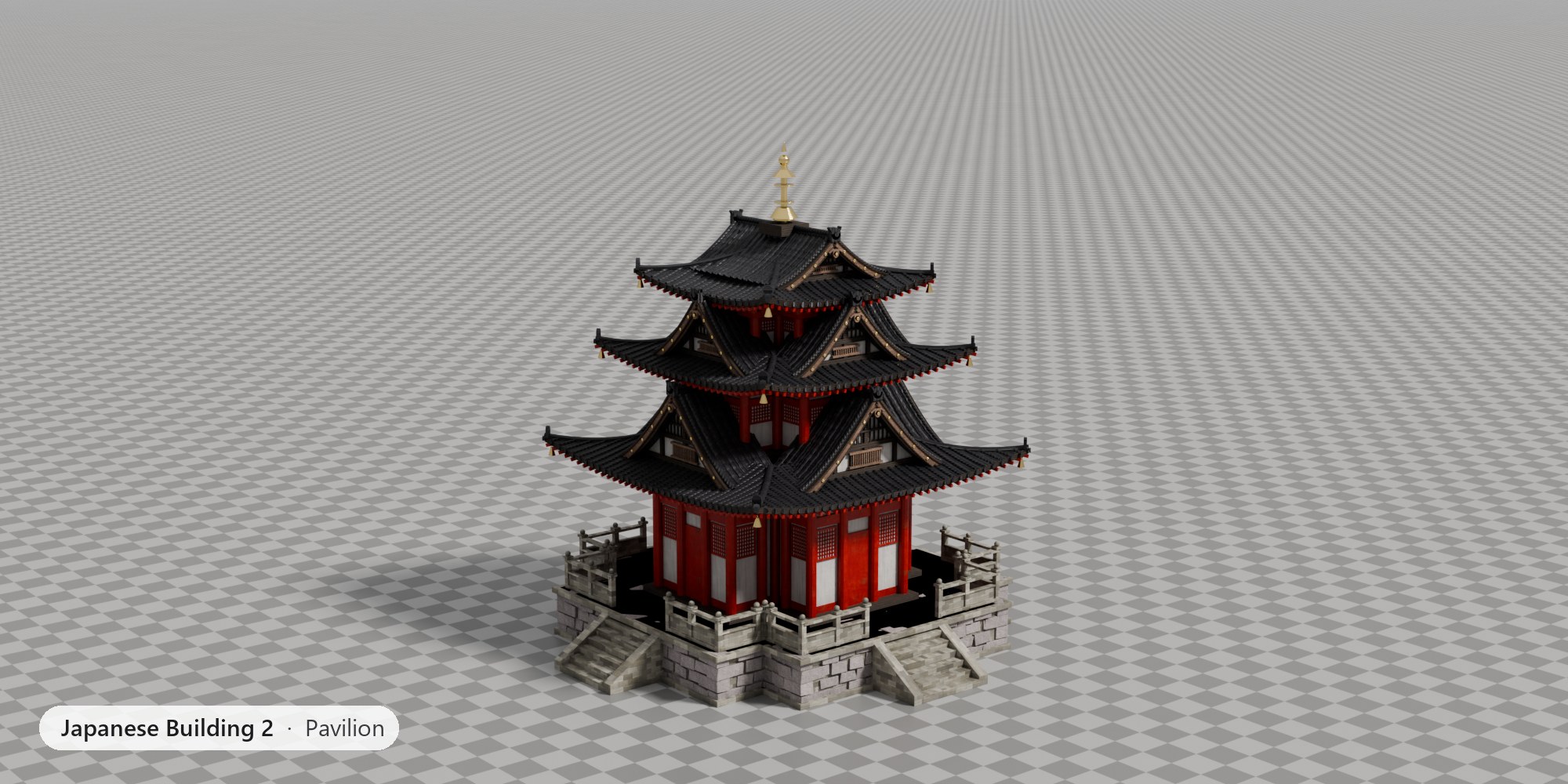
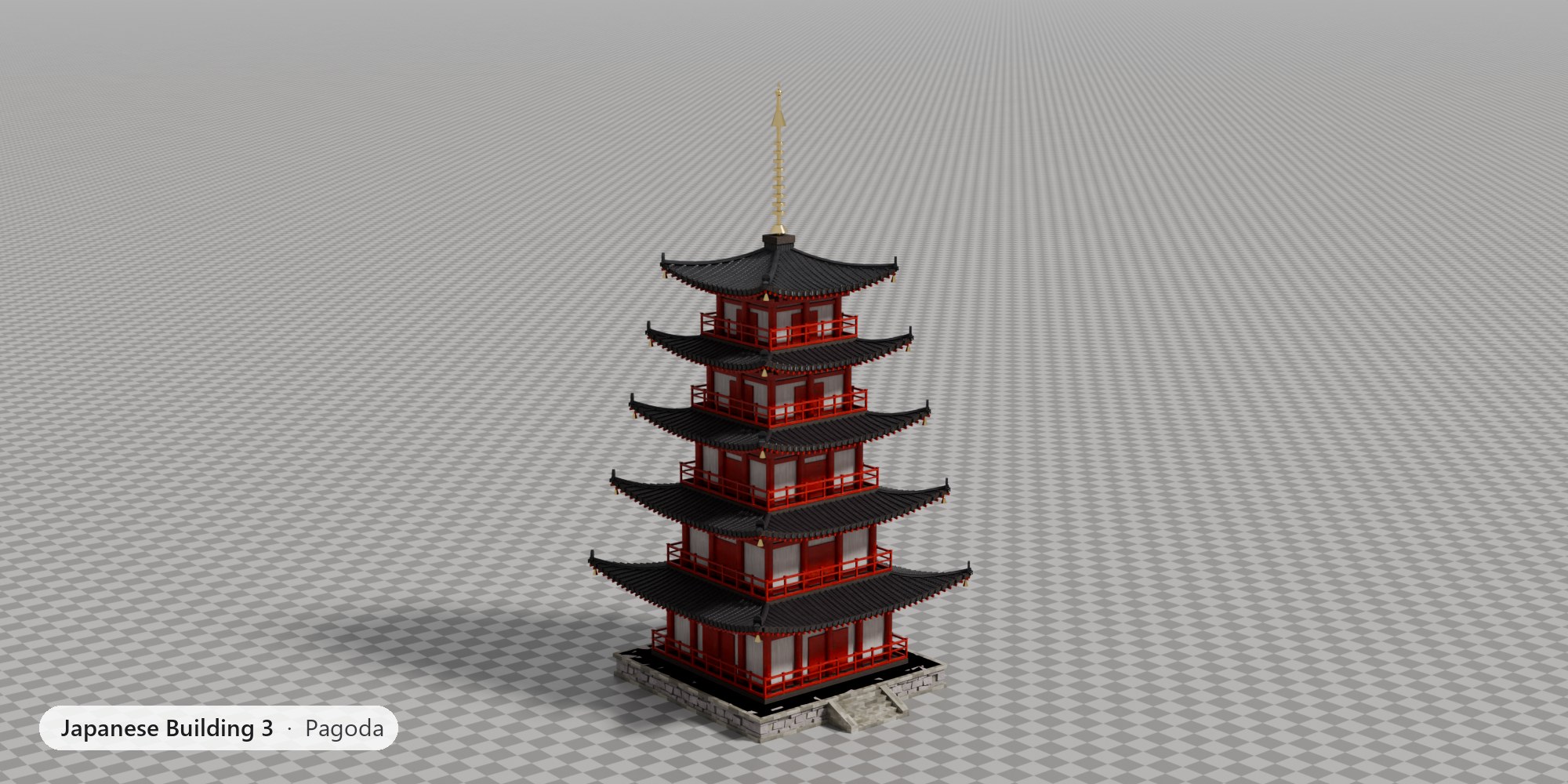
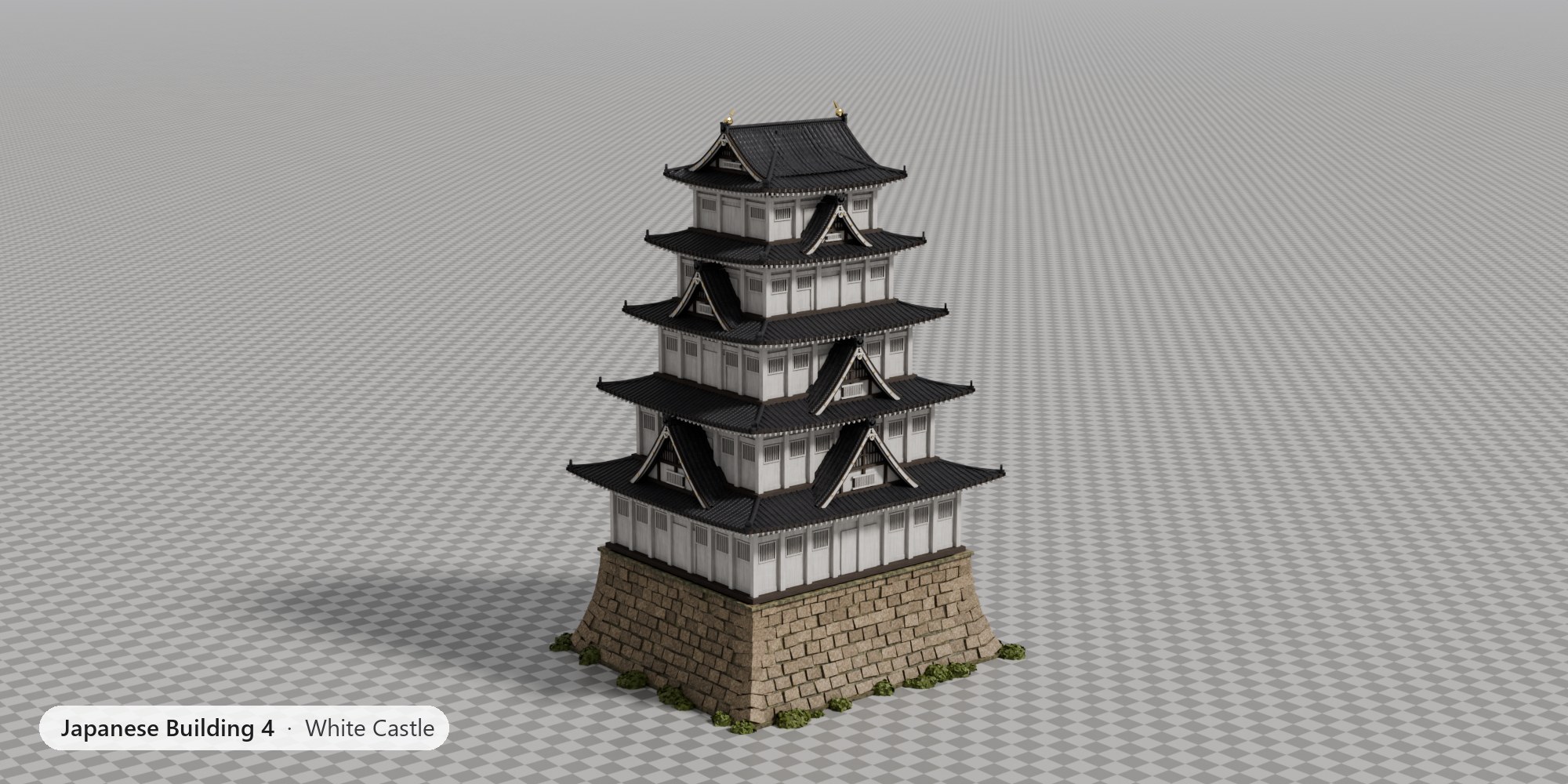
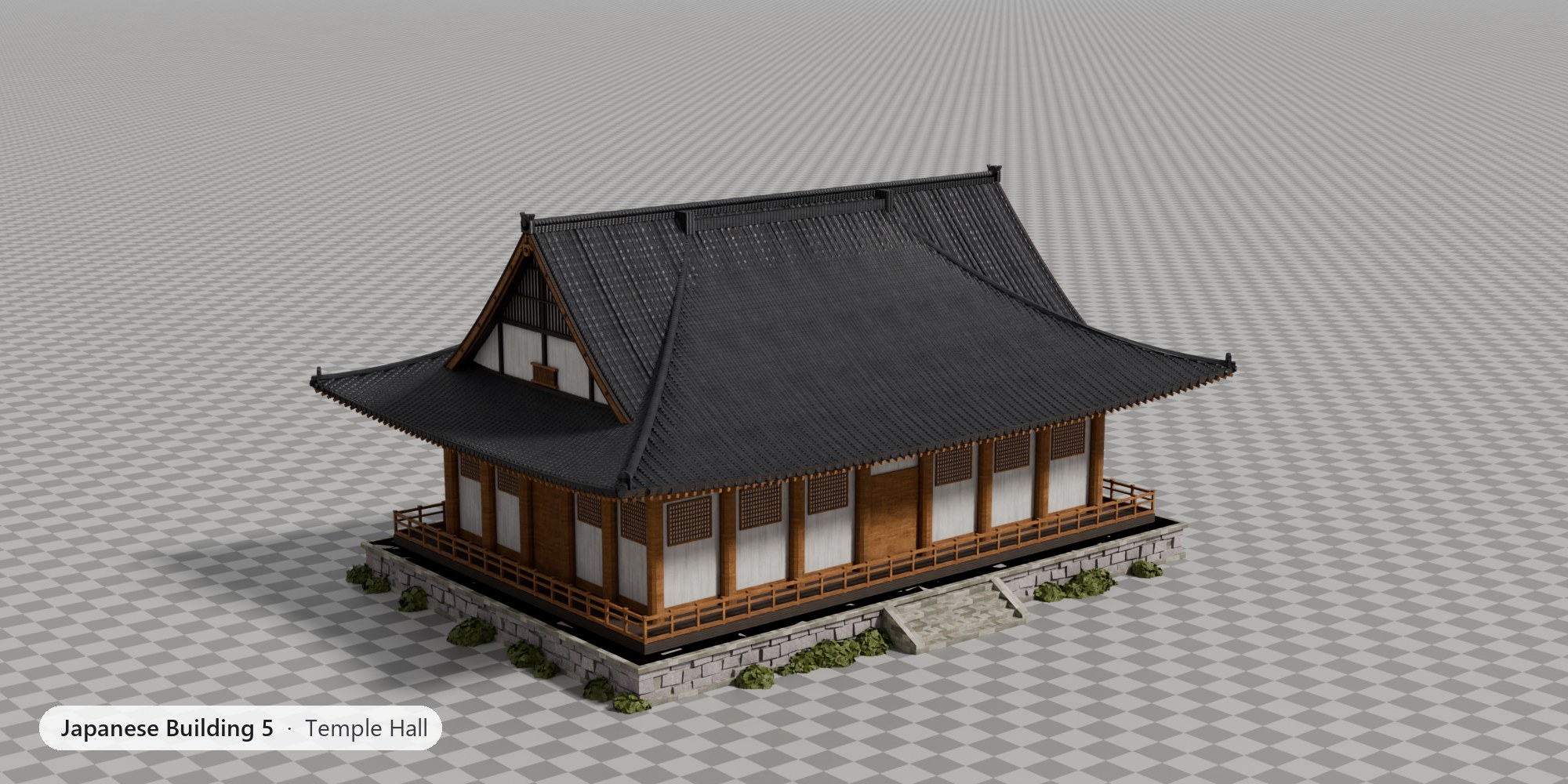
Castle, Pavilion, Pagoda, White Castle and Temple Hall are presets of the same generator, each with its own materials. Start from one, then make it yours.
Features
What it does
Drop it on any object
Pick a building in the Asset Browser or in a Geometry Nodes modifier on any mesh. A cube will do: the building is generated on top of it, at the object's origin.
Materials included
Every building arrives with its own set of 2K PBR materials (ambientCG, CC0): weathered and vermilion wood, plaster, tiles, granite and castle stone, gold and bronze.
69 parameters, 8 panels
Storeys, footprint, roof curve and upturn, gables, pillars, brackets, balconies, windows, stone base, stairs, ivy, spire and materials. All live, all non-destructive.
Real geometry details
Round tile rows, onigawara ridge ends, rafters, tokyo brackets, shoji lattices, barred windows, 3D stone courses with sangi-zumi corners, lanterns and ivy.
Gables done right
Curved chidori-hafu dormers with layered bargeboards and rosettes, hip-and-gable irimoya tops and golden shachihoko on the ridge.
Ready to render
Two scenes included: an outdoor set with grass, gravel and trees, and a studio set with a checker floor and a camera per building. Cycles and EEVEE.
Live and procedural
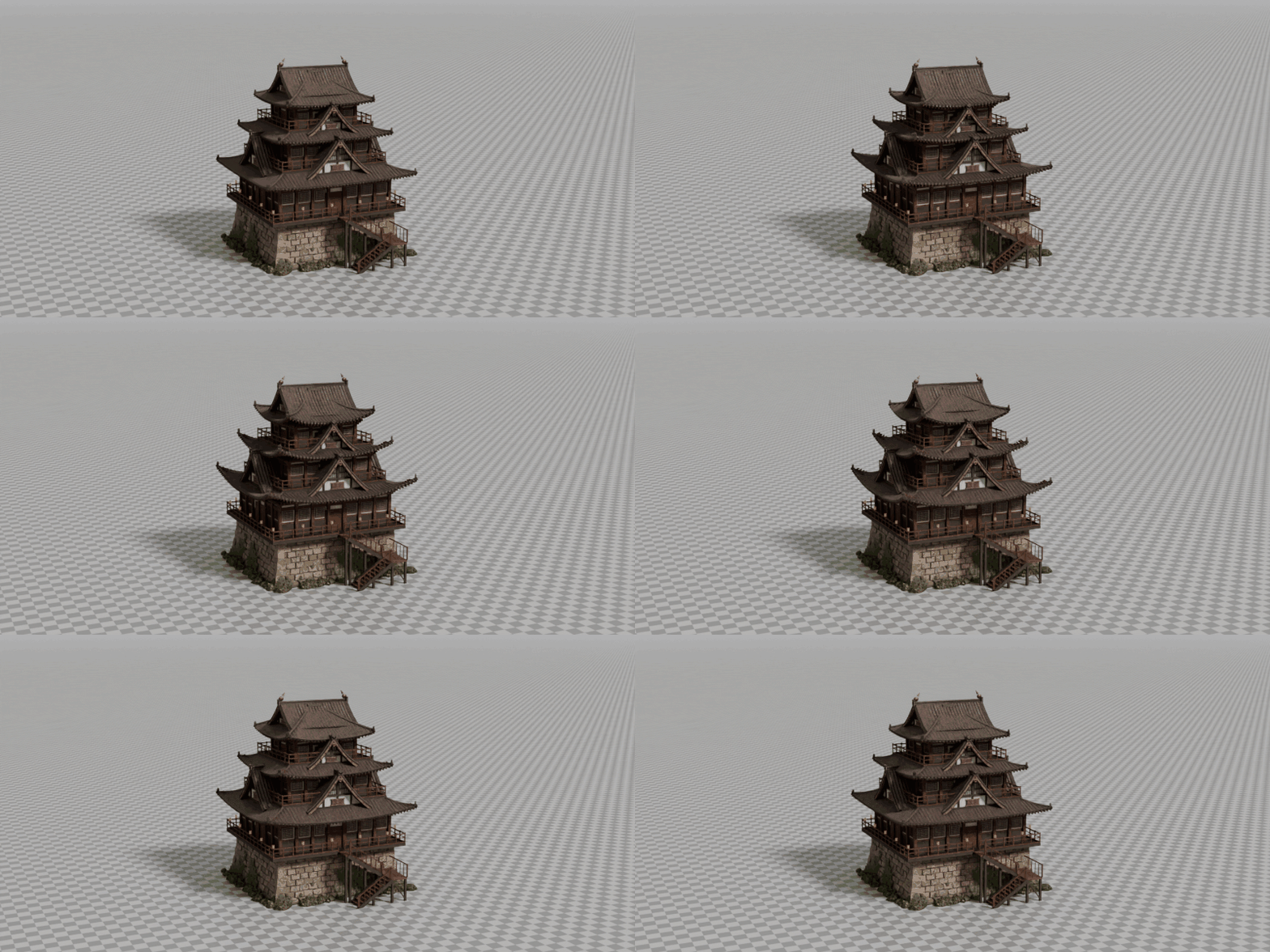
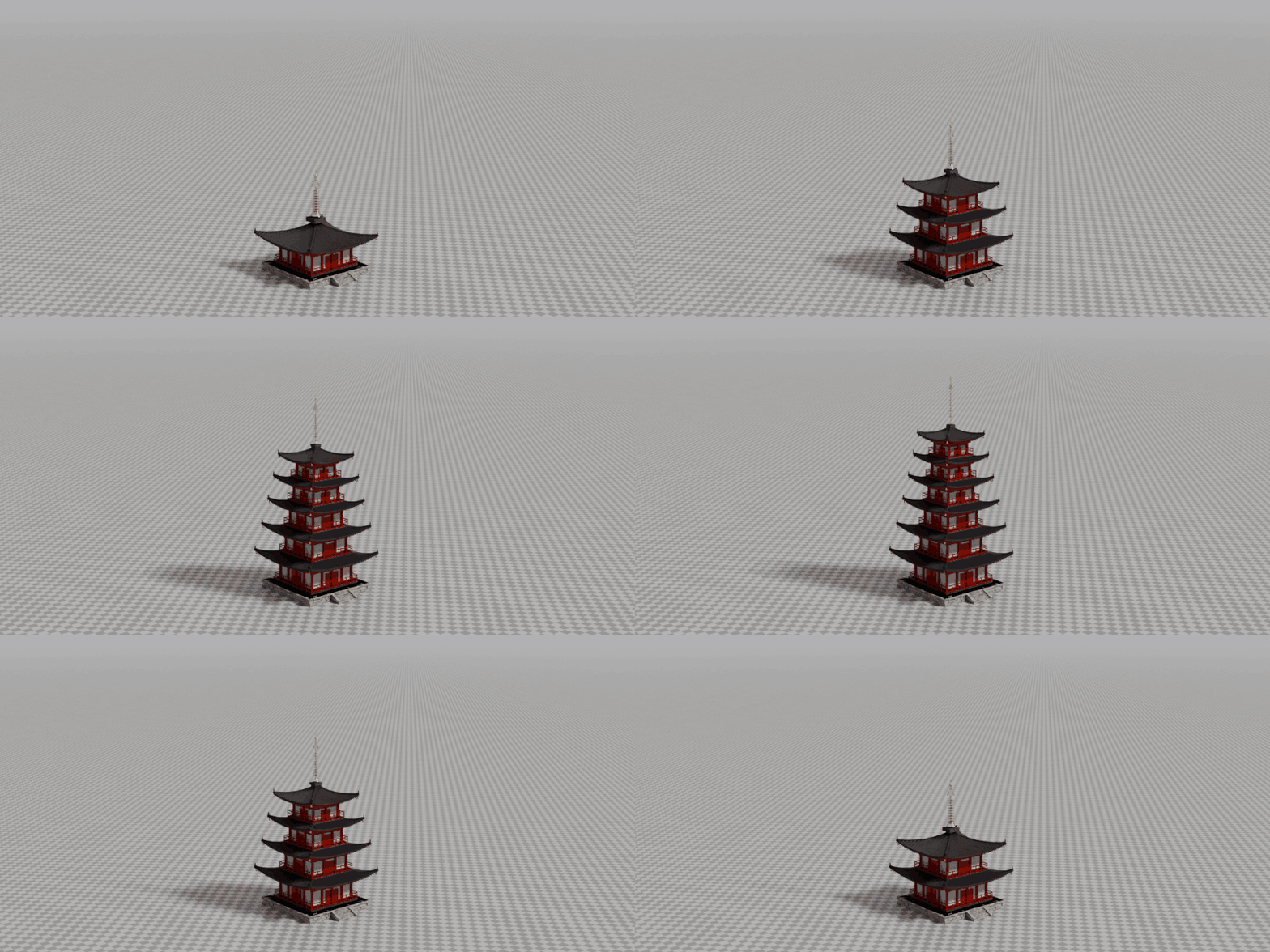
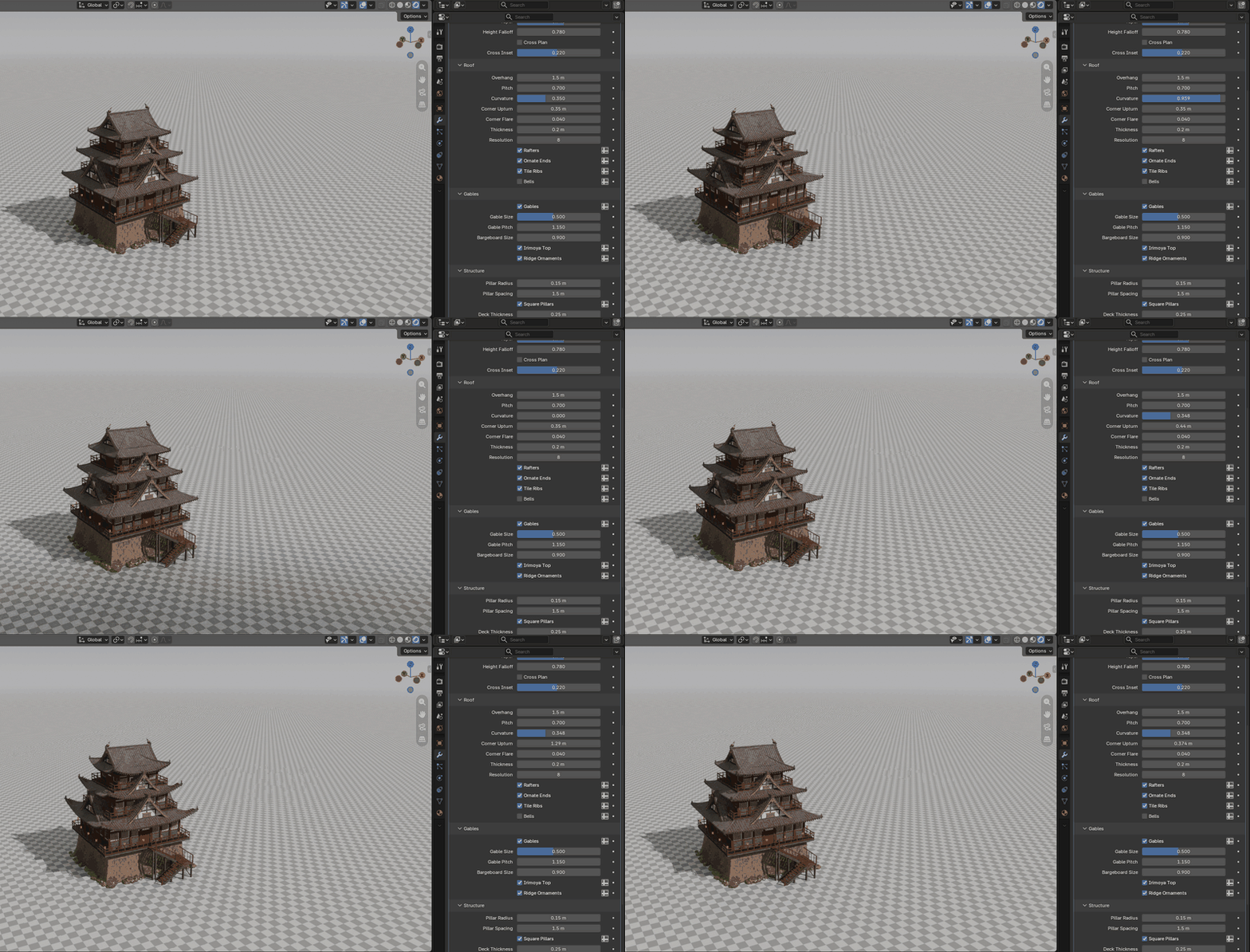
Shape it with sliders
Videos
See it in Blender
Gallery
The five buildings
Specs
What you get
Included
One .blend with the generator and the five building node
groups, marked as assets with previews. A textures folder with the 2K ambientCG maps. An outdoor
scene (grass, gravel, trees, sky HDRI) and a studio scene (checker floor, a camera per building).
Requirements
Blender 4.5 LTS or newer; tested in 4.5 and 5.2. No add-on to install: it is a Geometry Nodes modifier. Buildings are 120k–290k vertices; tile ribs, stone blocks and roof resolution can be turned down for the viewport.
Quick start
Three steps
- Open
japanese_building_generator.blend, or add its folder as an asset library. - Drag Japanese Building 1 – Castle (or any of the five) from the Asset Browser onto a mesh, or add a Geometry Nodes modifier and pick it from the list.
- Change any input in the modifier panel. Turn on Custom Materials to swap materials per slot.