VOXEL VFX 3D

244 pixel-art effects, rebuilt as real 3D voxels.

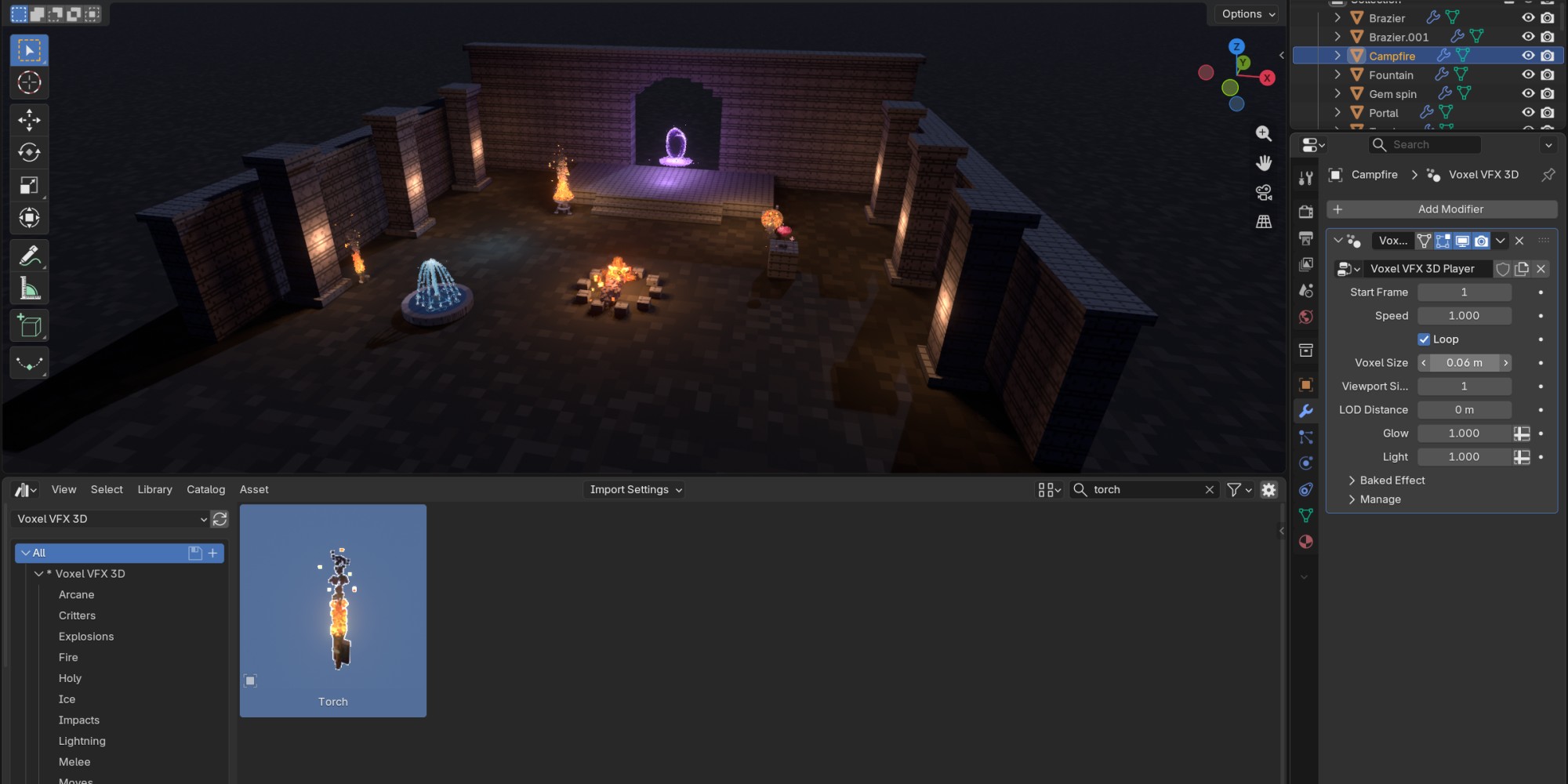
Fire, explosions, magic, lightning, water, weather, impacts, critters and more: every frame of every effect baked into voxels, one art pixel per cube. Drag an effect from Blender's Asset Browser into your scene and press play. It loops, it glows, and it is a real 3D object you can look at from any side.

Blender 5.2+ 244 effects 21 categories Asset Browser drag & drop No add-on Seamless loops EEVEE & Cycles
All 244 effects

Pick a category, watch them loop.
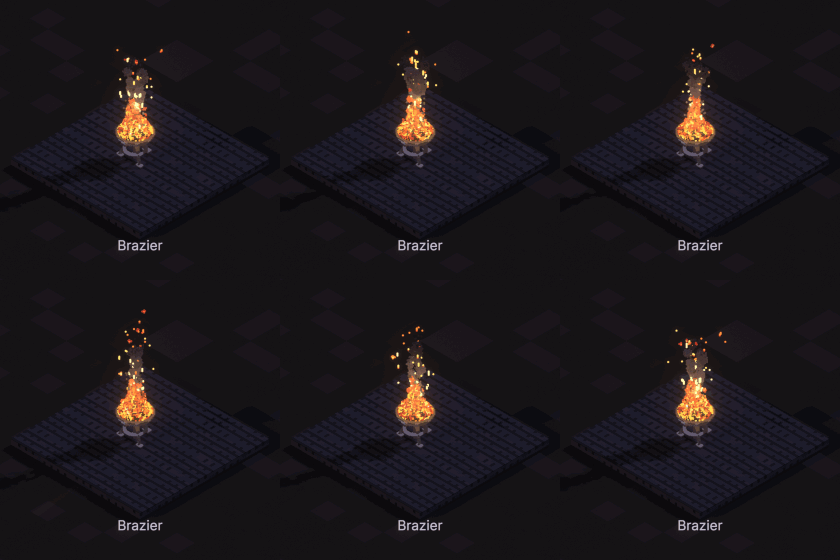
Brazier
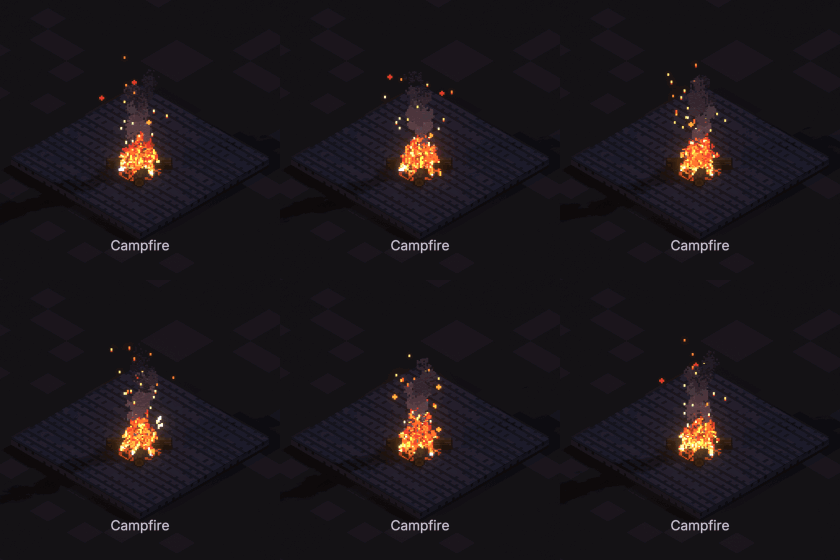
Campfire
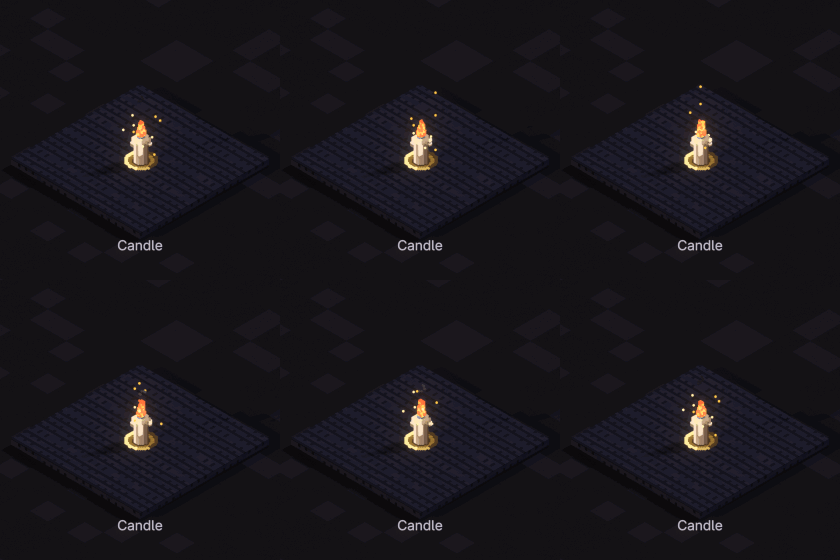
Candle
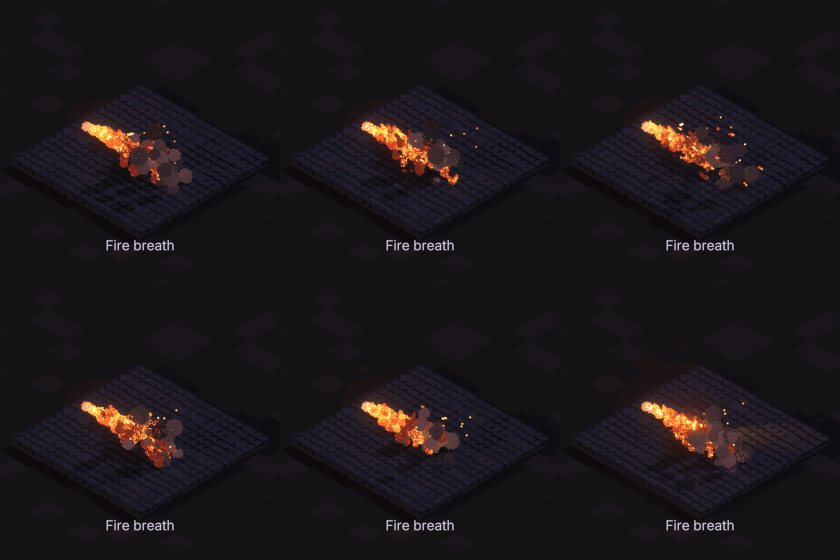
Fire breath
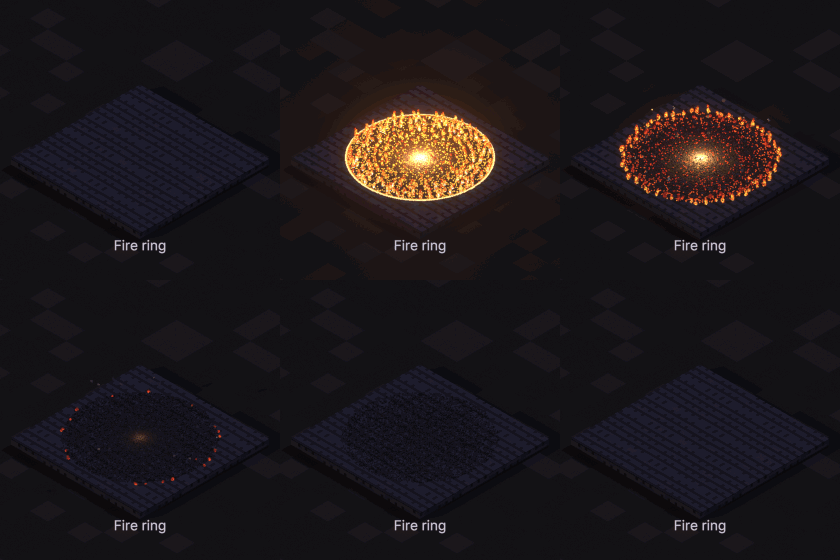
Fire ring
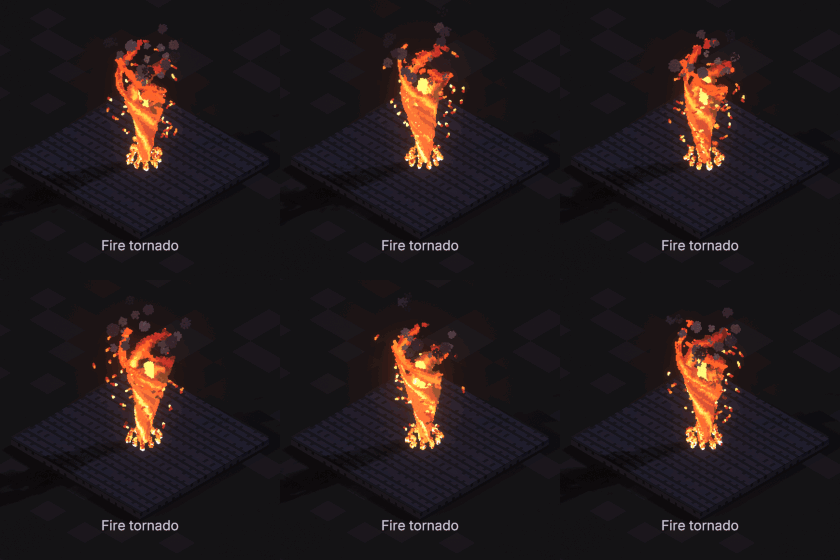
Fire tornado
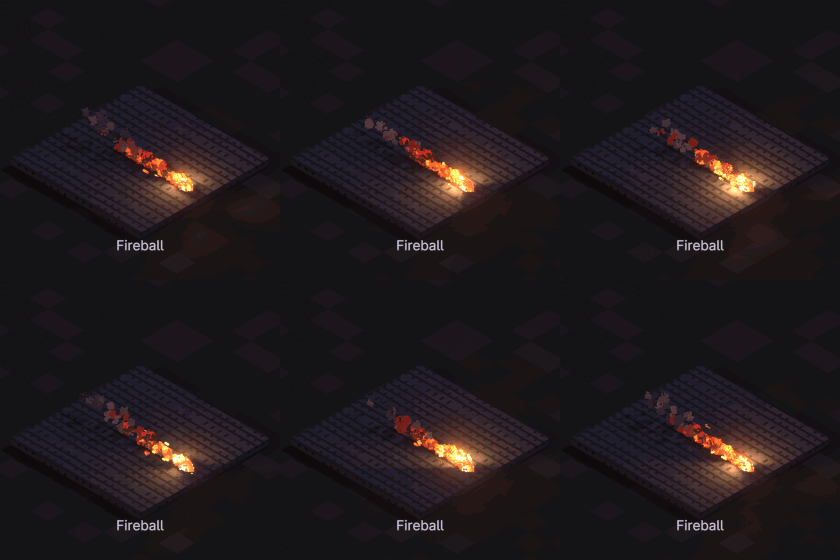
Fireball
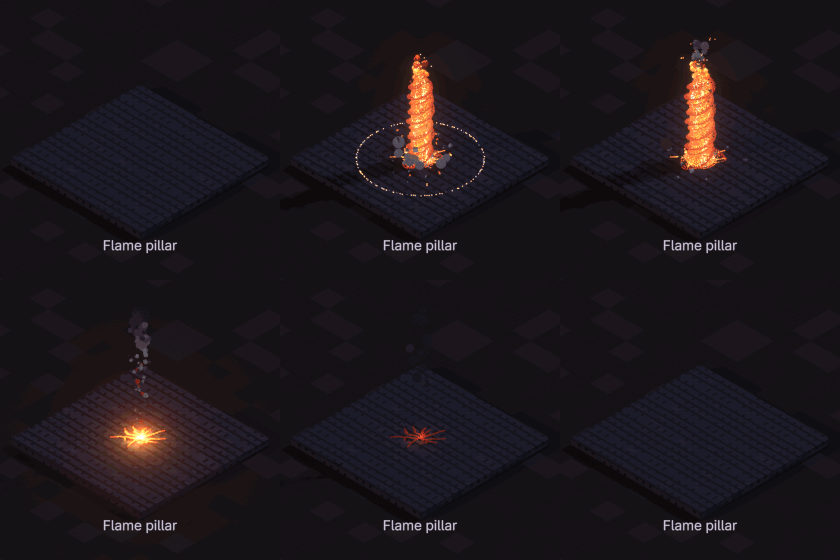
Flame pillar
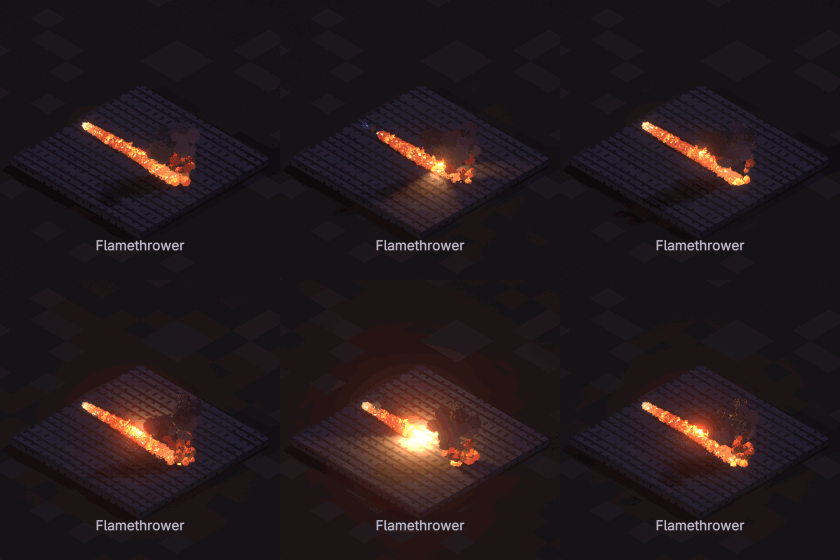
Flamethrower
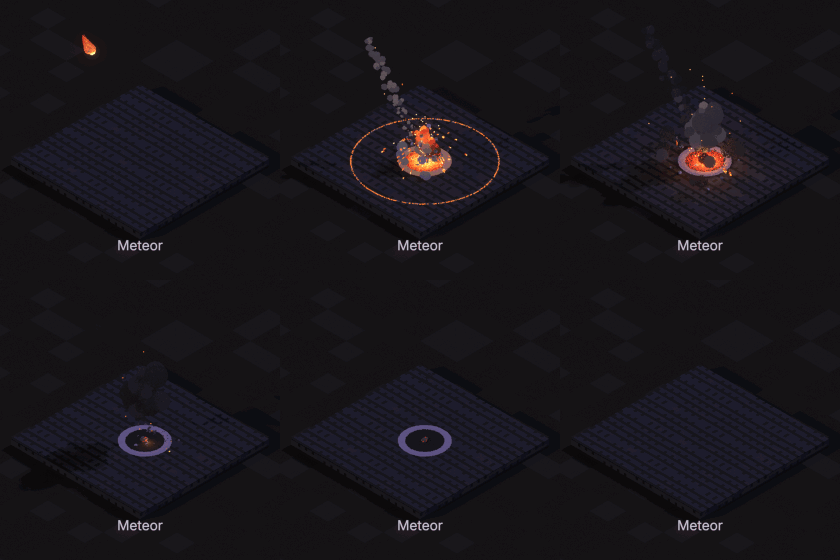
Meteor
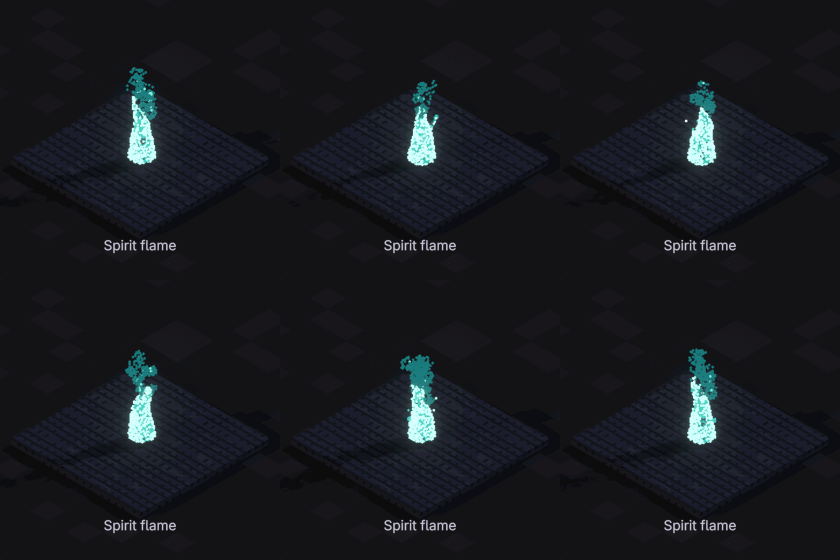
Spirit flame
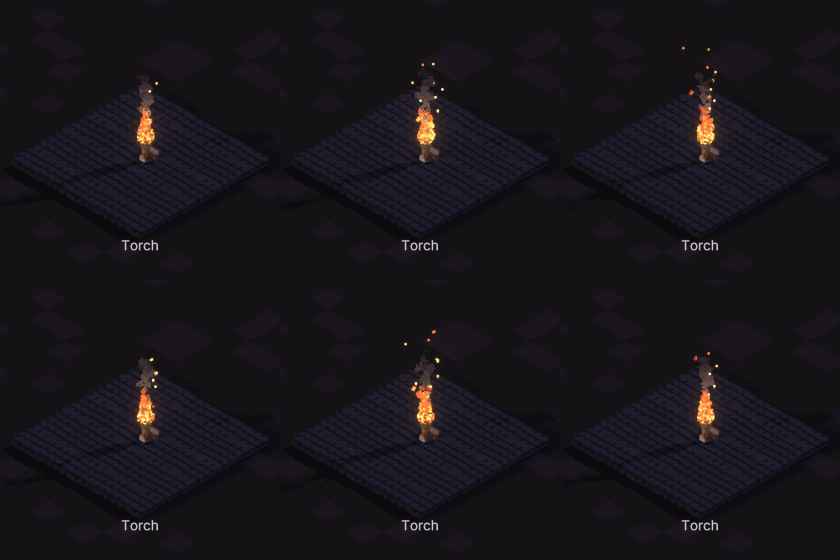
Torch
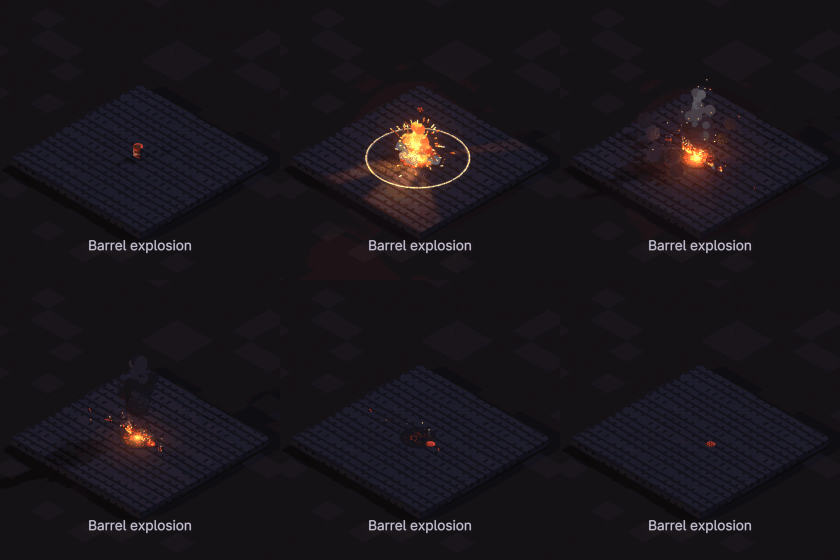
Barrel explosion
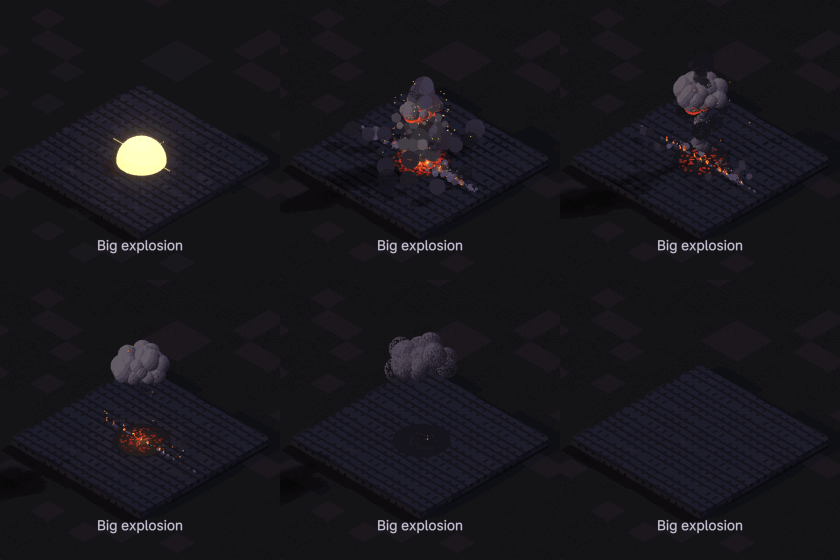
Big explosion
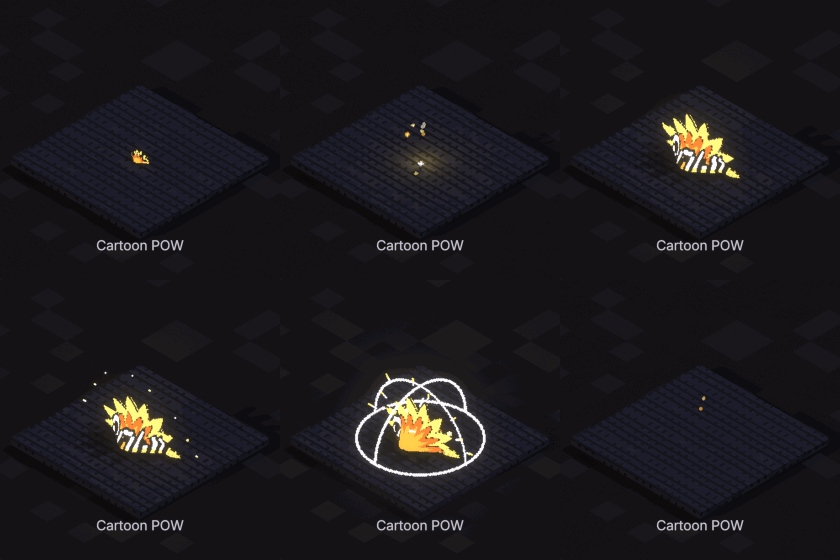
Cartoon POW
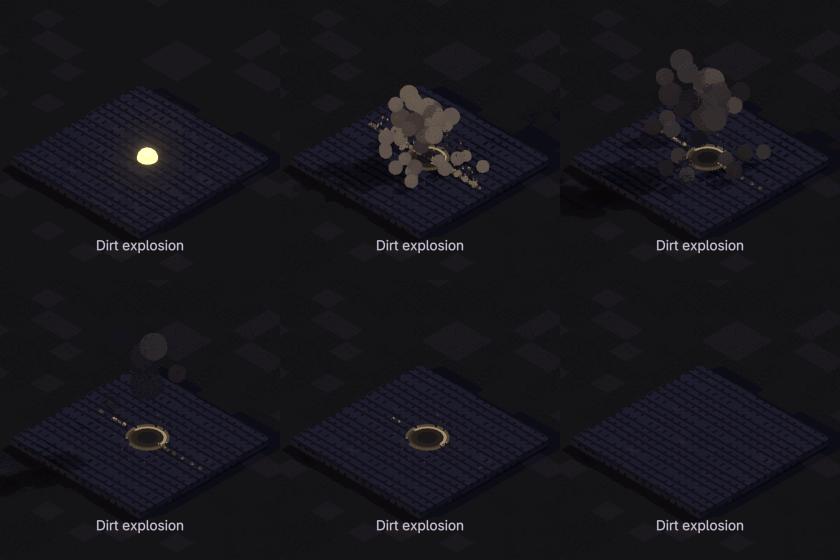
Dirt explosion
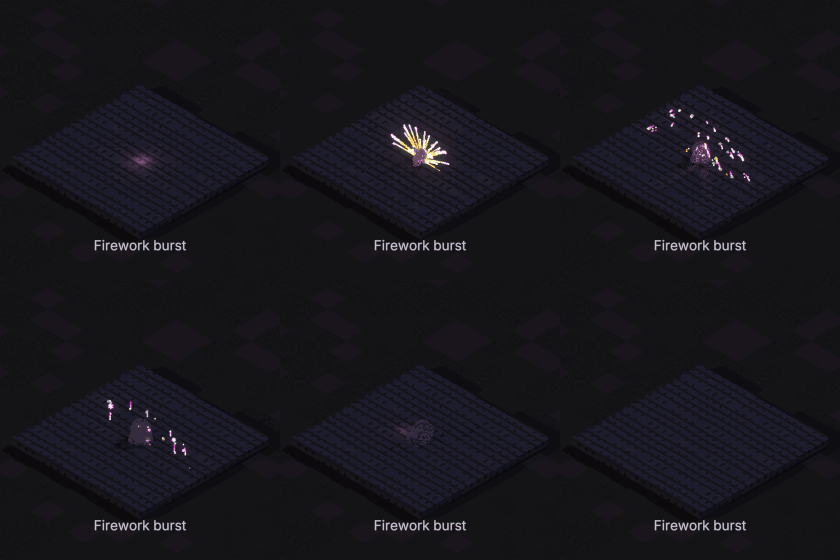
Firework burst
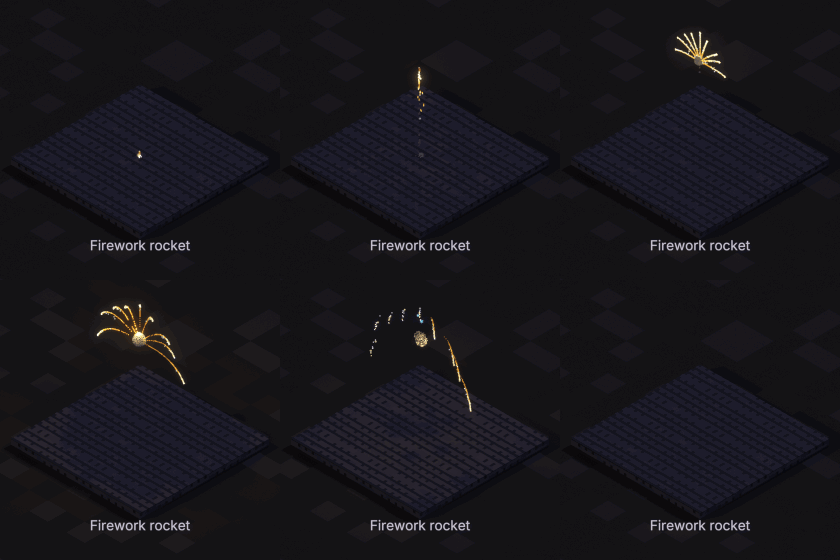
Firework rocket
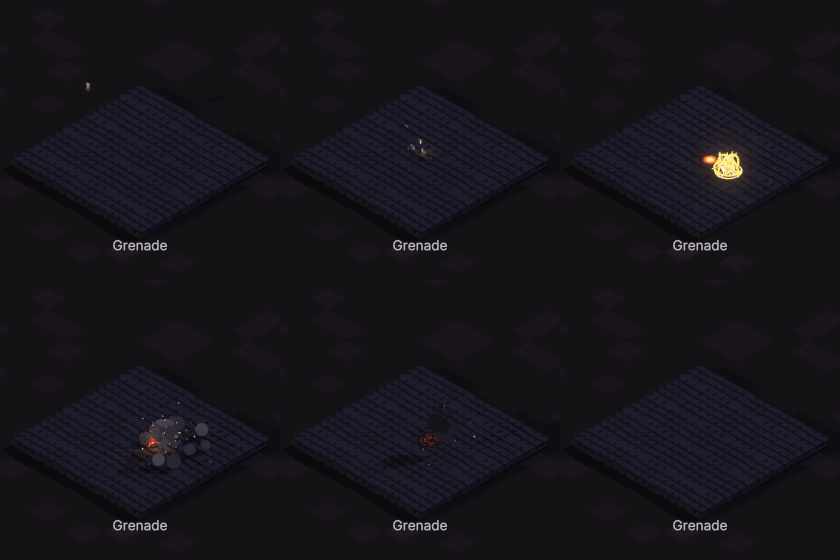
Grenade
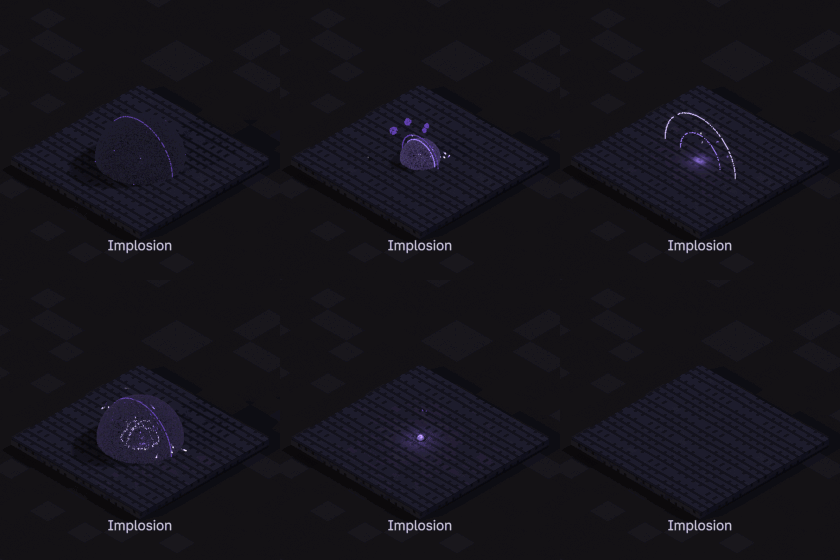
Implosion
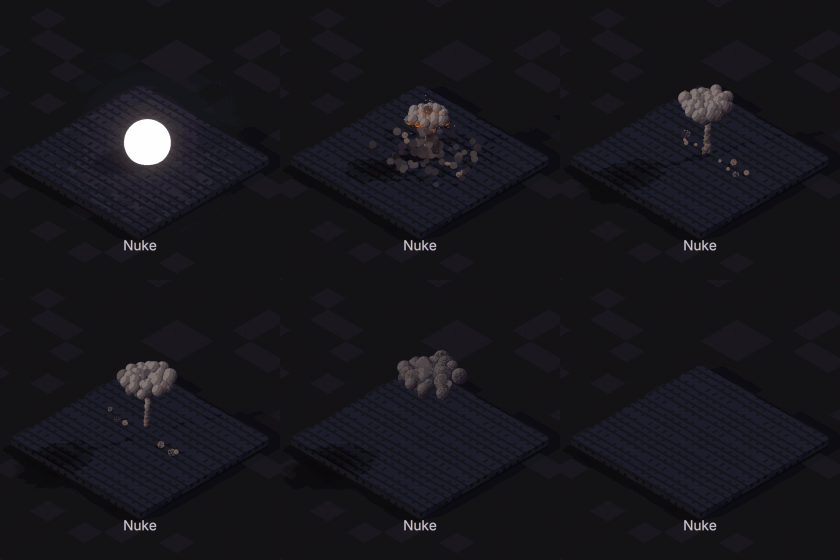
Nuke
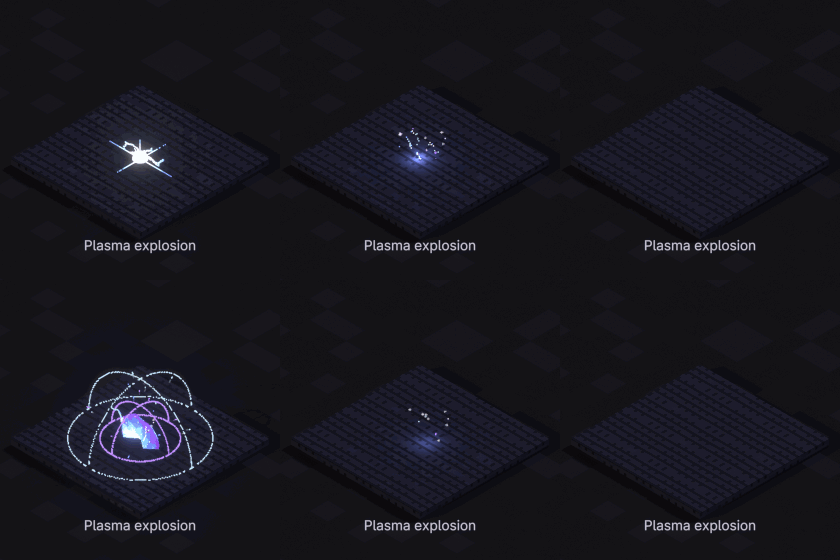
Plasma explosion
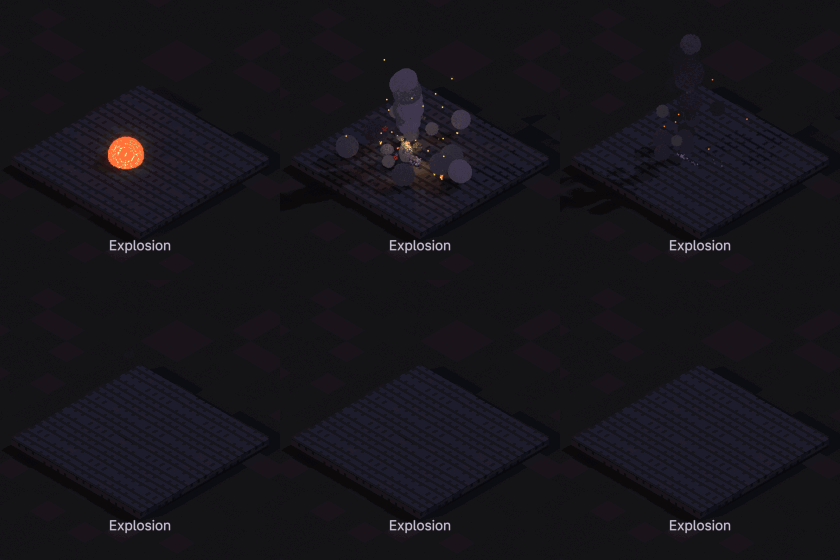
Explosion
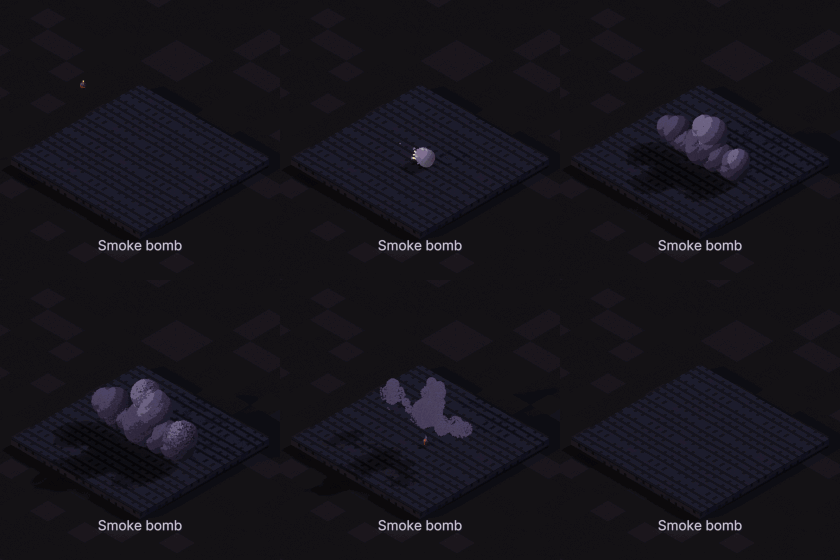
Smoke bomb
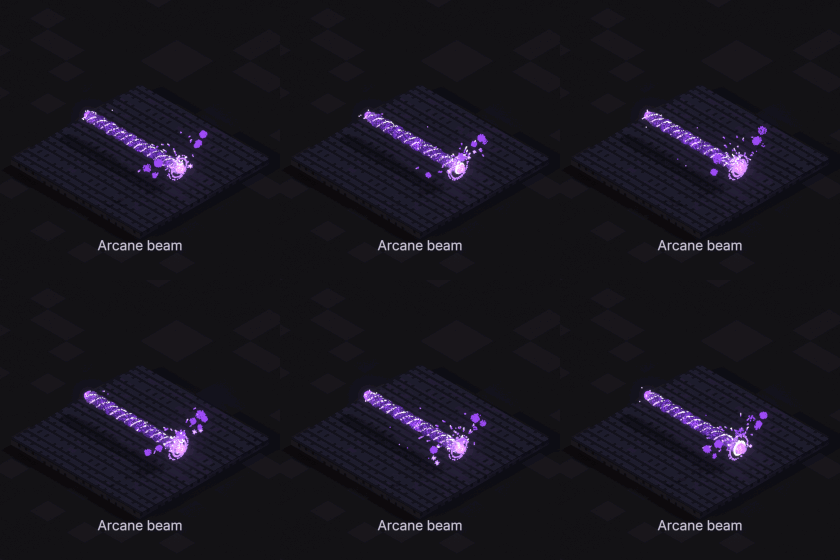
Arcane beam
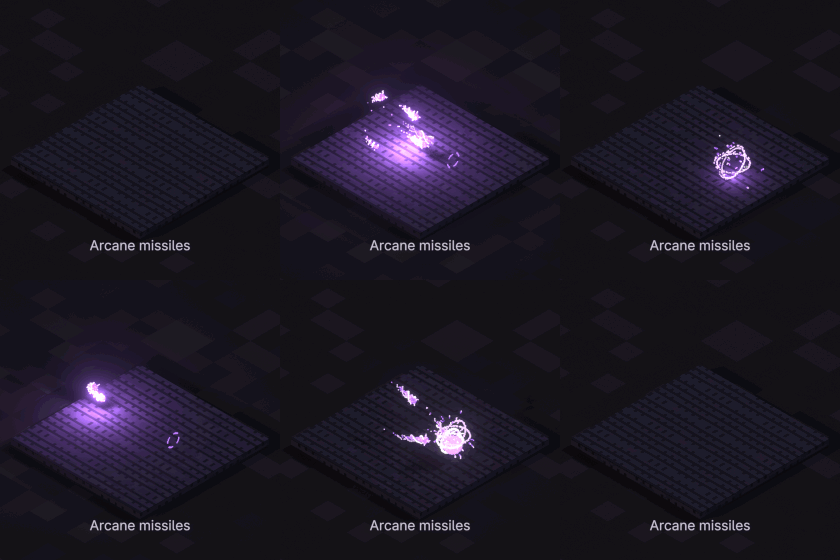
Arcane missiles
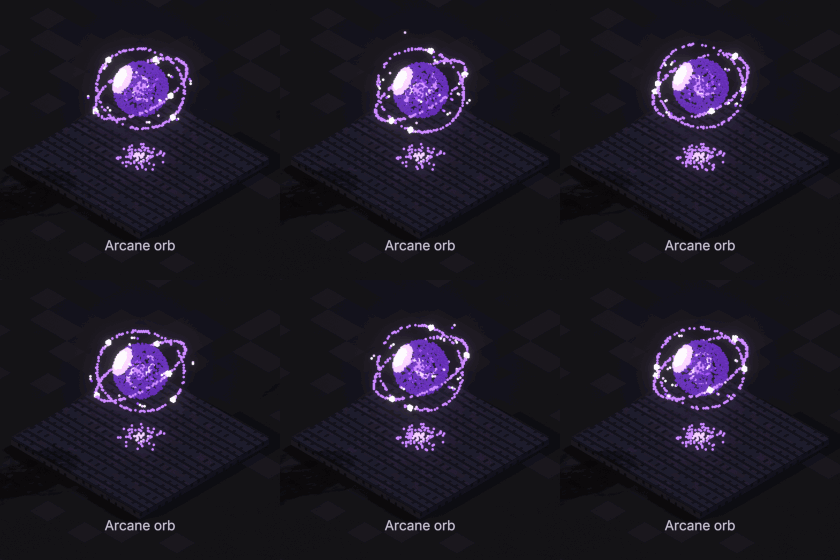
Arcane orb
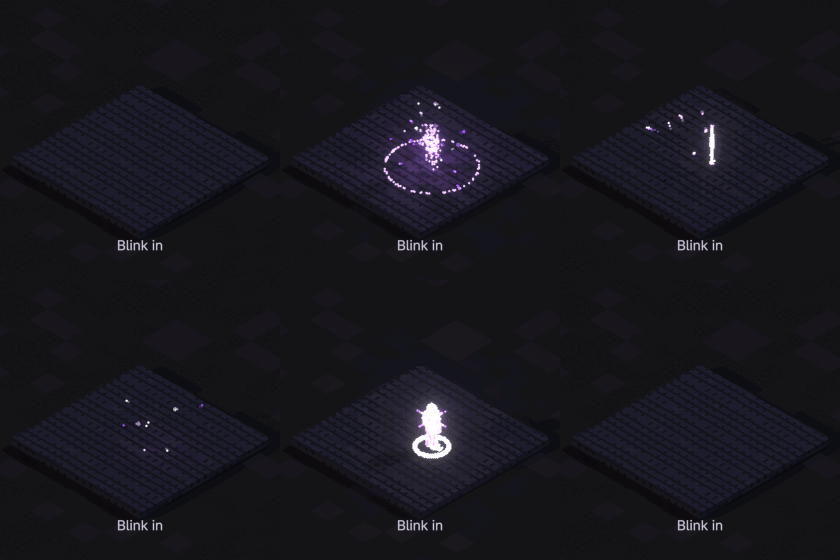
Blink in
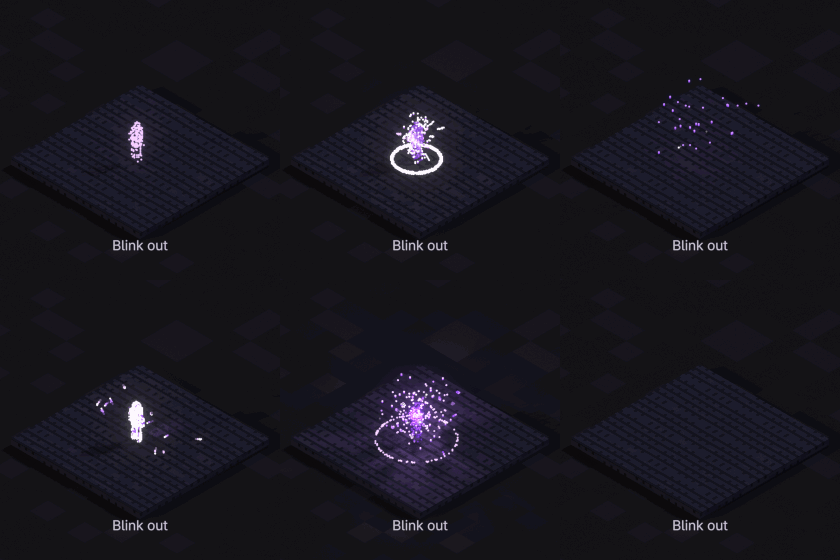
Blink out
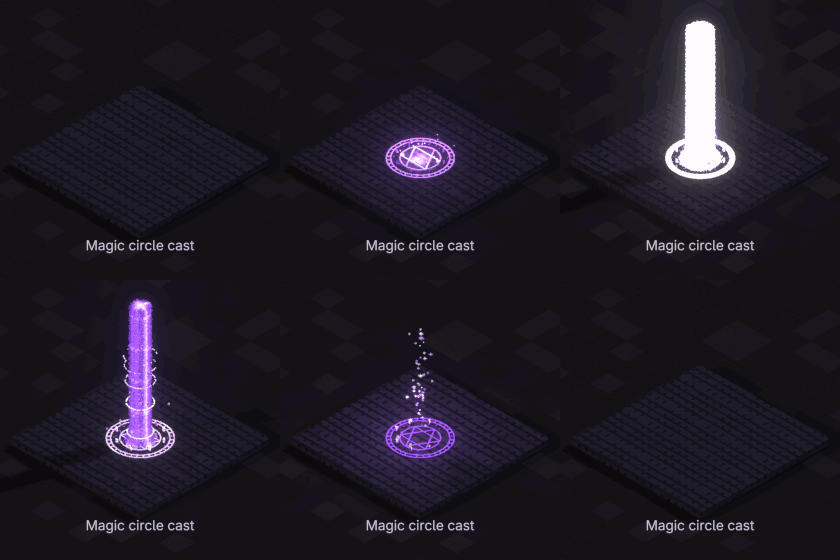
Magic circle cast
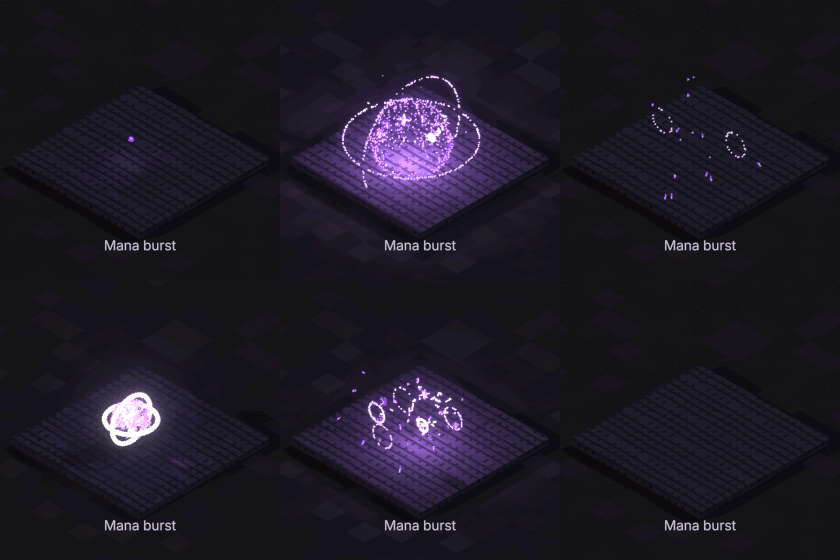
Mana burst
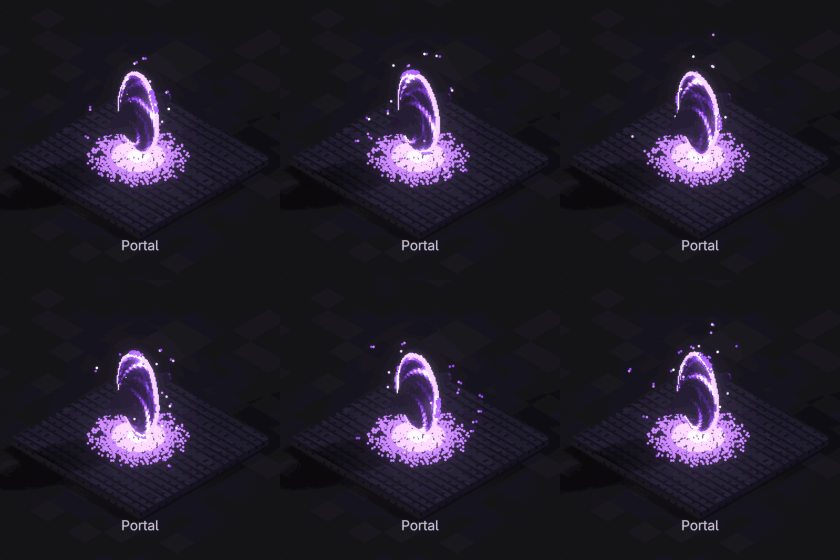
Portal
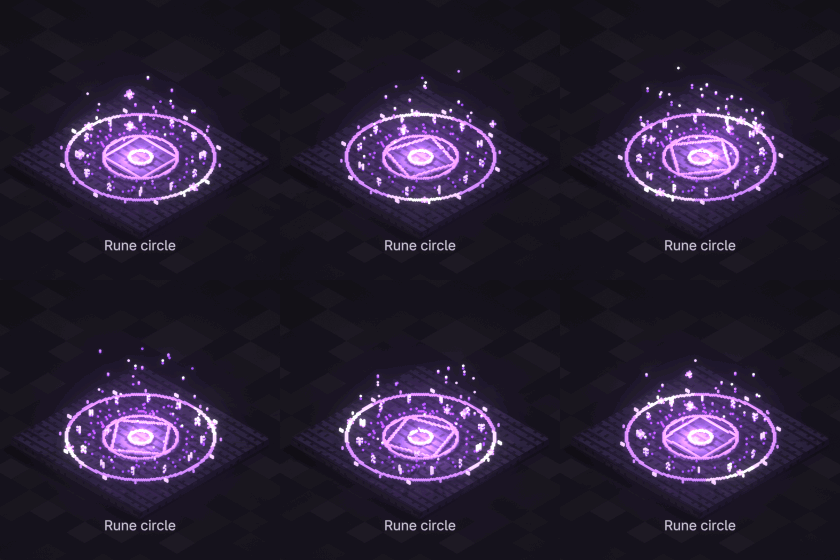
Rune circle
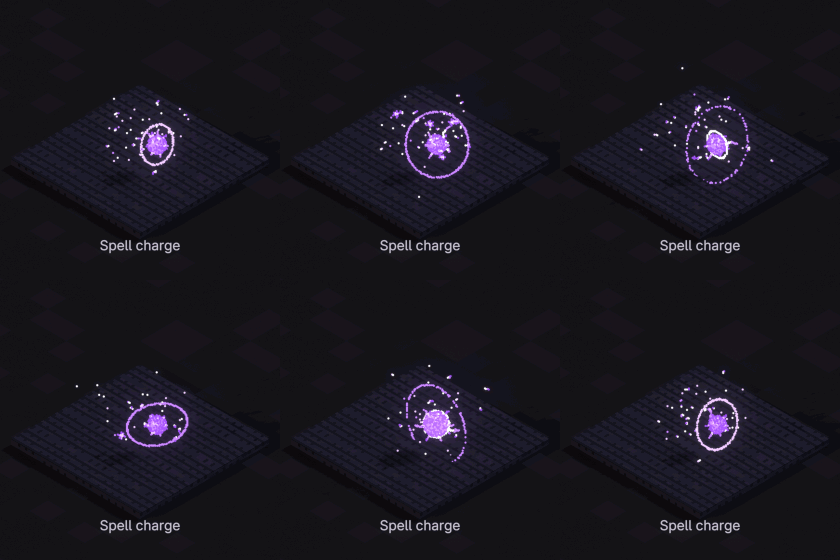
Spell charge
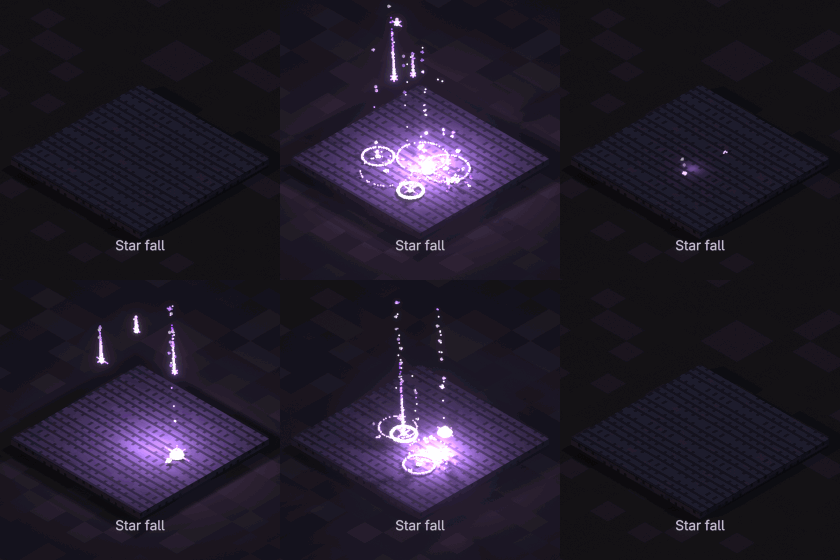
Star fall
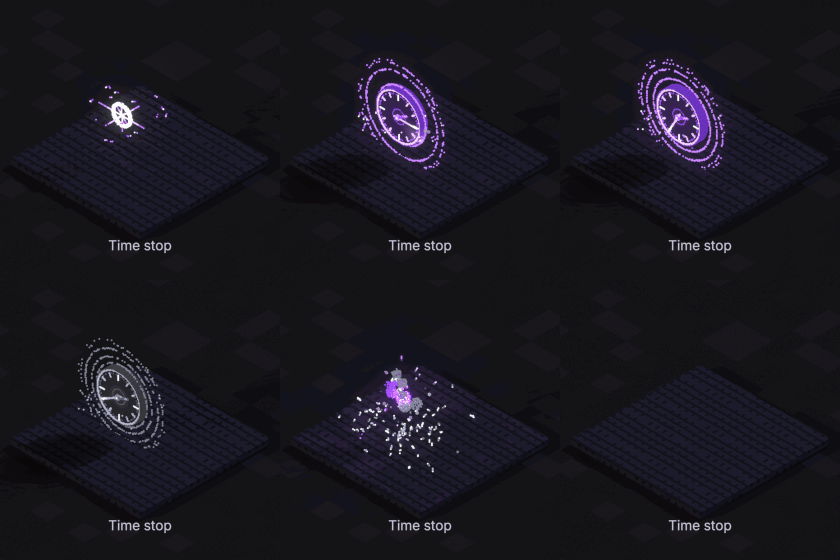
Time stop
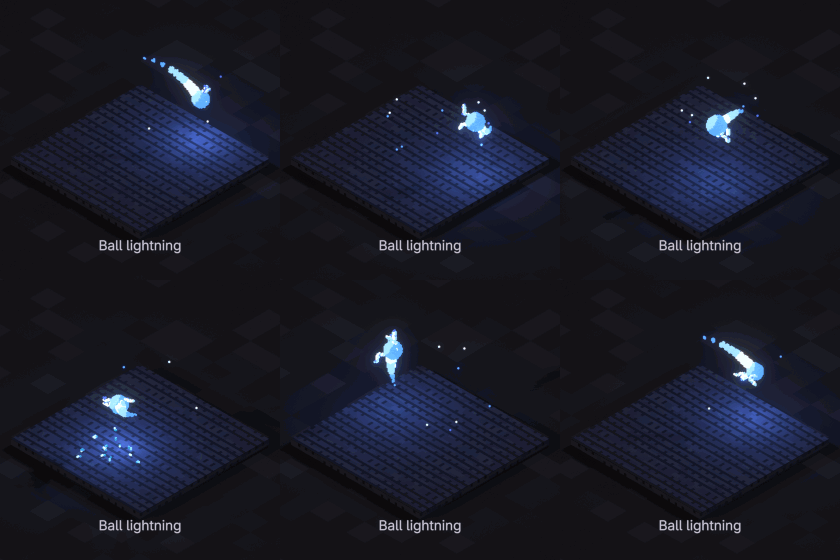
Ball lightning
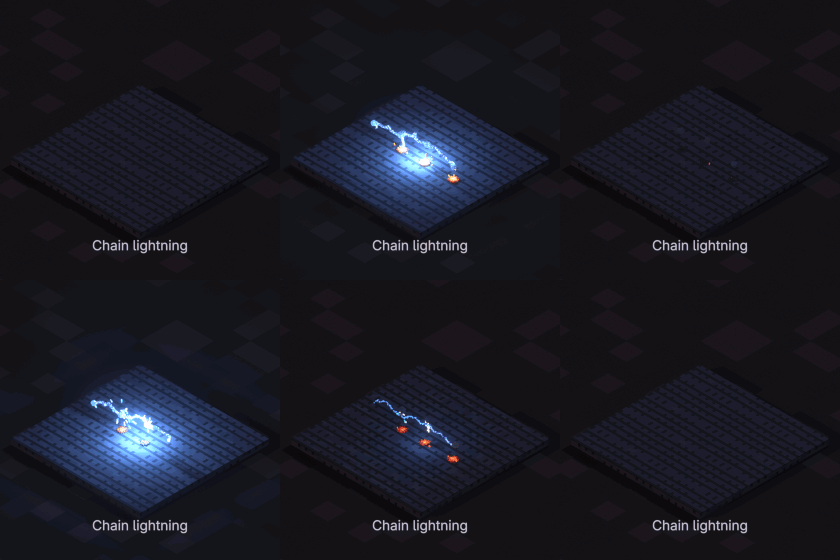
Chain lightning
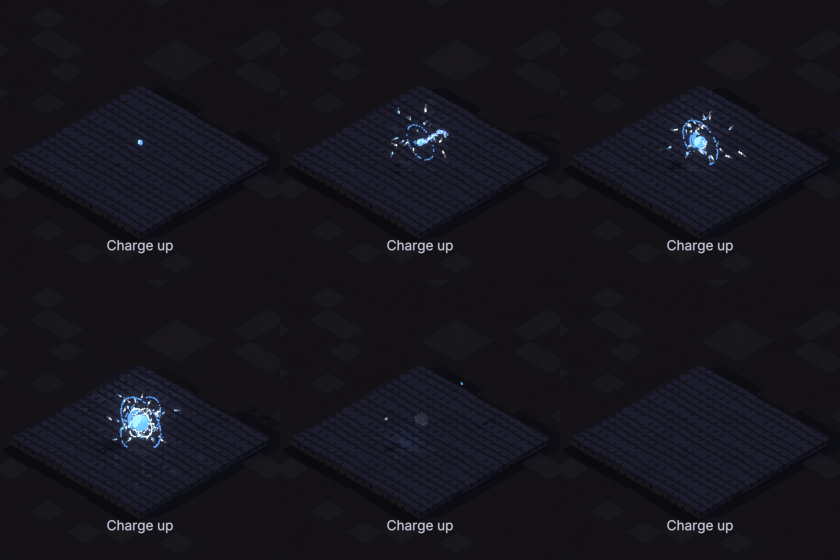
Charge up
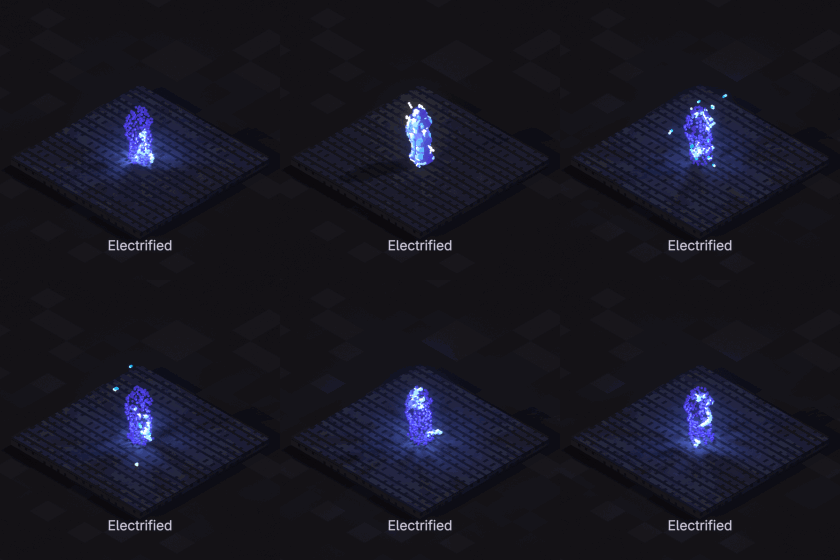
Electrified
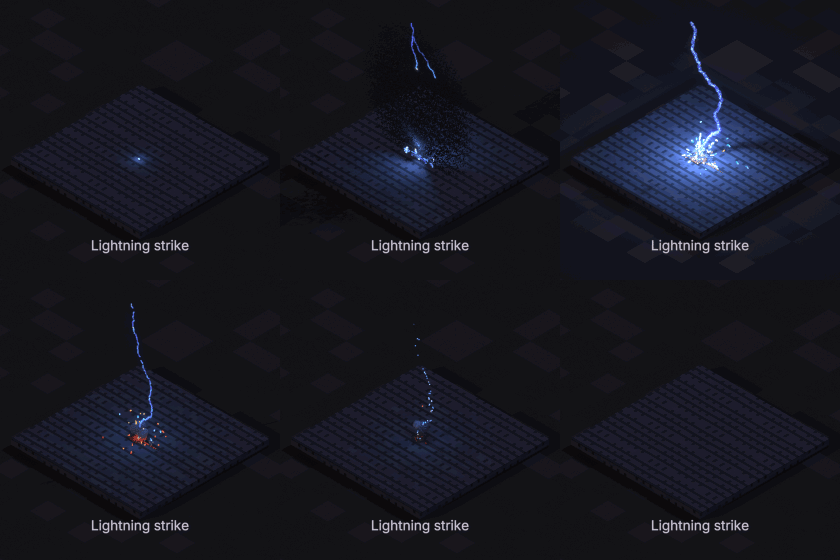
Lightning strike
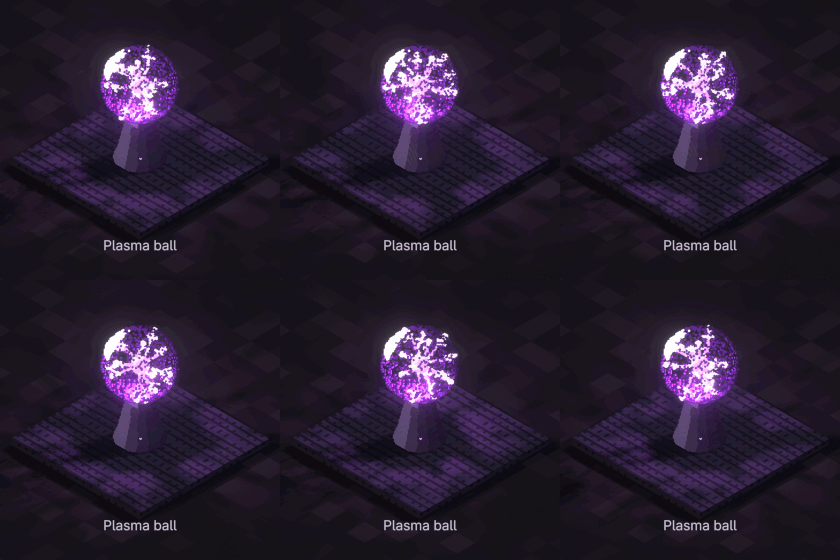
Plasma ball
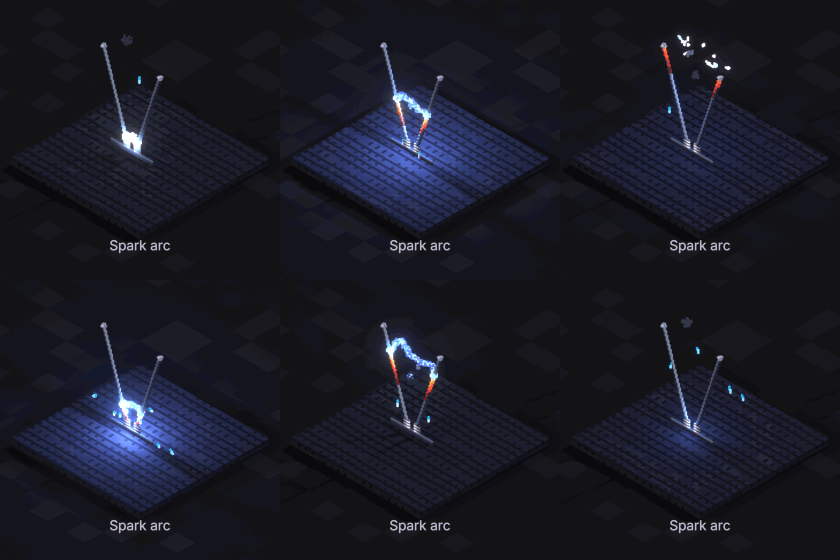
Spark arc
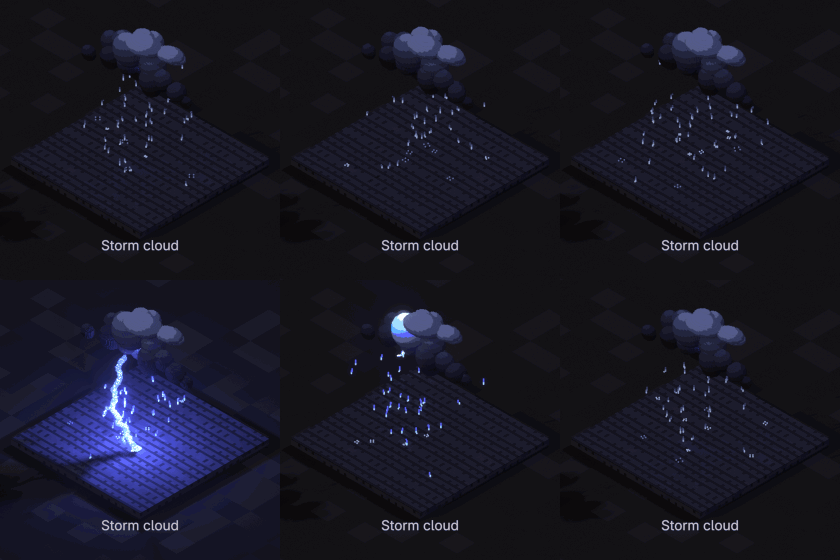
Storm cloud
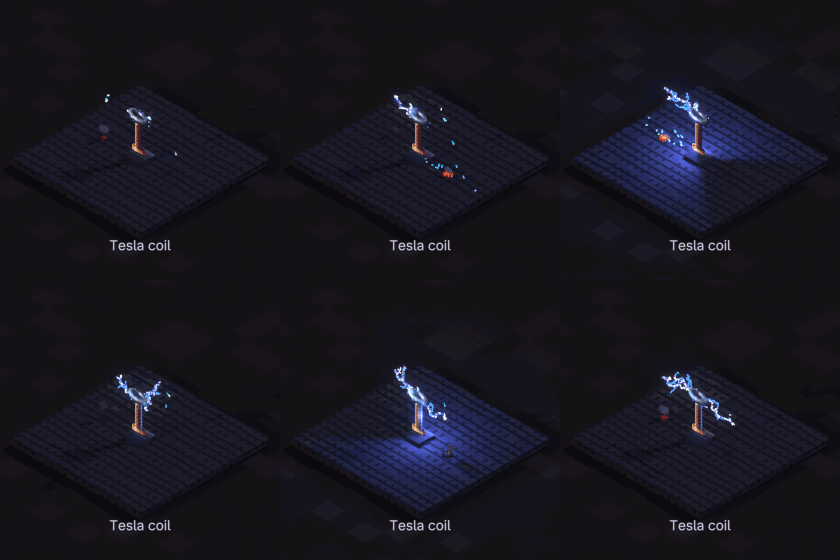
Tesla coil
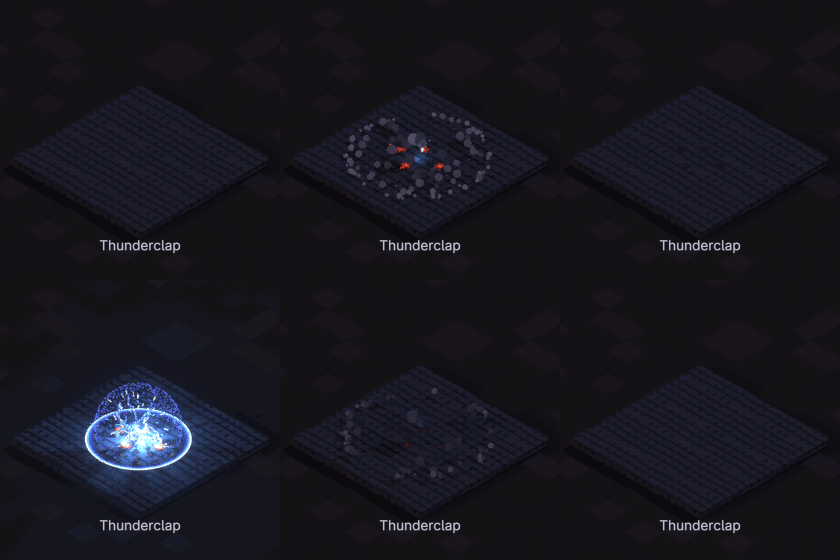
Thunderclap
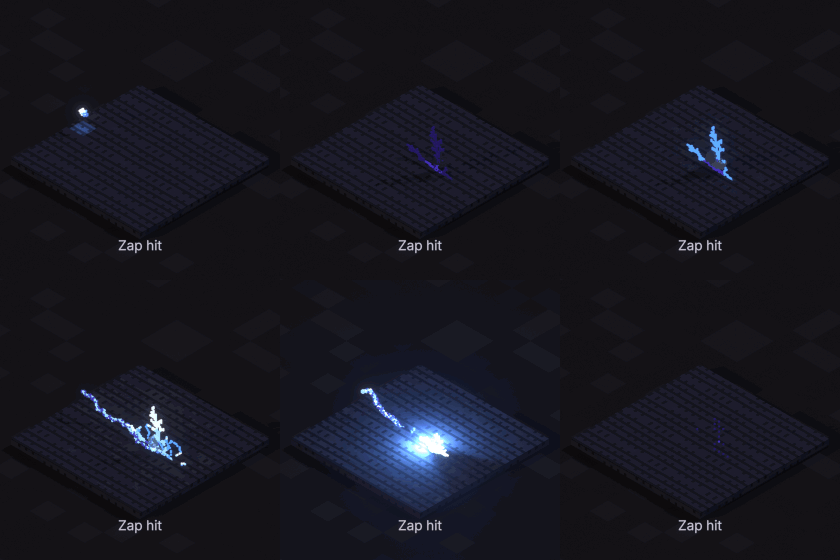
Zap hit
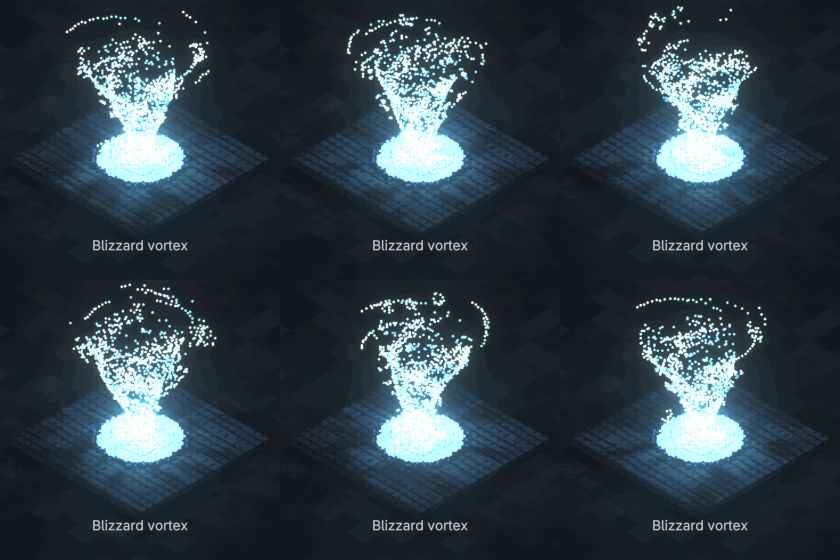
Blizzard vortex
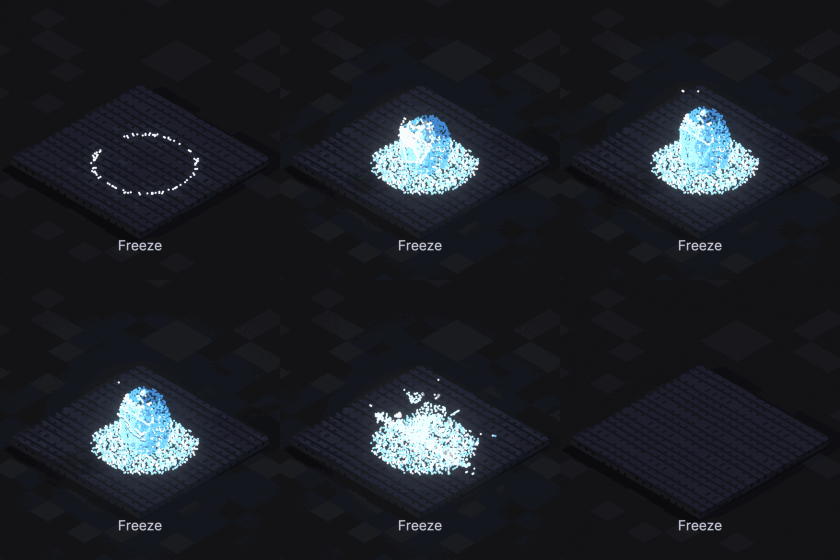
Freeze
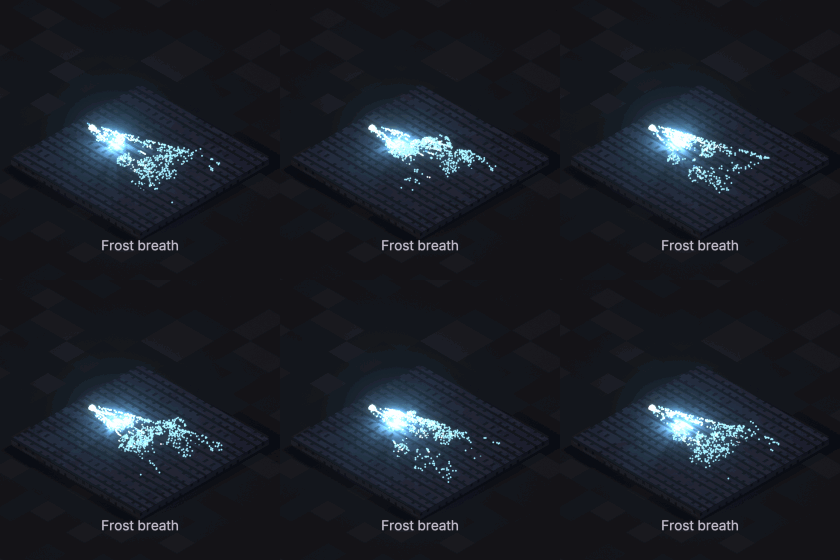
Frost breath
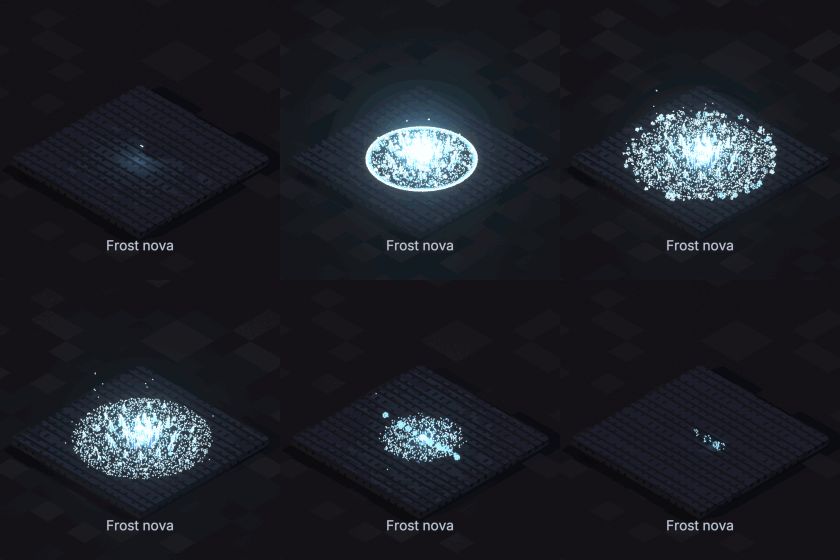
Frost nova
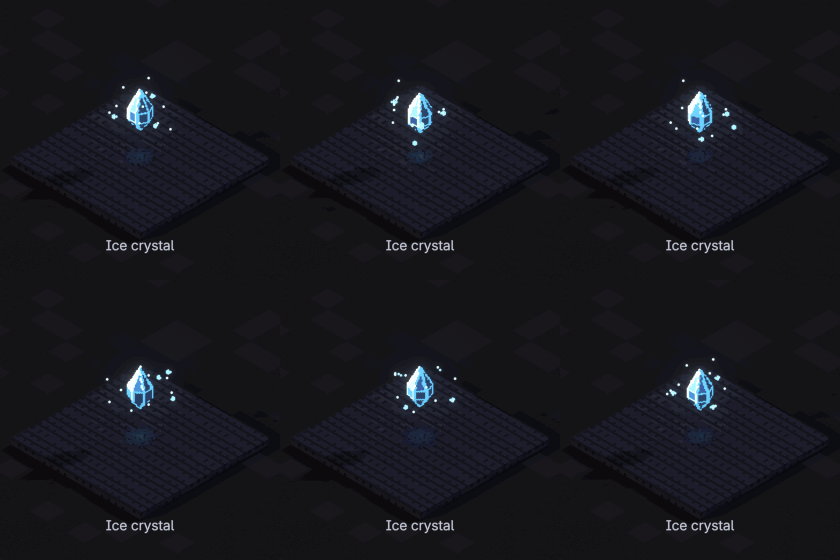
Ice crystal
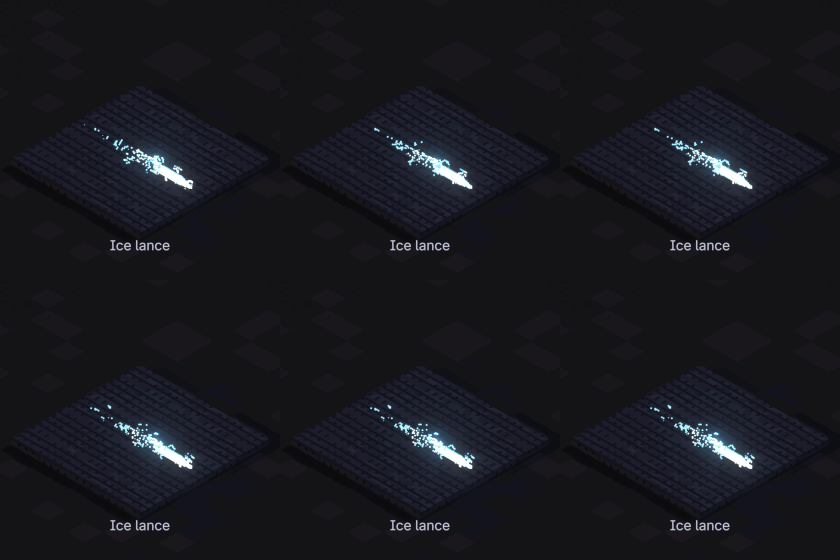
Ice lance
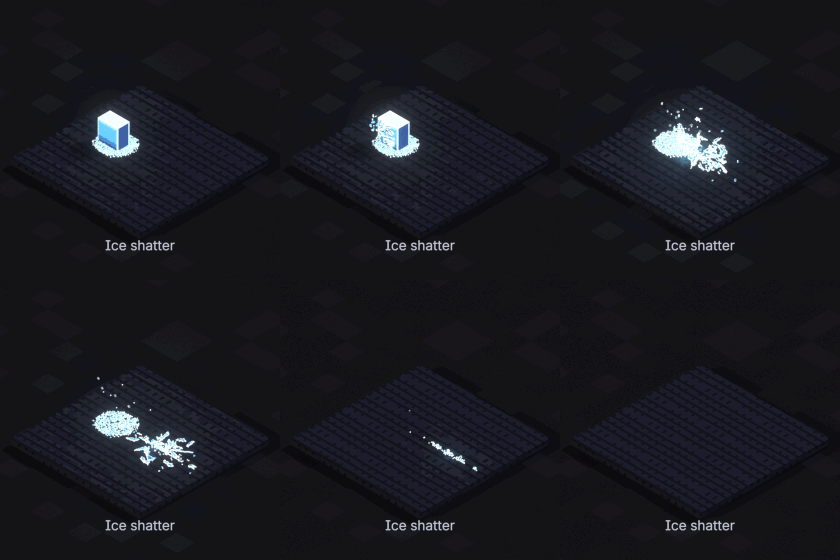
Ice shatter
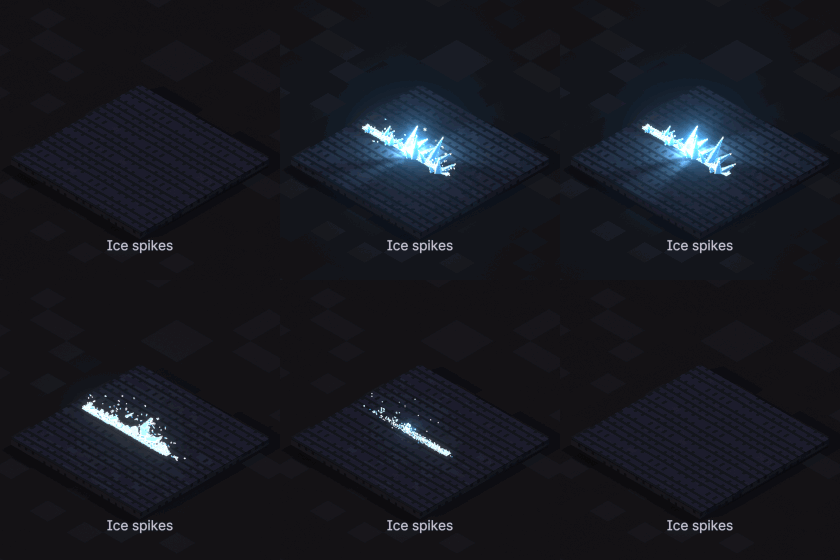
Ice spikes
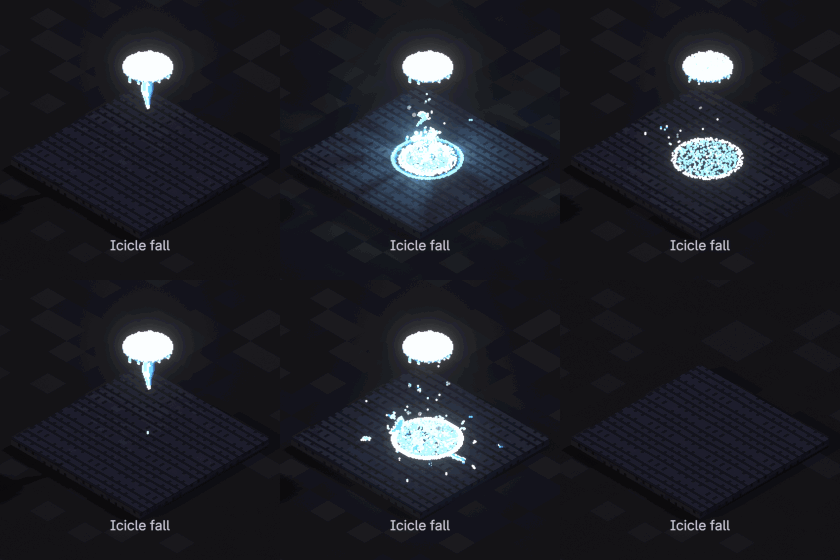
Icicle fall
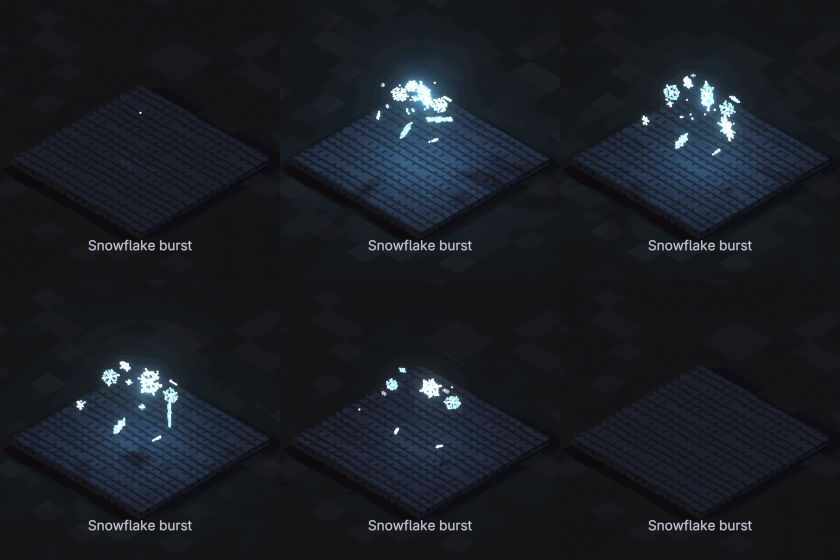
Snowflake burst
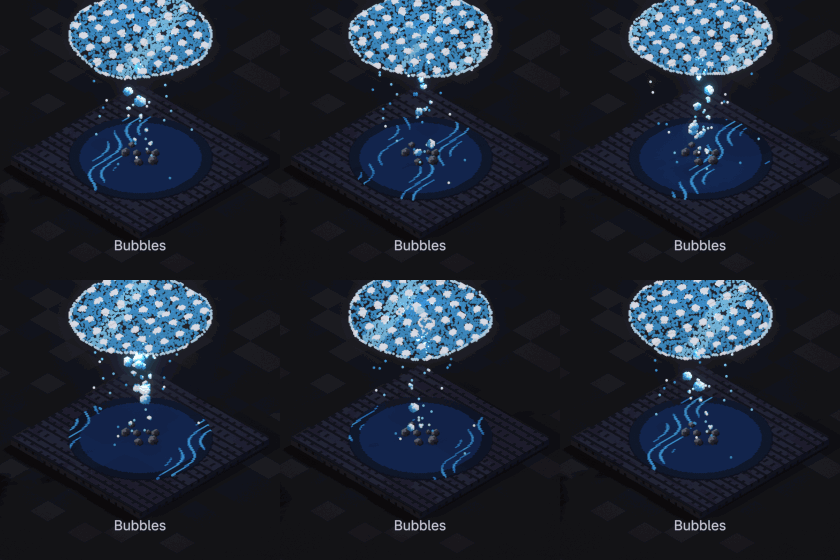
Bubbles
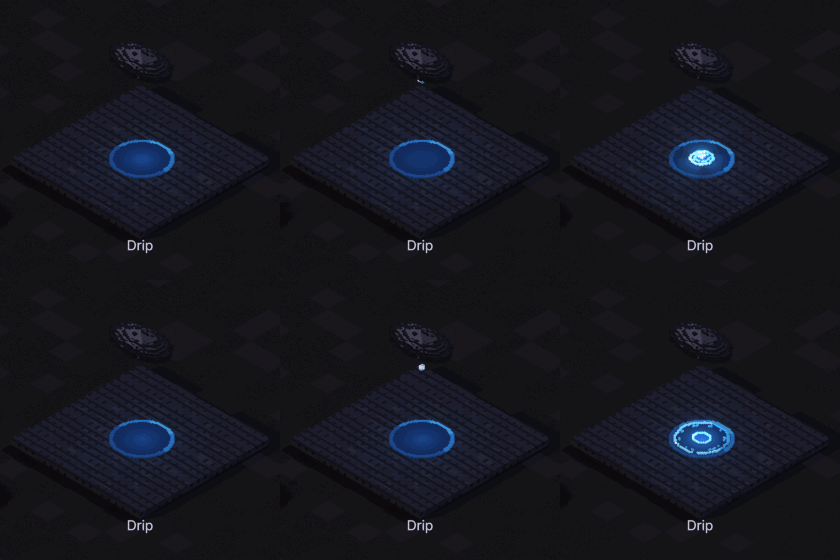
Drip
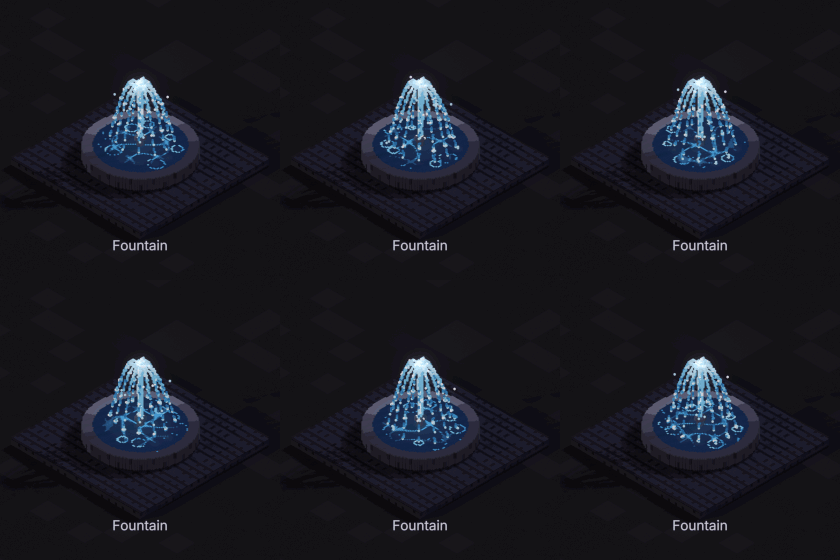
Fountain
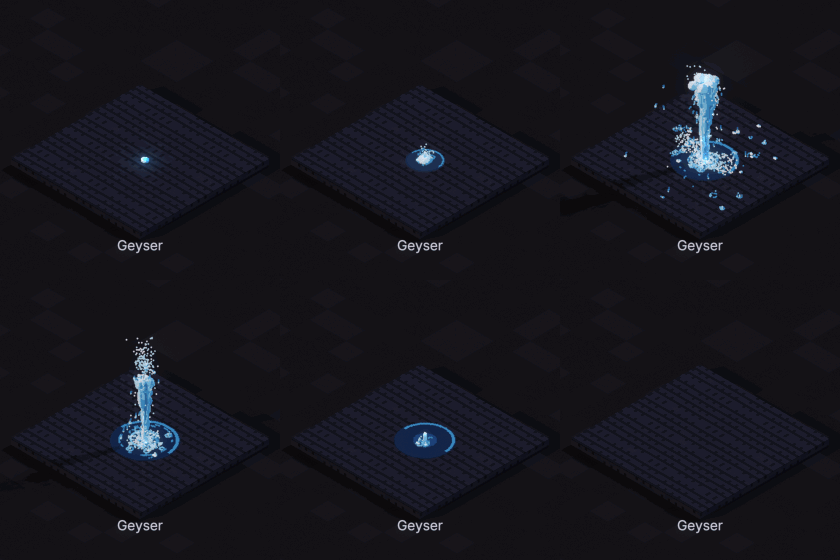
Geyser
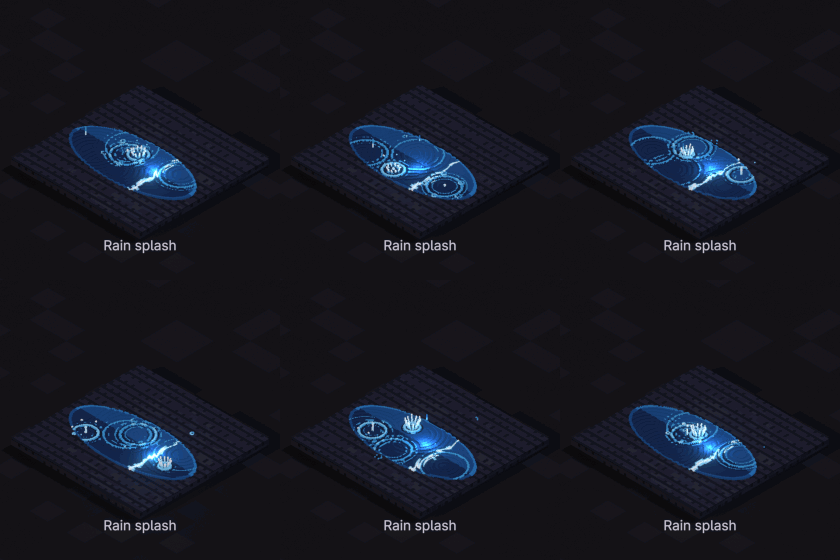
Rain splash
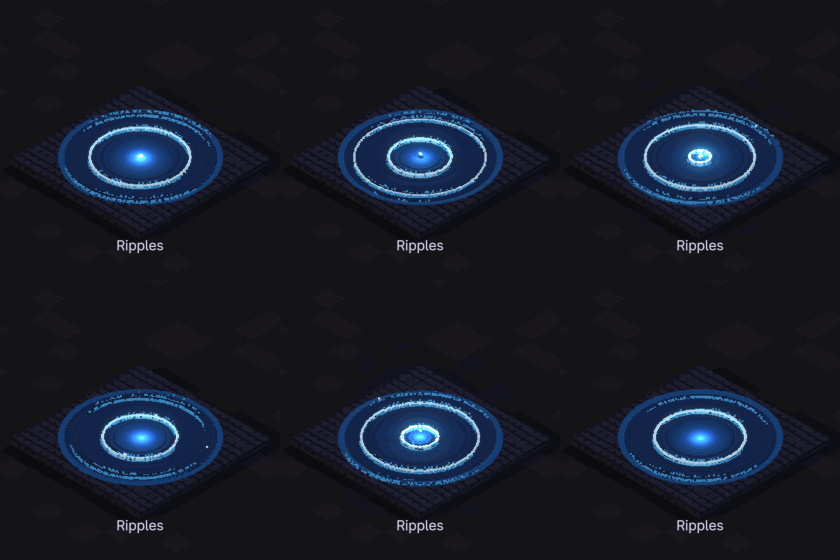
Ripples
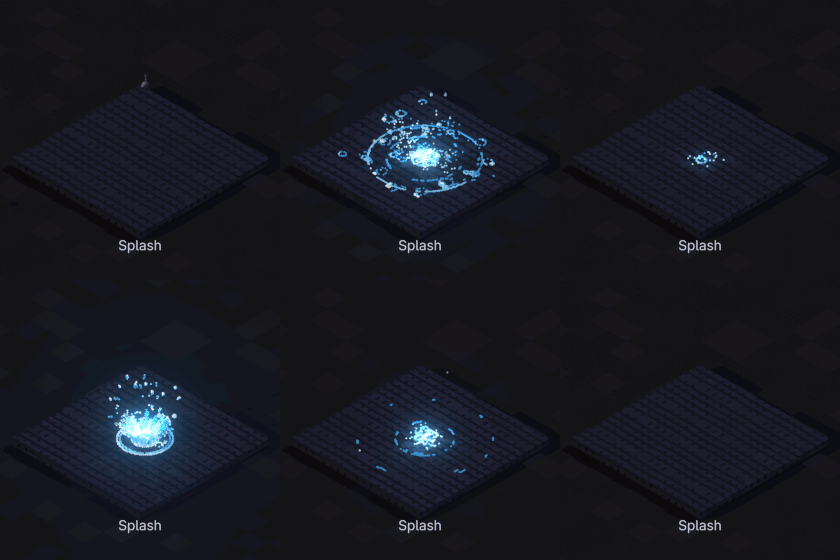
Splash
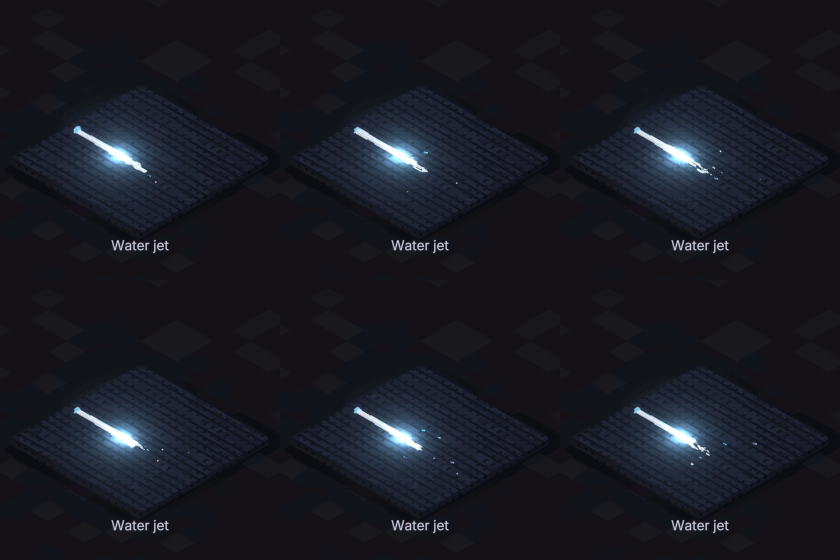
Water jet
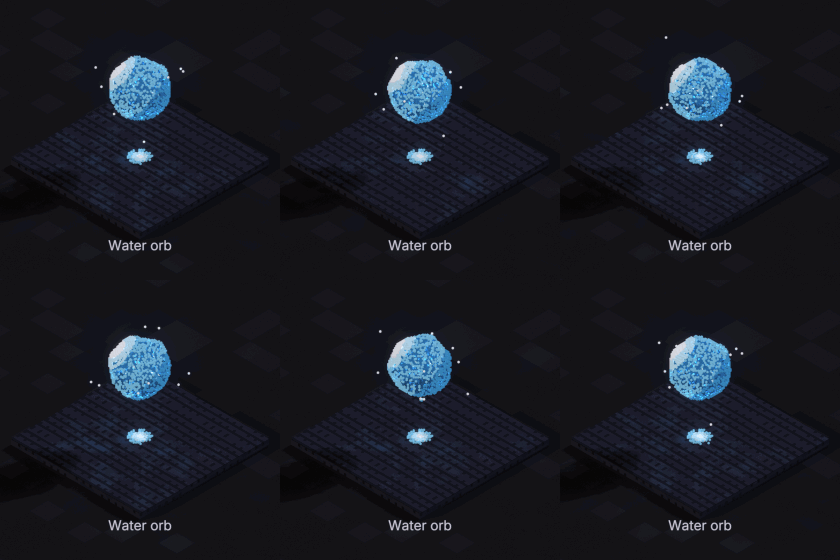
Water orb
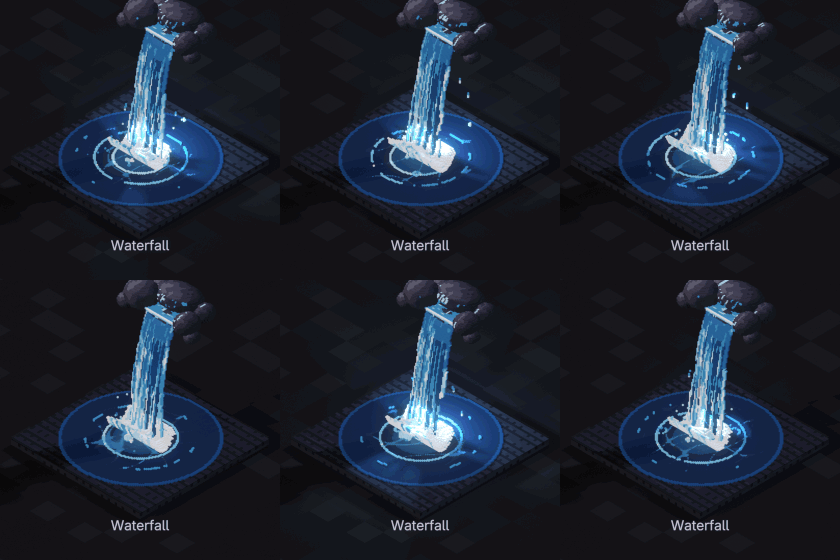
Waterfall
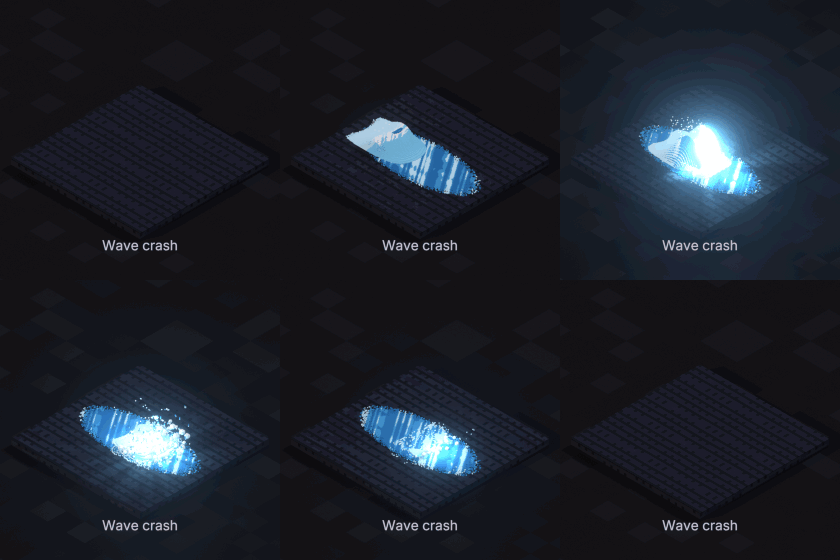
Wave crash
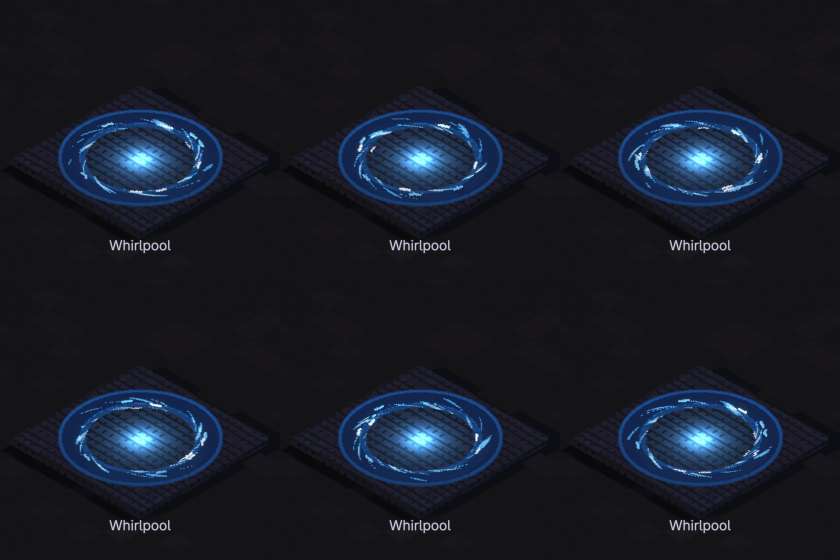
Whirlpool
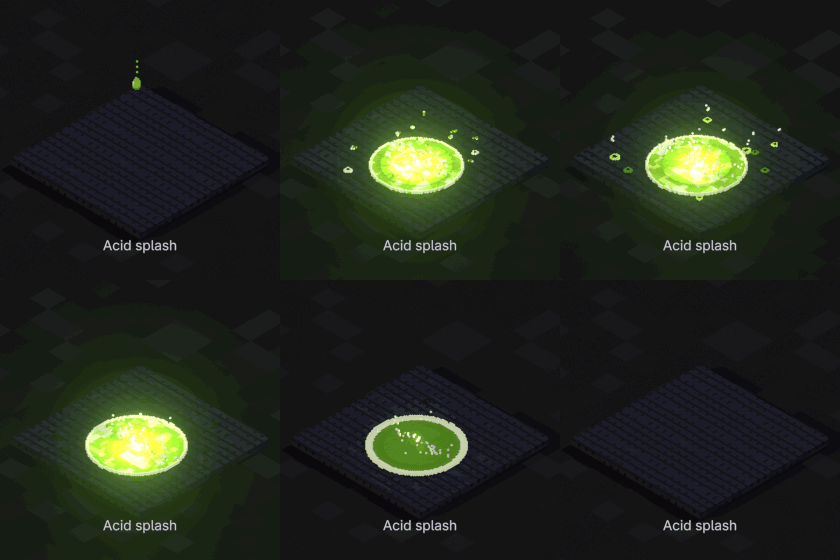
Acid splash
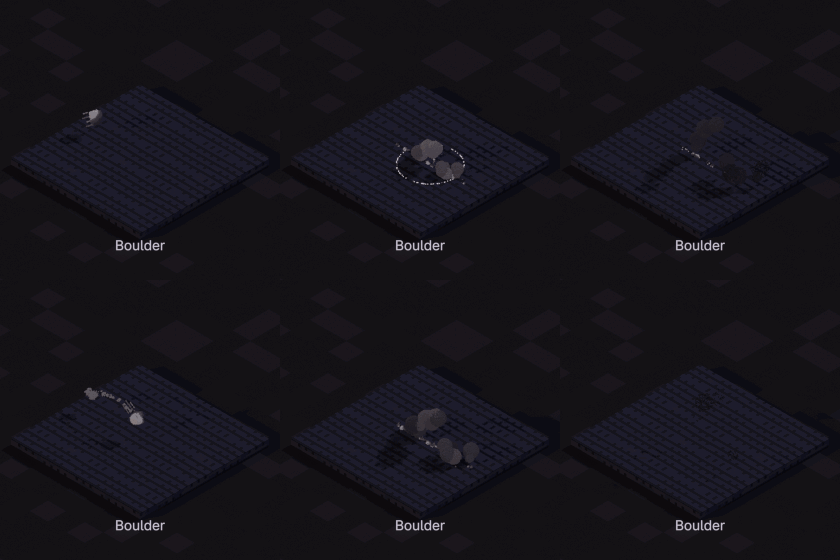
Boulder
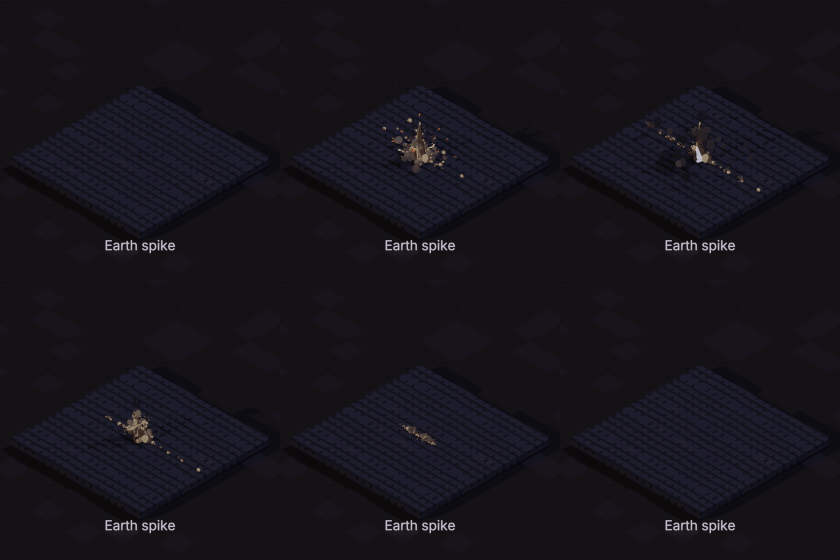
Earth spike
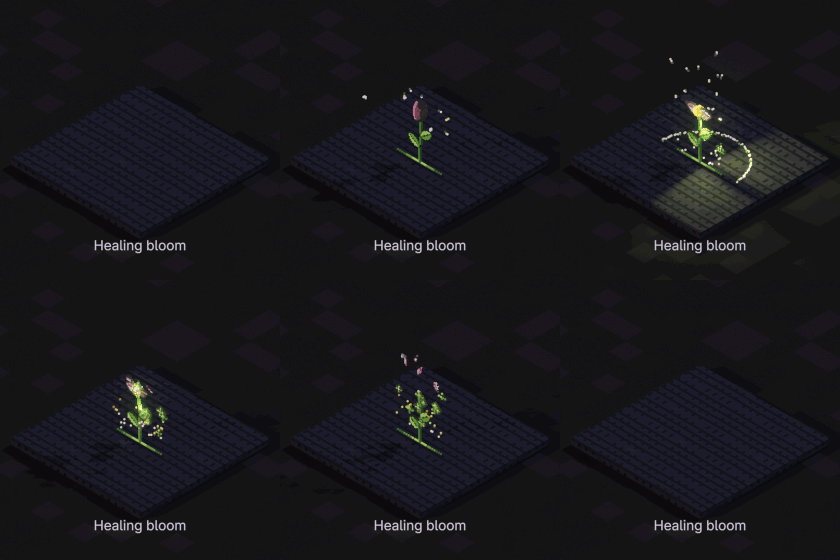
Healing bloom
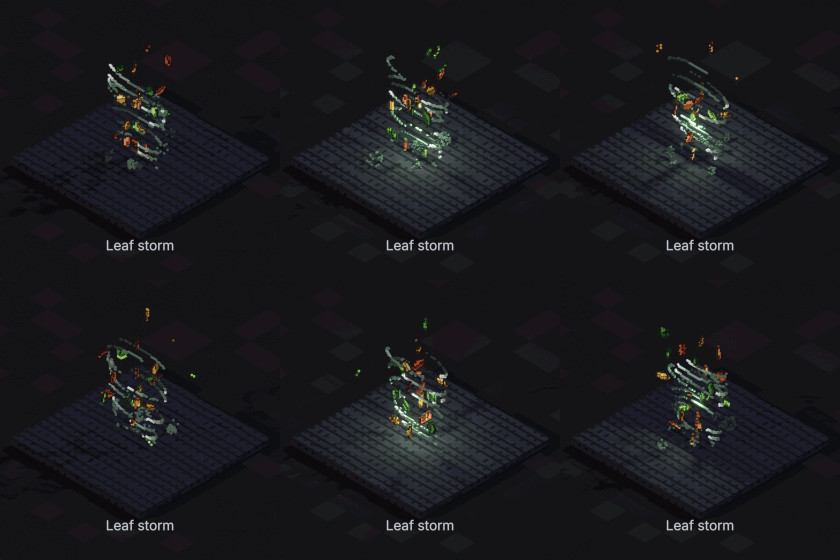
Leaf storm
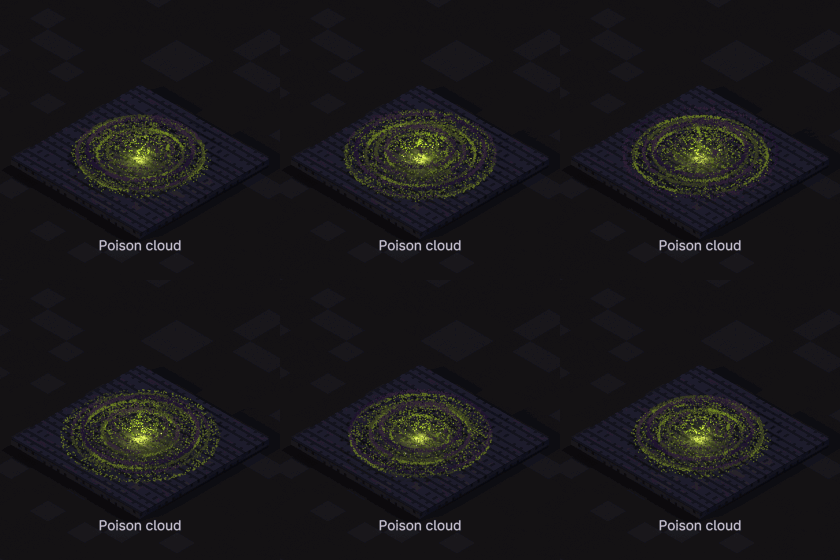
Poison cloud
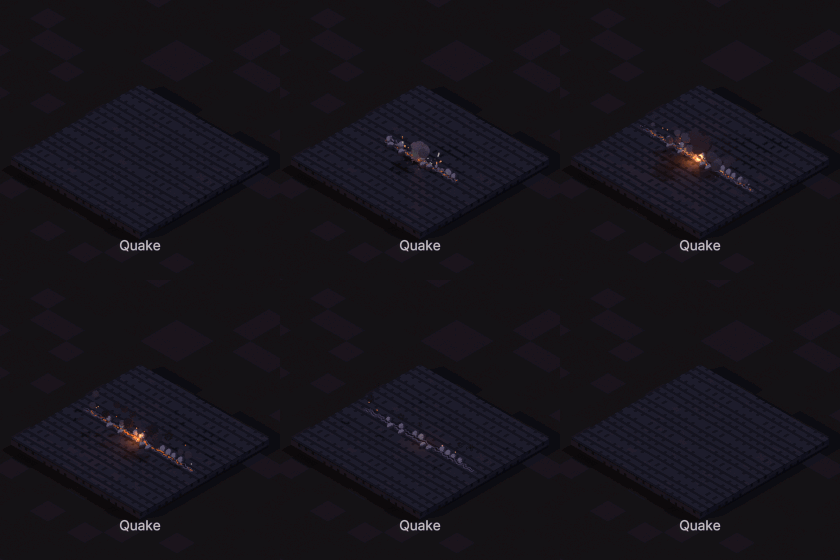
Quake
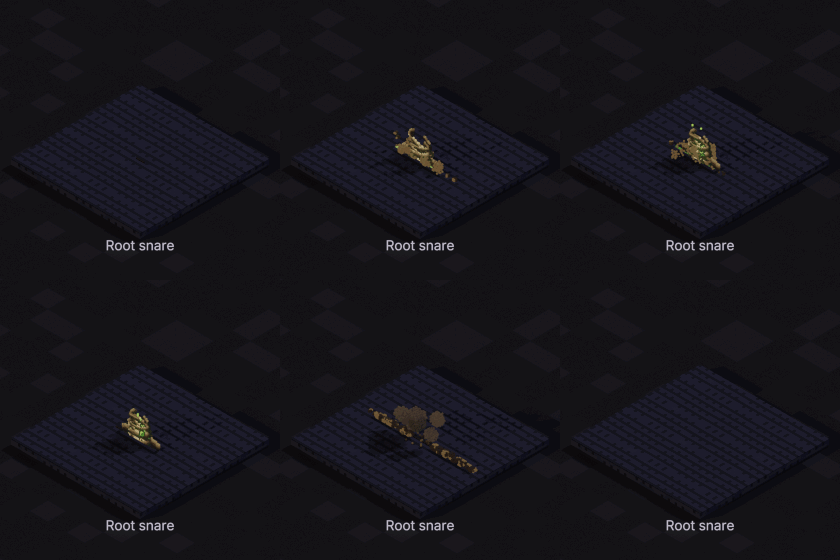
Root snare
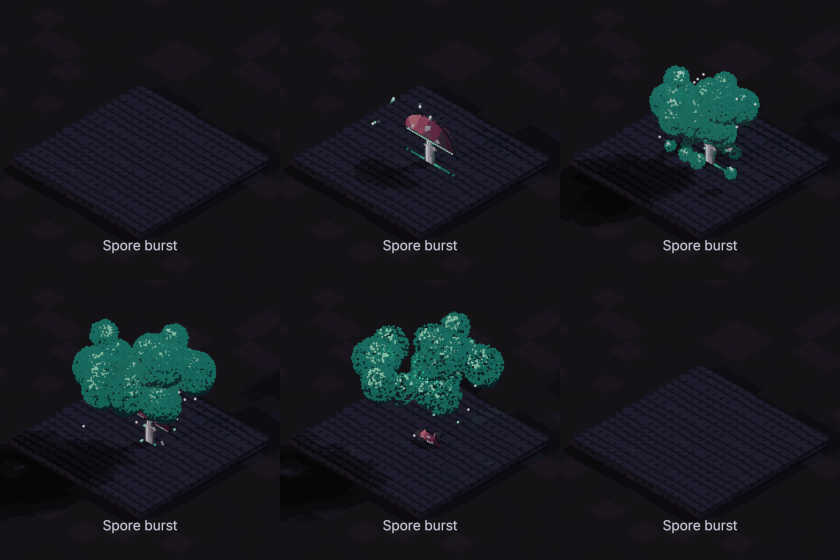
Spore burst
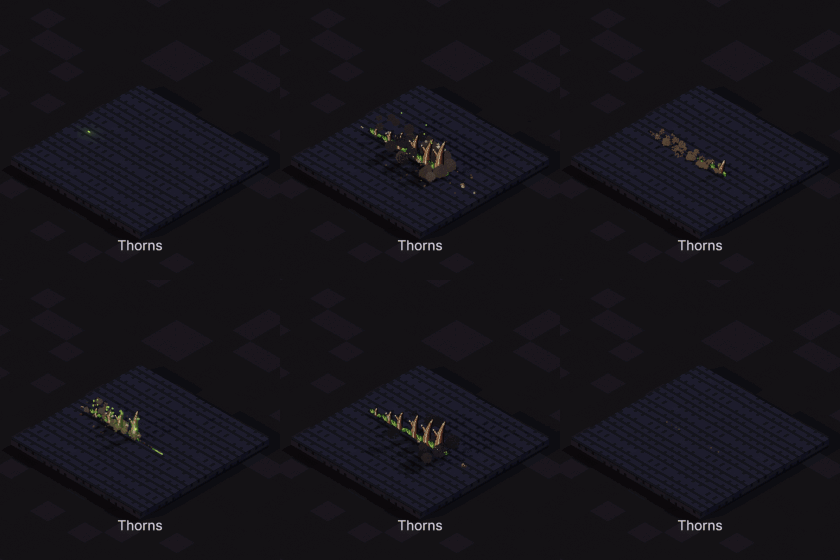
Thorns
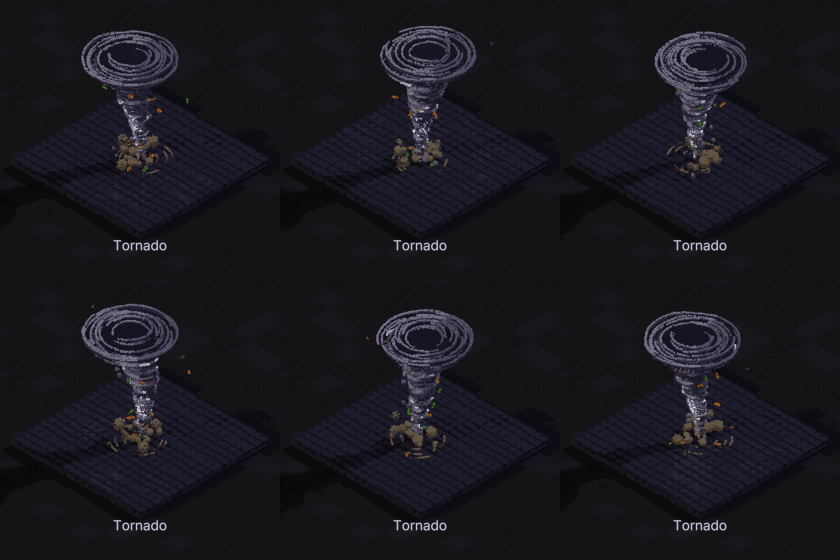
Tornado
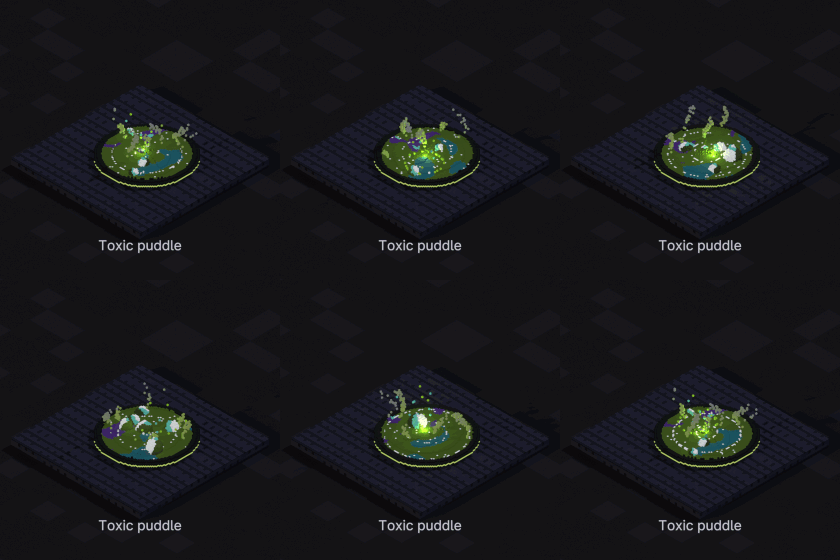
Toxic puddle
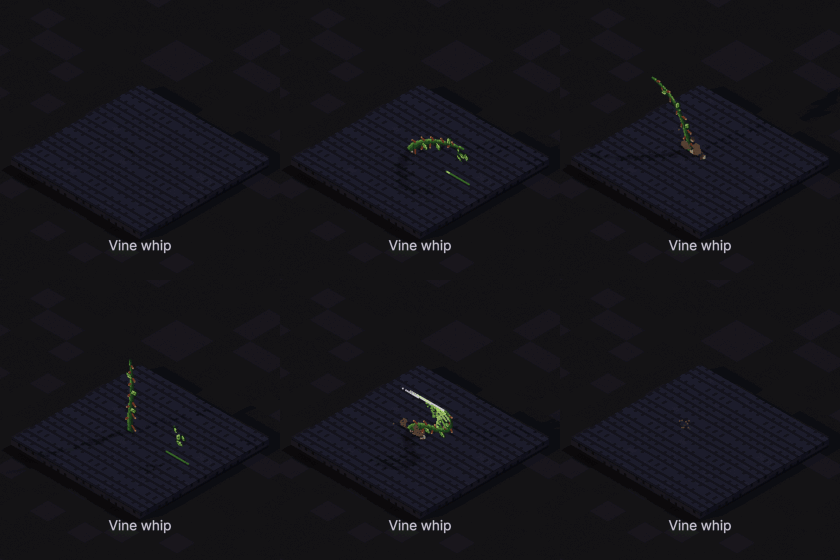
Vine whip
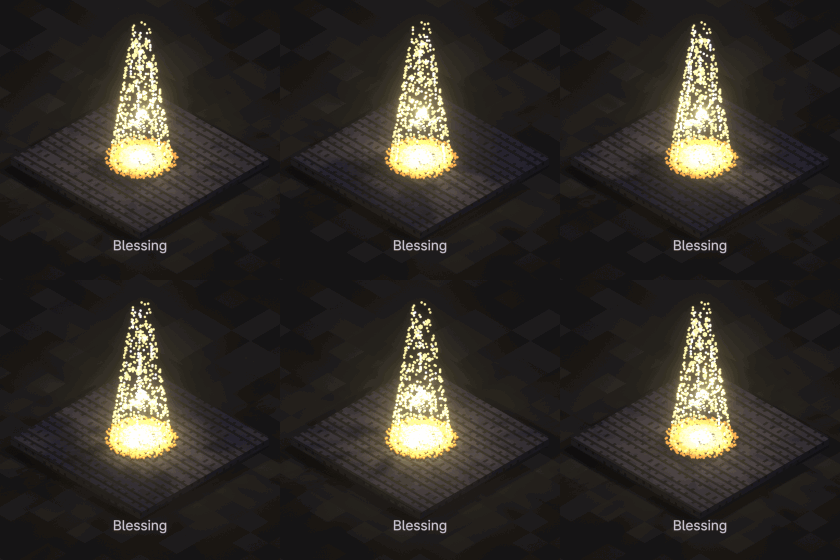
Blessing
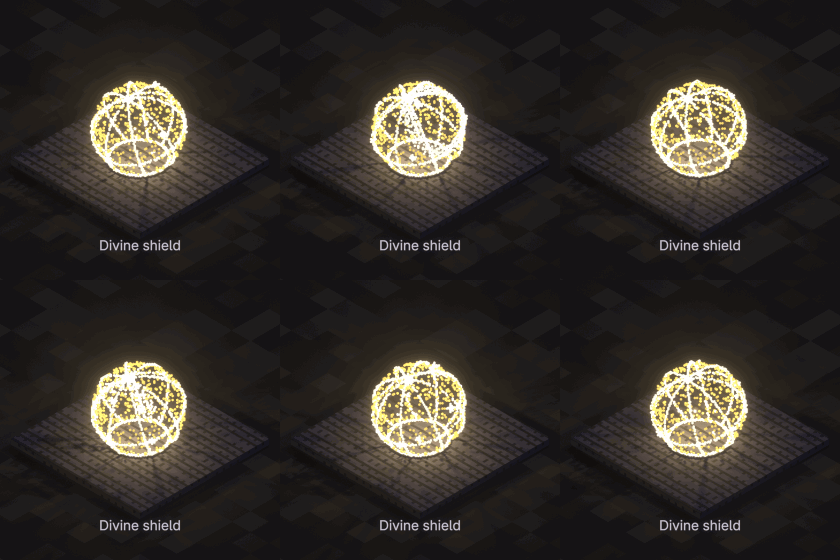
Divine shield
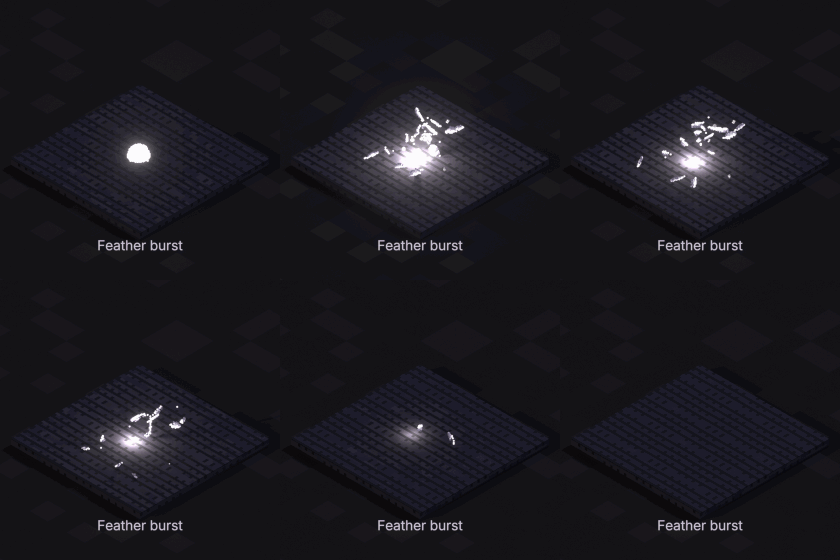
Feather burst
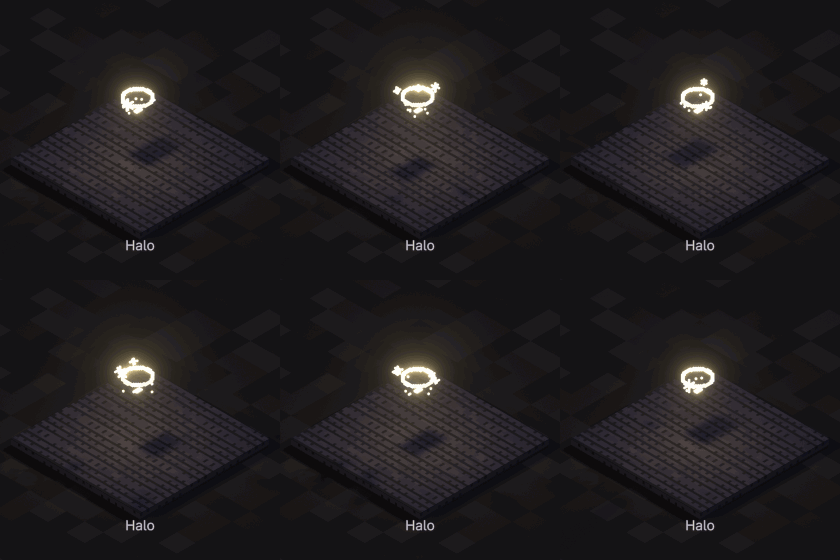
Halo
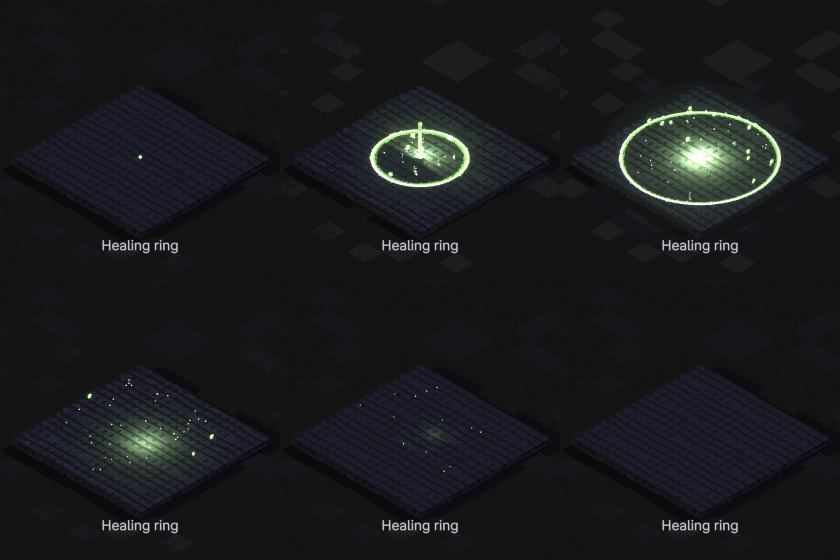
Healing ring
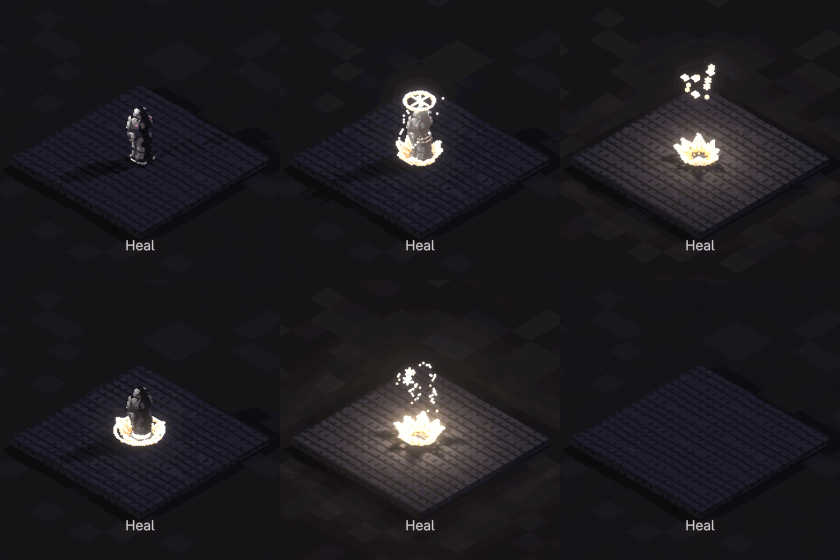
Heal
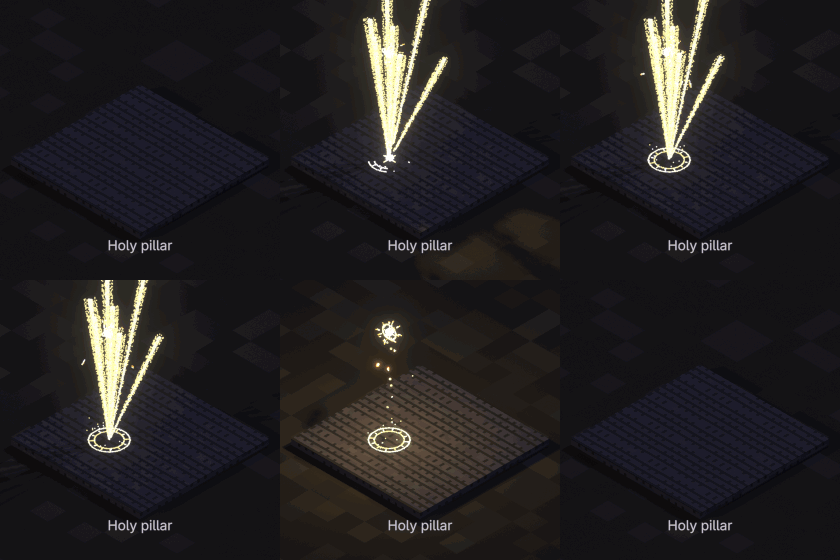
Holy pillar
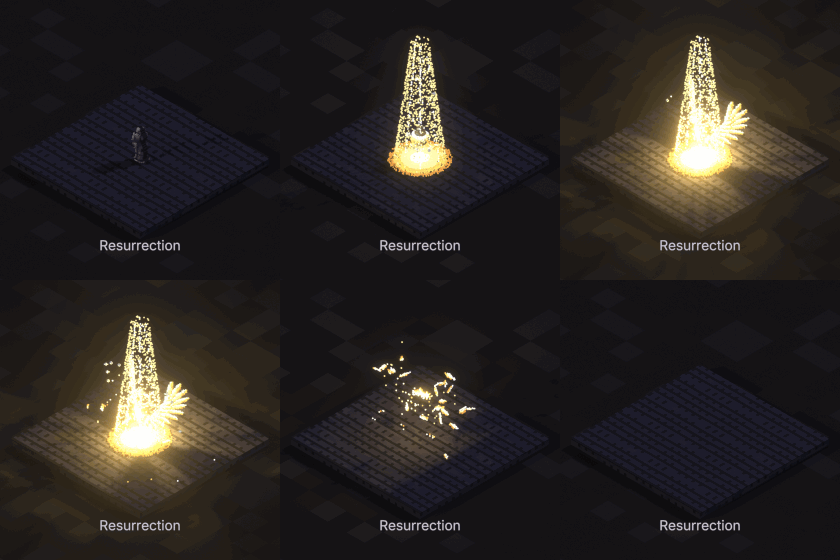
Resurrection
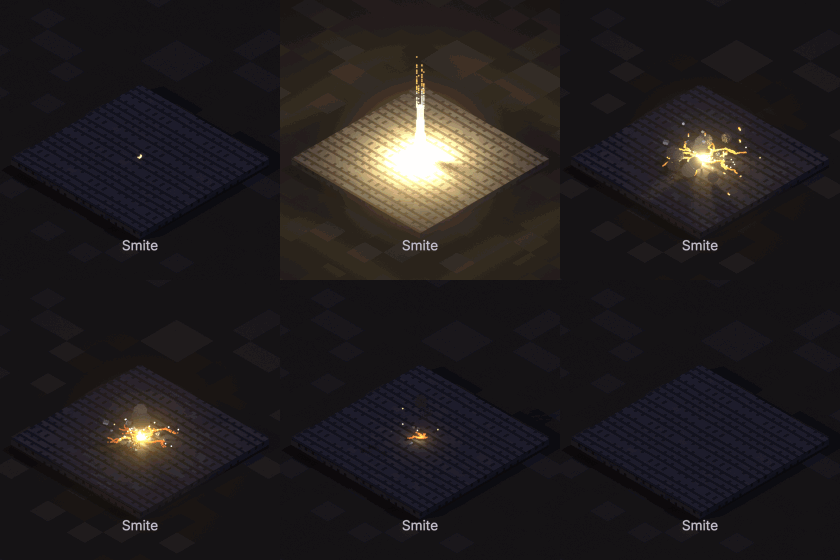
Smite
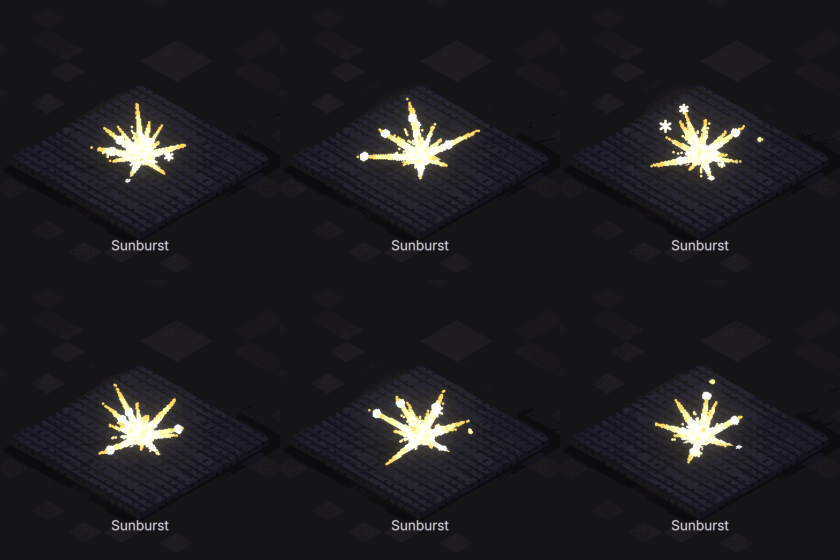
Sunburst
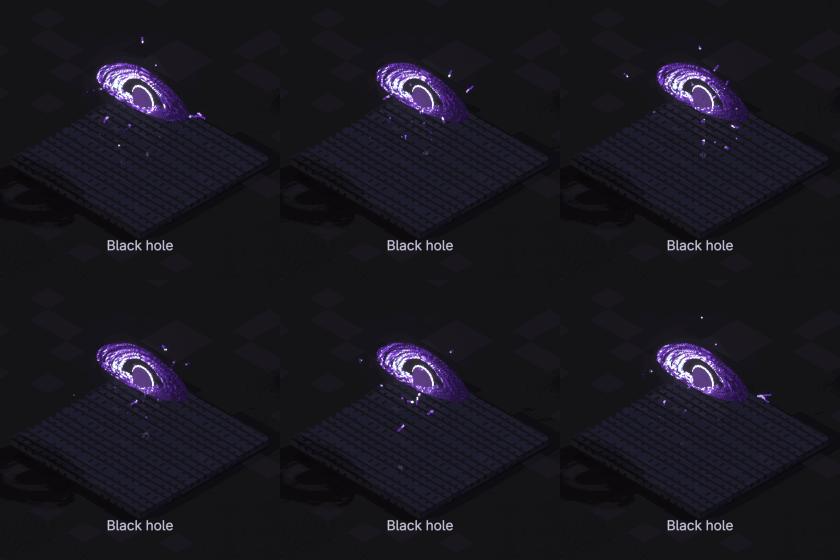
Black hole
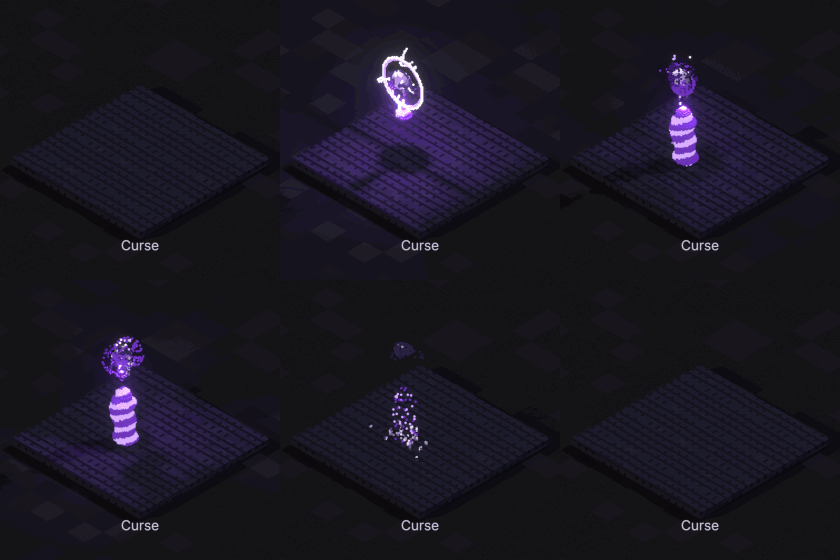
Curse
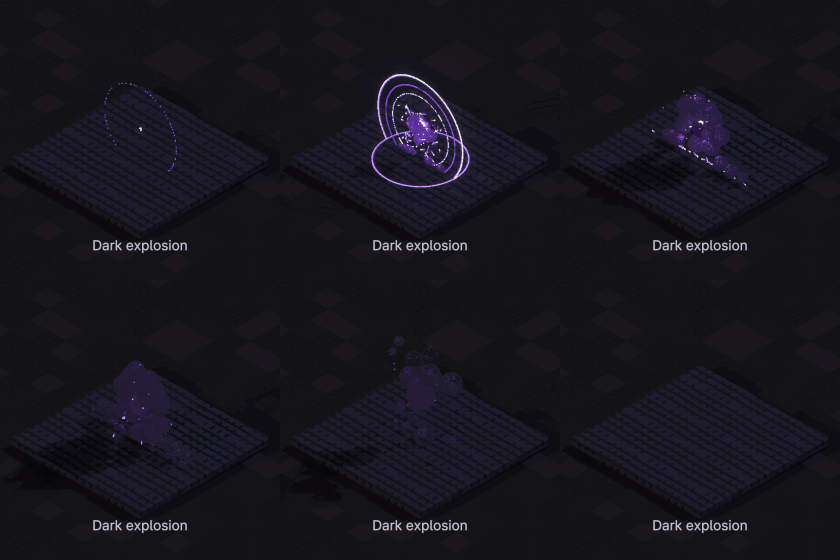
Dark explosion
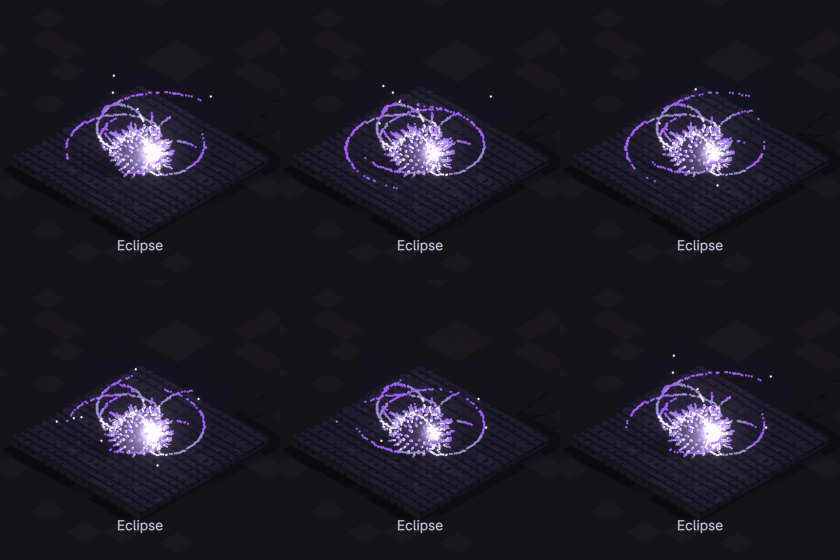
Eclipse
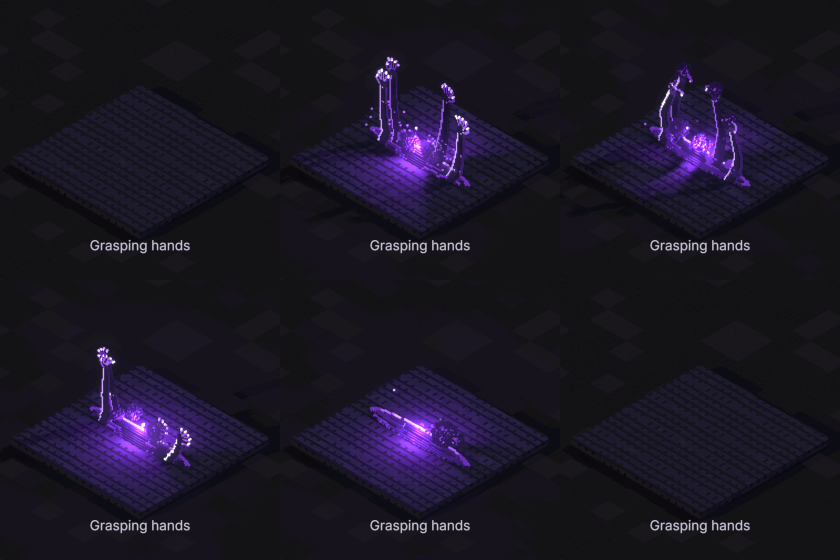
Grasping hands
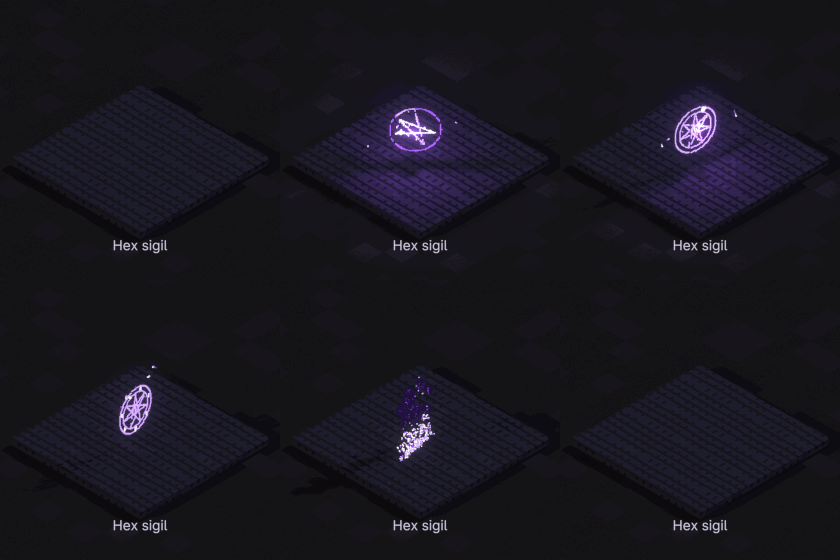
Hex sigil
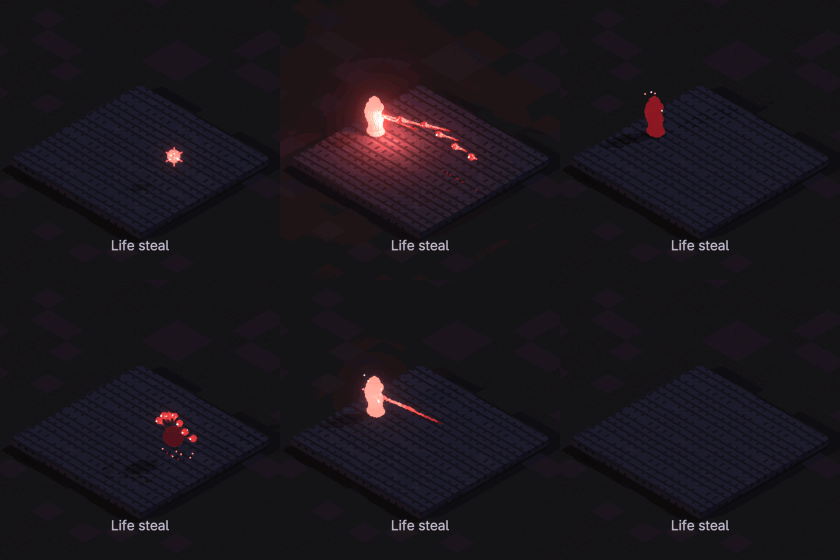
Life steal
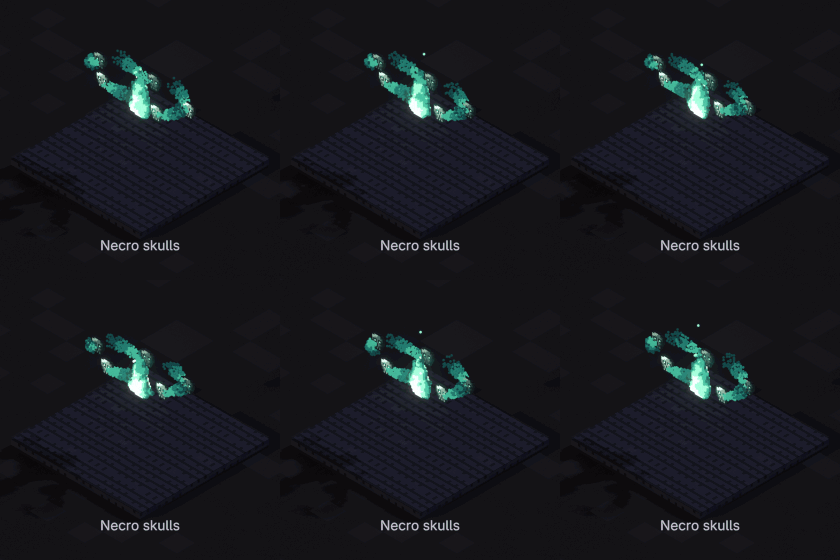
Necro skulls
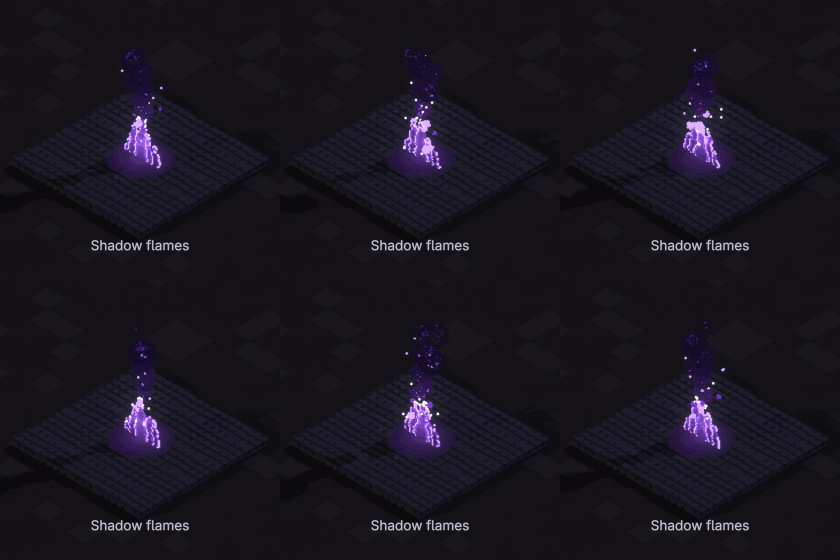
Shadow flames
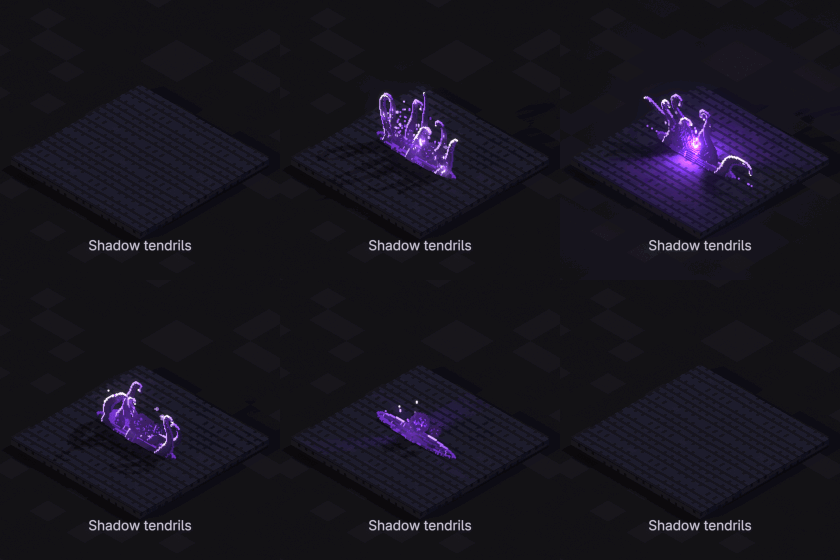
Shadow tendrils
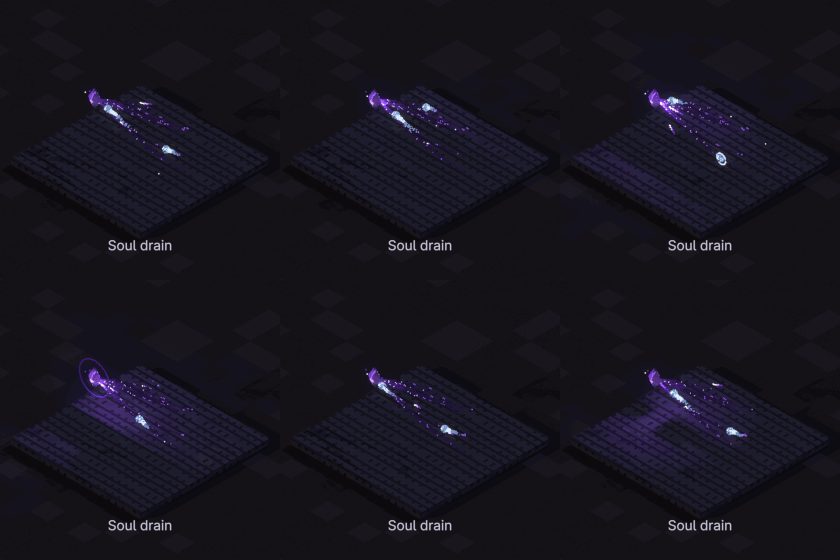
Soul drain
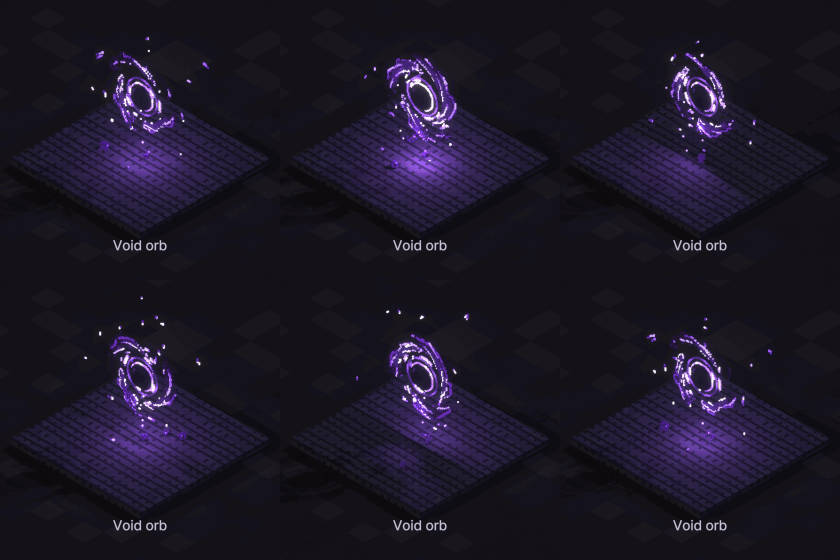
Void orb
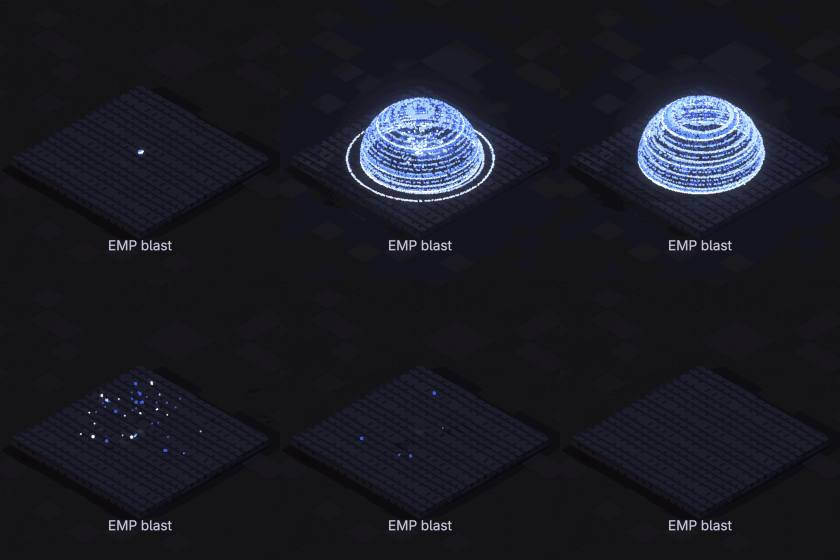
EMP blast
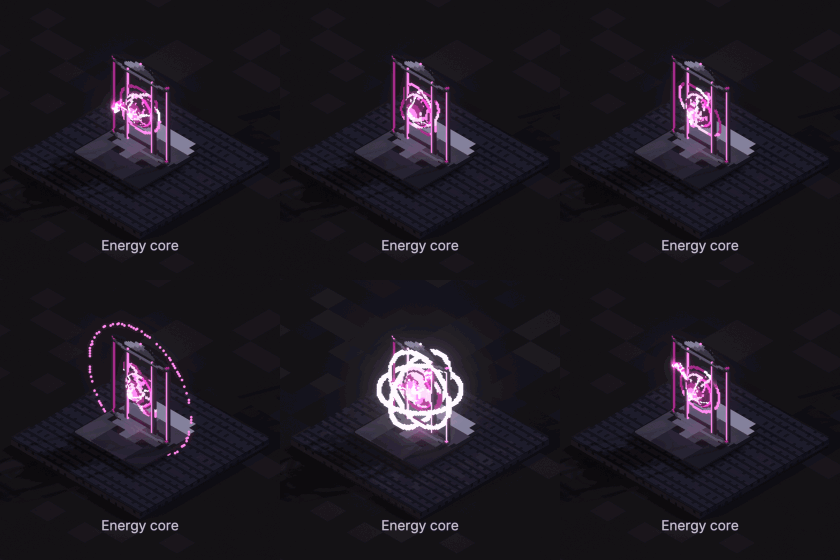
Energy core
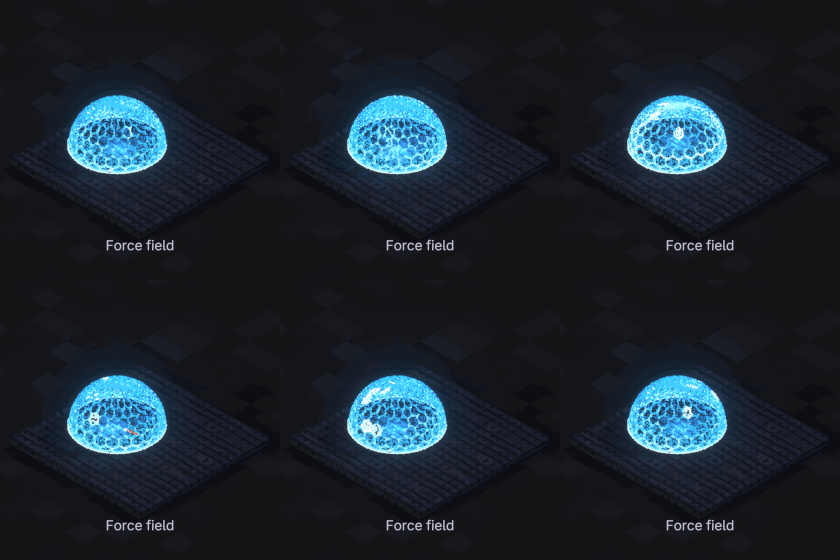
Force field
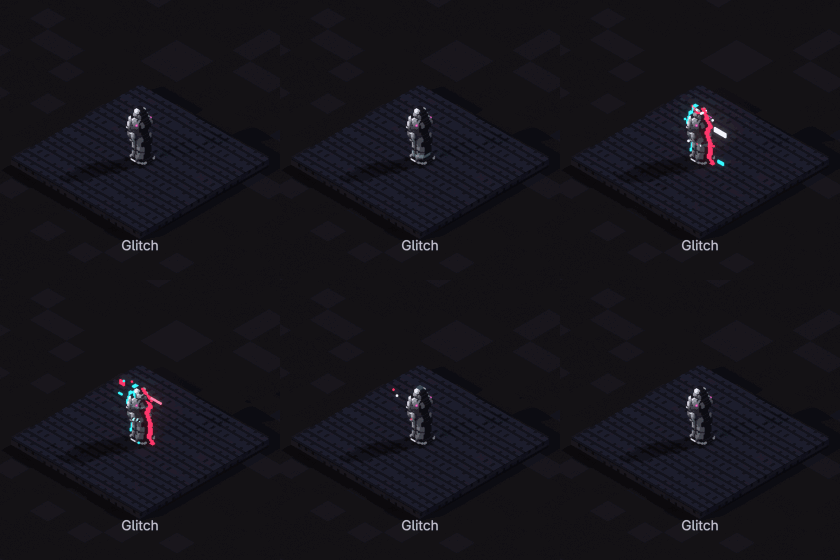
Glitch
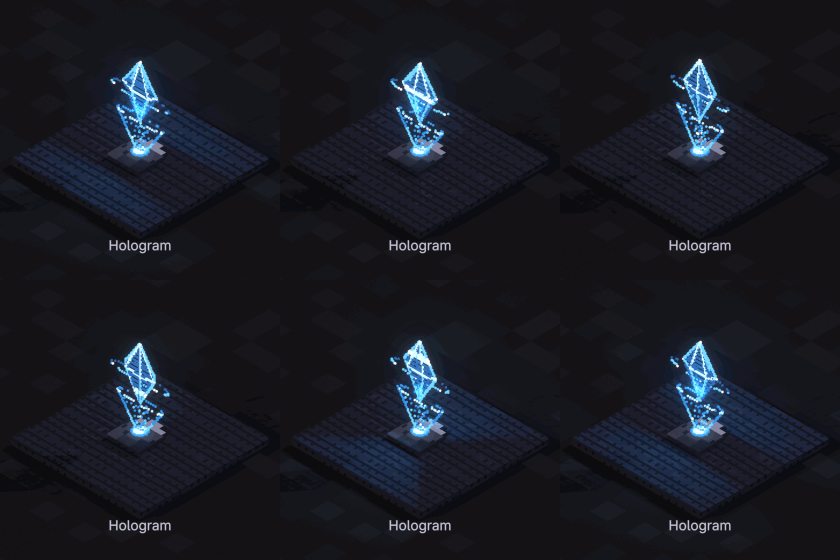
Hologram
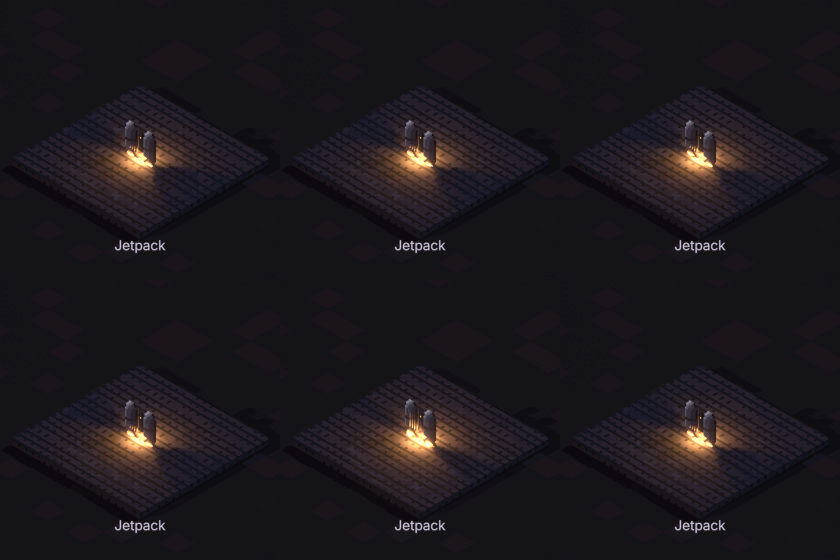
Jetpack
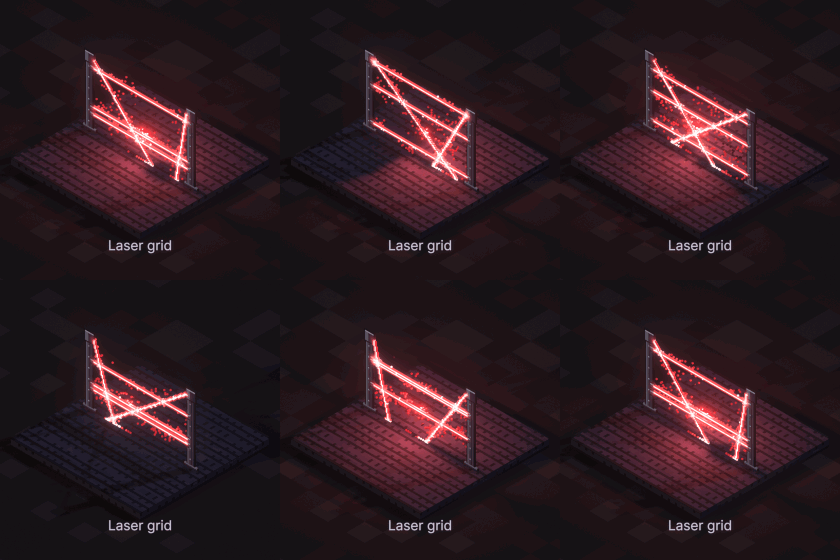
Laser grid
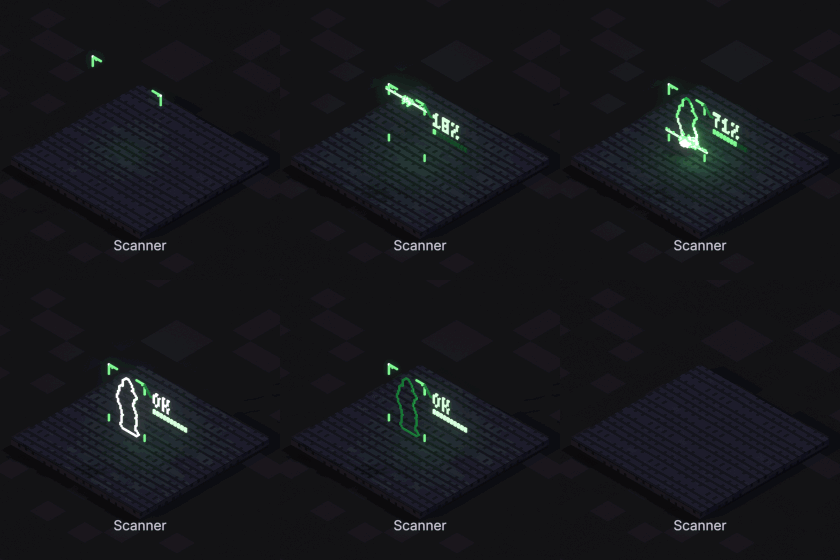
Scanner
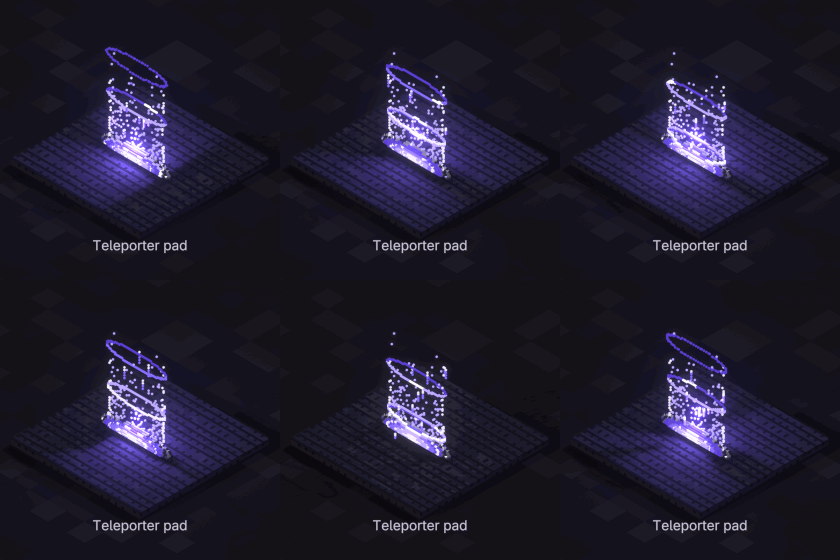
Teleporter pad
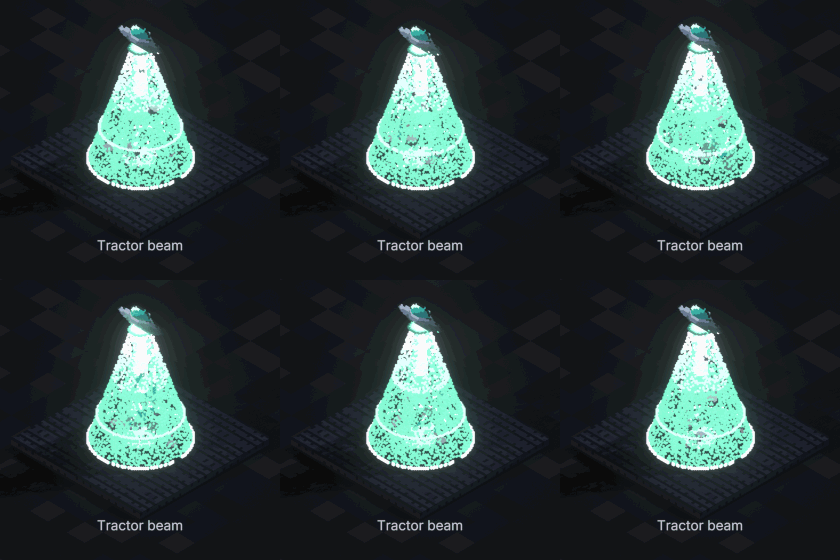
Tractor beam
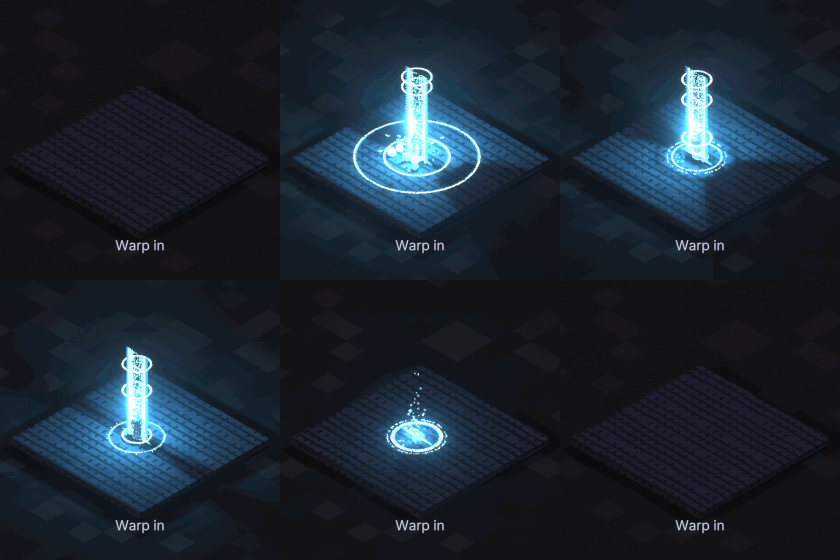
Warp in
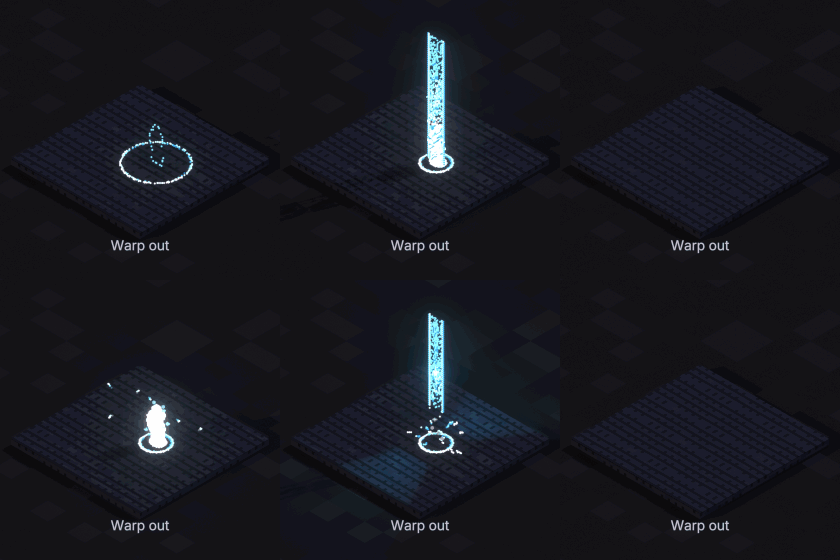
Warp out
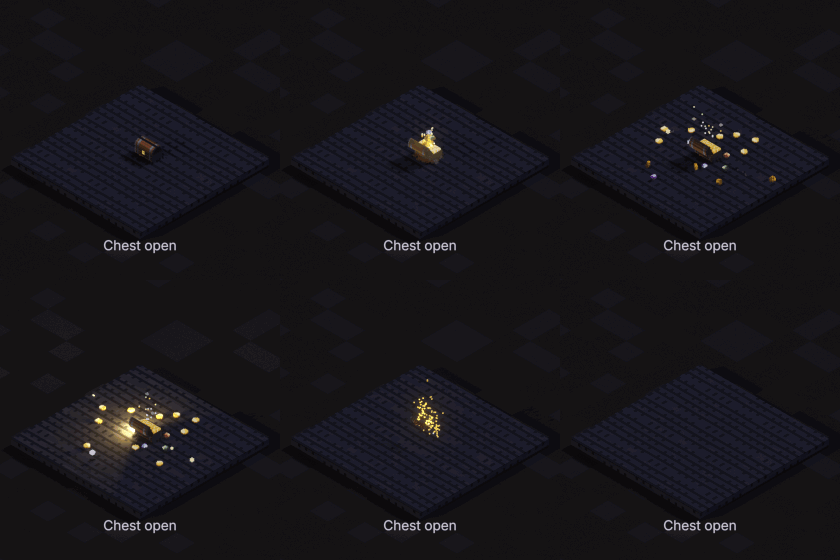
Chest open
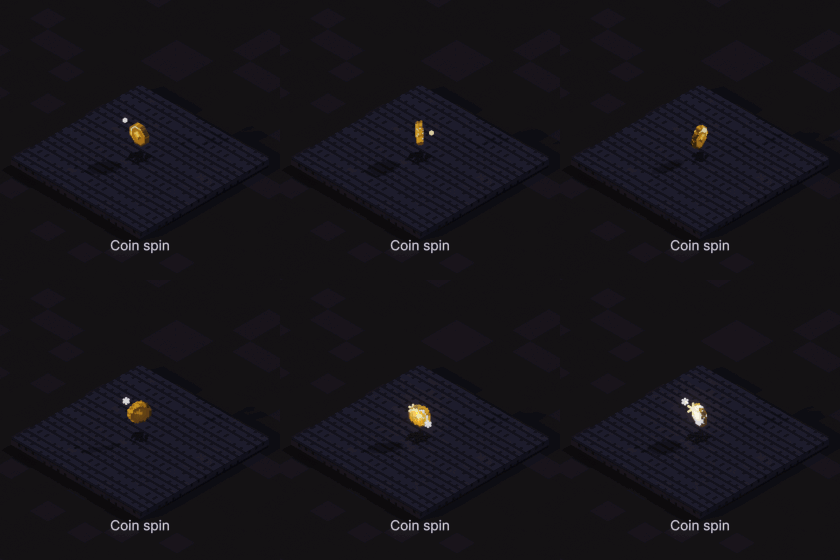
Coin spin
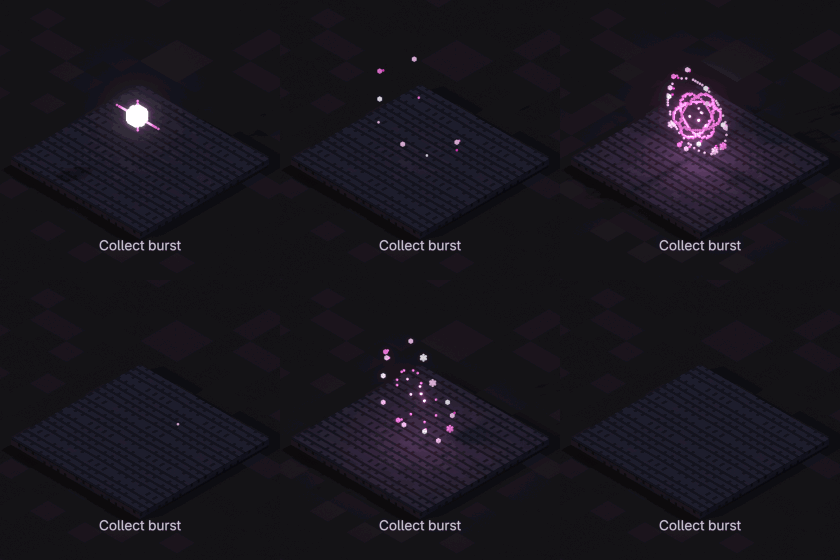
Collect burst
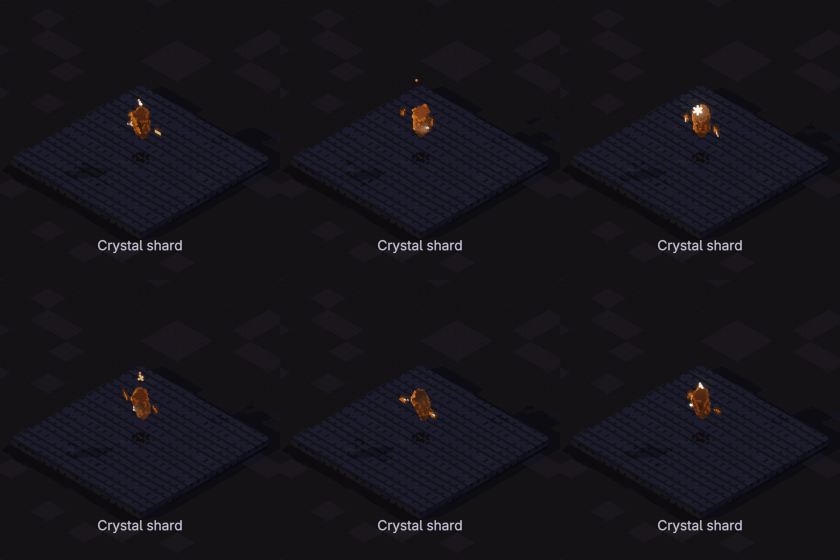
Crystal shard
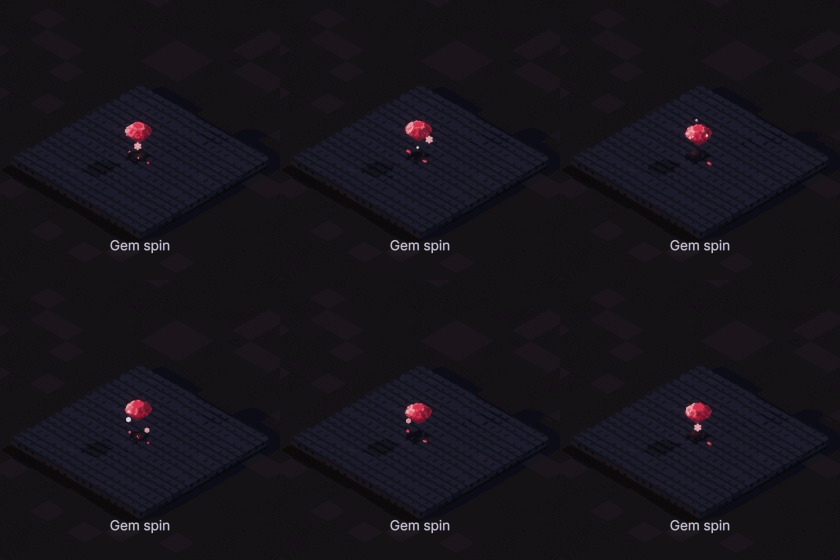
Gem spin
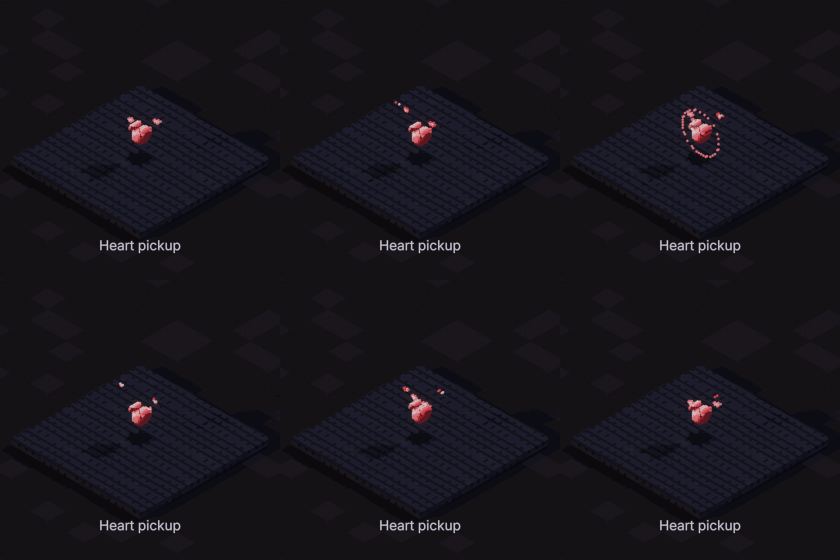
Heart pickup
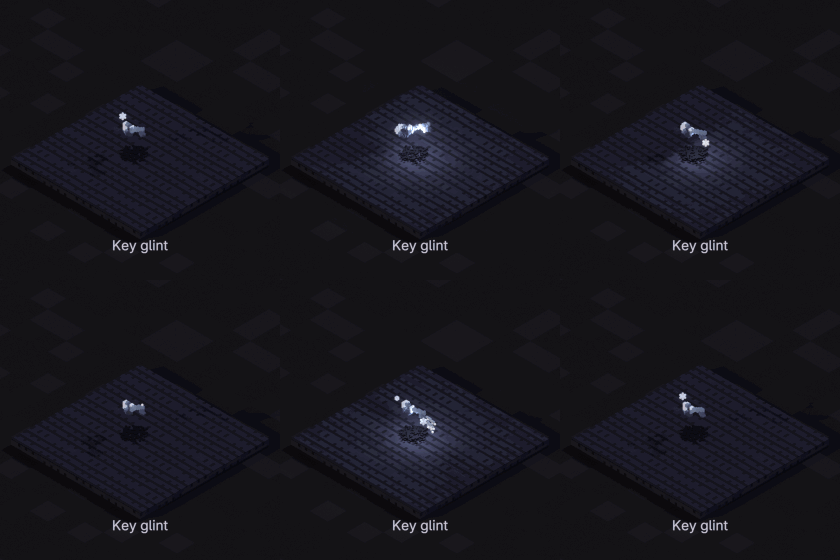
Key glint
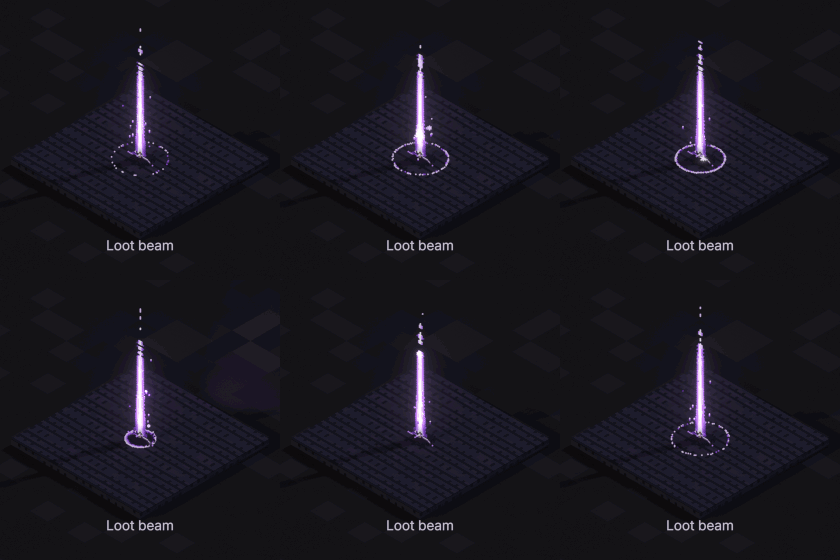
Loot beam
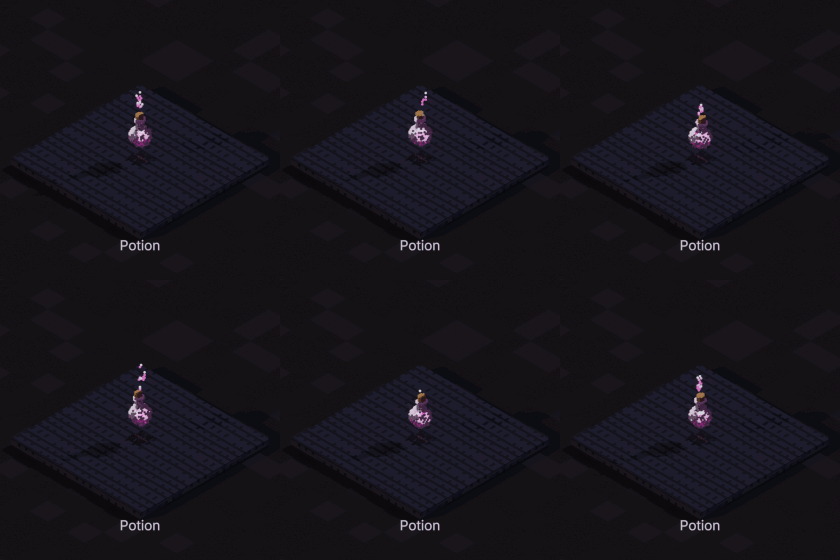
Potion
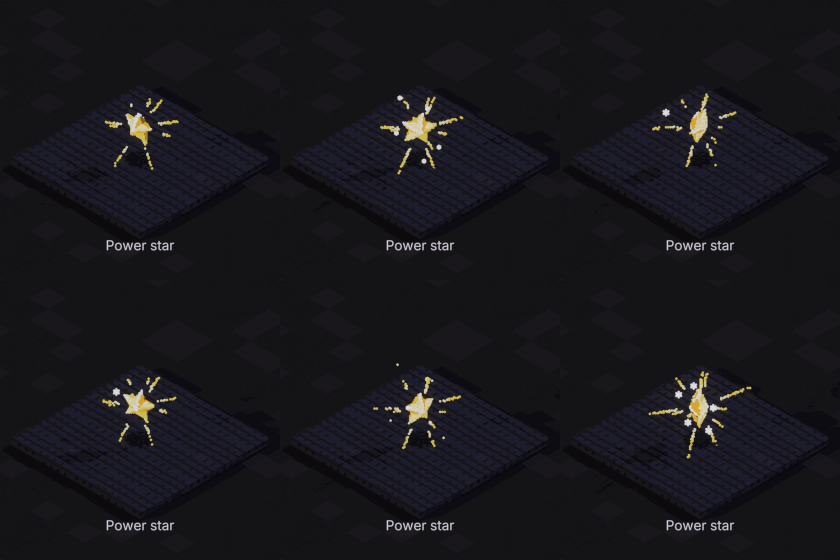
Power star
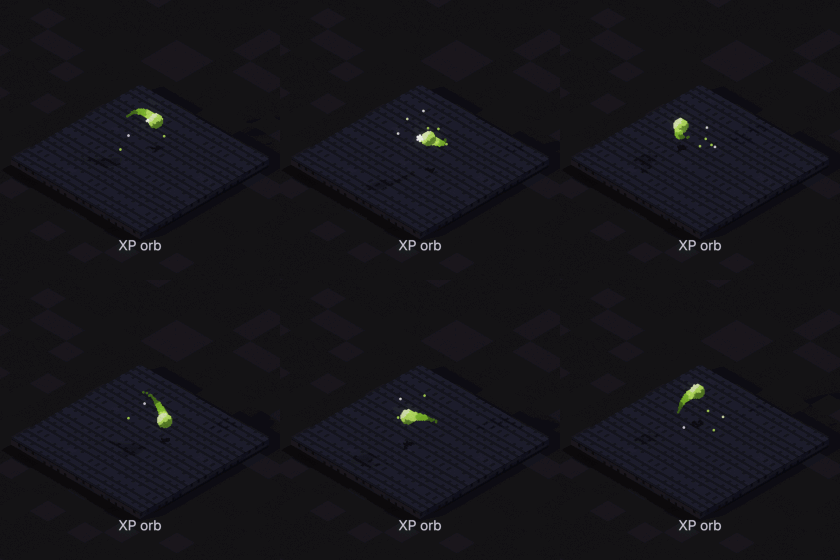
XP orb
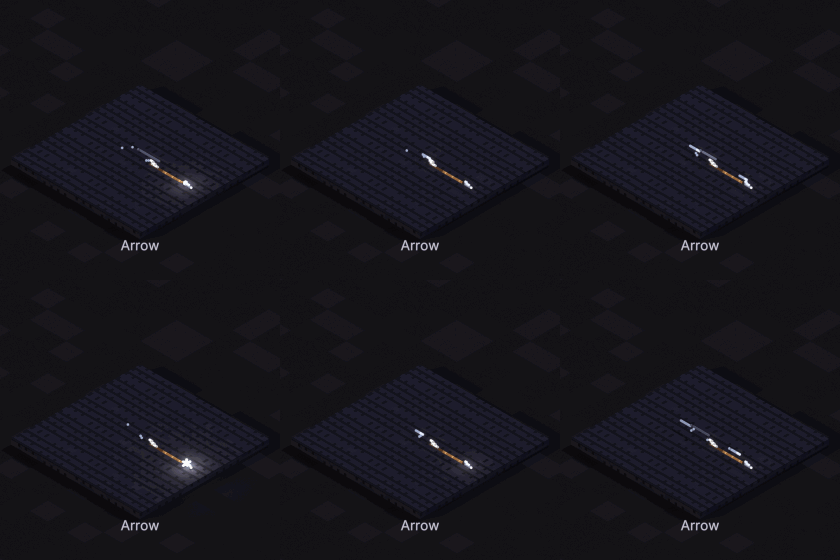
Arrow
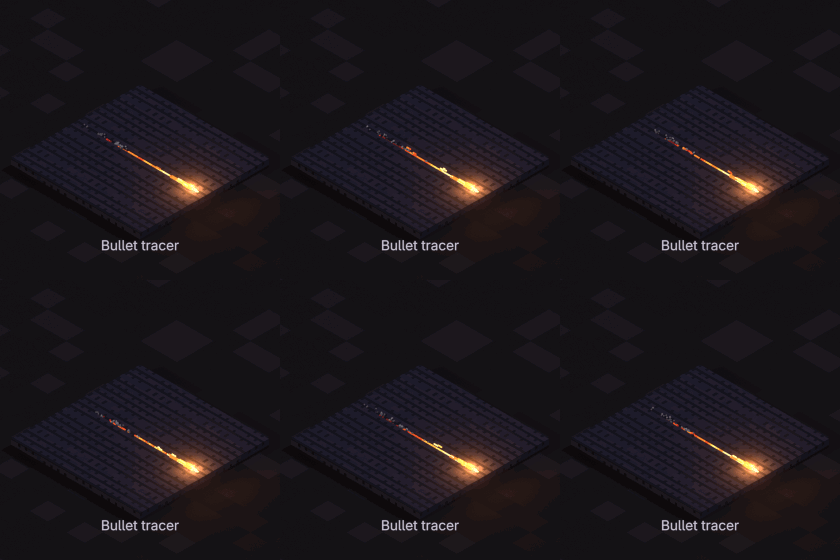
Bullet tracer
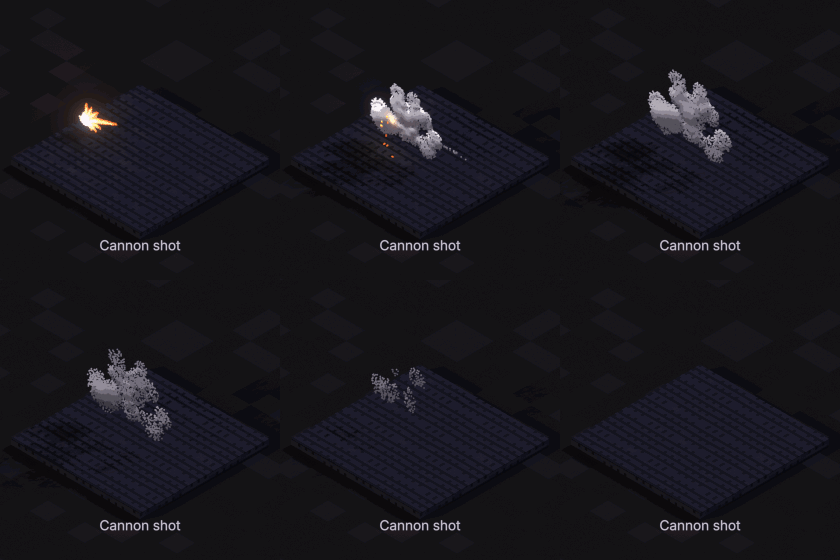
Cannon shot
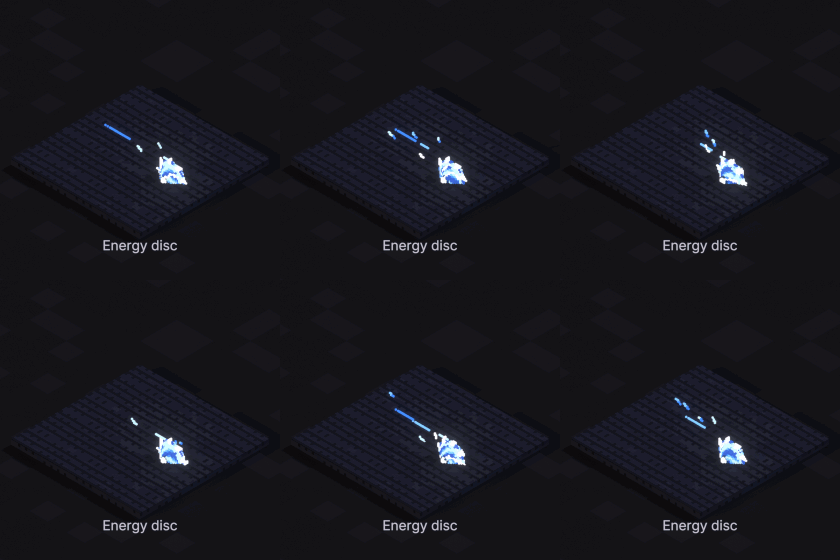
Energy disc
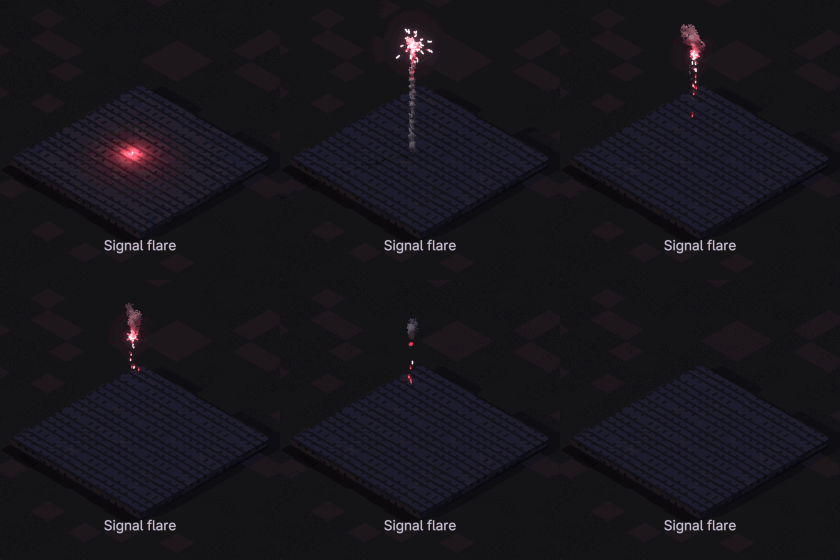
Signal flare
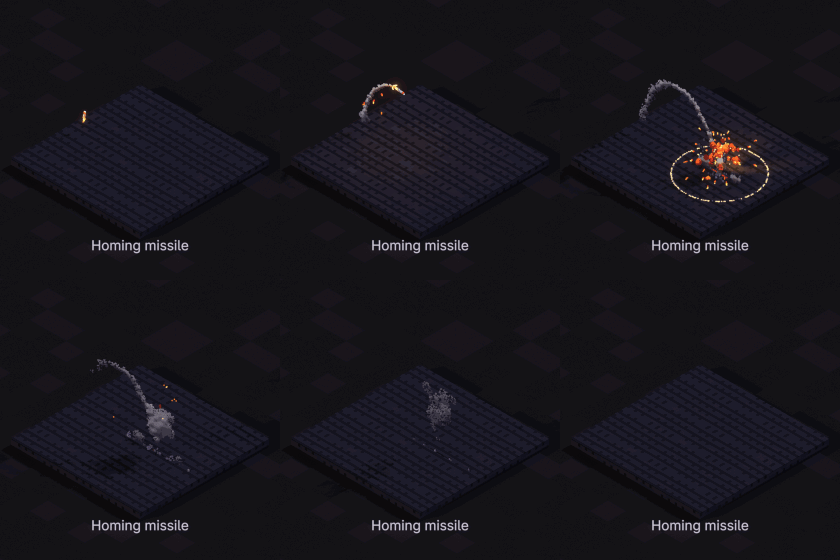
Homing missile
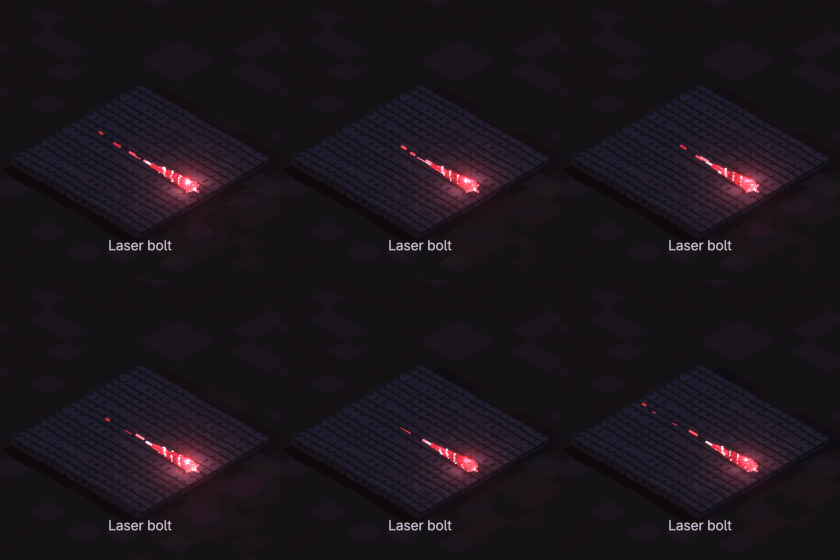
Laser bolt
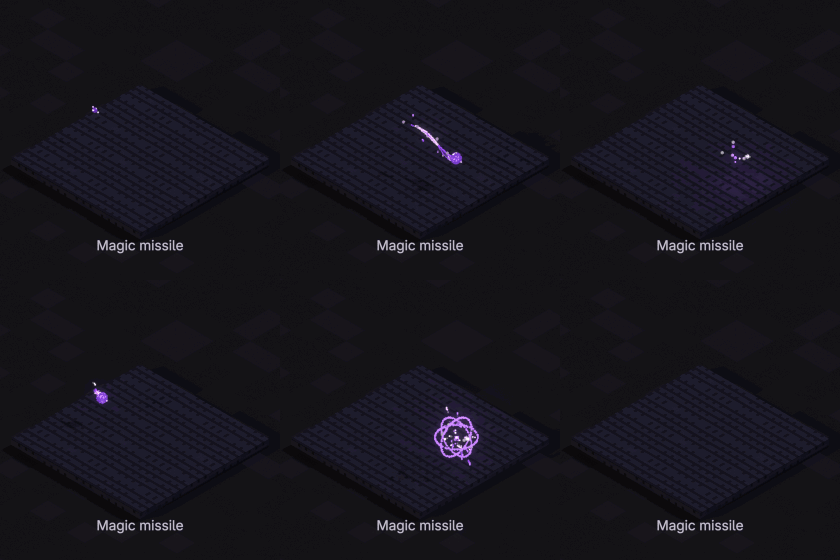
Magic missile
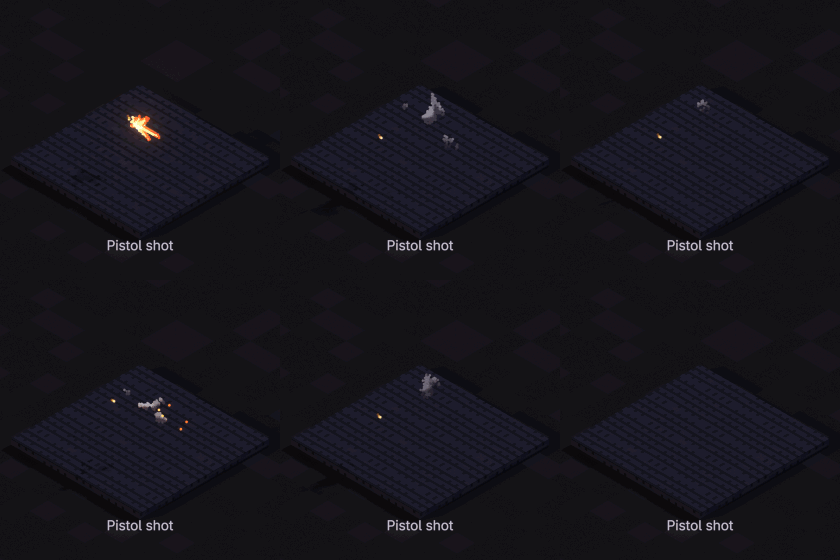
Pistol shot
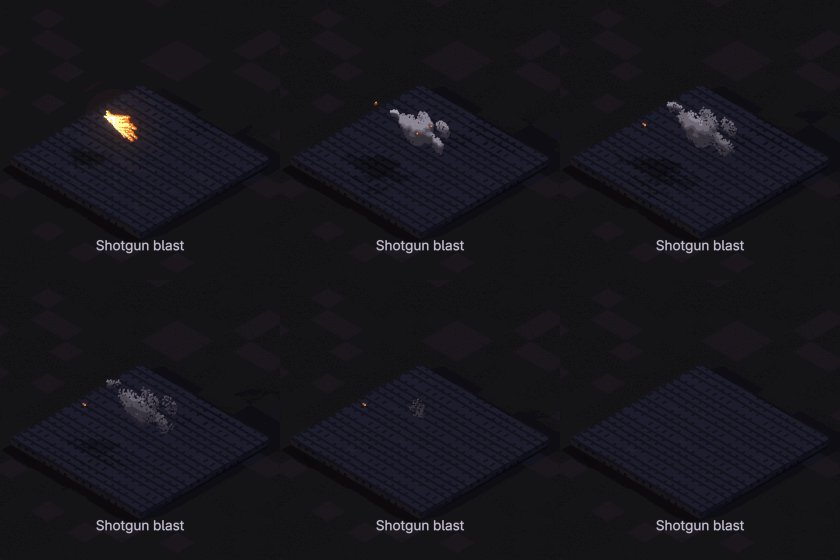
Shotgun blast
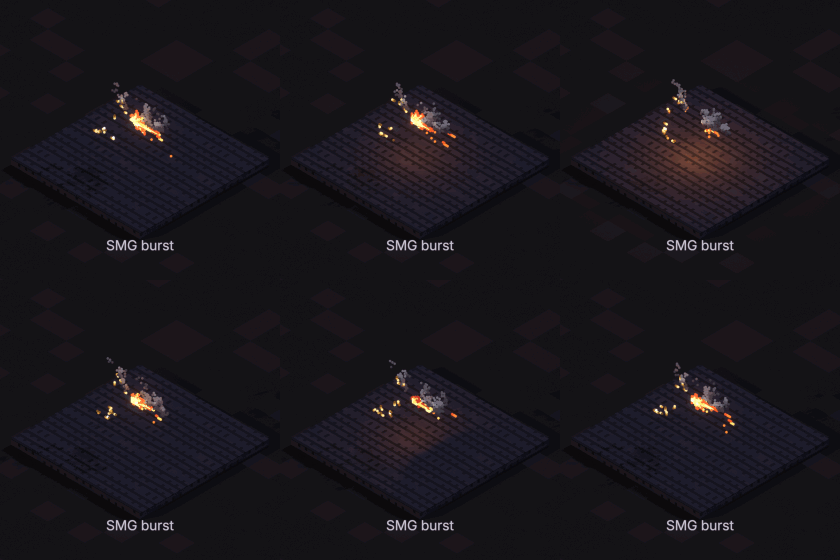
SMG burst
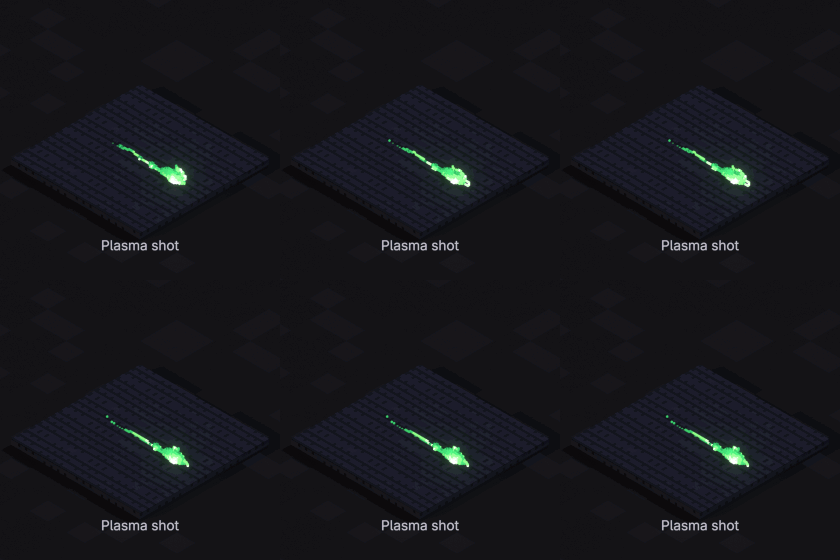
Plasma shot
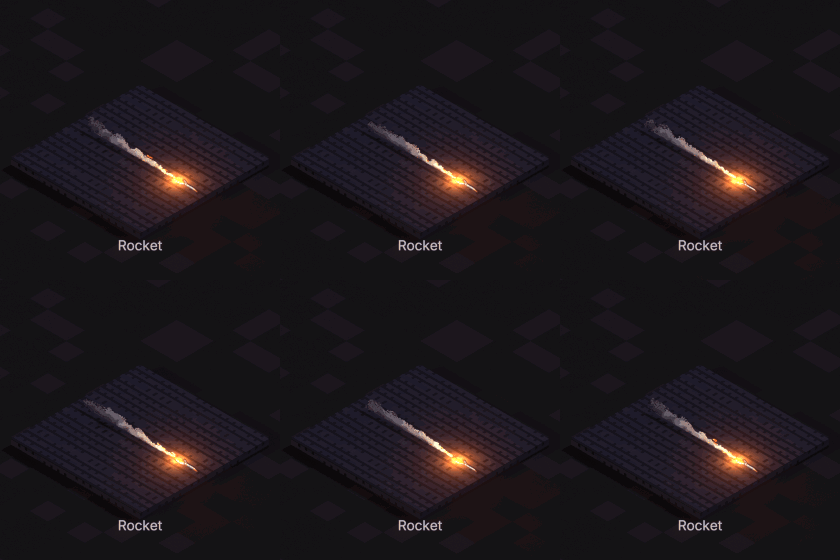
Rocket
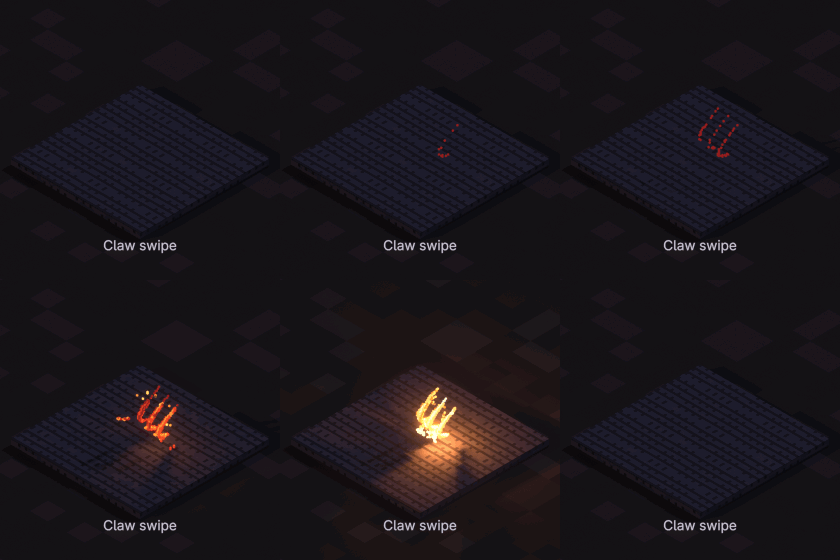
Claw swipe
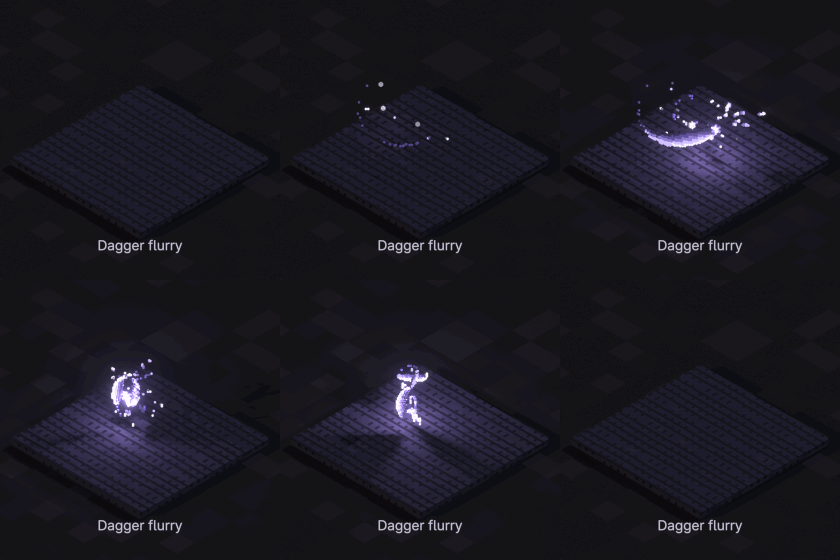
Dagger flurry
Double slash
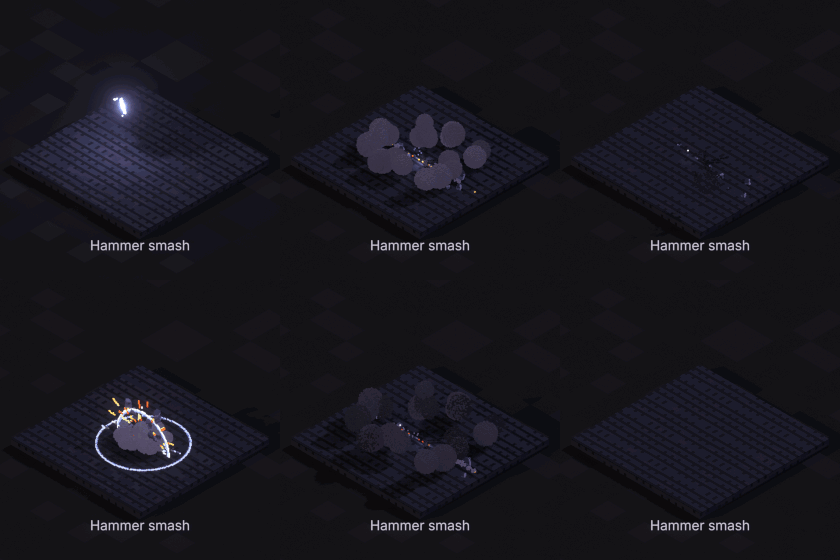
Hammer smash
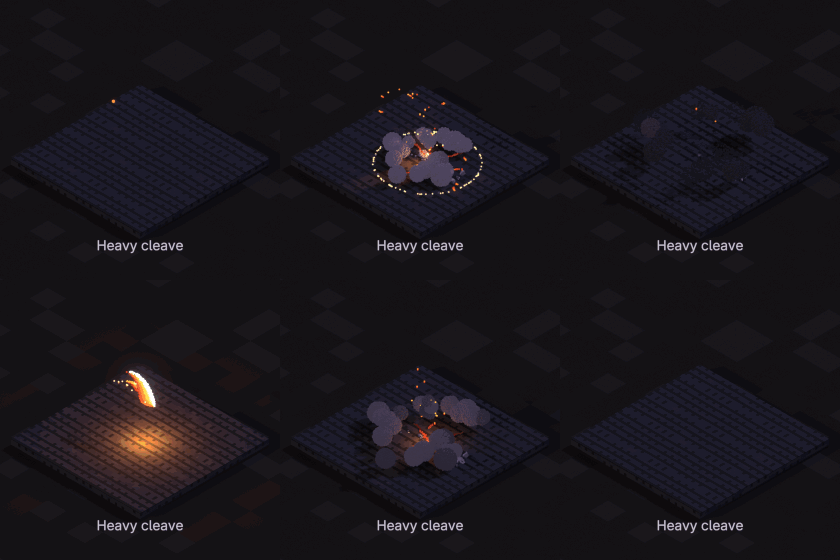
Heavy cleave
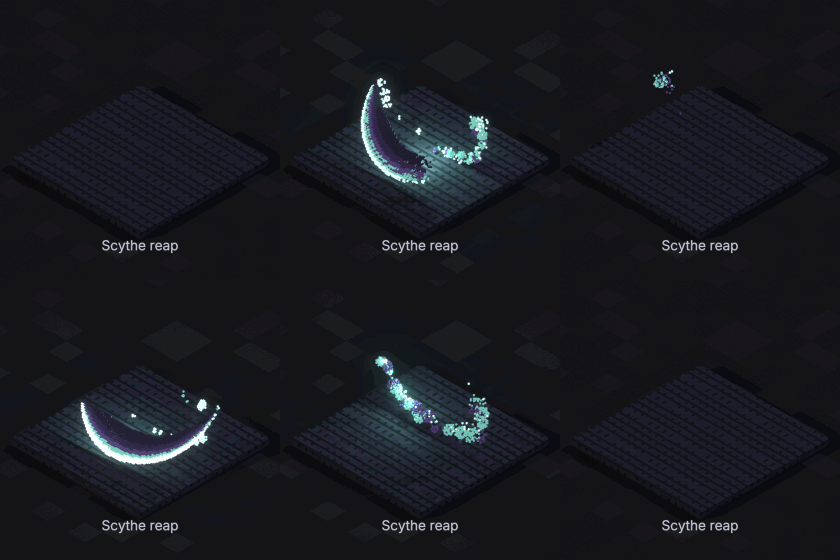
Scythe reap
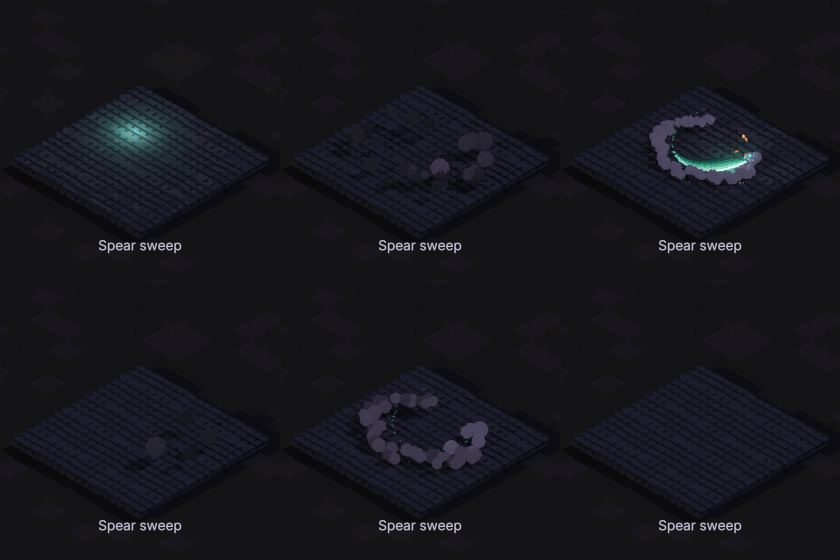
Spear sweep
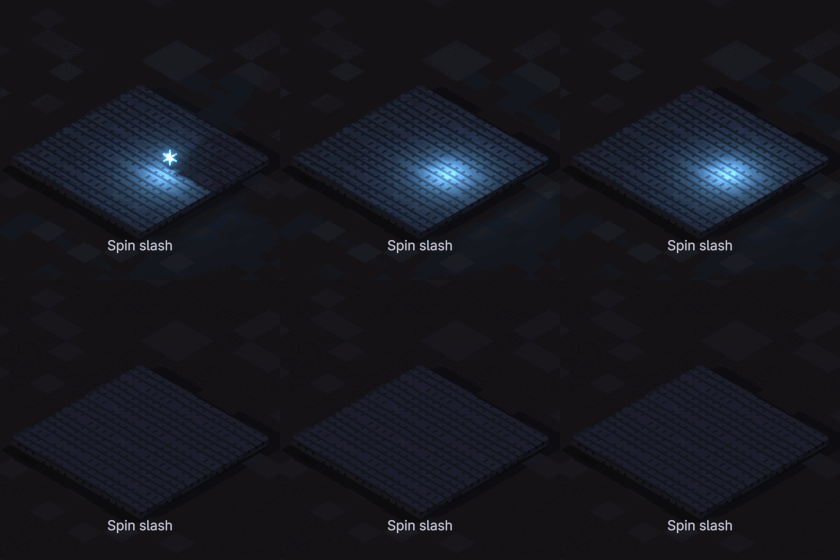
Spin slash
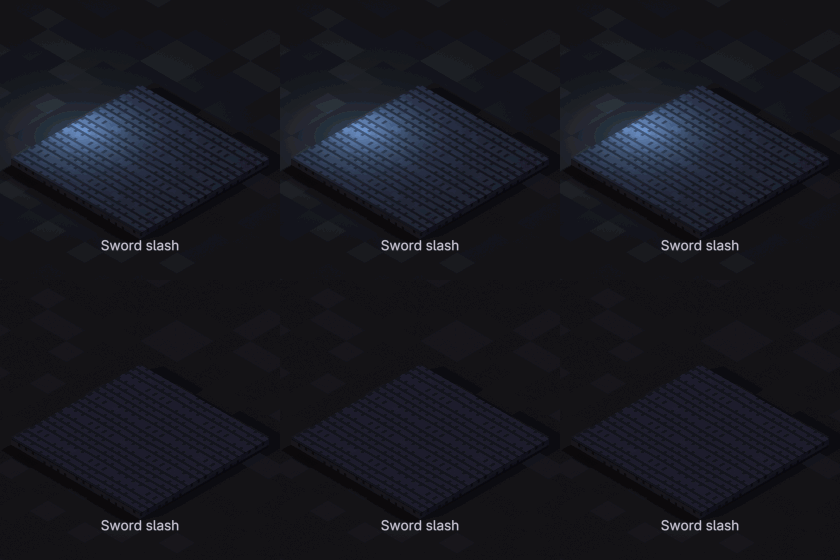
Sword slash
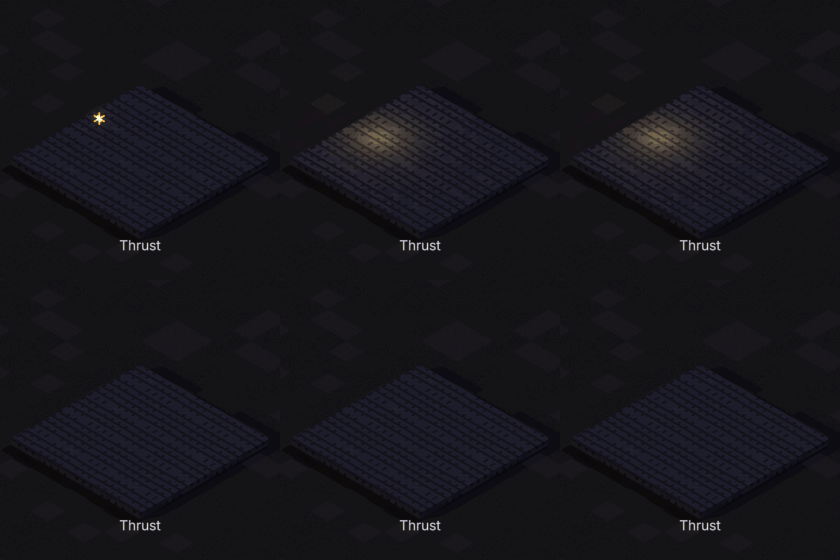
Thrust
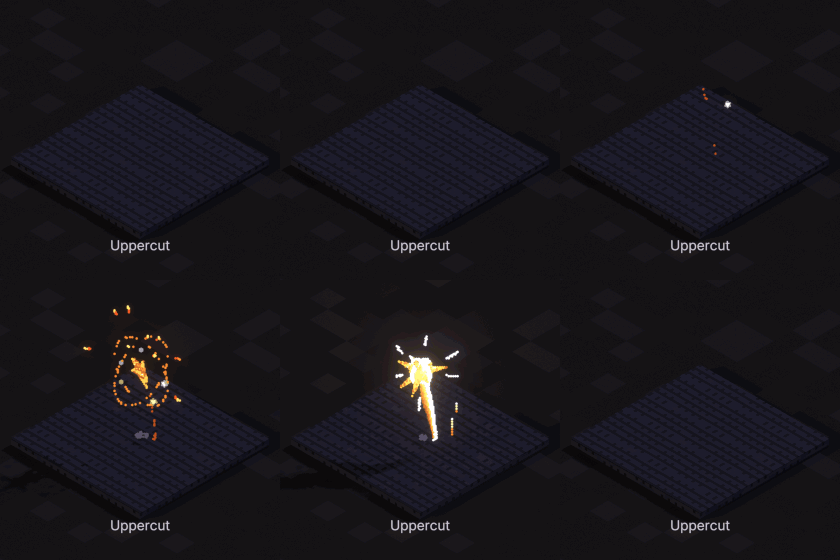
Uppercut
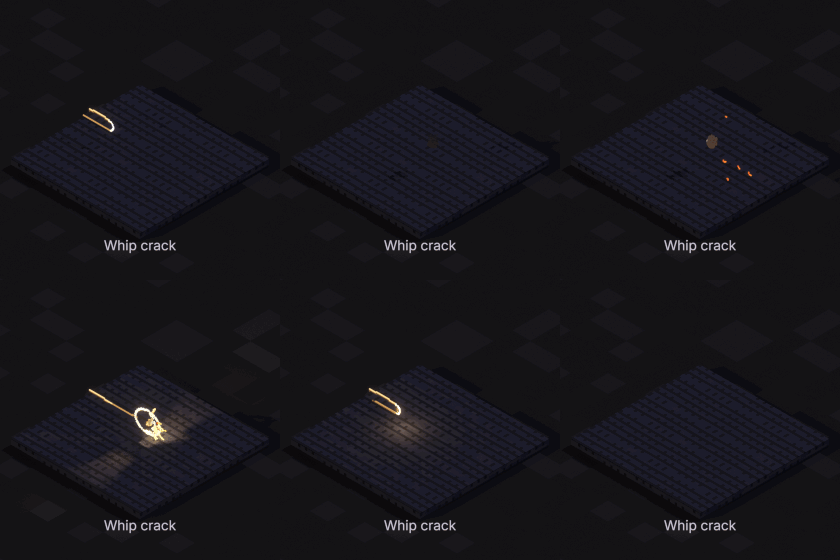
Whip crack
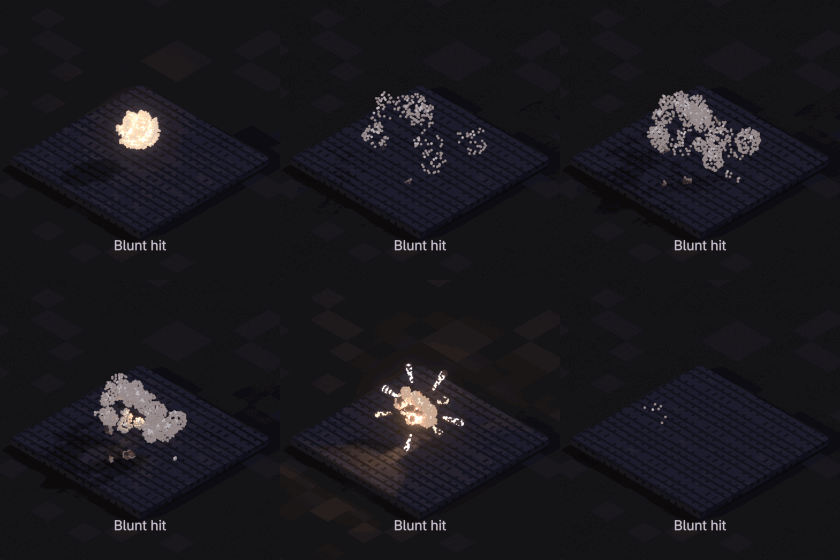
Blunt hit
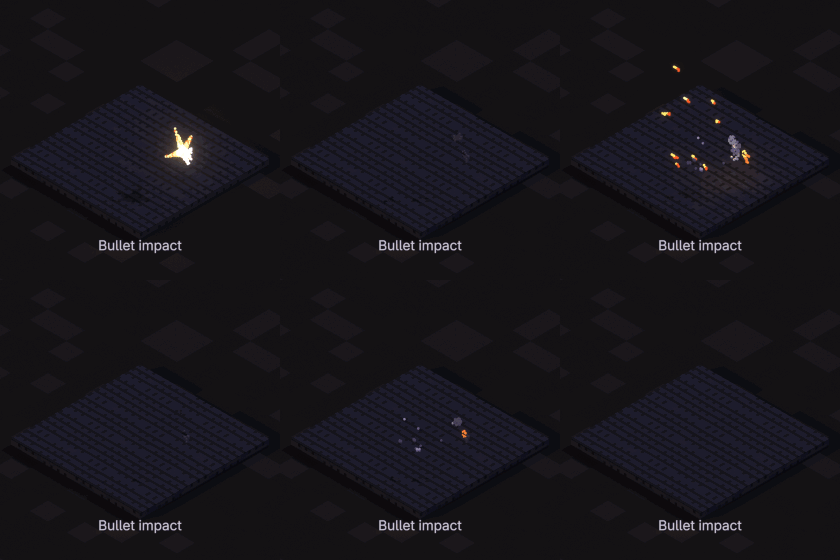
Bullet impact
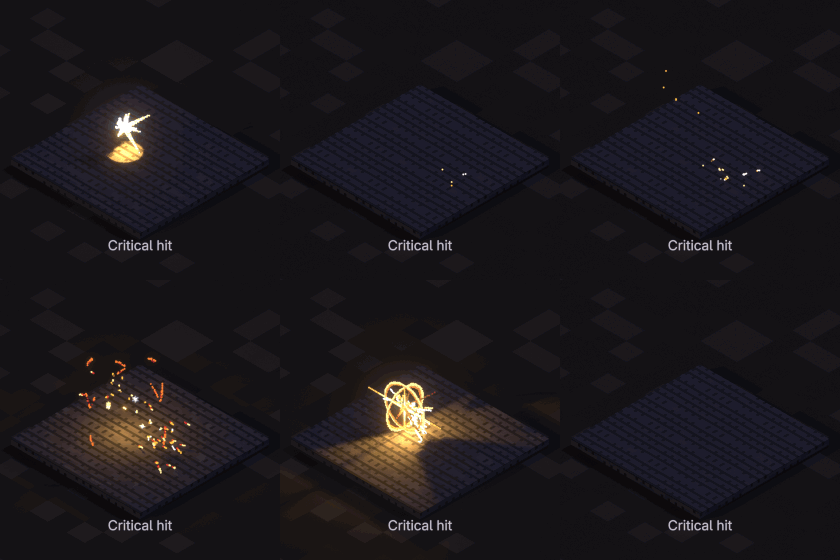
Critical hit
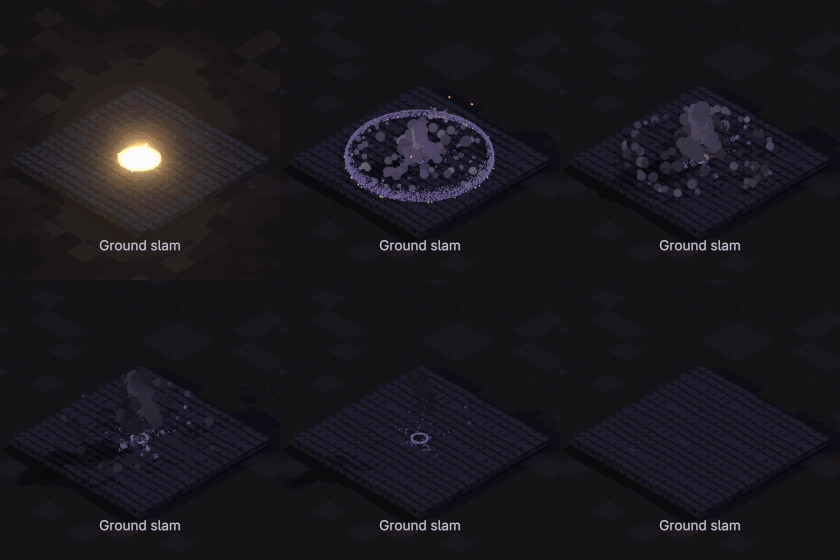
Ground slam
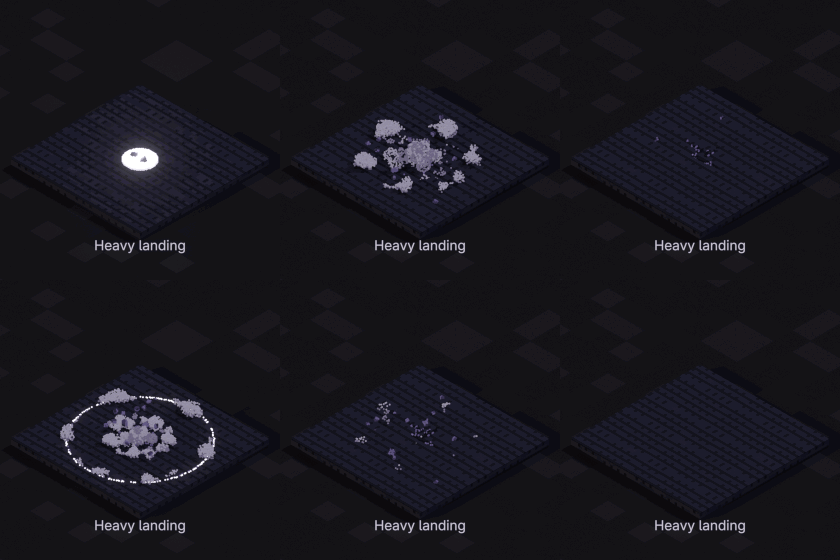
Heavy landing
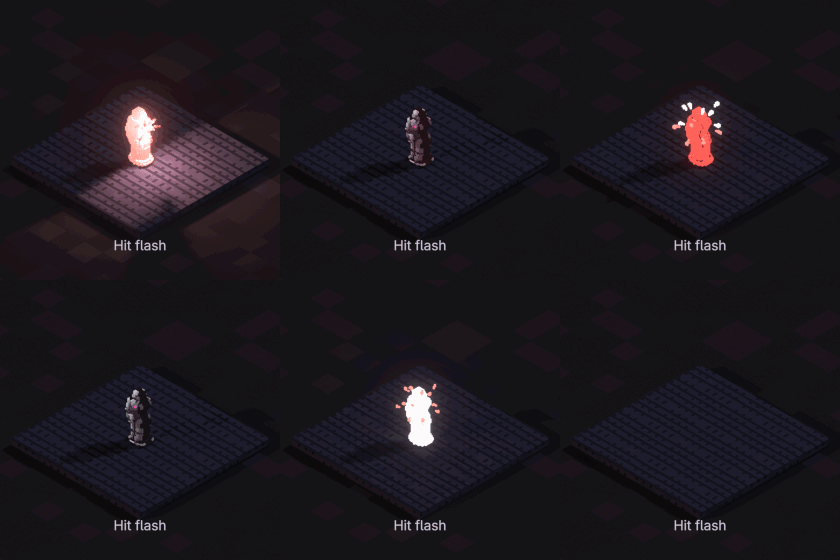
Hit flash
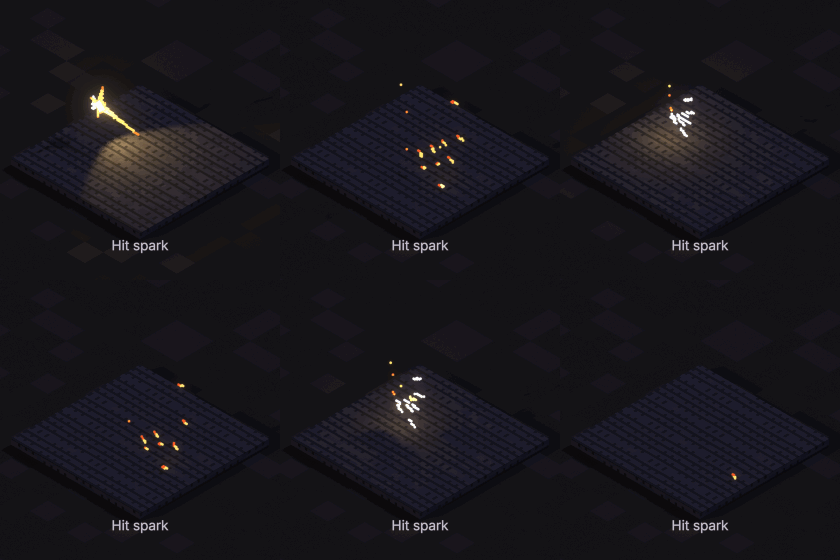
Hit spark
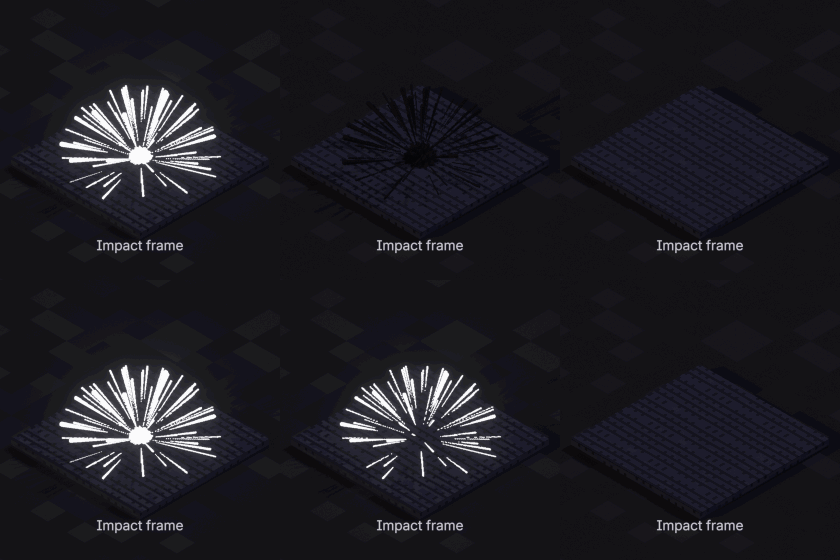
Impact frame
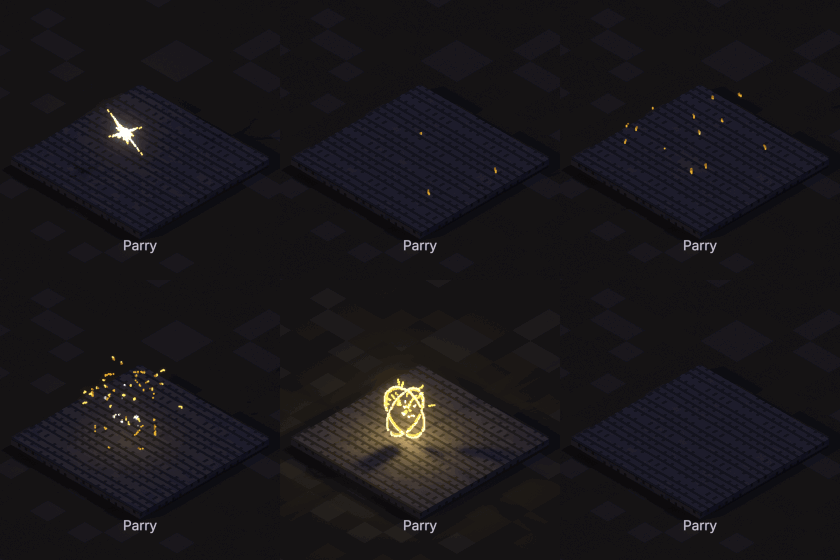
Parry
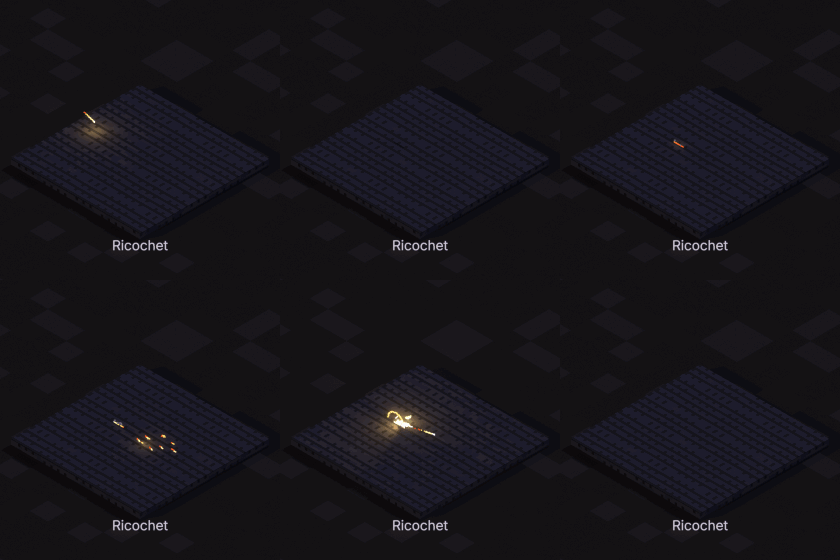
Ricochet
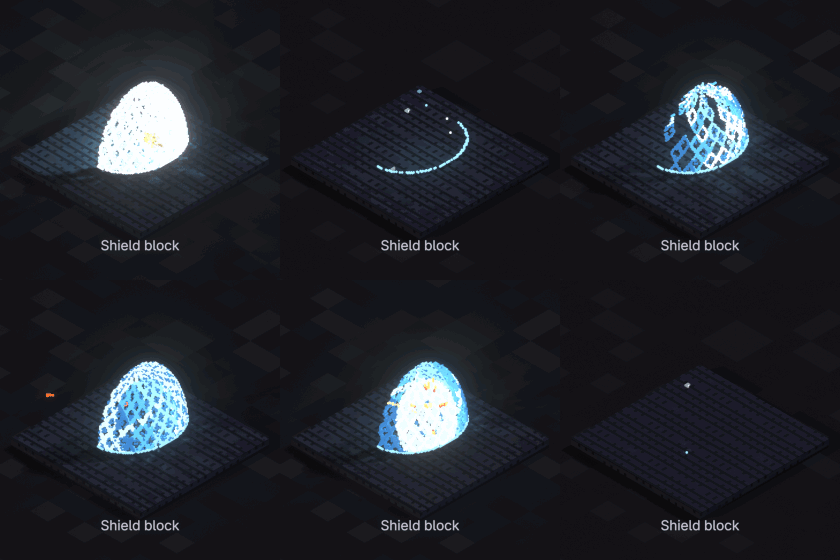
Shield block
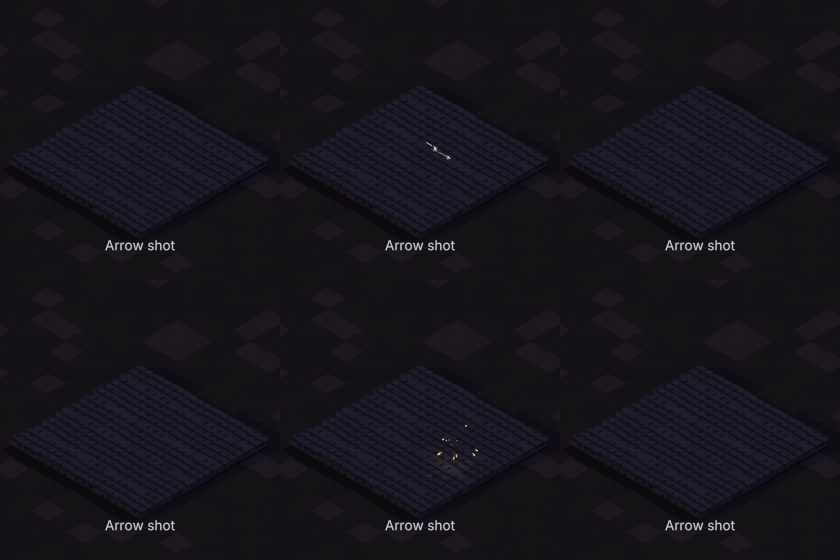
Arrow shot
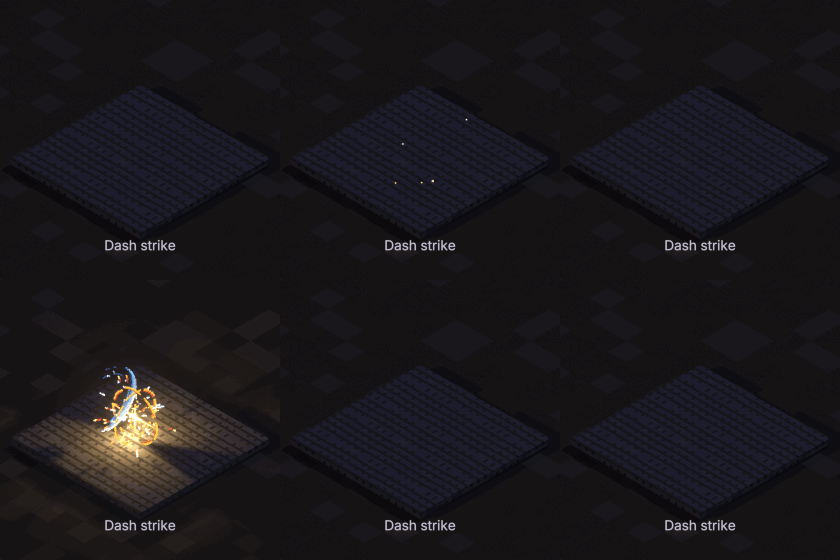
Dash strike
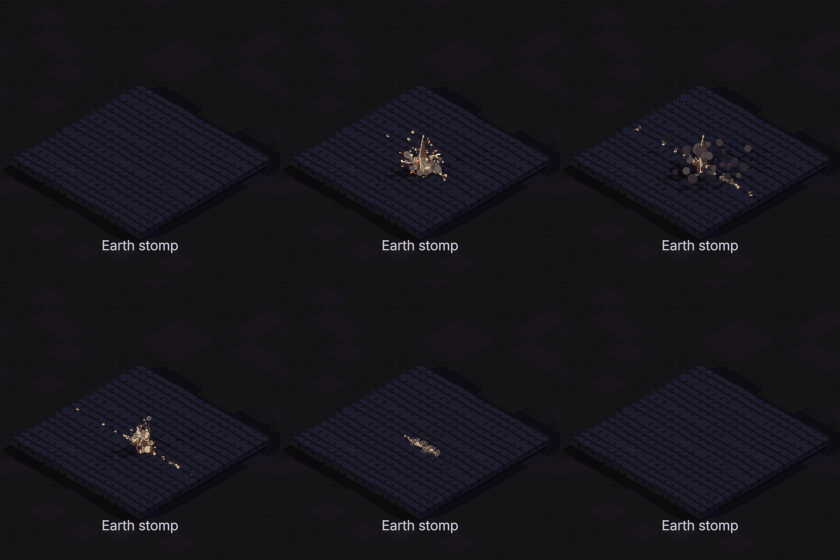
Earth stomp
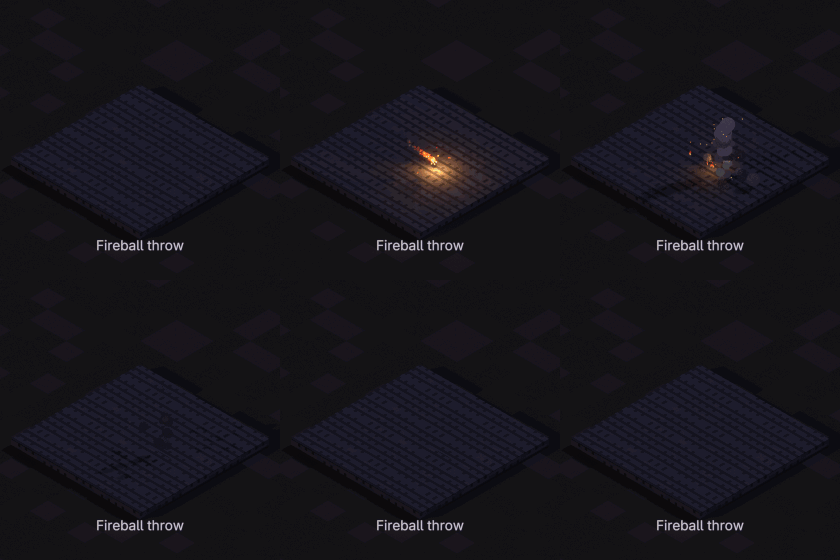
Fireball throw
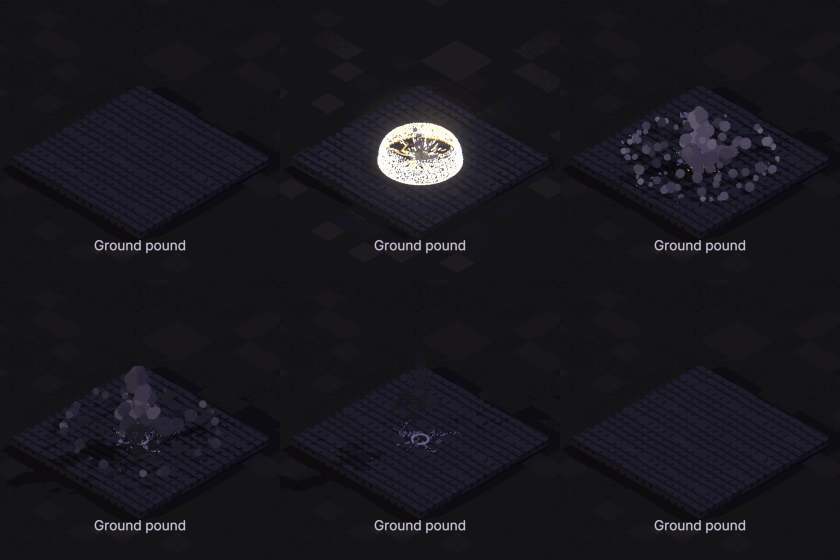
Ground pound
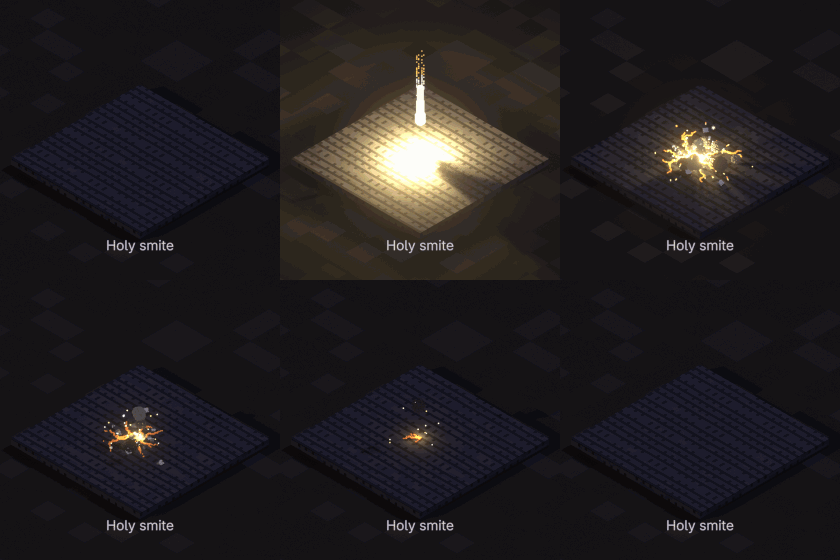
Holy smite
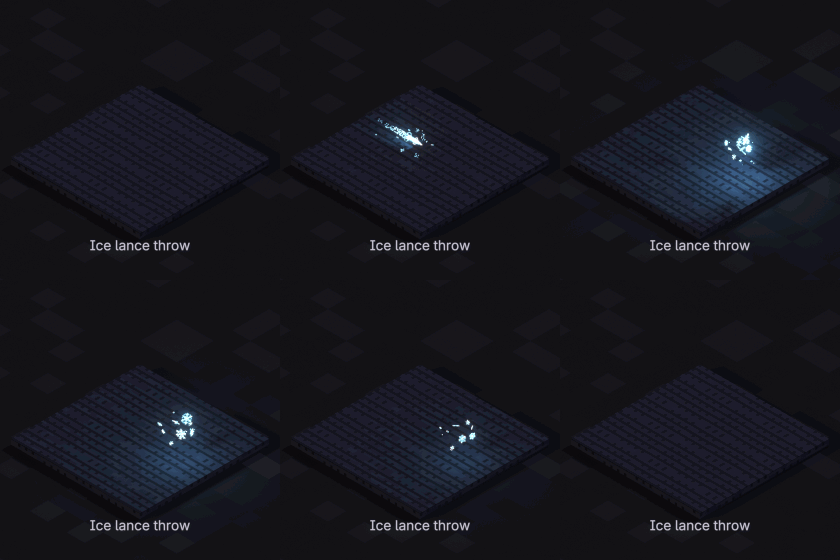
Ice lance throw
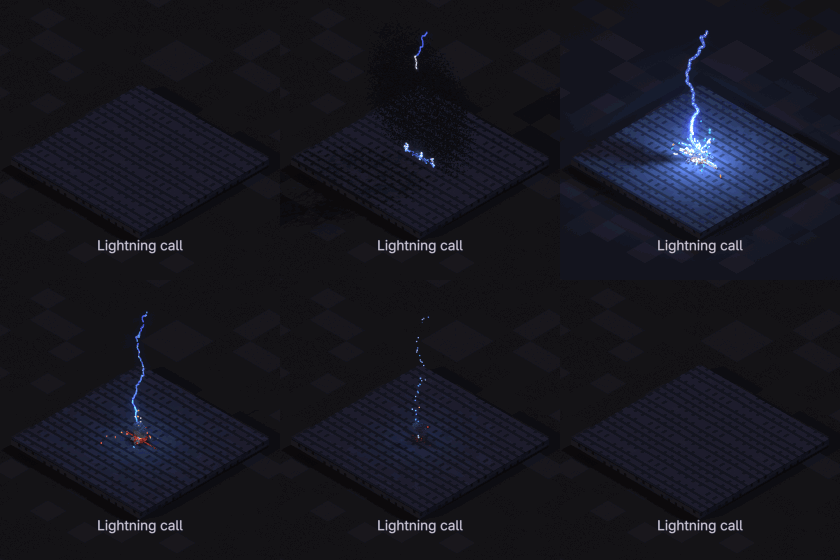
Lightning call
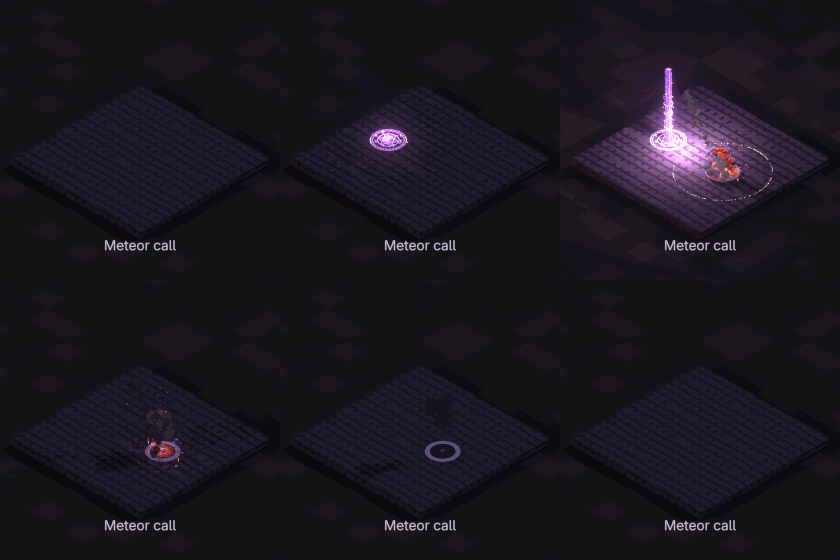
Meteor call
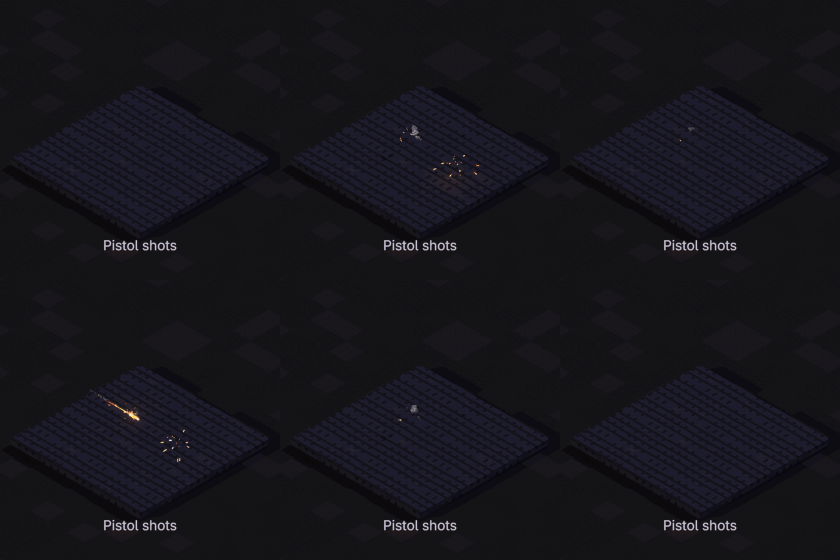
Pistol shots
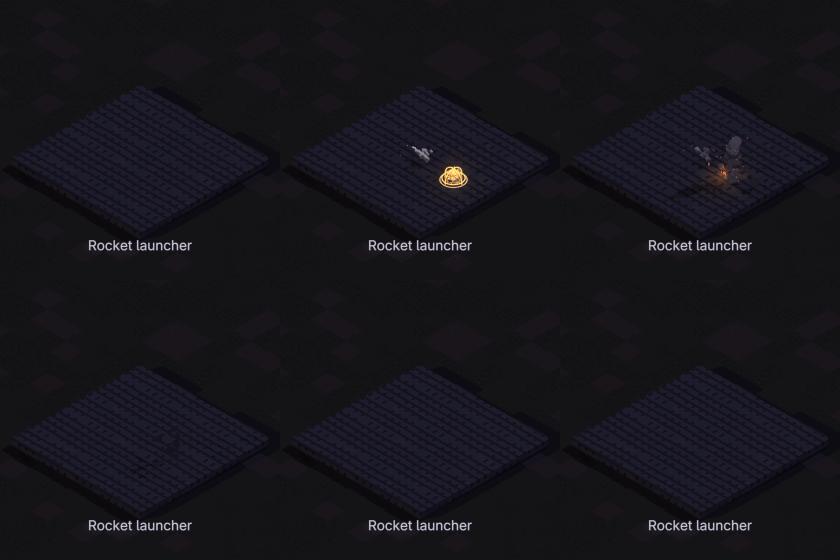
Rocket launcher
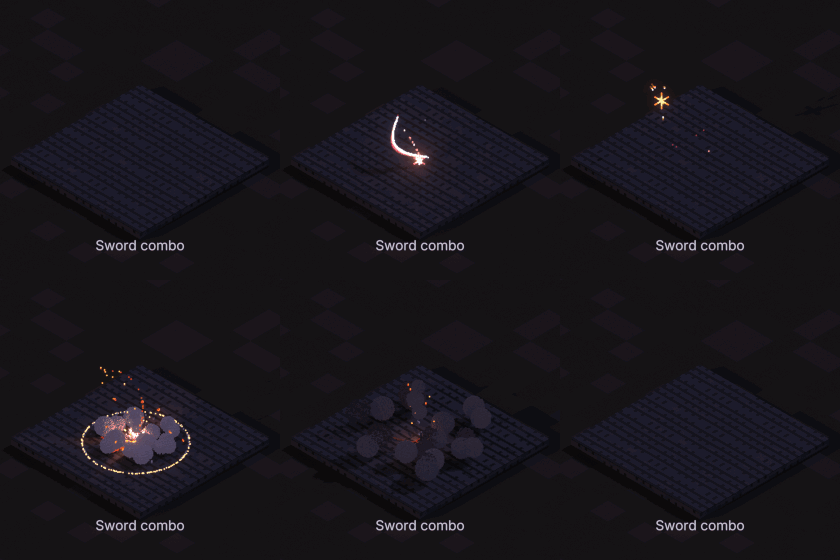
Sword combo
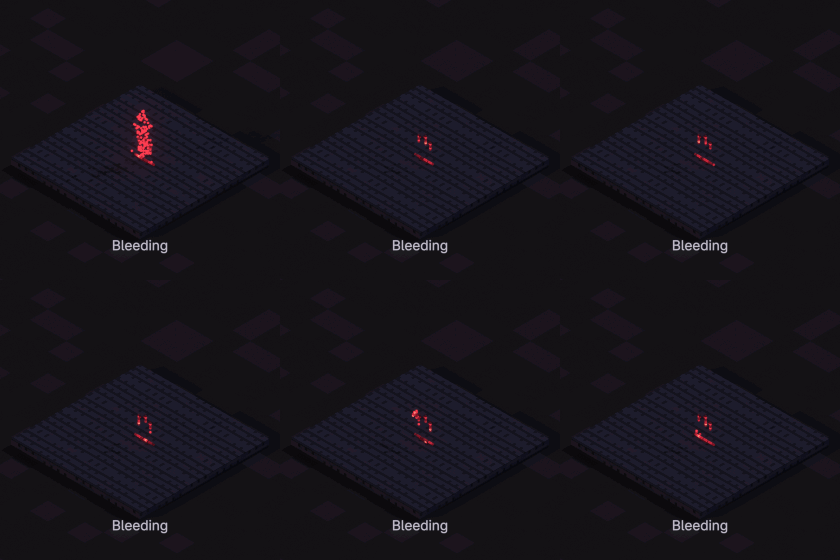
Bleeding
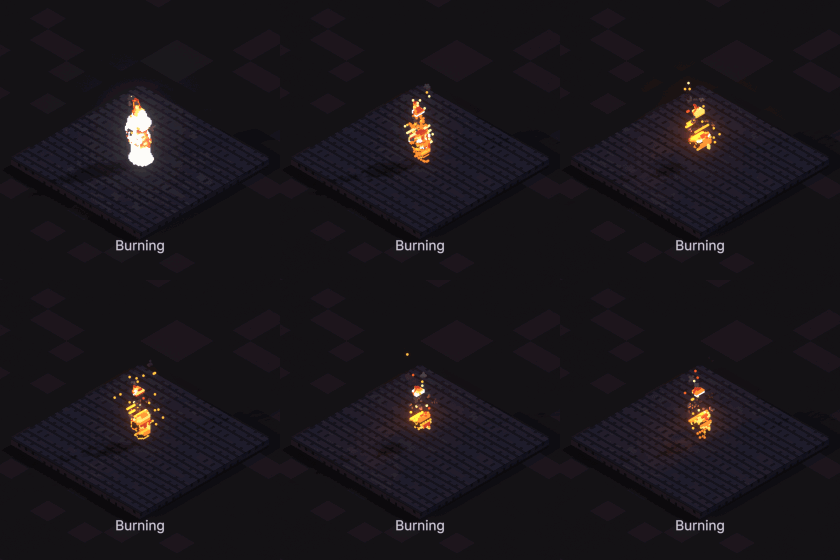
Burning
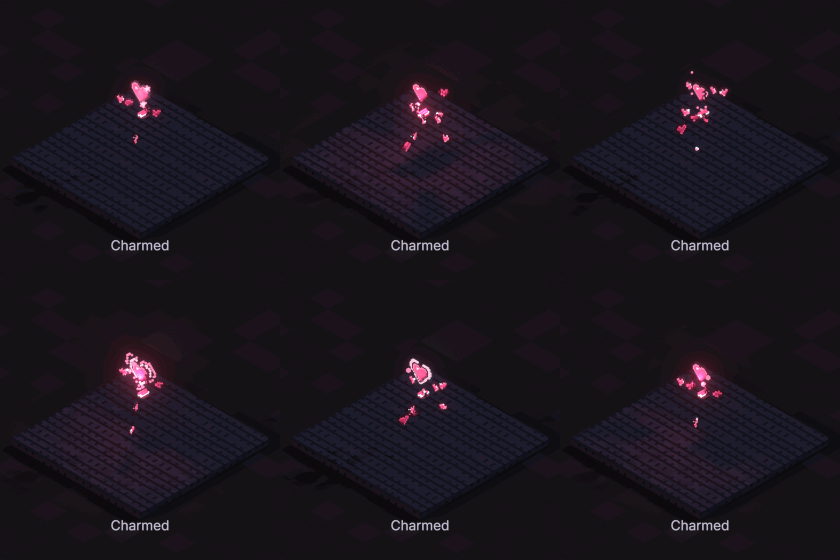
Charmed
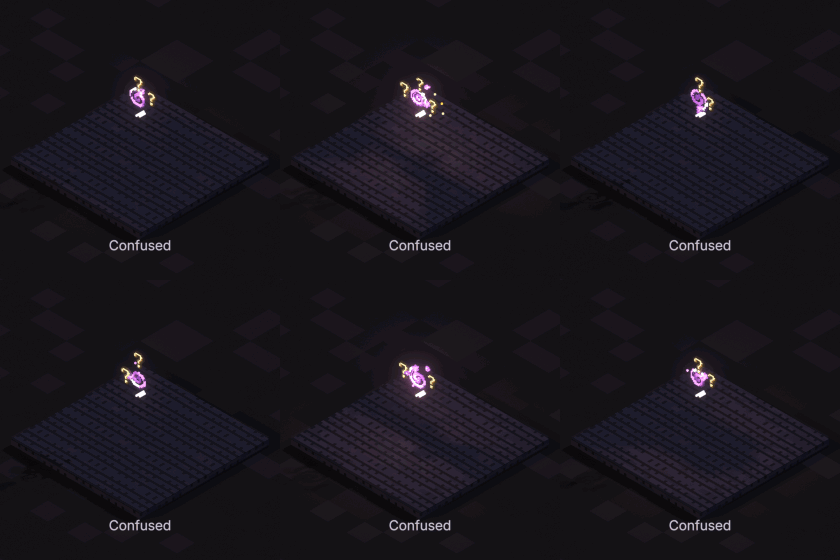
Confused
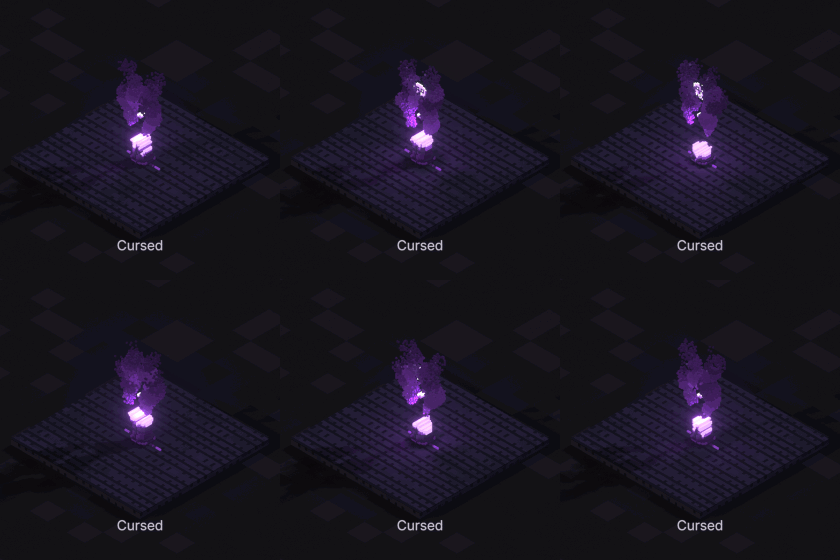
Cursed
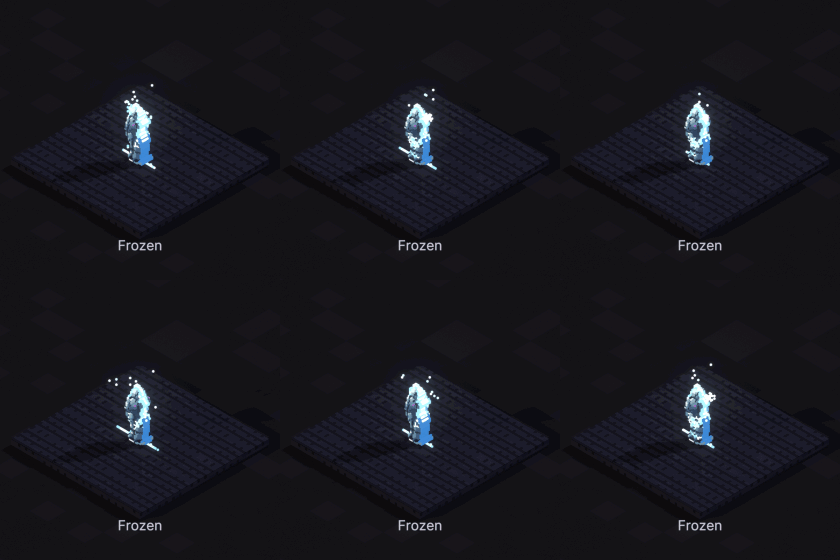
Frozen
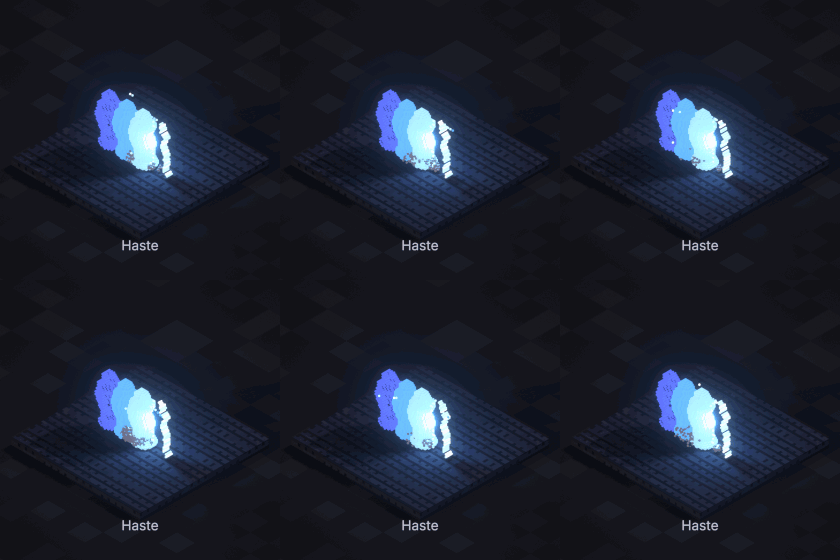
Haste
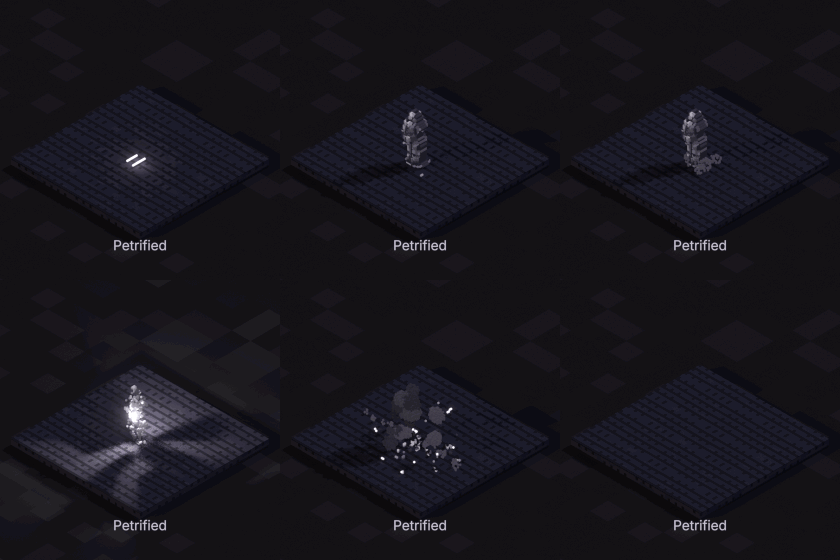
Petrified
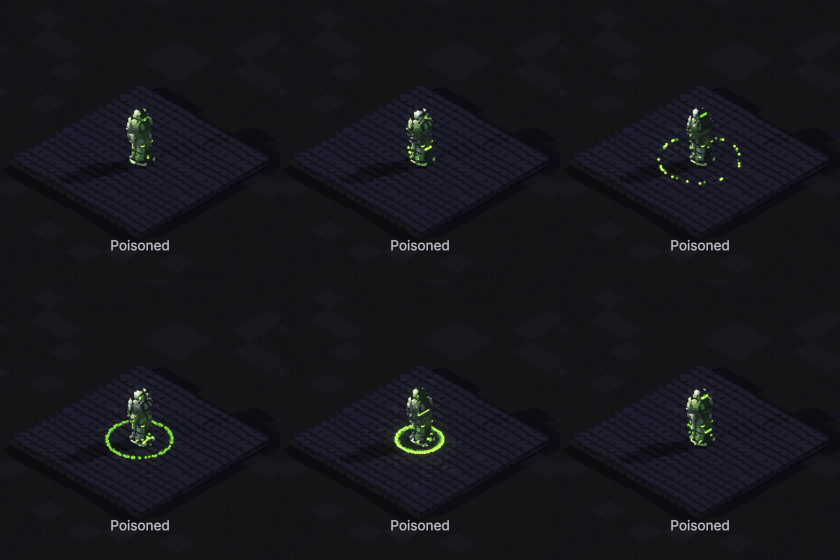
Poisoned
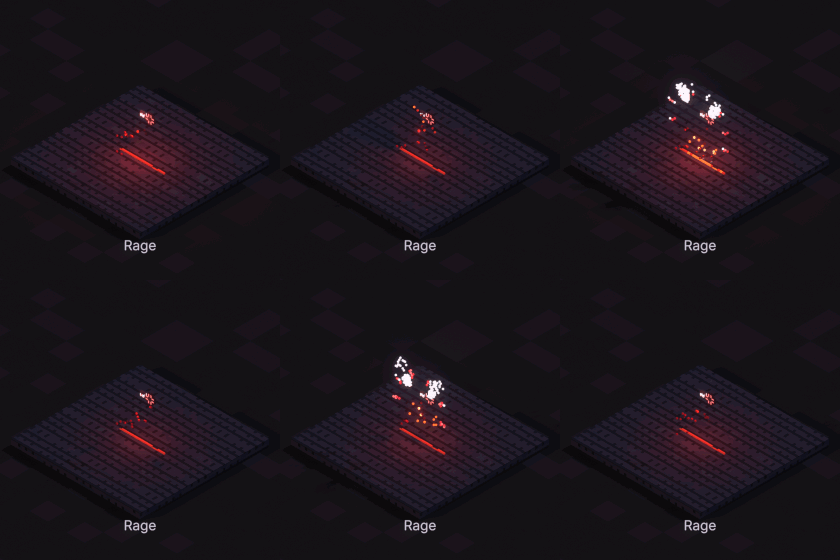
Rage
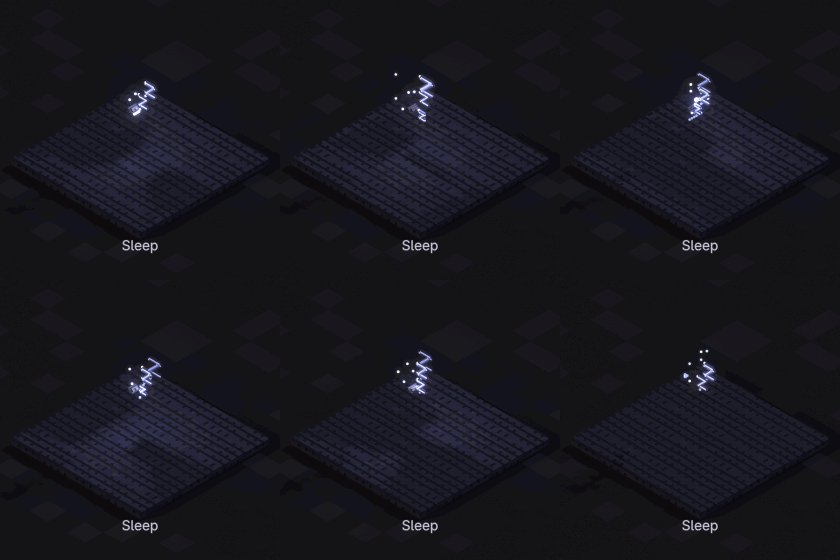
Sleep
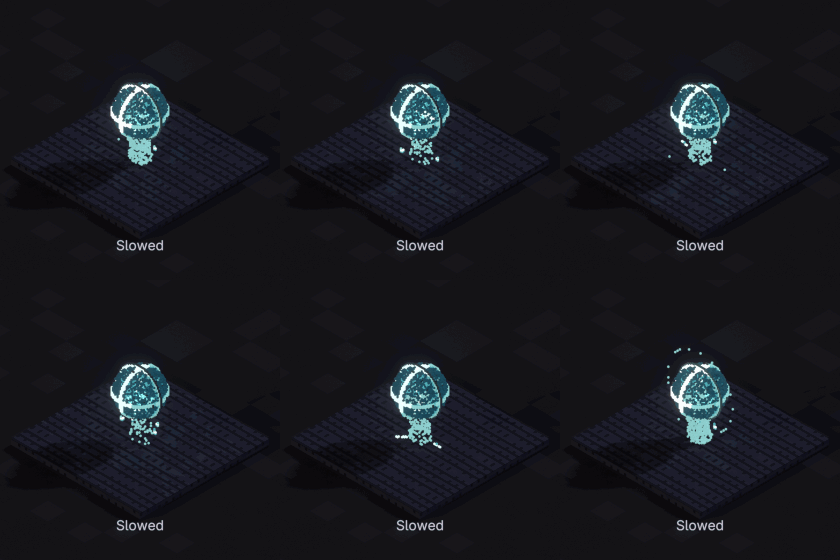
Slowed
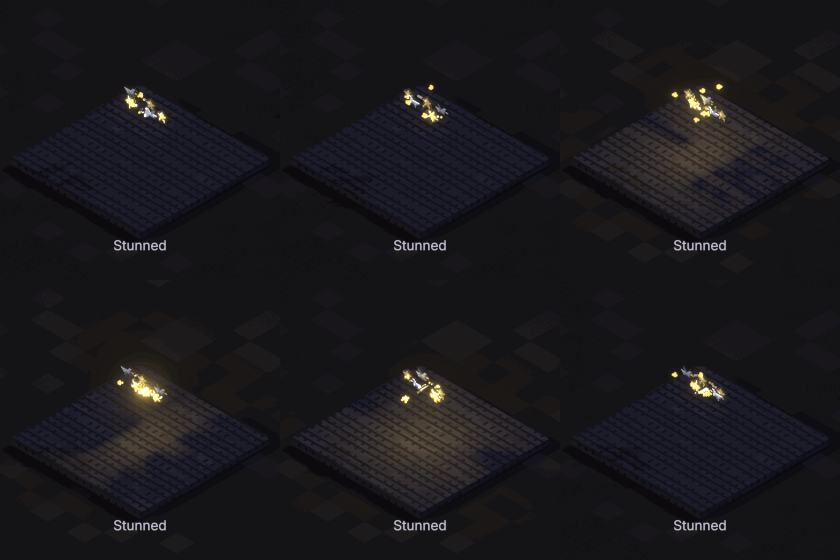
Stunned
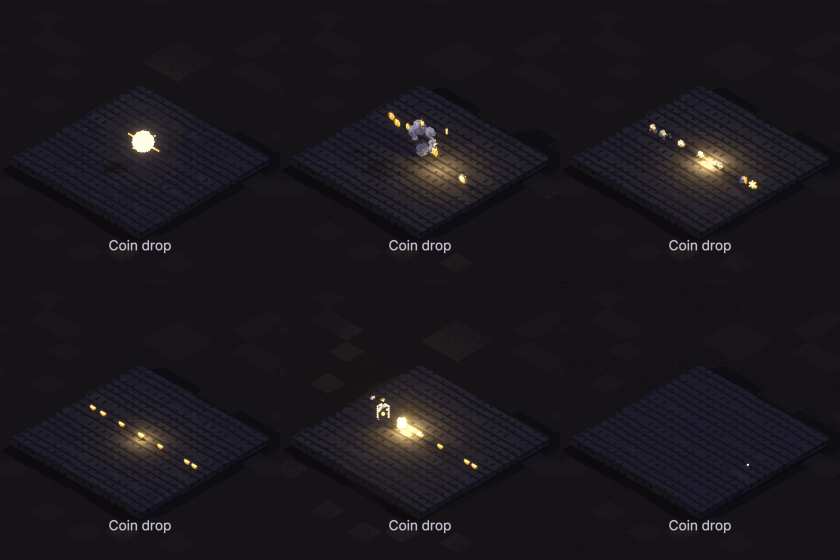
Coin drop
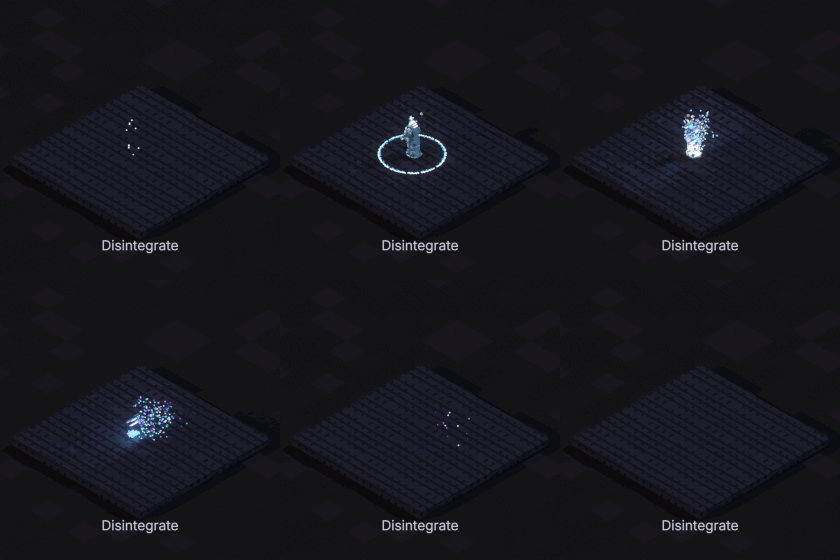
Disintegrate
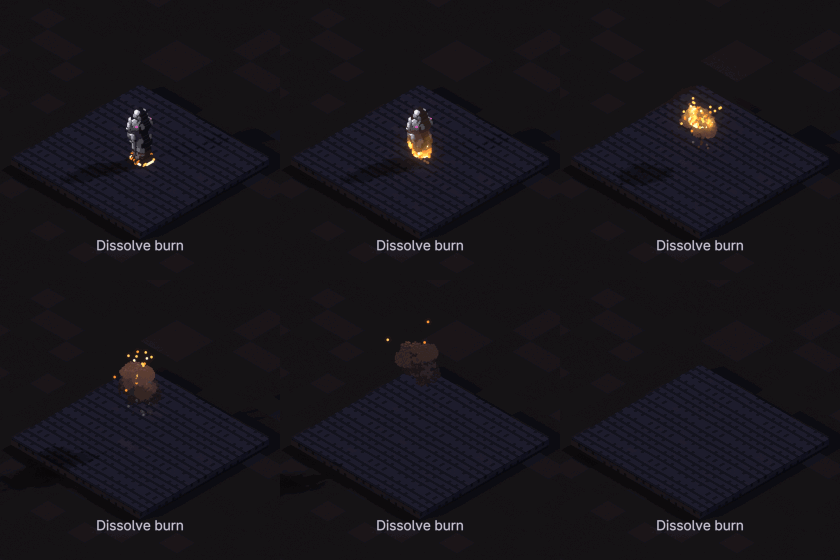
Dissolve burn
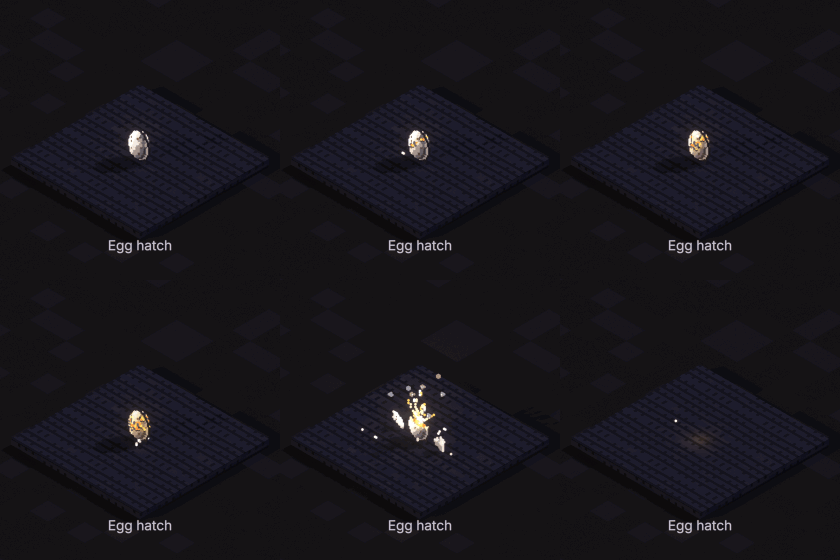
Egg hatch
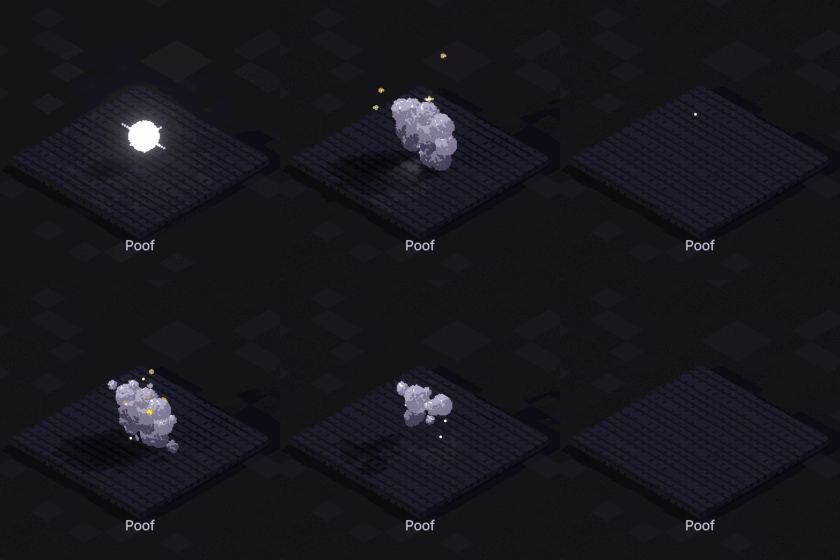
Poof
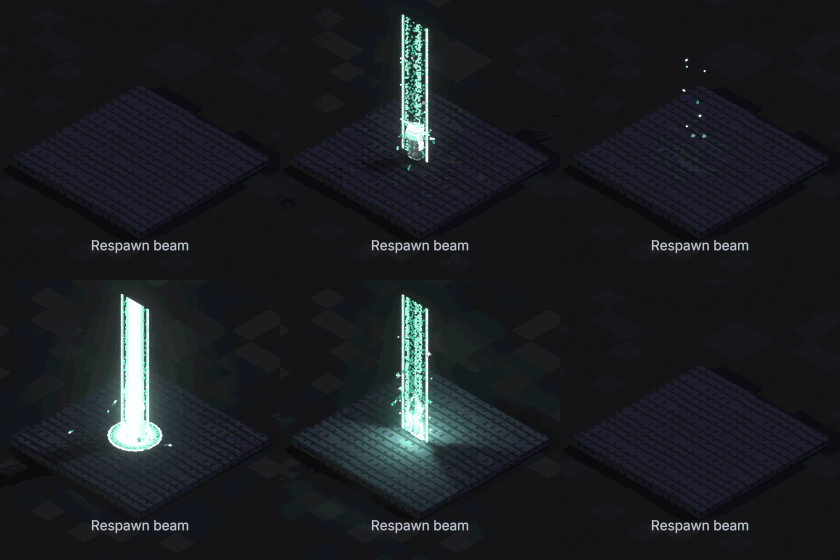
Respawn beam
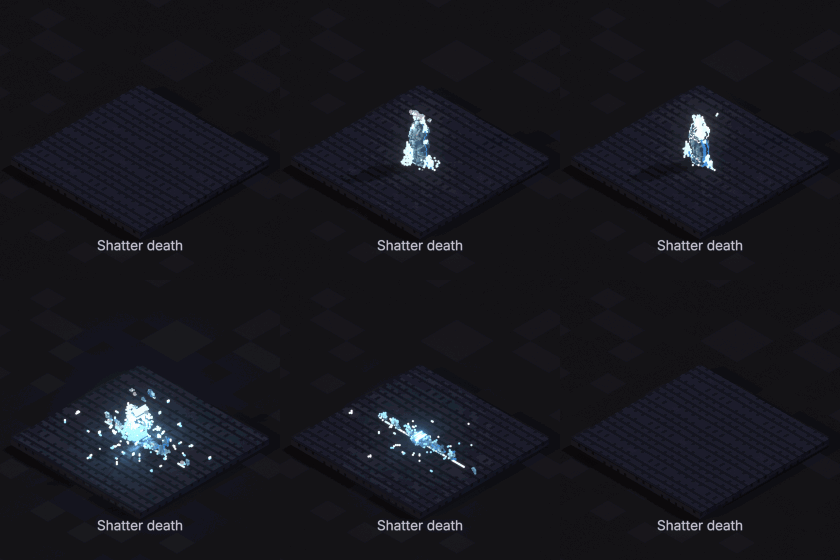
Shatter death
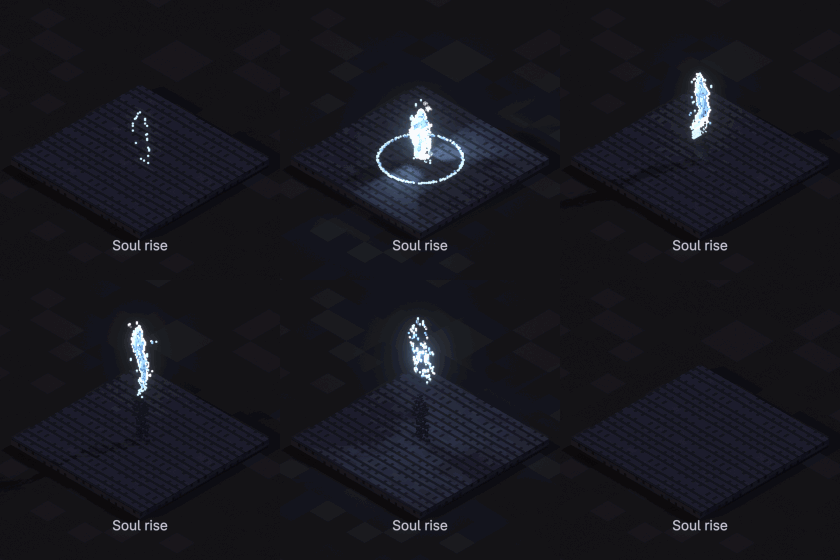
Soul rise
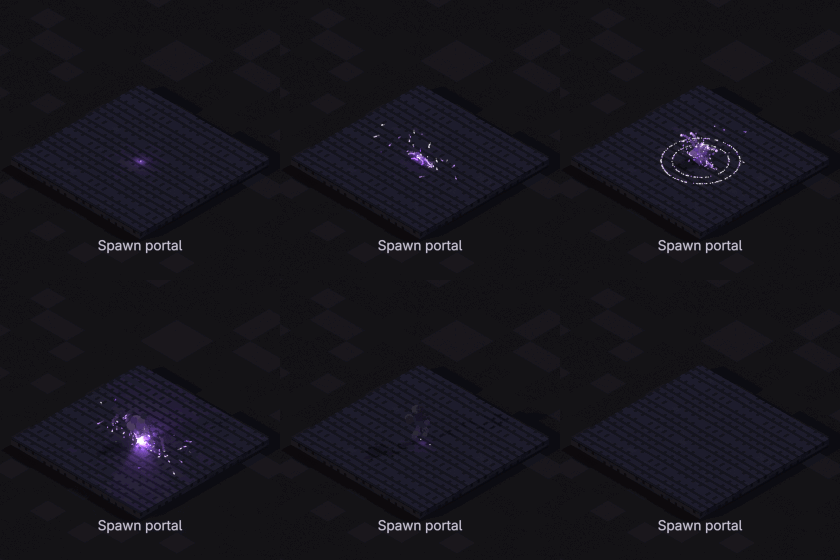
Spawn portal
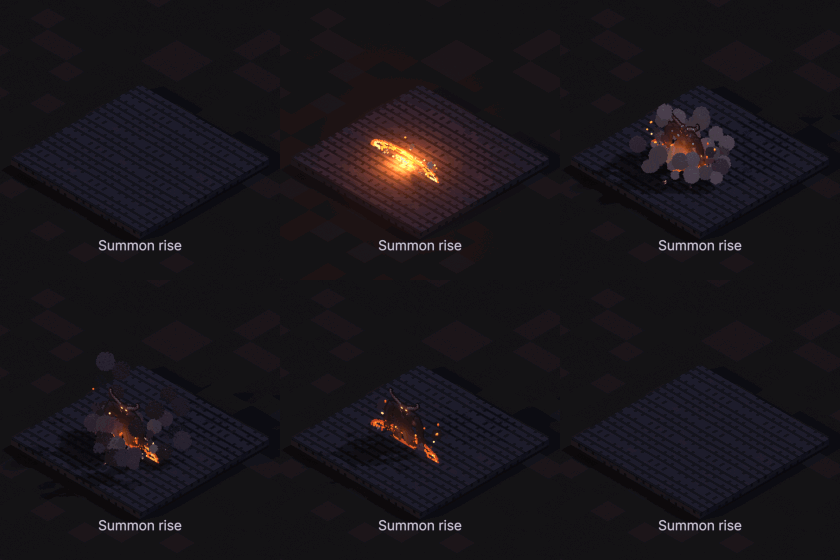
Summon rise
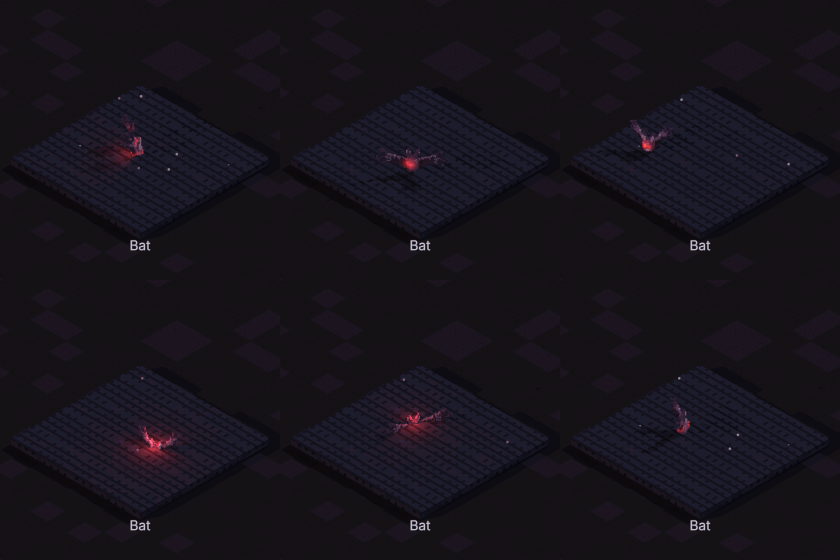
Bat
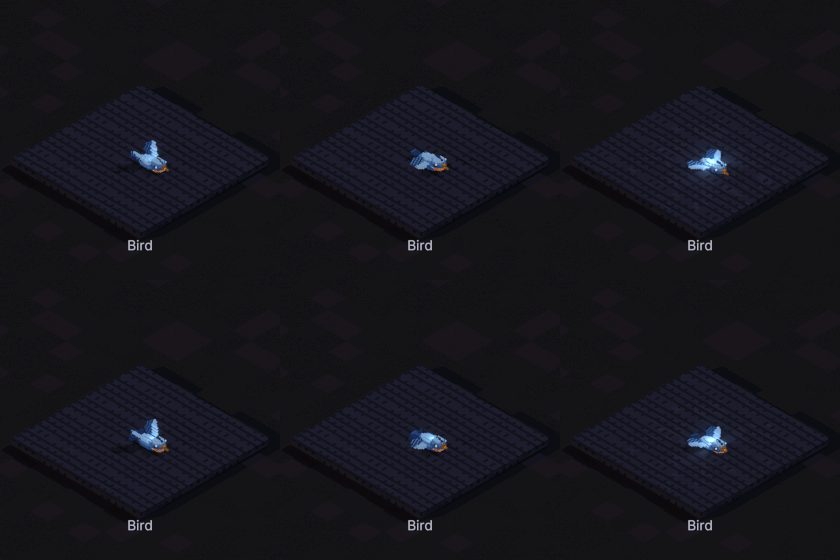
Bird
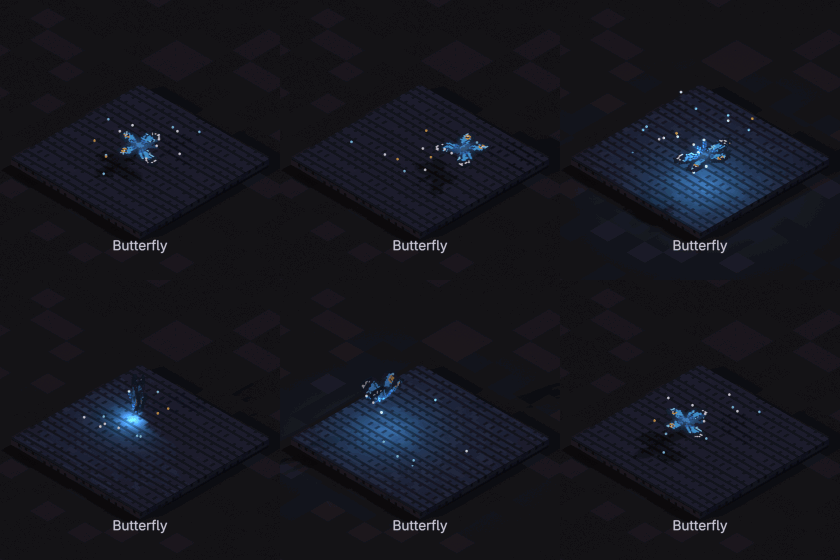
Butterfly
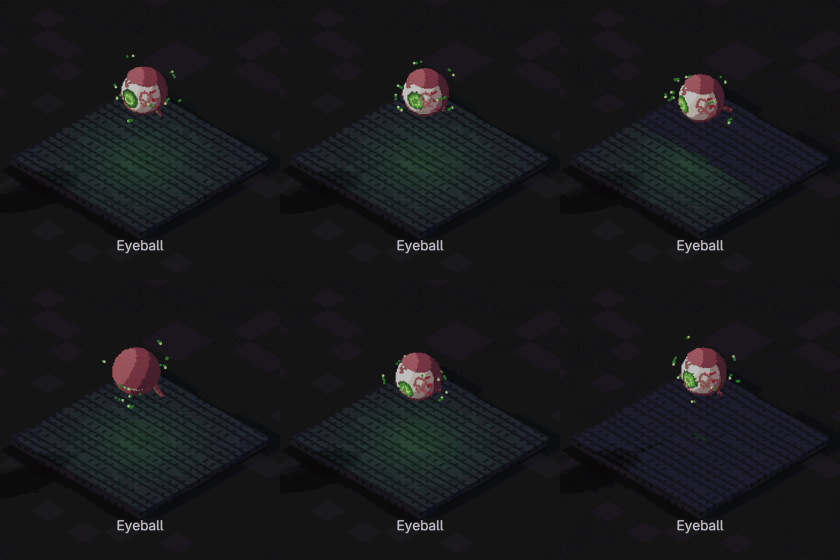
Eyeball
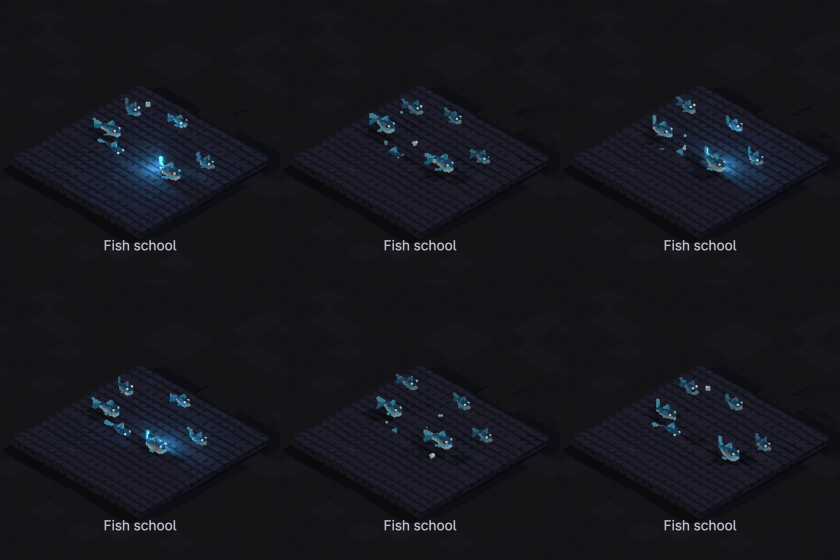
Fish school
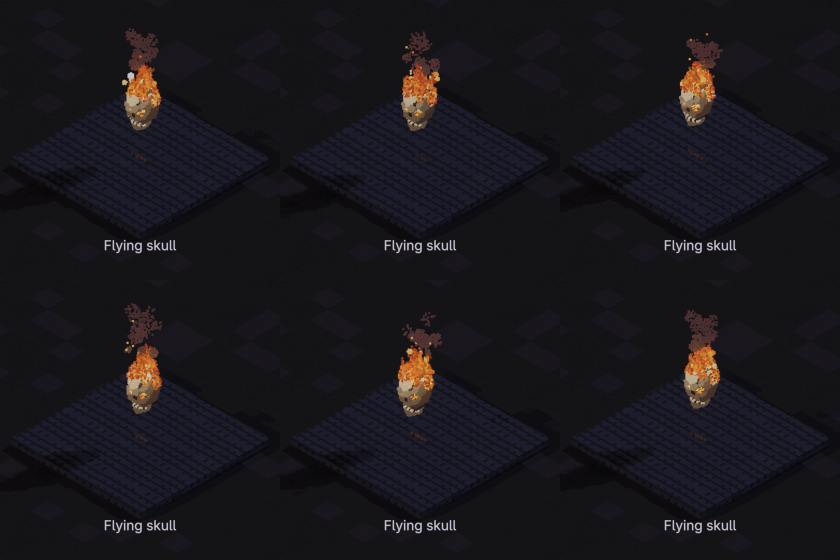
Flying skull
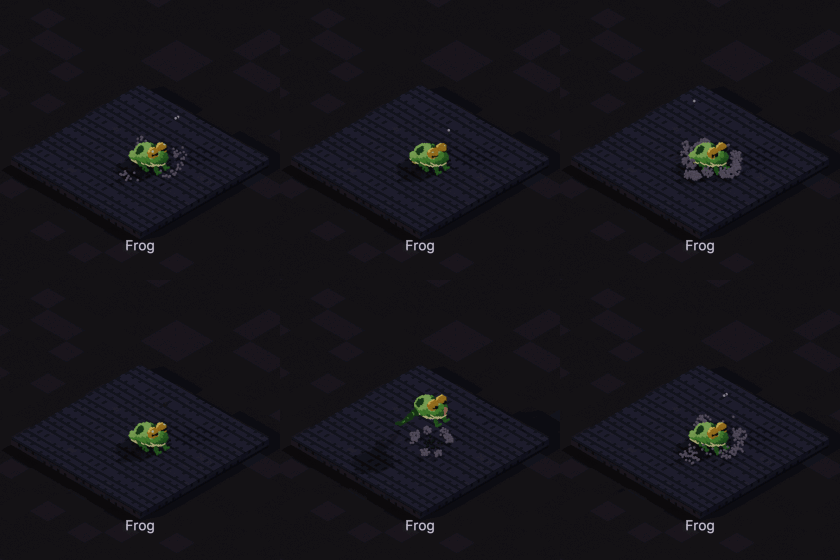
Frog
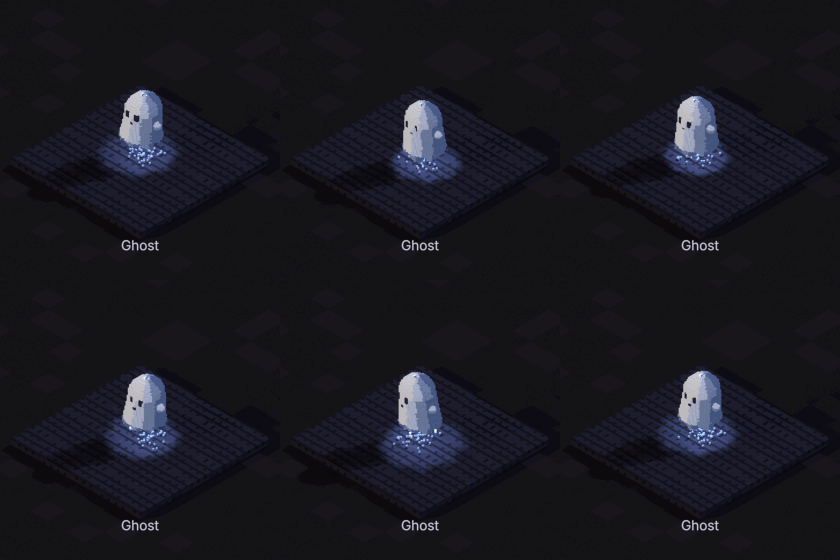
Ghost
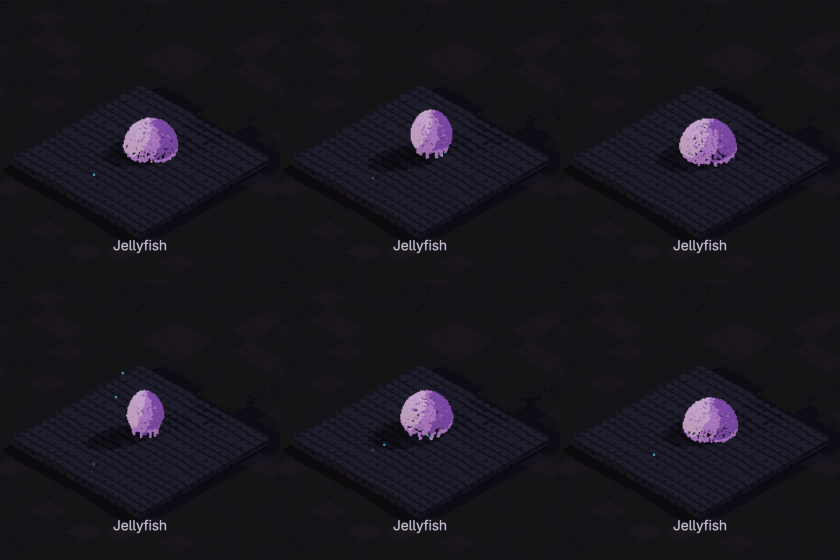
Jellyfish
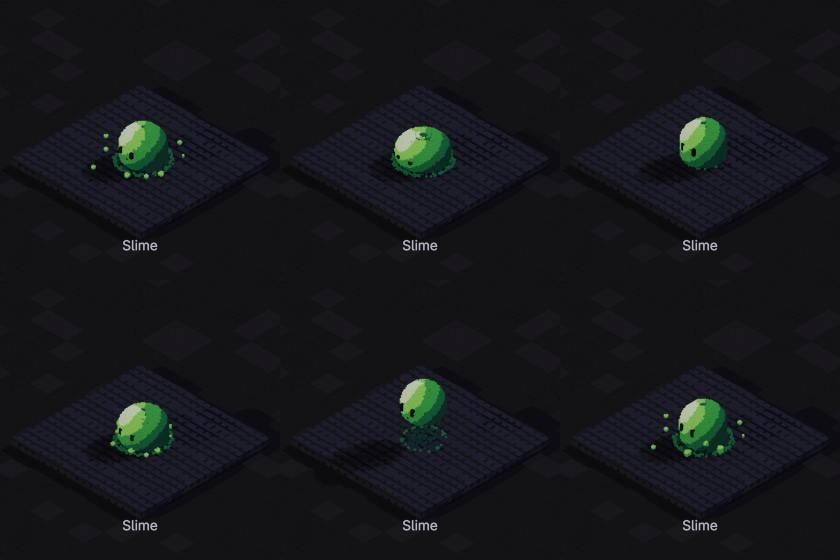
Slime
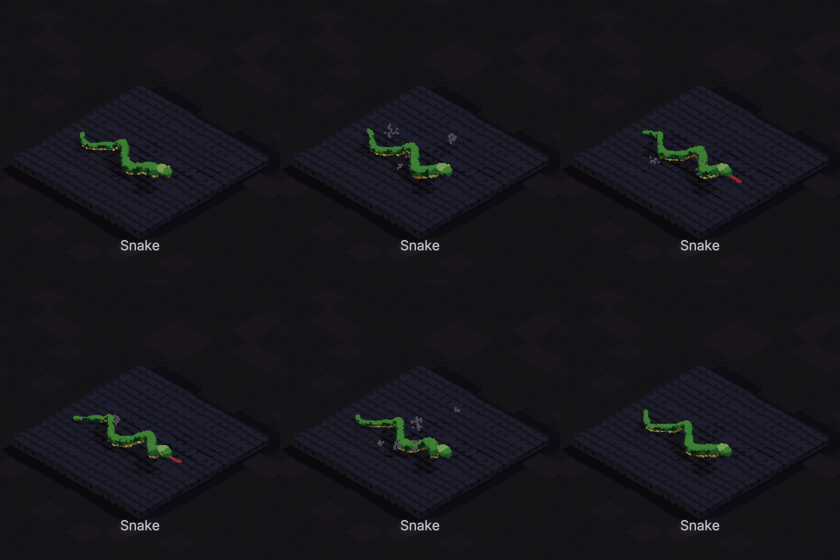
Snake
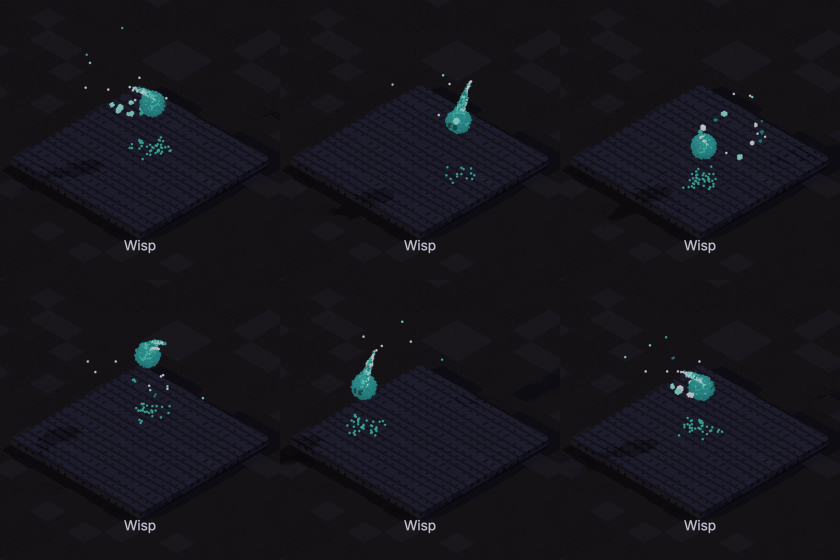
Wisp
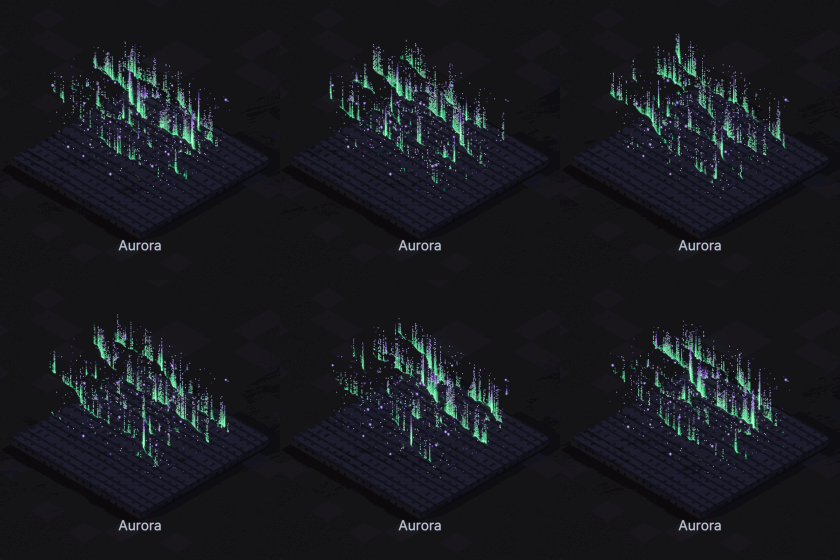
Aurora
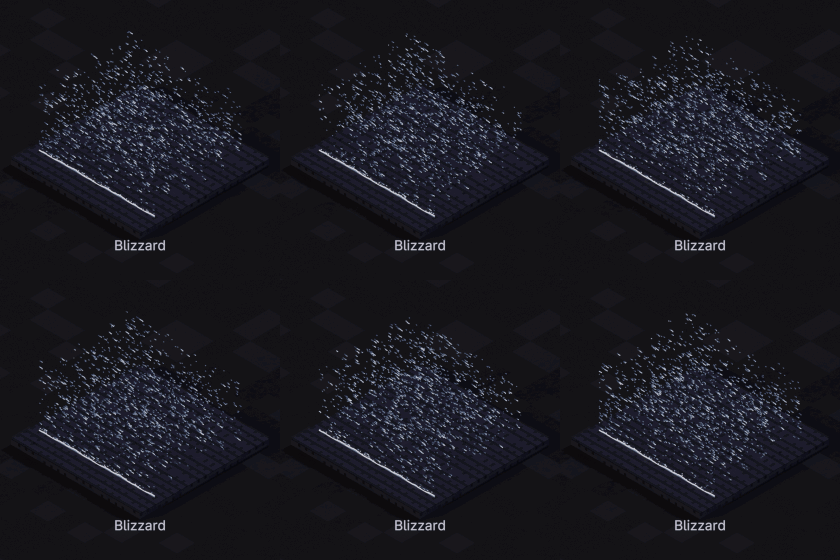
Blizzard
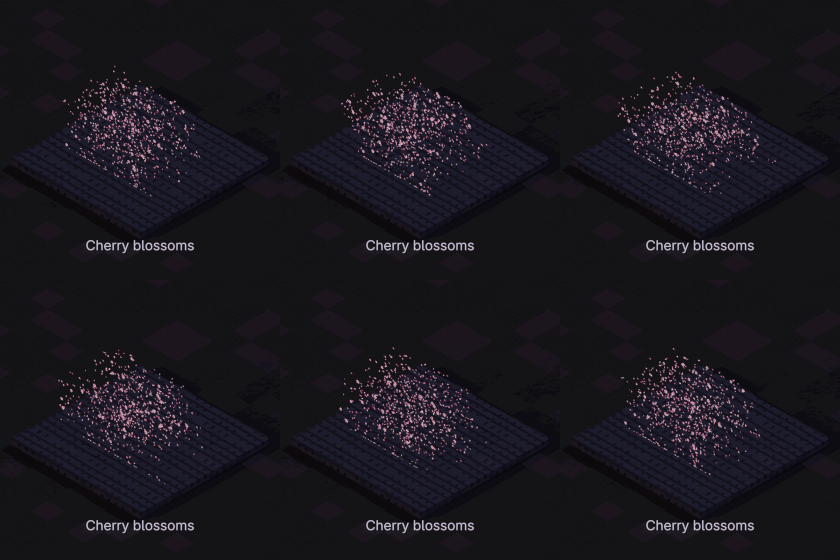
Cherry blossoms
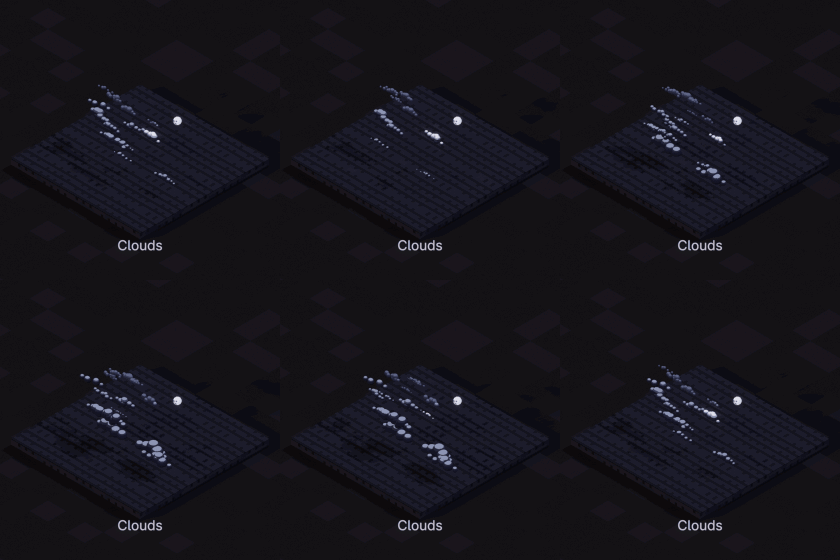
Clouds
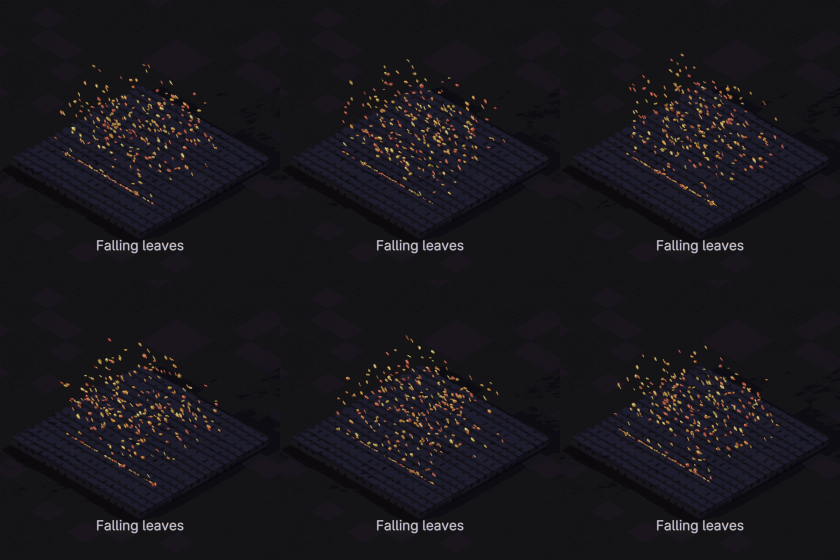
Falling leaves
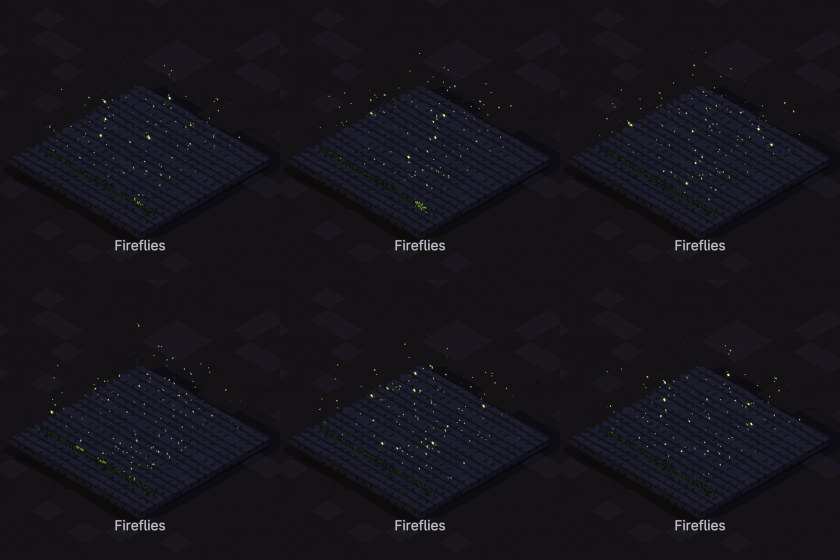
Fireflies
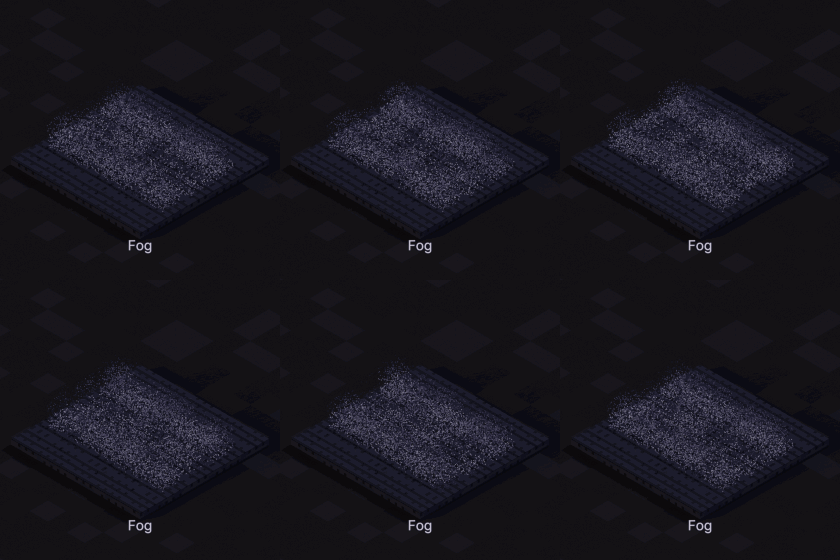
Fog
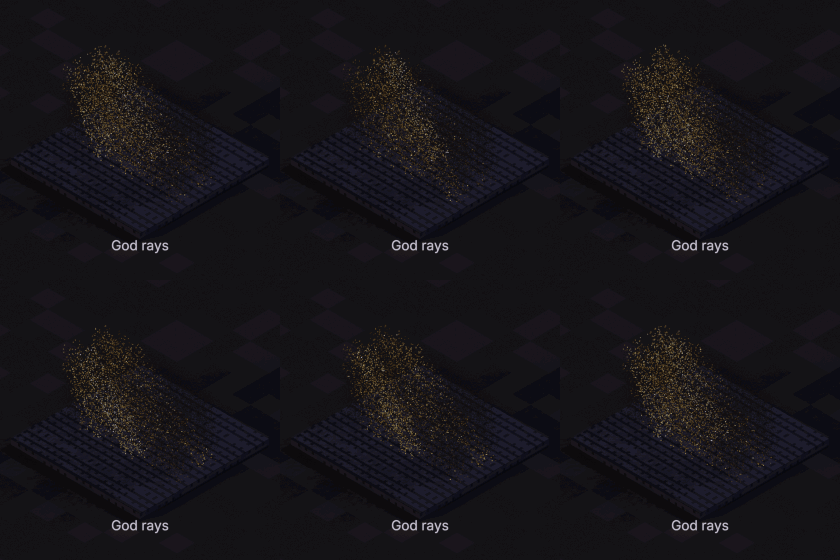
God rays
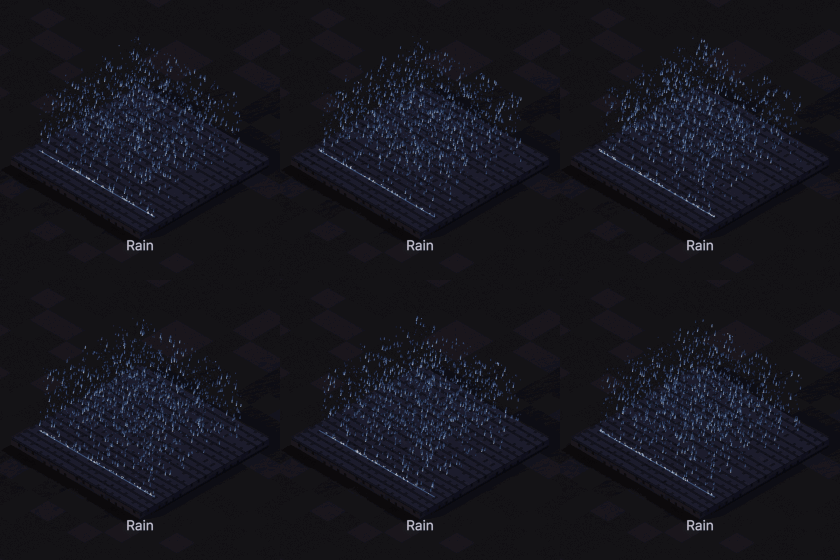
Rain
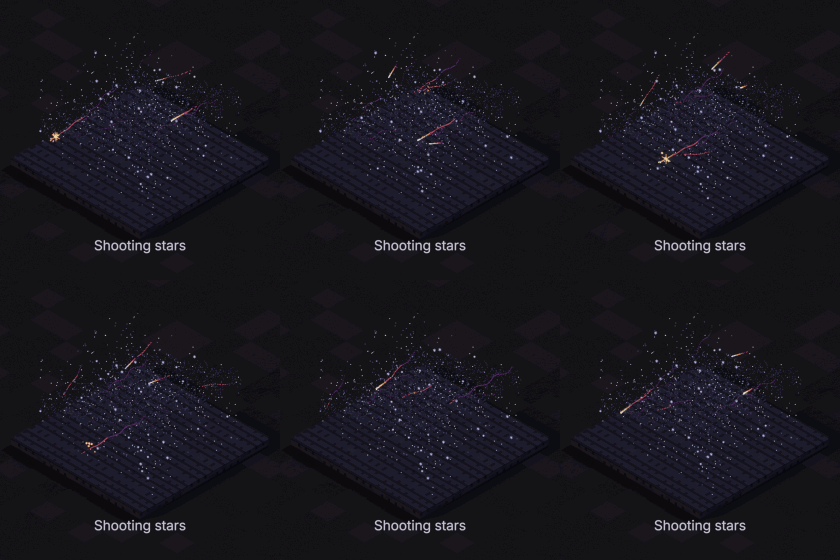
Shooting stars
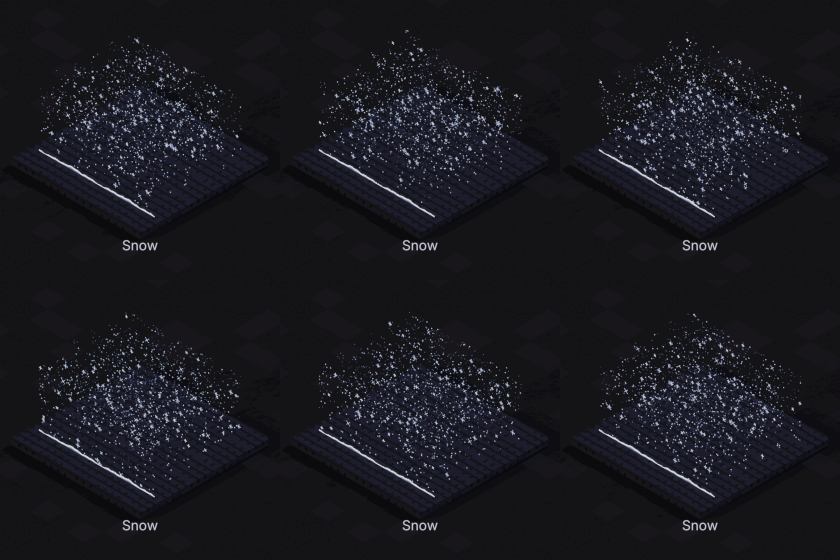
Snow
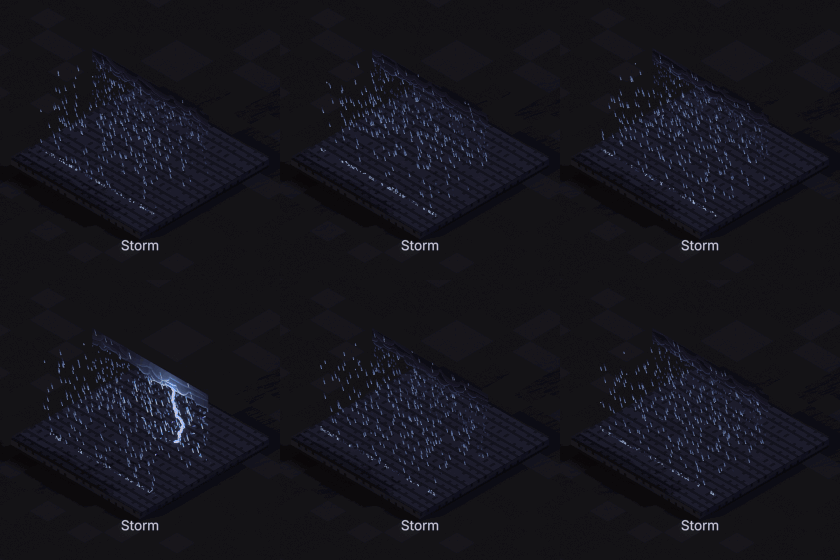
Storm
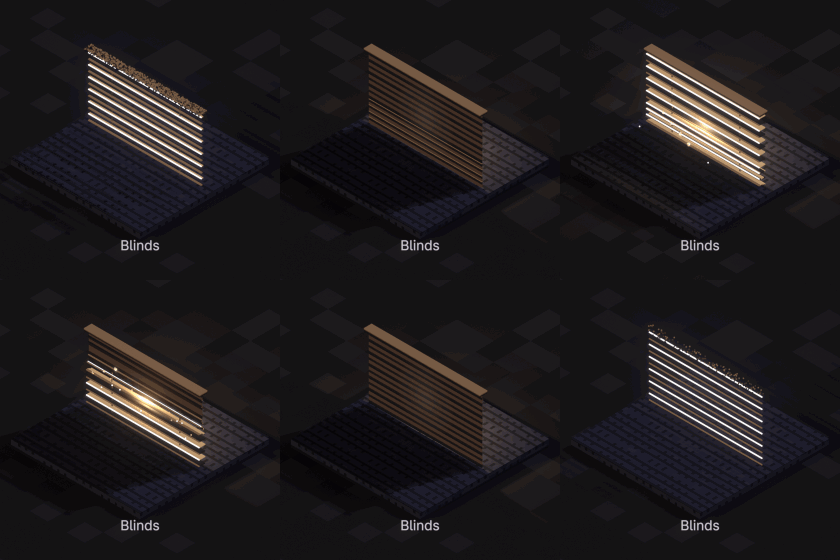
Blinds
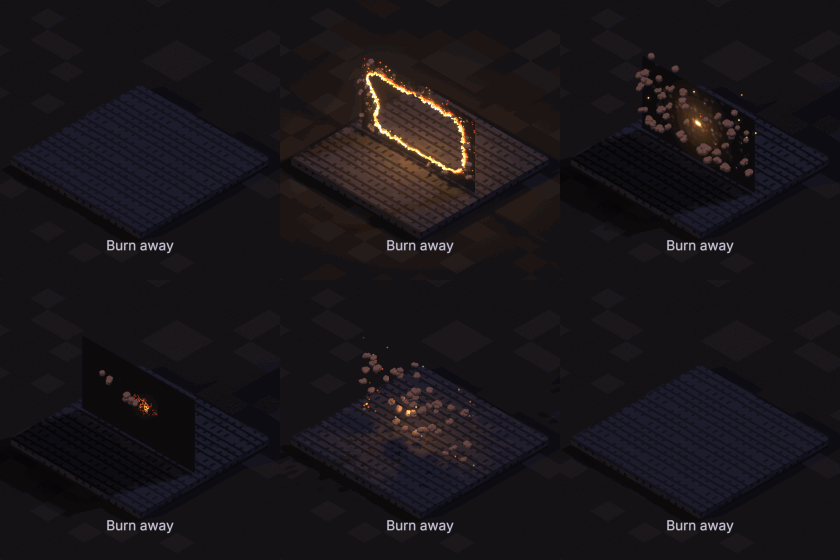
Burn away
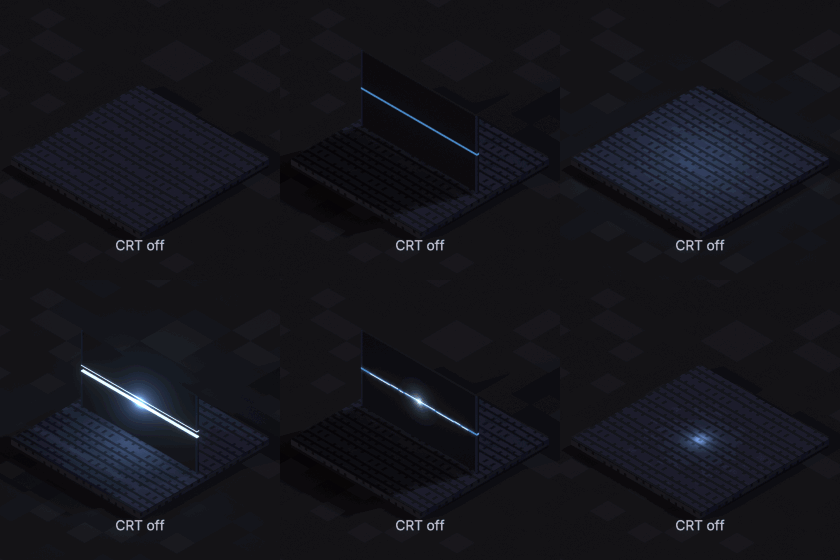
CRT off
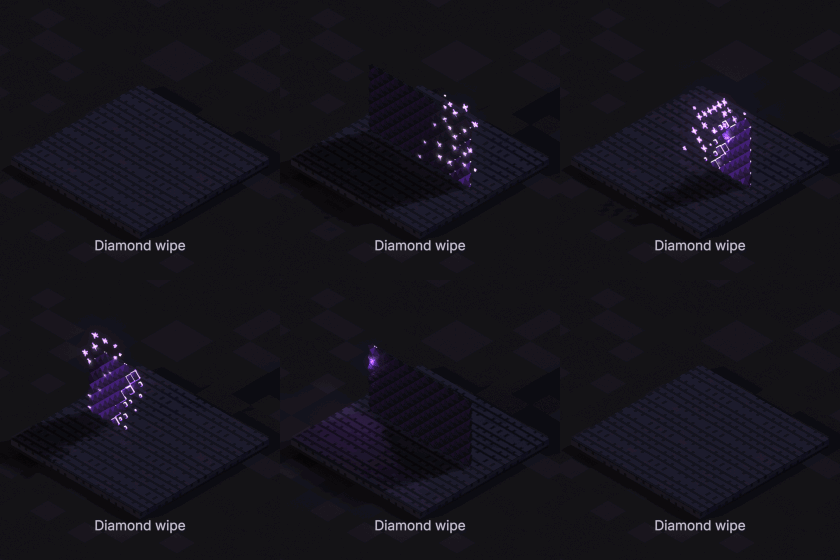
Diamond wipe
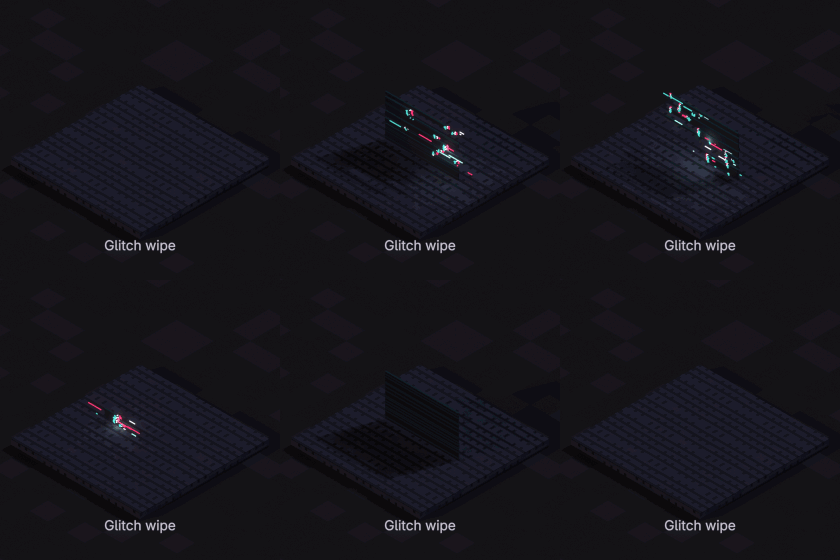
Glitch wipe
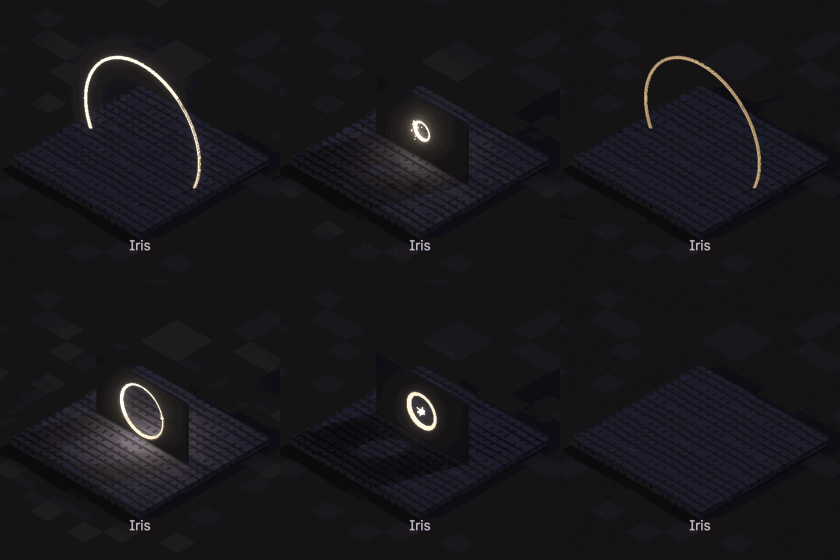
Iris
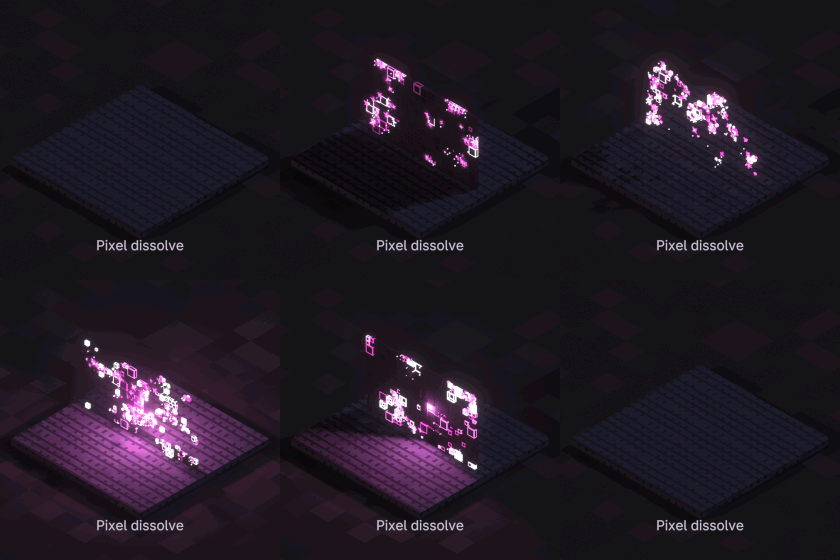
Pixel dissolve
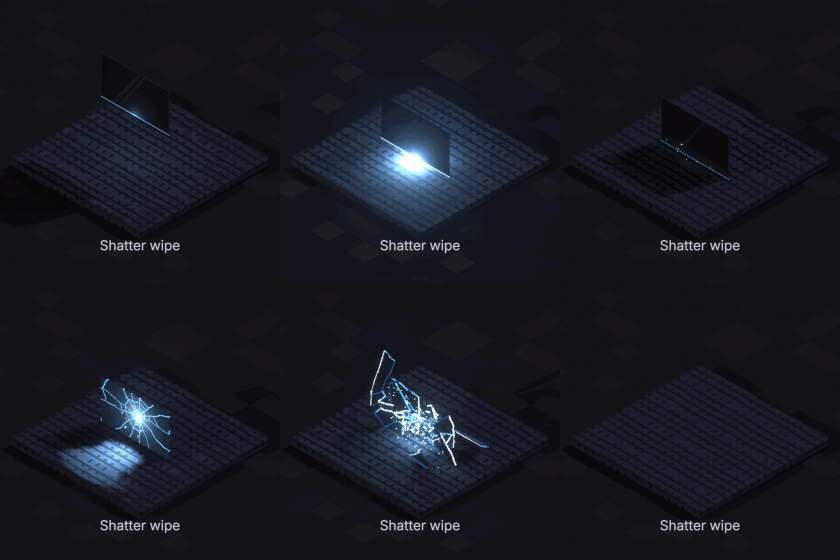
Shatter wipe
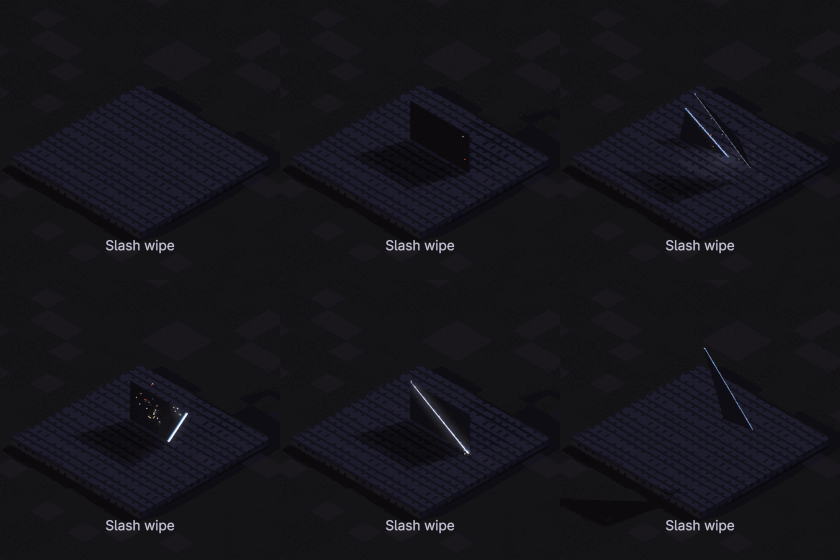
Slash wipe
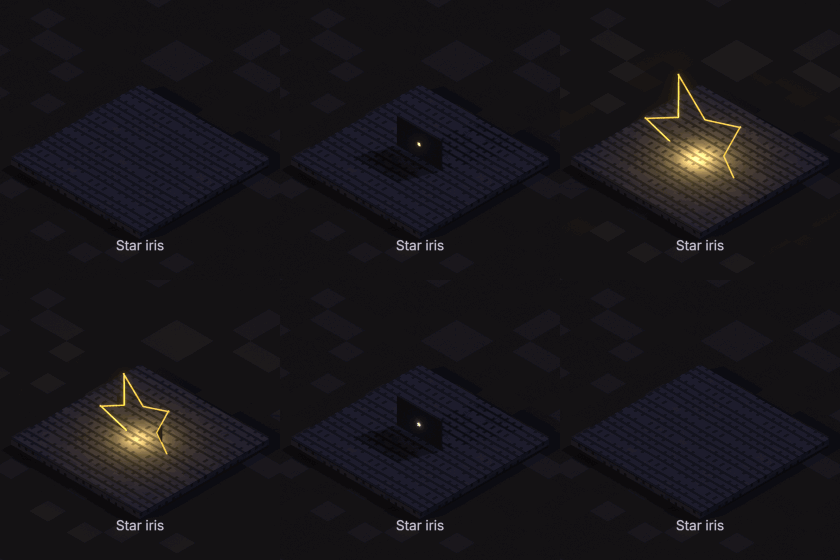
Star iris
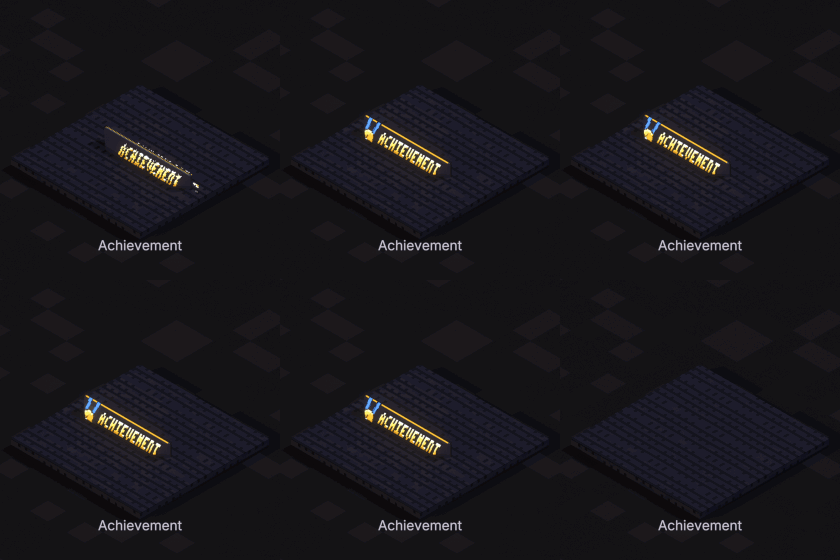
Achievement
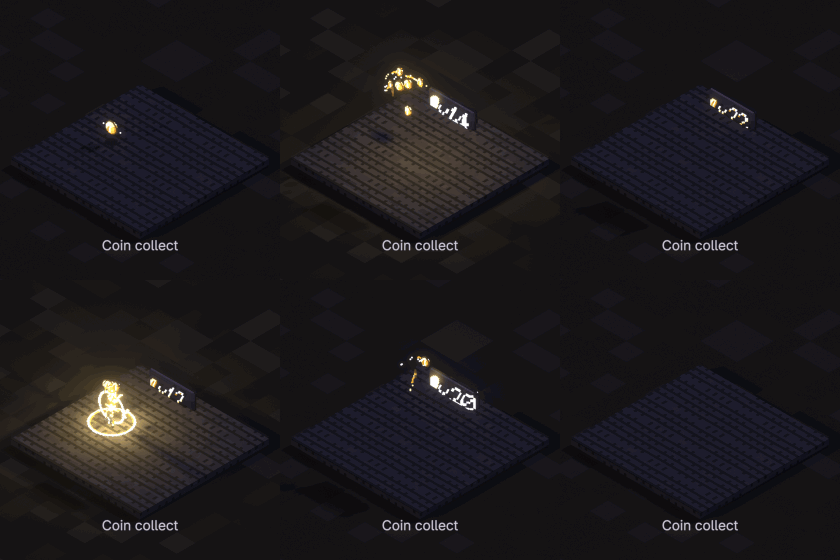
Coin collect
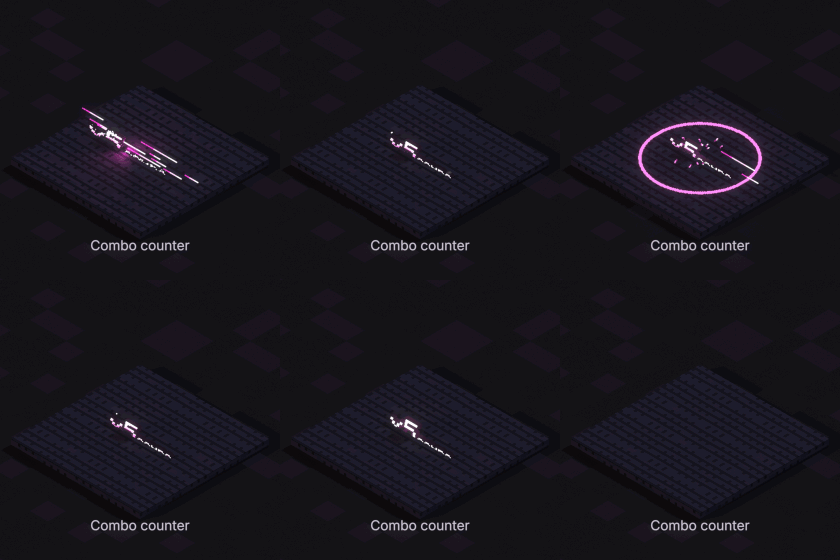
Combo counter
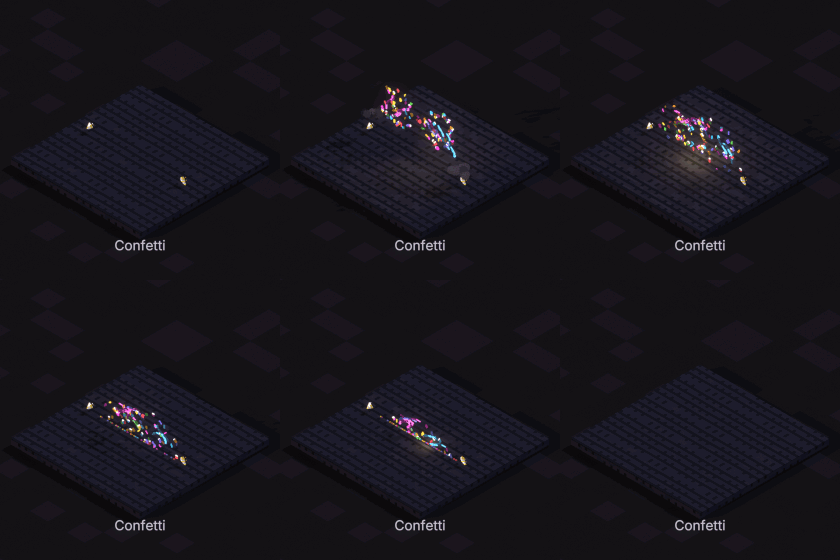
Confetti
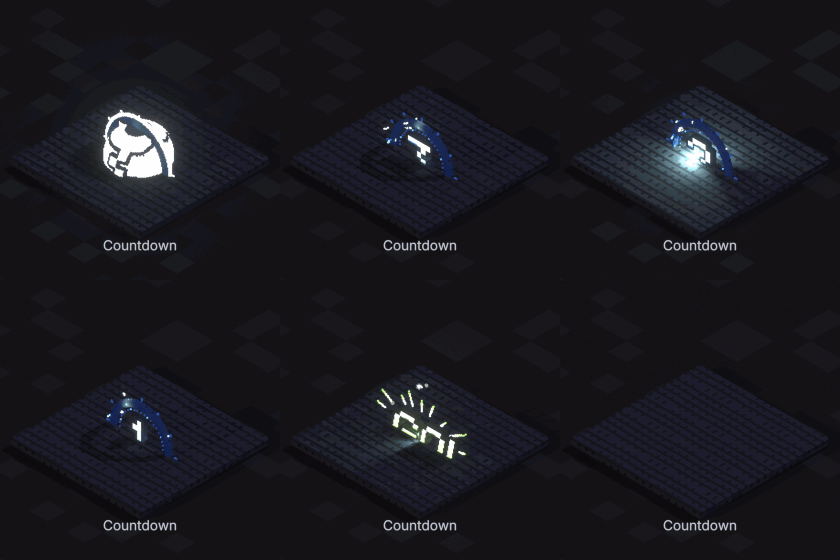
Countdown
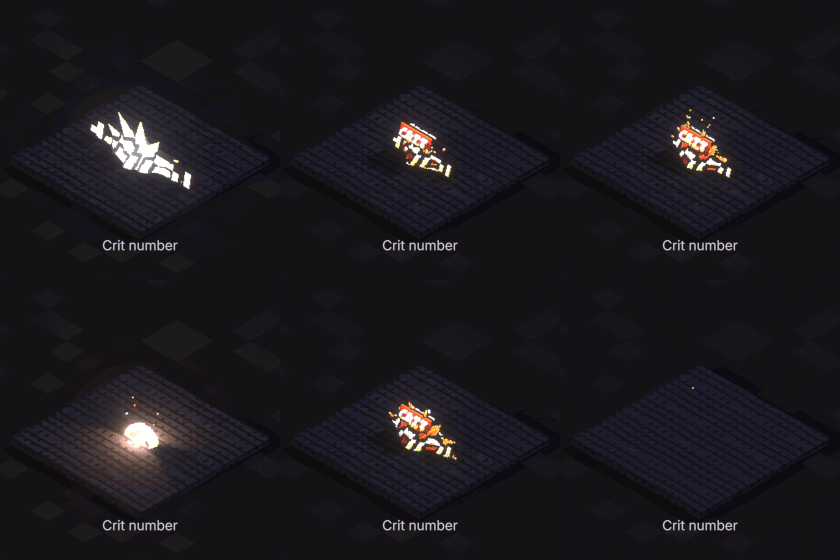
Crit number
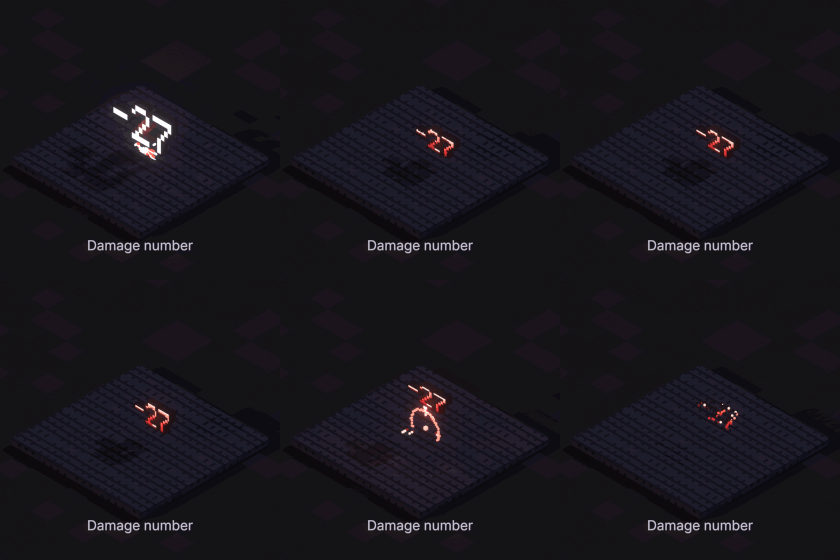
Damage number
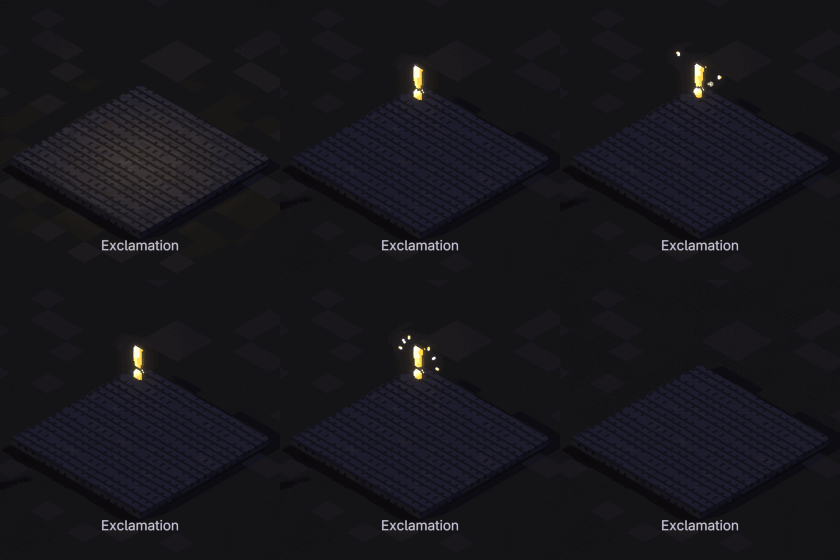
Exclamation
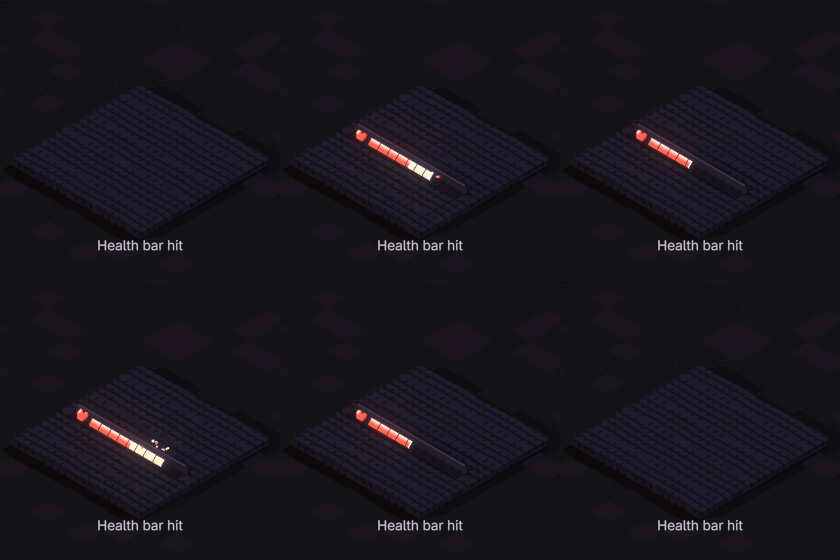
Health bar hit
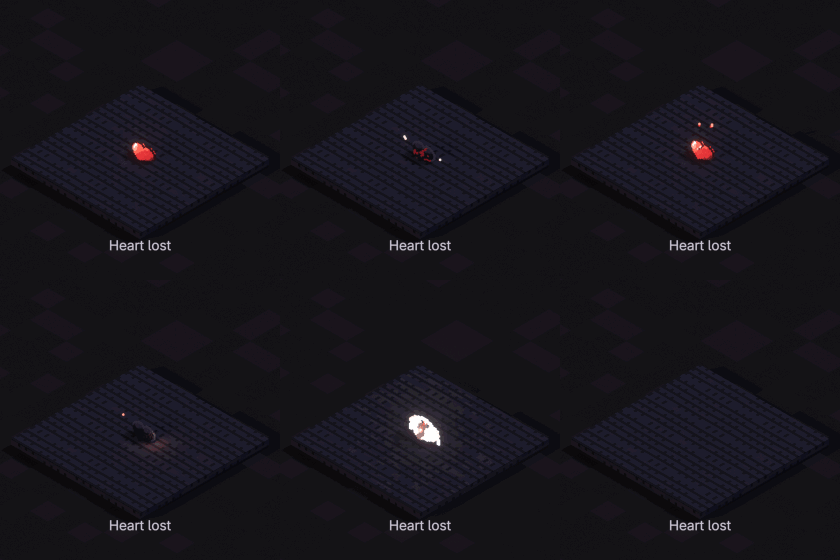
Heart lost
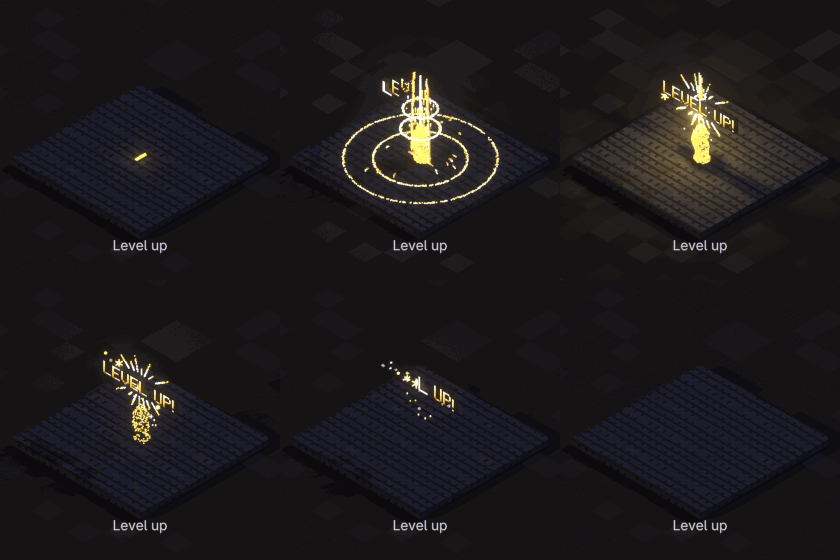
Level up
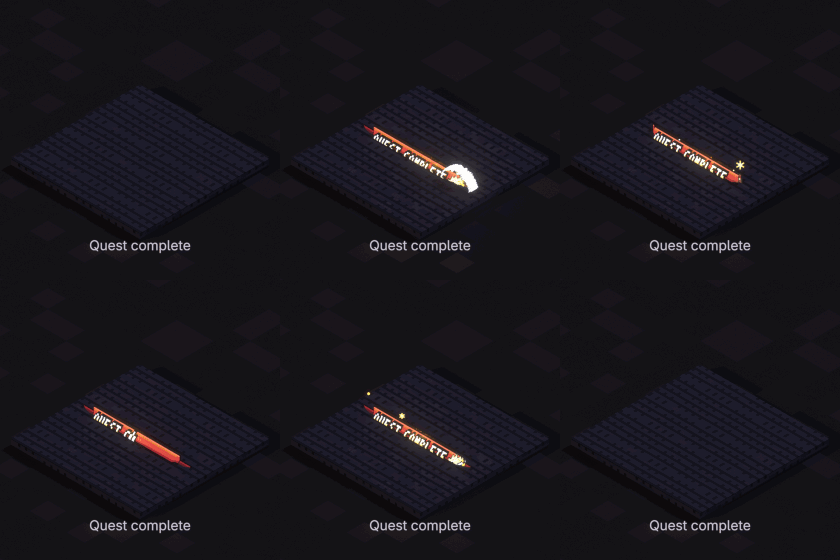
Quest complete

Every tile is the real asset, rendered in Blender from the isometric angle with its name under it. Hover a tile for what the effect does.

Drag. Drop. Done.
Straight from the Asset Browser.
  1. Add the Voxel VFX 3D folder once in Preferences > File Paths > Asset Libraries.
  2. Open an Asset Browser, pick a category or search by name.
  3. Drag an effect into the viewport. It lands on the surface under the cursor. Press play.

No add-on to install or enable: the library is a .blend file. Every effect is a mesh object with one Geometry Nodes modifier.

Real 3D

Not sprites on cards. Voxels, from any side.

  • Orbs are balls, rings lie on the ground or stand as hoops, shields are domes
  • Water rises and falls, a whirlpool is a funnel, a tornado a hollow spinning one
  • Sparks, shards, leaves and smoke fly every way, not just left and right
  • Damage numbers and UI letters are solid blocks you can orbit round
  • Timing, colours and motion are the originals': the voxels are baked from each effect's own code, frame by frame
One modifier

The same few inputs on every effect.

Start Framethe scene frame it starts on
Speedfaster or slower
Loopon by default; off plays a one-shot once
Voxel Sizecube size: bigger is coarser and lighter, same overall size
Viewport Simplifycoarser in the viewport only
LOD Distancecoarser with distance from the camera
Glow / Lighthow much it shines, and how its glow tints the voxels

Read the documentation →

An effect selected in Blender with the Voxel VFX 3D modifier open
Voxel Size

Same size, less detail, far fewer cubes.

A bigger Voxel Size keeps the effect exactly as big and just uses chunkier cubes. In the fountain on the right, twice the voxel size has about a quarter of the cubes and four times has about a fourteenth.

With LOD Distance effects far from the camera get coarser by themselves, and Viewport Simplify keeps the viewport light while renders stay sharp, so you can fill a whole scene.
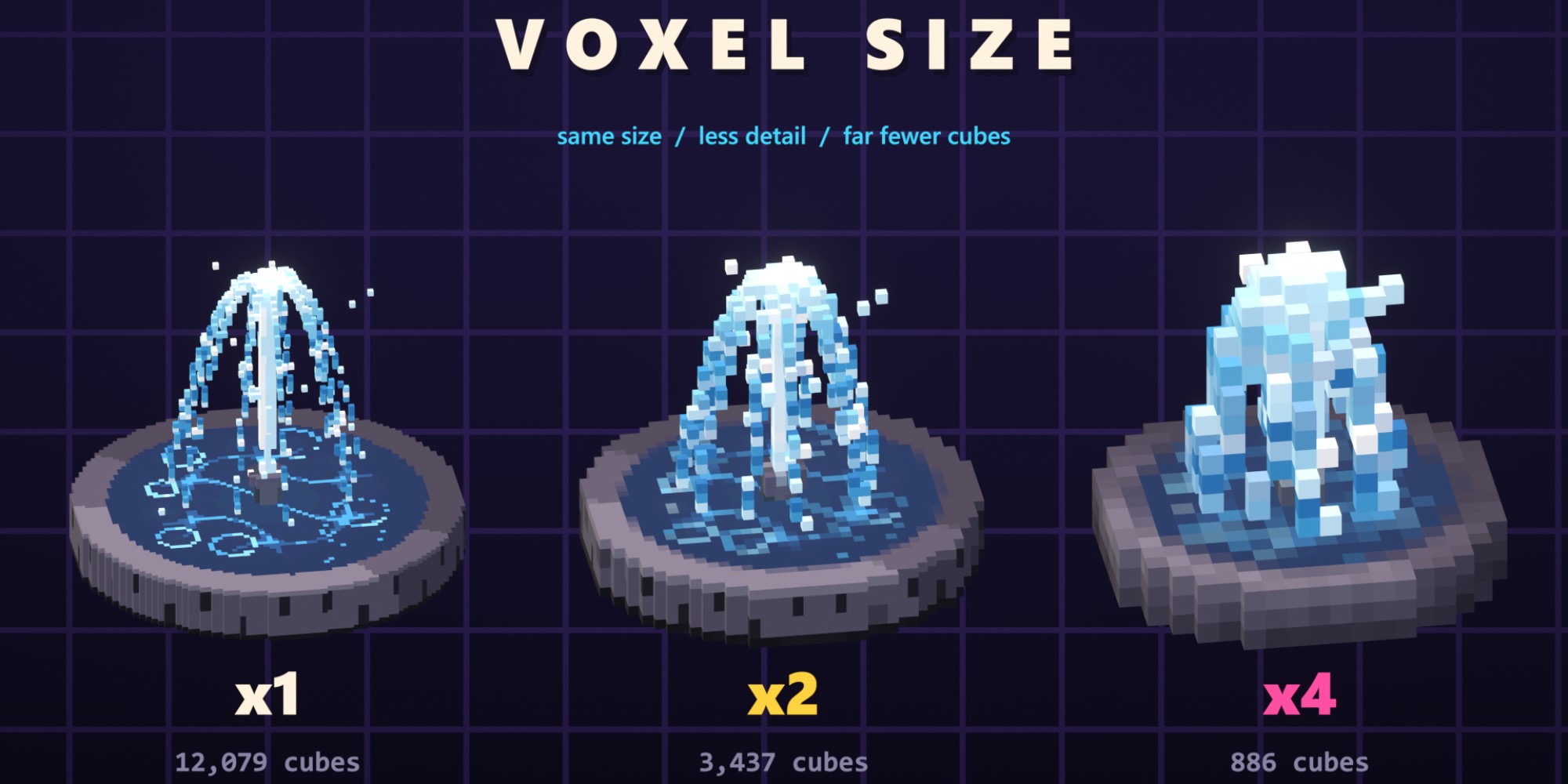
The fountain at voxel size x1, x2 and x4 with its cube counts
All of them at once

Every effect, in one scene.

All 244 effects in one Blender scene, a row per category, rendered in EEVEE with bloom.

244effects
21categories
1modifier
0add-ons to install
Getting started

Up and running in a minute.

  1. Unzip VoxelVFX3D_Library anywhere, for example in your Documents.
  2. Edit > Preferences > File Paths > Asset Libraries, press + and pick that folder.
  3. Open an Asset Browser, choose Voxel VFX 3D and drag an effect into your scene.

Requires Blender 5.2 or newer. Works in EEVEE and Cycles. Documentation

Questions
Is it an add-on?

No. It is an asset library: one .blend file with 244 effect objects in 21 catalogs. Nothing to install or enable, and the files you share open anywhere with Blender 5.2+.

EEVEE or Cycles?

Both. In EEVEE, add a Glare node set to Bloom in the compositor for the glow. In Cycles the glowing voxels light the scene around them.

Can an explosion play just once?

Yes. Every effect loops by default; turn Loop off and it plays once from its Start Frame.

Will many effects slow Blender down?

Use Viewport Simplify 2 or 3 while you work and LOD Distance around 10 m for big scenes. A bigger Voxel Size cuts the cube count a lot.

Can I use them in commercial work?

Yes: in your renders, animations and games.

Credits

Based on pixelfx by Patch and Hugo Duprez (MIT License). The fire, smoke and particle recipes adapt Sprite Fusion's pixel art VFX (MIT, Hugo Duprez); the moves adapt Hollow Crown (MIT, rehan-remade). Every effect was rebuilt in 3D for this library; the full license text ships with it.